
n8n-nodes-dreem
v0.1.2
Published
n8n community nodes for Dreem — AI-powered model shots, product shots, and video generation for e-commerce.


Readme
n8n-nodes-dreem



This is an n8n community node. It lets you use Dreem in your n8n workflows.
Dreem is an AI-powered image generation platform for e-commerce, enabling you to create professional model shots and product shots from simple product images.
n8n is a fair-code licensed workflow automation platform.
Installation Operations Credentials Compatibility Usage Resources Version history
Installation
Follow the installation guide in the n8n community nodes documentation.
Operations
Generative Content
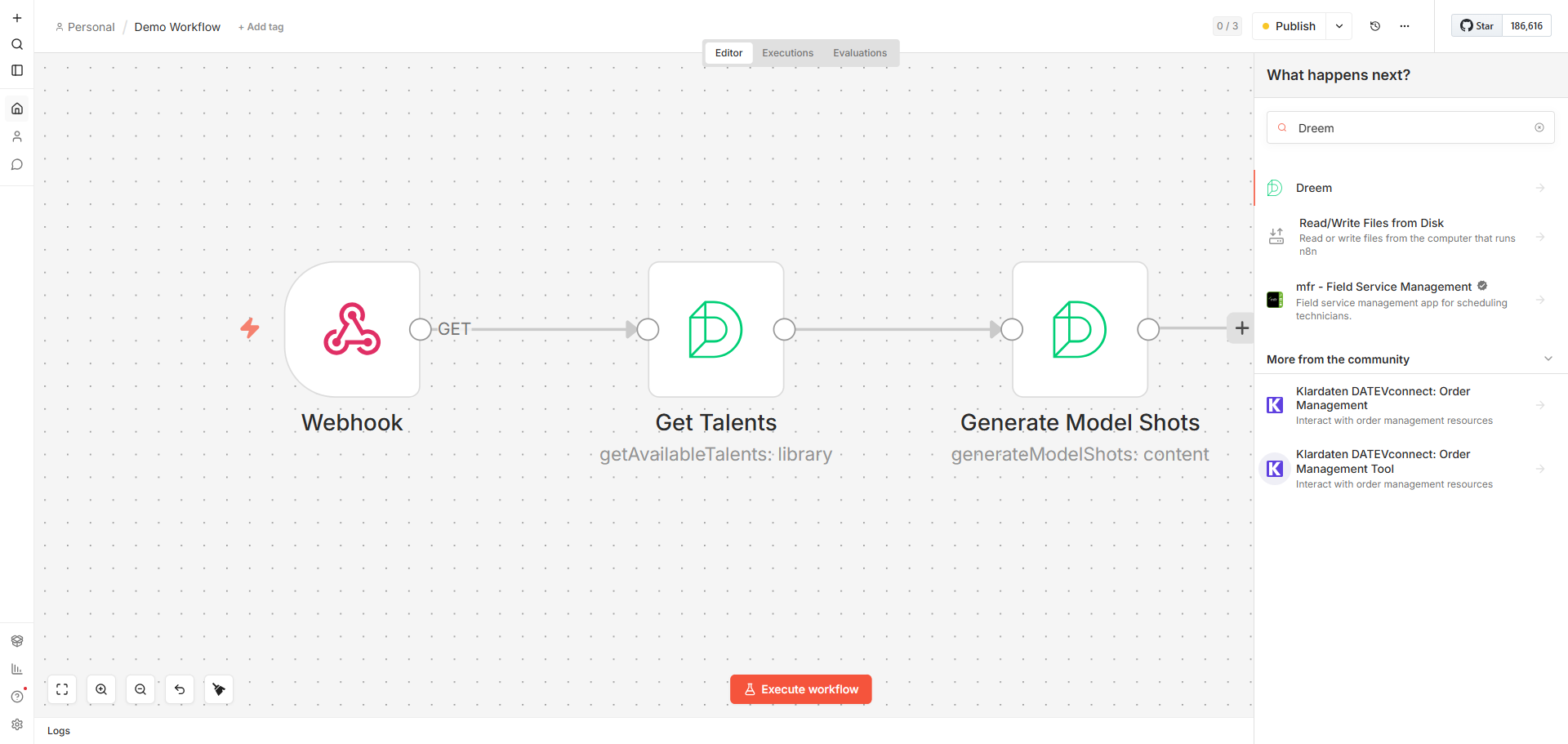
- Generate Model Shots — Try your product on different AI models and shots. Requires a talent (AI model), shot selection, and at least one product image. Supports optional back and styling images.
- Generate Product Shots — Generate clean, studio-style product shots. Requires shot selection and at least one product image.
- Generate Video — Convert a product image into an animated video. Requires an image URL, duration (5s or 10s), and output aspect ratio (1:1, 3:4, or 9:16). Optionally select a motion prompt from the library or provide custom text.
All generation operations support configurable output format (PNG/JPEG for images), aspect ratio, and an optional webhook callback URL for receiving results asynchronously.
Library
- Get Available Talents — List all available AI models for virtual model generation. Supports filtering by gender and keyword search.
- Get Available Shots — List all available shots for image generation. Supports filtering by shot type and keyword search.
- Get Video Prompts — Browse available video animation prompts for video generation. Supports filtering by gender, keyword search, and pagination.
Task
- Get Status — Check the status of a generation task by its request ID.
Credentials
This node supports two authentication methods:
- OAuth2 — Connect via OAuth2 (PKCE). Pre-configured for standard n8n usage with selectable permission scopes (Full Access, Generation Only, Read Only, or Custom).
- API Key — Authenticate with an API key issued by Dreem. Generate one from your Dreem dashboard under Settings → API Management. The key starts with
dreem_pk_.
Compatibility
Tested with n8n v1.x. Requires n8n Nodes API version 1.
Usage
- Add the Dreem node to your workflow.
- Select an authentication method and configure your credentials.
- Choose a resource (Generative Content, Library, or Task) and an operation.
- For generation operations, provide product image URLs and select your desired shots.
- Generation is asynchronous — use the Task → Get Status operation with the returned request ID to poll for results, or provide a webhook URL to receive results automatically.
Resources
Version history
- 0.1.0 — Initial release with model shot generation, product shot generation, video generation, library browsing (talents, shots, video prompts), and task status tracking.