
neo-vtop
v1.1.7
Published
Wow such top. So stats. More neo than vtop, very based.

Maintainers
 nexusocean
Readme
Neo VTop
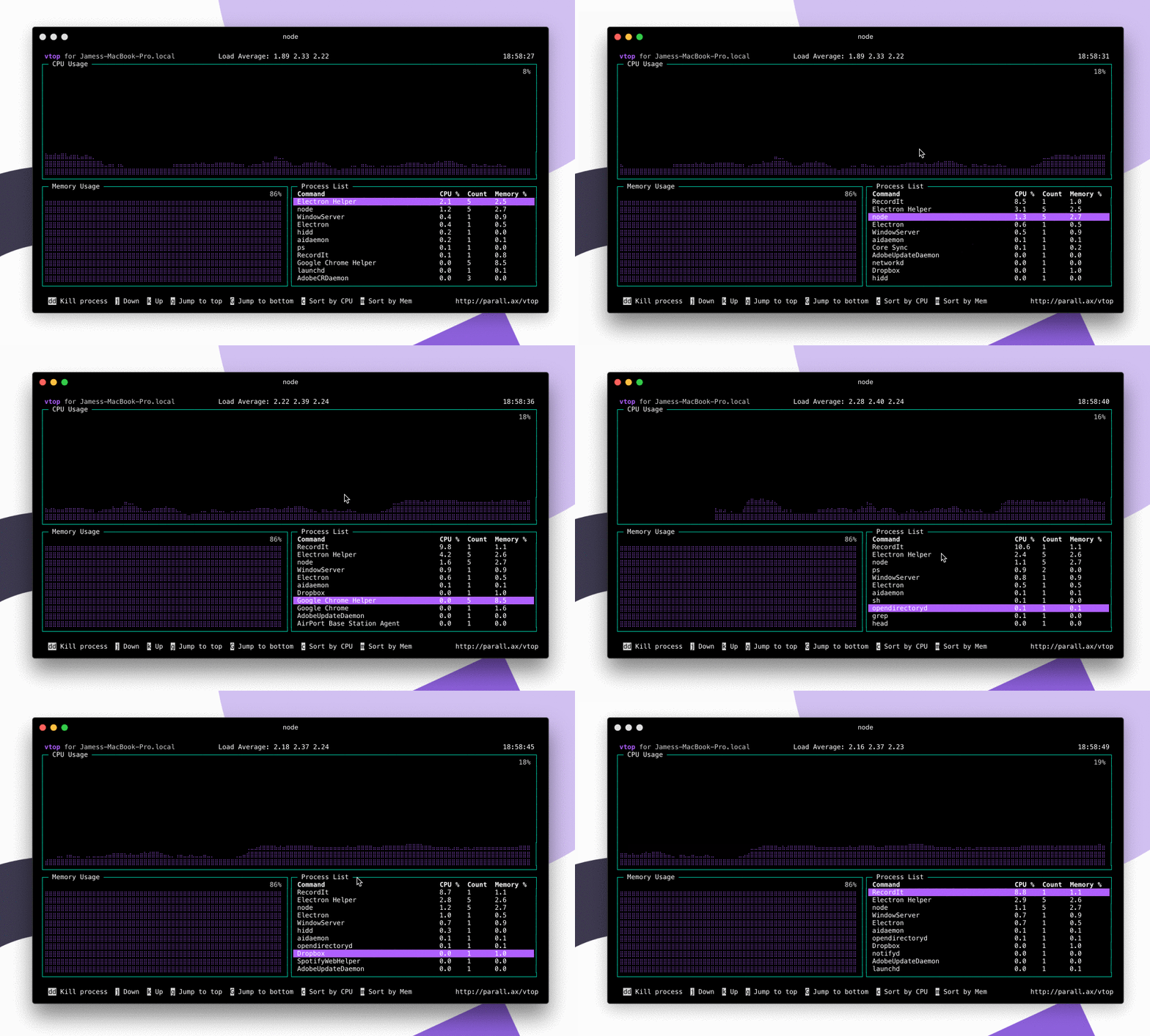
A graphical activity monitor for the command line. A neo fork of vtop rewritten in TypeScript with updated dependencies.
Installation
Requires Node.js >= 24.
⚠️ If you have the legendary vtop installed,
neo-vtopwill replace thevtopcommand. Uninstall it first withnpm uninstall -g vtop, or just let neo-vtop take over — it's more based anyway.
npm install -g neo-vtopIf you're on macOS, or get an error about file permissions, you may need to do sudo npm install -g neo-vtop. Don't do this if you're using nvm.
Running
neo-vtop
# or
vtop
If your muscle memory keeps typing top:
alias top="vtop"
alias oldtop="/usr/bin/top"
Keyboard shortcuts
- Arrow up or
k— move up the process list - Arrow down or
j— move down - Arrow left or
h— zoom graphs in - Arrow right or
l— zoom graphs out g— jump to top of process listG— jump to bottomdd— kill all processes in that groupc— sort by CPUm— sort by memoryq/esc/Ctrl+C— quit
Mouse control
If your terminal supports mouse events (like iTerm) you can click items in the process list and use the scroll wheel. Disable with:
neo-vtop --no-mouseThemes
neo-vtop --theme wizardThemes live in the themes/ folder. Make your own and send a pull request.
alias vtop="vtop --theme brew"FAQ
How does it work?
It uses drawille to draw CPU and memory charts with Unicode braille characters. Processes with the same name are grouped together.
The CPU % looks wrong.
CPU is calculated as a percentage of total system power across all cores and HyperThreads. 100% means all cores maxed out — this differs from how Activity Monitor on macOS reports it.
What about measuring server req/s, log entries, etc?
It's on the list. Feel free to send a pull request — check out the sensors/ folder.
What license is this under?
MIT — do what you like with it.
Contributing
Fork, clone, then:
yarn install
yarn start
ESLint and Prettier run on commit via Husky. Make sure yarn lint passes before opening a PR.
Credits
Originally created by James Hall. Modernized and maintained by nexusocean8.