
neohtop-cli
v0.1.13
Published
A beautiful, feature-rich terminal process monitor

Maintainers
 neohtop
Readme
👻 NeoHtop CLI
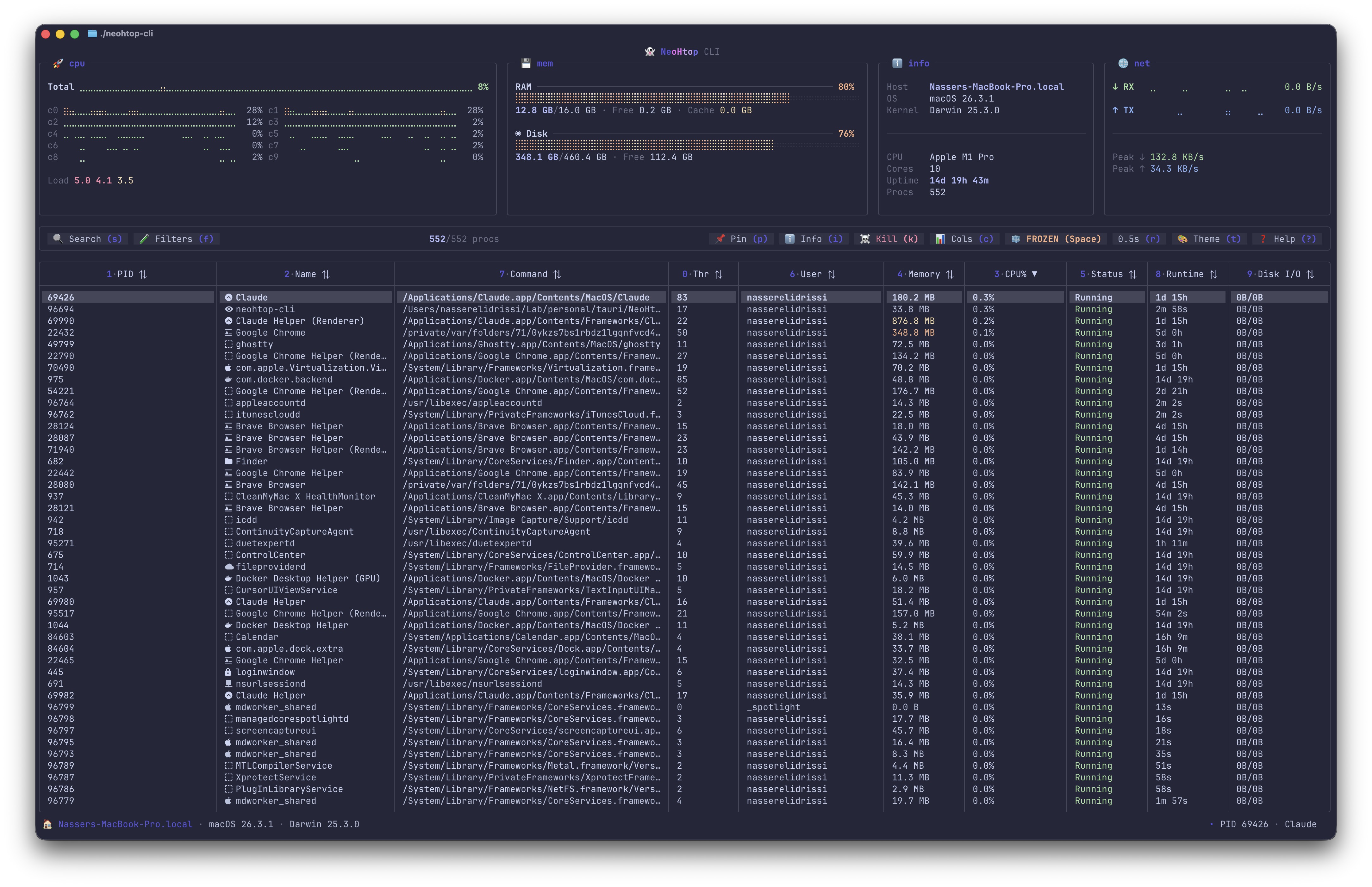
A cross-platform terminal process monitor with btop-style visualizations
The CLI companion to NeoHtop — built with Go and the Charm ecosystem.
Install
npm install -g neohtop-cliUsage
neohtop-cli          # launch the TUI
neohtop-cli --json   # one-shot JSON snapshot
neohtop-cli --help   # see all options
Features
- Real-time monitoring — CPU per-core sparklines, memory, disk, network stats with braille-dot visualizations
- Process management — search (regex), filter, sort, kill, pin, inspect, tree view
- 15 built-in themes — Catppuccin, Dracula, Tokyo Night, Nord, Gruvbox, and more
- JSON output — pipe to
jqfor scripting and dashboards - Mouse support — click to select, click headers to sort, scroll wheel
- Single binary — macOS, Linux, Windows, no runtime dependencies
Keybindings
| Key | Action |
|---|---|
| q / Ctrl+C | Quit |
| s / / | Search (regex) |
| ? | Help overlay |
| i / Enter | Inspect process |
| k / Del | Kill process |
| p | Pin process |
| T | Tree view |
| t | Theme selector |
| f | Filter panel |
| c | Column visibility |
| Space | Pause / resume |
Links
- GitHub — full docs, screenshots, and source
- NeoHtop Desktop — the GUI version
- Releases — prebuilt binaries
License
MIT