
nestjs-bullpen
v1.1.1
Published
The NestJS-native BullMQ dashboard. Auto-discovers your queues, shows the processors behind them, runs on Express and Fastify, pluggable auth, zero runtime dependencies.

Maintainers
 mrliro
Readme
Bullpen
A NestJS-native dashboard for BullMQ. One line to mount, no per-queue wiring, and it actually understands your NestJS app.





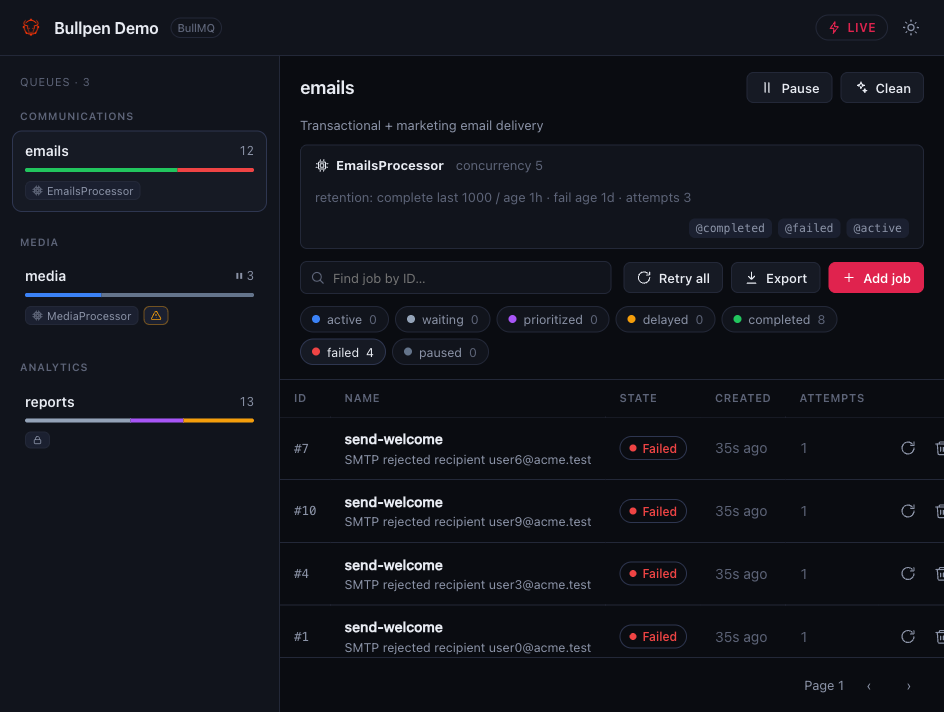
Why Bullpen
Most queue dashboards treat BullMQ as a pile of Redis keys. Bullpen is built from NestJS primitives, so it can show the processor behind each queue, its concurrency, and its event handlers. It also mounts in a single line, because it finds your queues through Nest's DI container instead of asking you to register them again.
The goal is to stay out of your way: easy to drop in, configurable when you need it, and light enough that it isn't a tax on your app.
Quick start
npm install nestjs-bullpenimport { Module } from '@nestjs/common';
import { BullModule } from '@nestjs/bullmq';
import { BullpenModule } from 'nestjs-bullpen';
@Module({
imports: [
BullModule.forRoot({ connection: { host: 'localhost', port: 6379 } }),
BullModule.registerQueue({ name: 'emails' }, { name: 'reports' }),
BullpenModule.forRoot(), // every queue above shows up automatically
],
})
export class AppModule {}Open <your-app-url>/bullpen. Want a route and auth? Same options object:
BullpenModule.forRoot({ route: '/admin/queues', auth: JwtAuthGuard });That auth: JwtAuthGuard is the whole setup. Any guard you already use works. See the auth docs for basic, custom, and roles.
The dashboard is read-only by default. To enable retry/remove/add and the other mutations, opt in with writable: true.
What you get
- Your NestJS topology, not just Redis. Each queue shows its
@Processorclass, worker concurrency, and@OnWorkerEventhandlers. (how it works) - Auth that fits your app. Hand it a guard (or several), HTTP basic, or a custom predicate. Role metadata is passed through so a
RolesGuardresolves normally. - Isolated from your app. Bullpen mounts as middleware, so it runs before your global interceptors and guards: responses are always raw HTML/JSON (never wrapped), and the dashboard is protected only by its own auth, not your app-wide guards. Works on Express and Fastify with no adapters.
- Built for big deployments. Range-based pagination, counts that never fetch jobs, find-by-id, plus exports and bulk actions that are capped and tell you when they hit the cap. (scaling)
- Real-time. Live counts over SSE, falling back to polling when the auth mode can't stream.
- Job management, opt-in. Retry, promote, remove, pause/resume, clean, add jobs, export to JSON. Off by default (set
writable: true), with an optional per-queue read-only lock. - Dark-first UI shipped as one self-contained file. No CDN calls and no web-font downloads.
Small, and staying that way
Lightweight isn't a tagline here. It's a project rule, checked on every build. Current numbers:
| | Bullpen | | --- | --- | | Runtime dependencies | 0 (everything is a peer dep) | | UI bundle | one self-contained file, ~20 KB gzipped | | Published package | ~32 KB |
Documentation
Getting started · Configuration · Authentication · NestJS integration · Scaling · Development
Screenshots
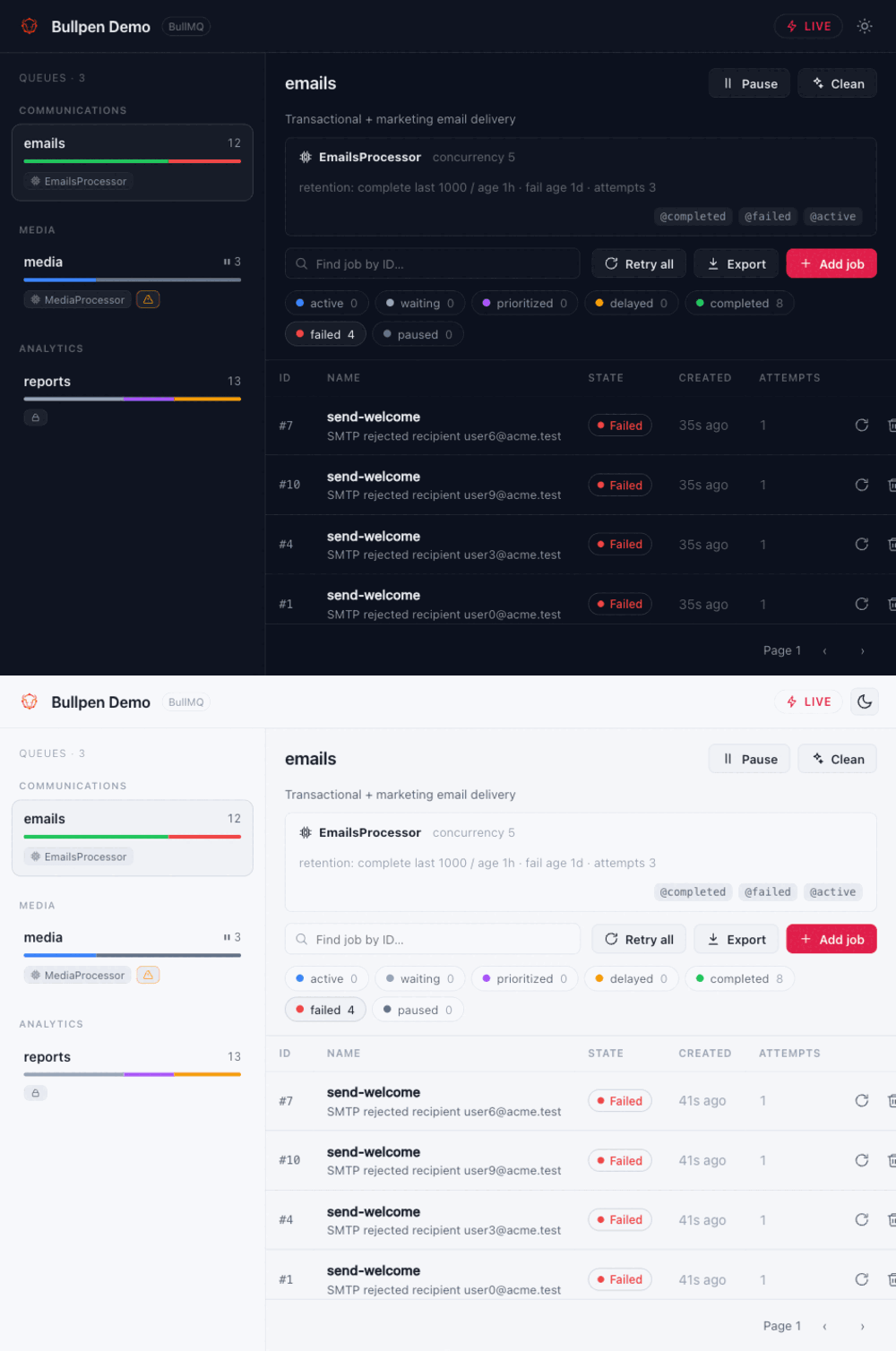
Dark and light, your choice:
| Add a job | Read-only mode |
| --- | --- |
| 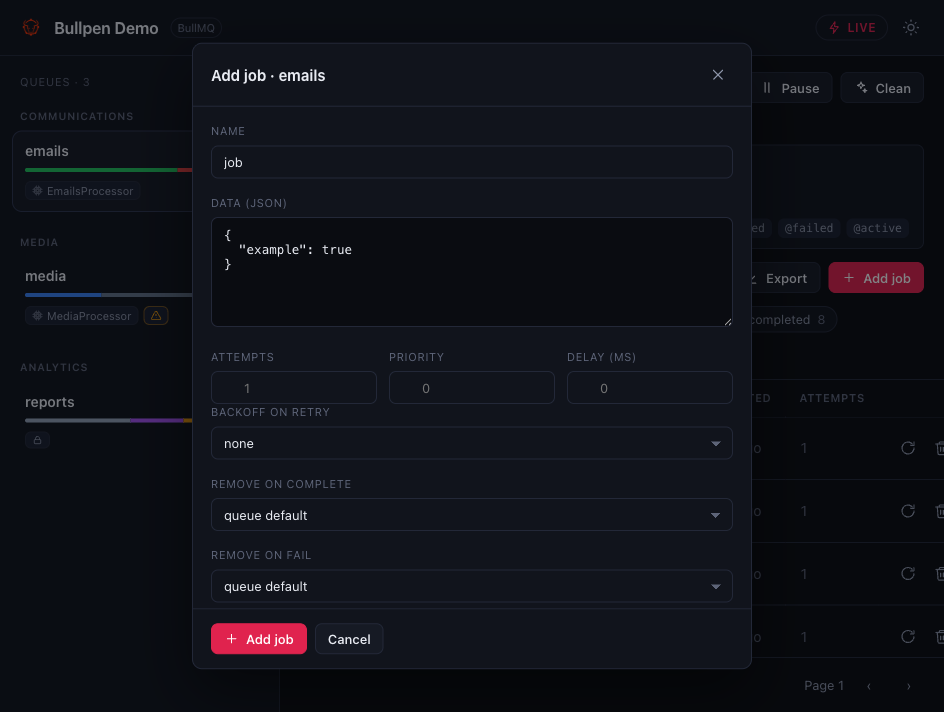 |
| 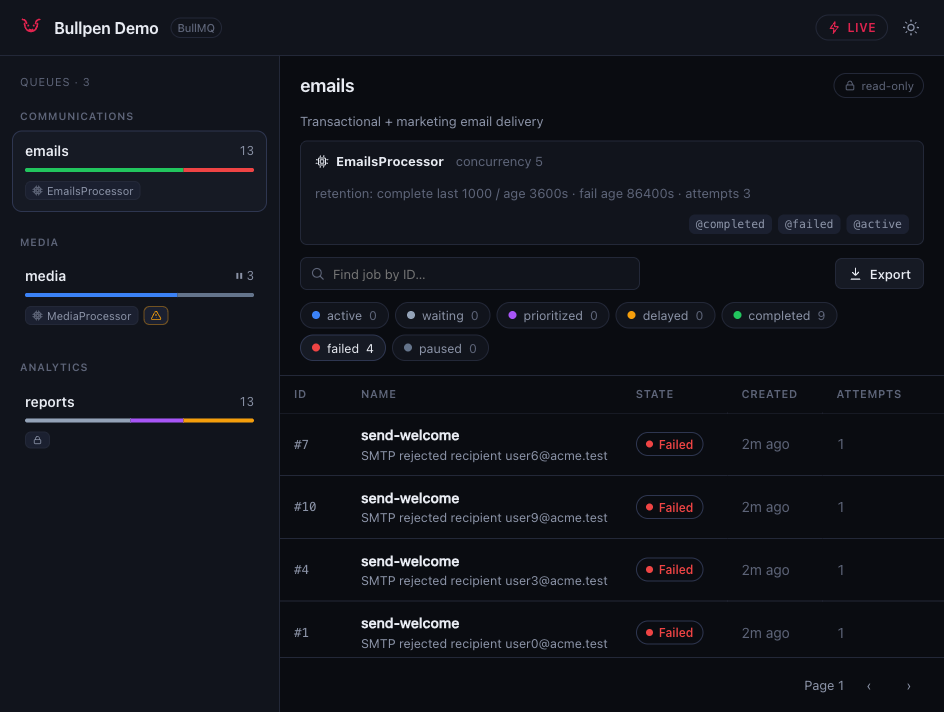 |
|
Roadmap
It's early, and feedback shapes what comes next. On the radar:
- Flow / parent-child job views
- Per-queue throughput and latency charts
- Job search by name and payload, not just id
- A
nest gschematic for one-command setup
Found a bug or want a feature? Open an issue. Good first issues are tagged.
Contributing
PRs are welcome. See CONTRIBUTING.md and CLAUDE.md for the conventions. The two that matter most: keep it lightweight, and keep it scale-safe.
License
MIT © Nicolás Cárdenas Valdez