nextjs-animated-counter
v1.8.1
Published
Nextjs Animated Counter Component

Maintainers
 iamkunal9
Readme
Next.js Animated Counter
A lightweight Next.js component for beautifully animated incrementation & decrementation of a state integer value, fork of react-animated-counter.

Installation
To install the animated counter for your Next.js project:
npm install nextjs-animated-counterUsage
Props:
| Name | Type | Description | Default |
|------------------|----------------|------------------------------------------------------------------------------------------------------------------|----------------|
| value | integer | The state integer value | 0 |
| fontSize | string | Applied CSS font-size | 18px |
| color | string | Applied CSS color | black |
| incrementColor | string | Animation color when value increases | #32cd32 |
| decrementColor | string | Animation color when value decreases | #fe6862 |
| includeDecimals| boolean | Includes or removes decimal point values in provided value (rounds to nearest hundredth by default) | true |
| decimalPrecision| boolean | The nth decimal place of precision (e.g., 5 will calculate number to the nearest hundred thousandth) | 2 |
| includeCommas | boolean | Adds comma separators to every third digit for numbers with four or more digits | false |
| containerStyles| CSSProperties| Styles to apply to the parent element of the main component. Used in the same fashion as Next.js styles | {} |
| digitStyles | CSSProperties| Styles to apply to individual digit elements. Used in the same fashion as Next.js styles | {} |
Basic Demo:
Codesandbox Link: Demo
First in the _app.js import the css
import 'nextjs-animated-counter/dist/esm/styles.css';
import React, { useState } from 'react';
import { AnimatedCounter } from 'nextjs-animated-counter';

const App = () => {
  const [counterValue, setCounterValue] = useState(500);

  const handleCounterUpdate = (increment) => {
    const delta = (Math.floor(Math.random() * 100) + 1) * 0.99;
    setCounterValue(increment ? counterValue + delta : counterValue - delta);
  };

  return (
    <div>
      <AnimatedCounter value={counterValue} color="white" fontSize="40px" />
      <div>
        <button onClick={() => handleCounterUpdate(false)}>Decrement</button>
        <button onClick={() => handleCounterUpdate(true)}>Increment</button>
      </div>
    </div>
  );
};

export default App;
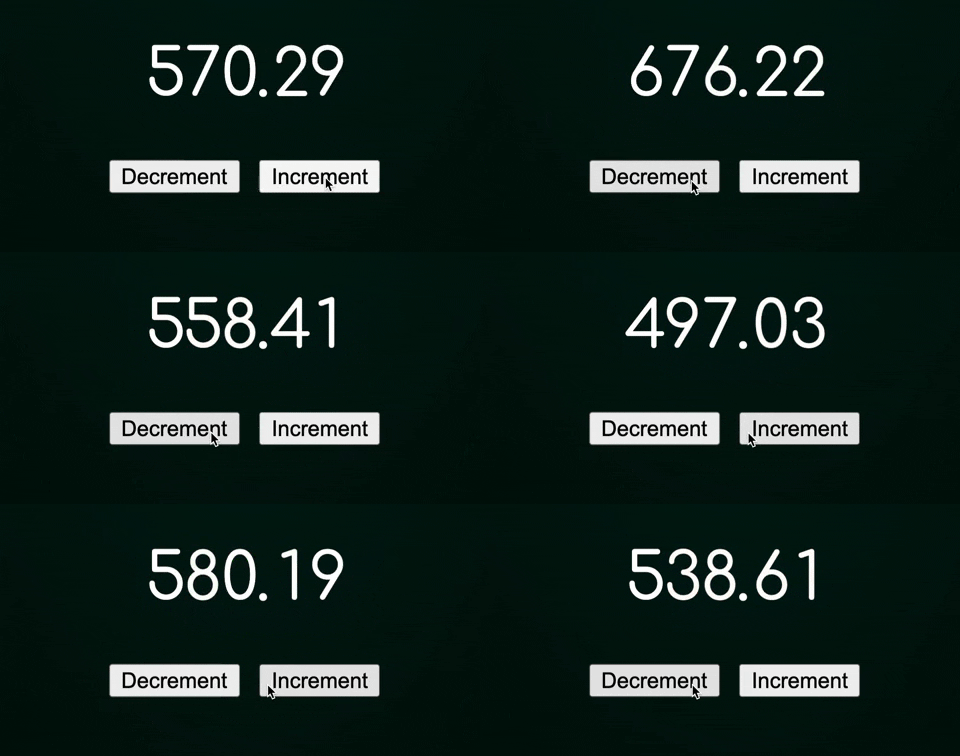
Output:
With recharts Demo:
Codesandbox Link: Recharts Demo
Output: