
ngx-dev-toolbar
v4.3.2
Published
<div align="center">

Maintainers
 alfredop13
Readme
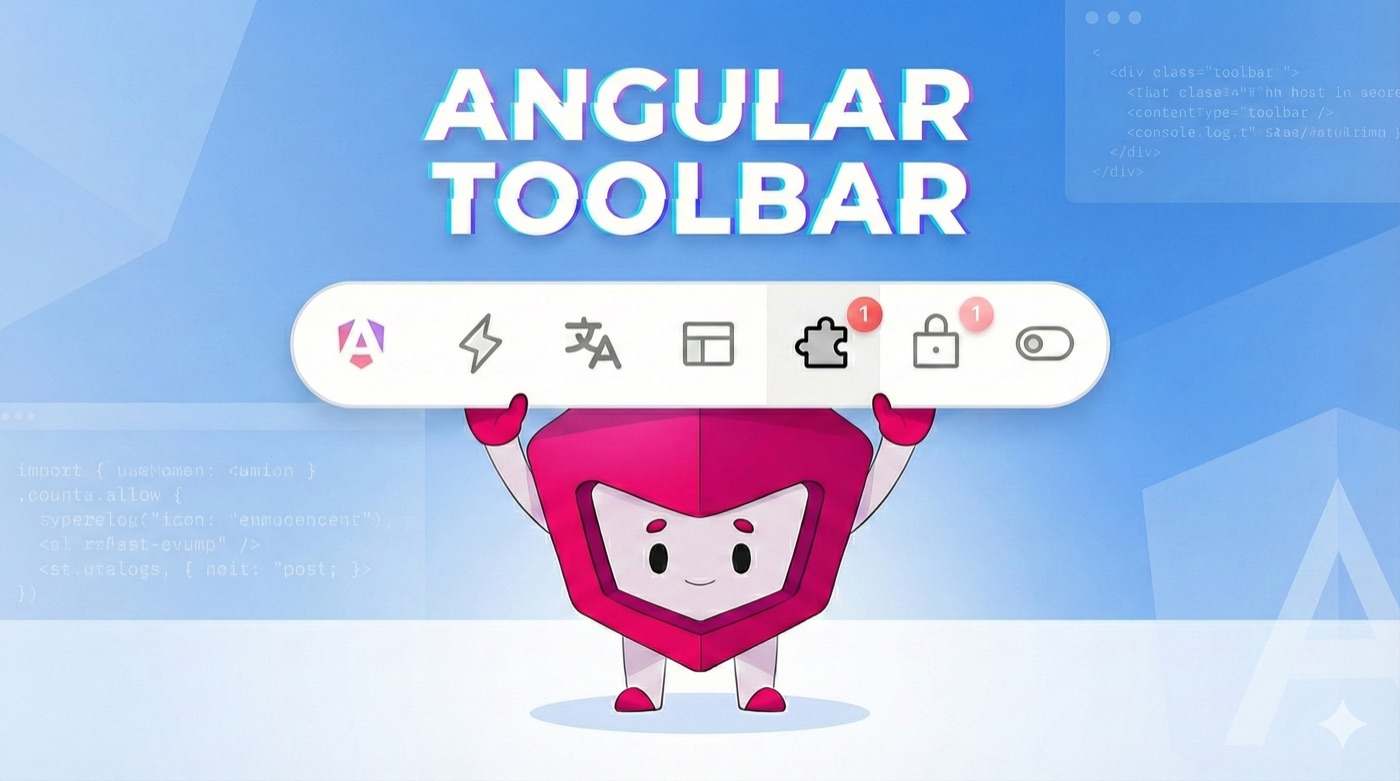
Angular Toolbar



A development toolbar for Angular applications.
Features
- Feature Flags - Override feature flags without backend changes
- Permissions - Test different user permission states
- App Features - Toggle application features by tier
- Language - Switch languages instantly
- Presets - Save and load configuration presets
- Zero Bundle Impact - Dynamic imports exclude toolbar from production
Quick Start
1. Install
npm install ngx-dev-toolbar2. Add to app.config.ts
import { ApplicationConfig, isDevMode } from '@angular/core';
import { provideToolbar } from 'ngx-dev-toolbar';

export const appConfig: ApplicationConfig = {
  providers: [
    provideRouter(appRoutes),
    provideToolbar({
      enabled: isDevMode(),
    }),
  ],
};
// main.ts
bootstrapApplication(AppComponent, appConfig);That's it! No template changes needed. The toolbar automatically attaches to the DOM.
Tools
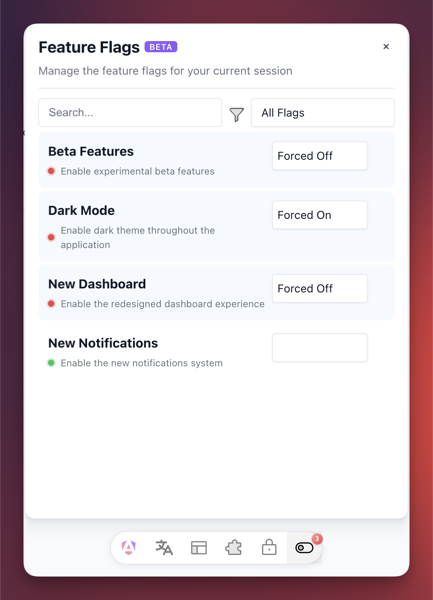
Feature Flags
Configure available feature flags:
import { ToolbarFeatureFlagService } from 'ngx-dev-toolbar';

@Component({...})
export class AppComponent {
  private featureFlags = inject(ToolbarFeatureFlagService);

  constructor() {
    this.featureFlags.setAvailableOptions([
      { id: 'darkMode', name: 'Dark Mode' },
      { id: 'betaFeatures', name: 'Beta Features' },
    ]);
  }
}
Get flags with overrides applied:
@Component({...})
export class FeatureComponent {
  private featureFlags = inject(ToolbarFeatureFlagService);

  ngOnInit() {
    this.featureFlags.getValues().pipe(
      map(flags => flags.find(f => f.id === 'darkMode')),
      map(flag => flag?.isEnabled ?? false)
    ).subscribe(isDarkMode => {
      // Apply dark mode logic
    });
  }
}
Permissions
import { ToolbarPermissionsService } from 'ngx-dev-toolbar';

@Component({...})
export class AppComponent {
  private permissions = inject(ToolbarPermissionsService);

  constructor() {
    this.permissions.setAvailableOptions([
      { id: 'admin', name: 'Admin Access' },
      { id: 'editor', name: 'Editor Access' },
    ]);
  }
}
App Features
import { ToolbarAppFeaturesService } from 'ngx-dev-toolbar';

@Component({...})
export class AppComponent {
  private appFeatures = inject(ToolbarAppFeaturesService);

  constructor() {
    this.appFeatures.setAvailableOptions([
      { id: 'premium', name: 'Premium Features', tier: 'premium' },
      { id: 'basic', name: 'Basic Features', tier: 'basic' },
    ]);
  }
}
i18n
import { ToolbarI18nService } from 'ngx-dev-toolbar';

@Component({...})
export class AppComponent {
  private i18nService = inject(ToolbarI18nService);

  constructor() {
    this.i18nService.setAvailableOptions([
      { code: 'en', name: 'English' },
      { code: 'es', name: 'Spanish' },
      { code: 'fr', name: 'French' },
    ]);
  }
}
Configuration
Customize which tools are visible:
provideToolbar({
  enabled: isDevMode(),
  showFeatureFlagsTool: true,
  showPermissionsTool: true,
  showI18nTool: true,
  showAppFeaturesTool: true,
  showPresetsTool: true,
})
Keyboard Shortcuts
- Ctrl+Shift+D - Toggle toolbar visibility
API Reference
All tool services implement the ToolbarService<T> interface:
| Method | Description |
|--------|-------------|
| setAvailableOptions(options: T[]) | Set options displayed in the tool |
| getValues() | Get all values with overrides applied |
| getForcedValues() | Get only overridden values |
Contributing
Contributions welcome! See CONTRIBUTING.md.
License
MIT