
ngx-input-file-upload
v0.0.0
Published
Angular Library


Readme
Ngx-Input-File-Upload
This project was generated in Angular 5.1.1
Implementation
####1) Install: npm install ngx-input-file-upload
####2) Import: in app module include:
import { NgxInputFileUploadModule } from 'ngx-input-file-upload'
imports: [ ..., NgxInputFileUploadModule ],
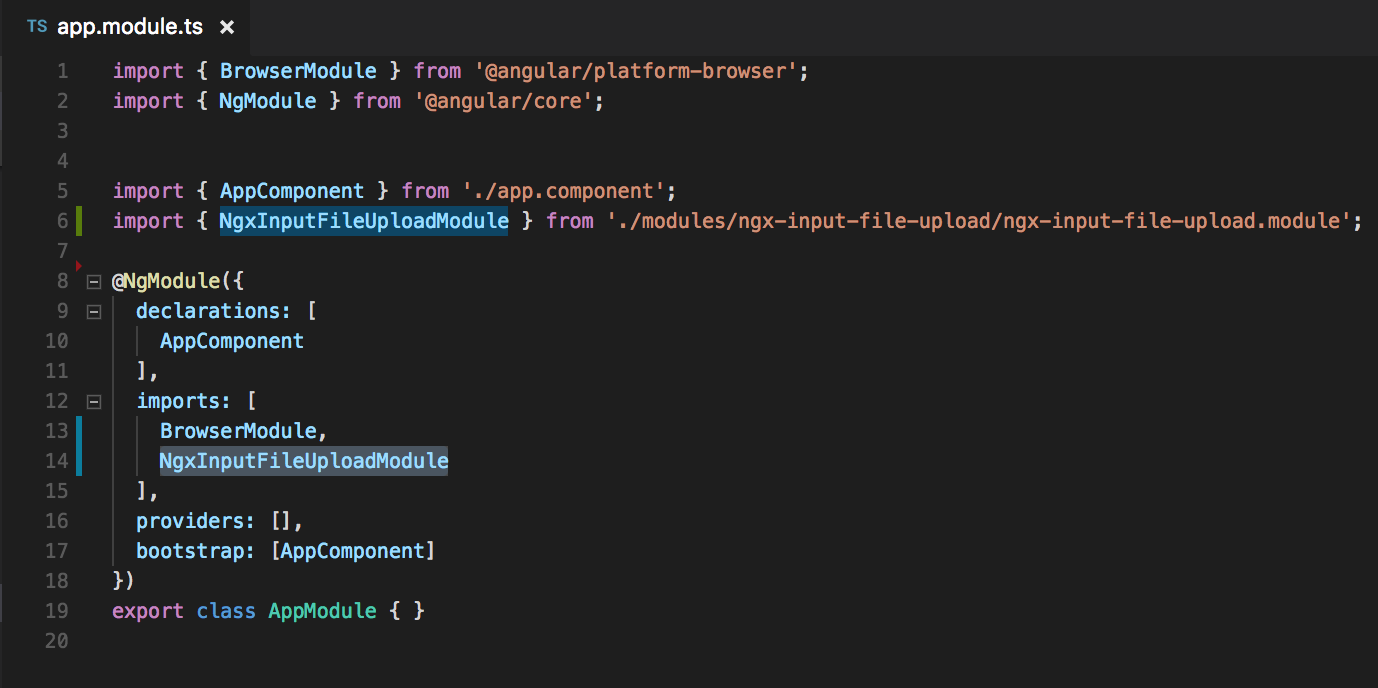
####3) Add labels Html
<ngx-input-file-upload></ngx-input-file-upload>
NOTA:
You can add the verification of extensions with:
[acceptHtml]="'image/*'" [acceptTs]="'/image-*/'"
You can change the color of the effect with:
[activeColor]="red"
Import Icons:
<link href="https://fonts.googleapis.com/icon?family=Material+Icons" rel="stylesheet">
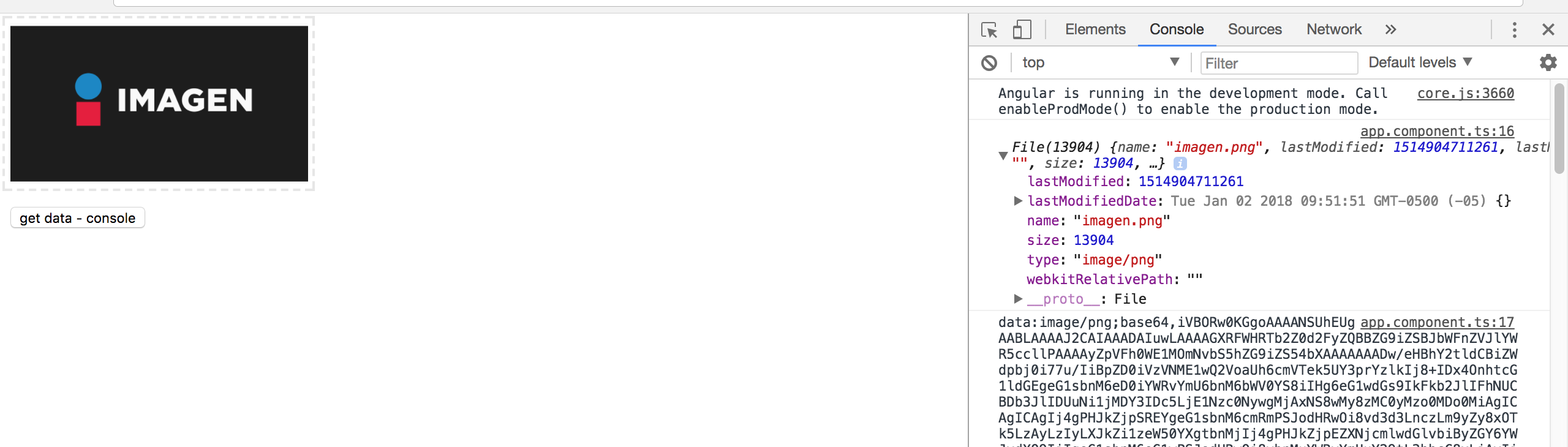
####4) Get data from the files:
- In your component:
import { NgxInputFileUploadComponent } from 'ngx-input-file-upload'
export class AppComponent {
  @ViewChild(NgxInputFileUploadComponent) private NgxInputFileUploadComponent: NgxInputFileUploadComponent;
  acceptHtml="image/*"
  acceptTs=/image-*/
  activeColor: string = '#3366CC';
change(){
    console.log(this.NgxInputFileUploadComponent.imageData);
    console.log(this.NgxInputFileUploadComponent.imageSrc);
    console.log(this.NgxInputFileUploadComponent.imageLoaded);
  }
}
- In your html: `<ngx-input-file-upload [acceptHtml]="acceptHtml" [acceptTs]="acceptTs" [activeColor]="activeColor">
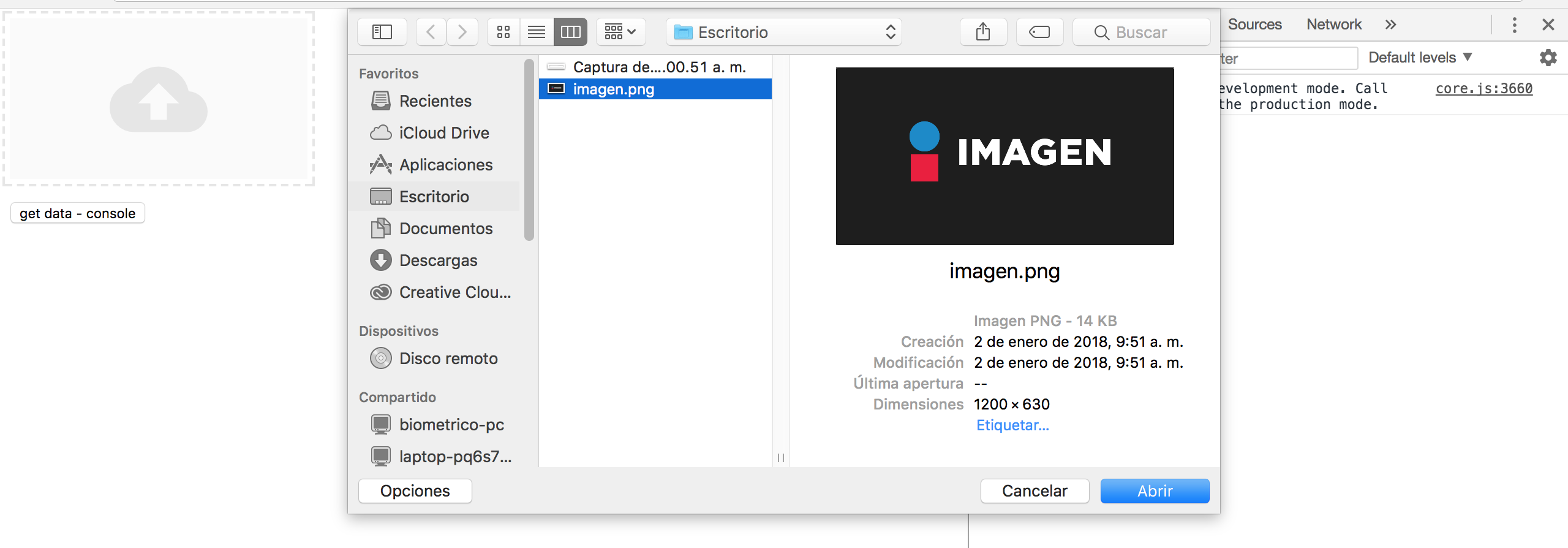
Functioning

NPM
https://www.npmjs.com/package/ngx-input-file-upload