
node-init-app
v0.0.4
Published
CLI to scaffold a base Node.js project

Maintainers
 sai_krishna_m
Readme
node-init-app



CLI to scaffold a production‑ready Node.js project in JavaScript or TypeScript. Defaults to TypeScript and includes opinionated setup for auth, databases, queues, logging, migrations, and more.
Demo
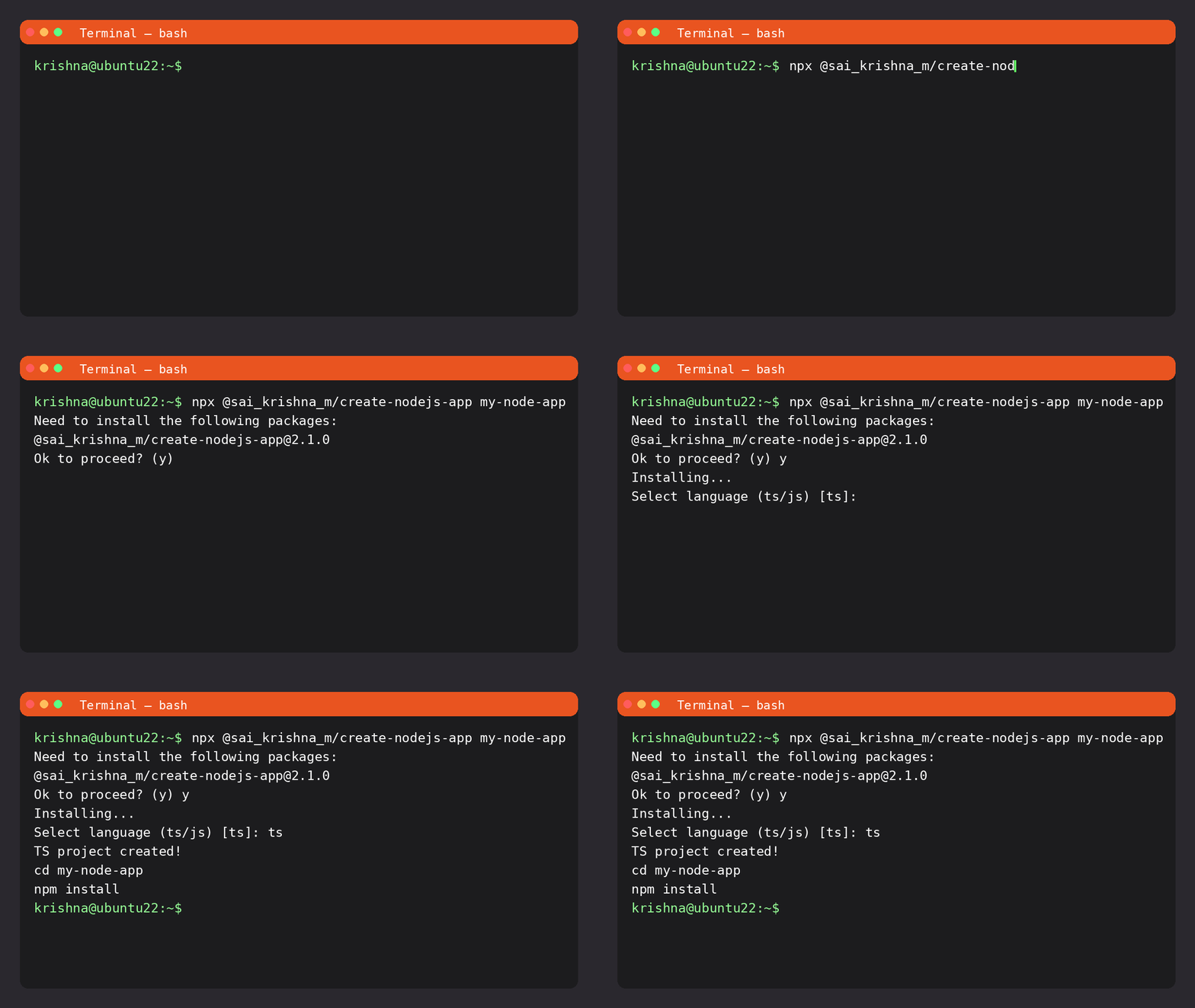
Install
- Using npx (recommended):
npx node-init-app my-app- Or install globally:
npm install -g node-init-app
node-init-app my-app
Usage
node-init-app <project-name> [options]- Interactive (prompts for language, defaults to TS):
node-init-app my-app
# Select language (ts/js) [ts]:- Non‑interactive (explicit language):
node-init-app my-app --lang ts
node-init-app my-app --lang js
Options
-l, --lang <lang>Language to scaffold:tsorjs(default:ts)-h, --helpShow help
After scaffold
cd my-app
npm install
npm run dev   # or see template README for scripts
What you get
Both templates share a similar modular structure and include:
- Auth: JWT authentication/authorization
- Databases: MySQL and MongoDB setup (choose per project)
- Services/repositories: Layered service pattern
- Jobs & queues: BullMQ + Redis wiring
- Logging: Winston with daily rotate
- Migrations/seeders: Sequelize CLI
- Environments:
.env.dev,.env.sit,.env.uat,.env.production - Process manager: PM2 ecosystem file
Templates
TypeScript:
templates/node-base-template-ts- Entry:
src/app.ts - Scripts:
dev(ts-node-dev),build,start,migrate:dev,seed:dev - Includes type definitions and
tsconfig
- Entry:
JavaScript:
templates/node-base-template-js- Entry:
src/app.js - Scripts:
dev,migrate,seed
- Entry:
Each template also carries its own README inside the generated project for details and scripts.
Examples
- Create a TypeScript API (default):
npx node-init-app api-ts- Create a JavaScript API:
npx node-init-app api-js --lang jsNotes
- If the target directory already exists, the CLI aborts to avoid overwriting.
- The CLI only scaffolds files; it does not install dependencies for you. Run
npm installinside the new project.
License
MIT © Sai Krishna