node-quick-mock
v2.0.1
Published
基于Express的快速mock平台,无需配置数据库,启动后即可实现本地mock接口数据。通过接口url,返回对应接口json数据。
Downloads
46


Readme
QuickMock
基于Express的快速mock平台,无需配置数据库,启动后即可实现本地mock接口数据。通过接口url,返回对应接口json数据。
感兴趣的话,可以给个Star支持下,项目地址~
启动
# install dependencies
npm install

# 访问localhost:3000/list
npm start
前言
在日常的开发中,前端mock后端api数据,是前端开发非常重要的一步。有了数据,才能更加真实反馈实际操作流程,交互效果才能更好的编码实现,也能很好的规避后期联调会有的各种问题。
在平时的开发中,前端模拟API数据的方式有很多种。
- 手动模拟 在js中写死数据,联调发布时,将模拟的数据删除。或者可以封装个开关。
    let getData = (cb) => {
        // 在模拟的时候不走接口请求直接返回数据
        return cb && cb({a: 1})
        // 真实的请求
        http.get('/api/test', (res) => {
            cb && cb(res)
        })
}- 本地json文件 这比上一种方法颇为模块化。依据后端接口路径,在开发的目录中生成对应的目录和文件。并将请求通过特定的url,开发环境指定到对应的本地文件。联调或者生产环境发布前,再修改特定的url。
const config = {
	baseUrl: '/quxue',
	initialUrl: '../'
};

// 两种请求路径,一种请求到项目真实后台,一种请求本地json文件- mockjs 这像是一种更加高级的手动模拟的实现方式。借助mockjs,可以产生更多样的返回数据。联调发布前,也同样需要将关键代码进行处理,将请求真正发送到后端服务器中,而不是被mockjs拦截到。
如RequireJs中加载mockjs
    // 配置 Mock 路径
    require.config({
        paths: {
            mock: 'http://mockjs.com/dist/mock'
        }
    })
    // 加载 Mock
    require(['mock'], function(Mock){
        // 使用 Mock
        var data = Mock.mock({
            'list|1-10': [{
                'id|+1': 1
            }]
        })
        // 输出结果
        document.body.innerHTML +=
            '<pre>' +
            JSON.stringify(data, null, 4) +
            '</pre>'
})- Mock Server Mock Server应该具备以下几点功能:
- 友好的交互界面
- 录入/保存接口数据
- 分项目存储接口数据,适合不同团队使用
- 响应请求,返回相应数据
- 生成接口文档,方便前后端查阅
- 支持接口自动化测试
功能
- 支持保存多个项目的接口数据
- 根据接口名称或url模糊查询接口
- 支持重新编辑以保存接口
- 创建接口后以json文件保存在本地,不同项目的接口数据,放在不同的目录下
- 编辑接口数据实时预览及错误提示
于是有了QuickMock
预览
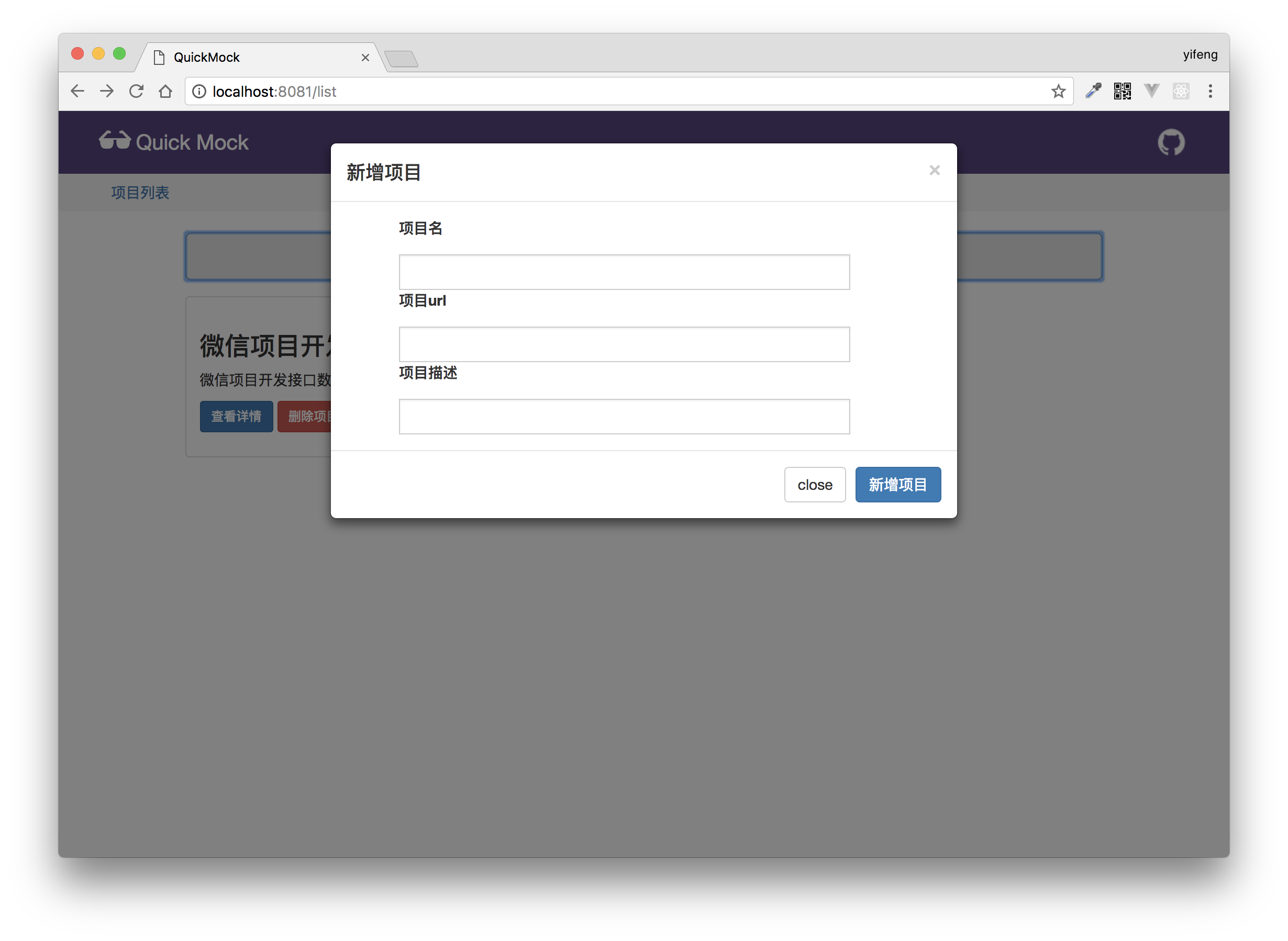
新增项目
输入项目名称,项目url(可以理解为,对于区分不同项目的特定字符串),项目描述。
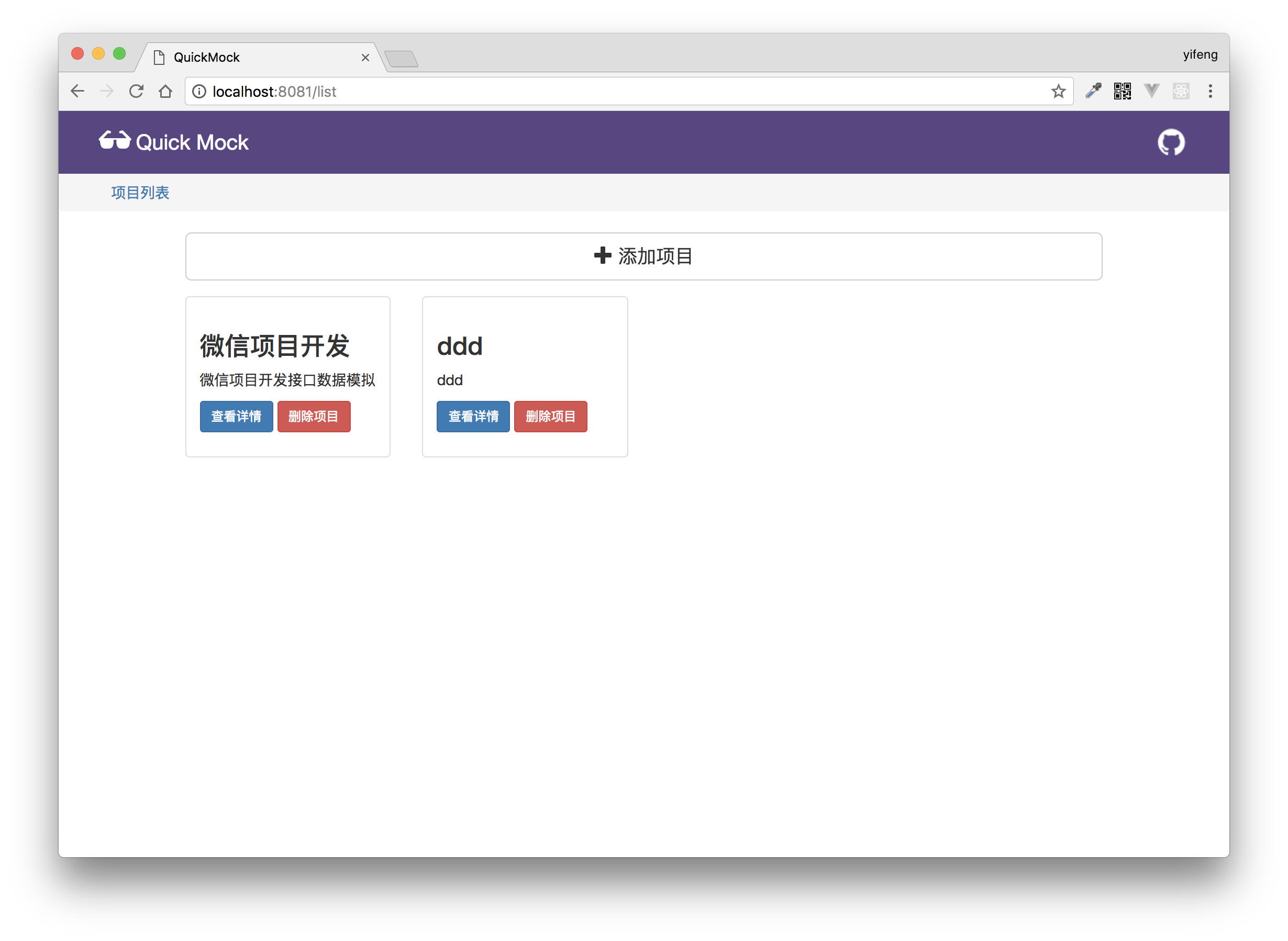
项目列表
项目面板,展示已存在的所有项目。
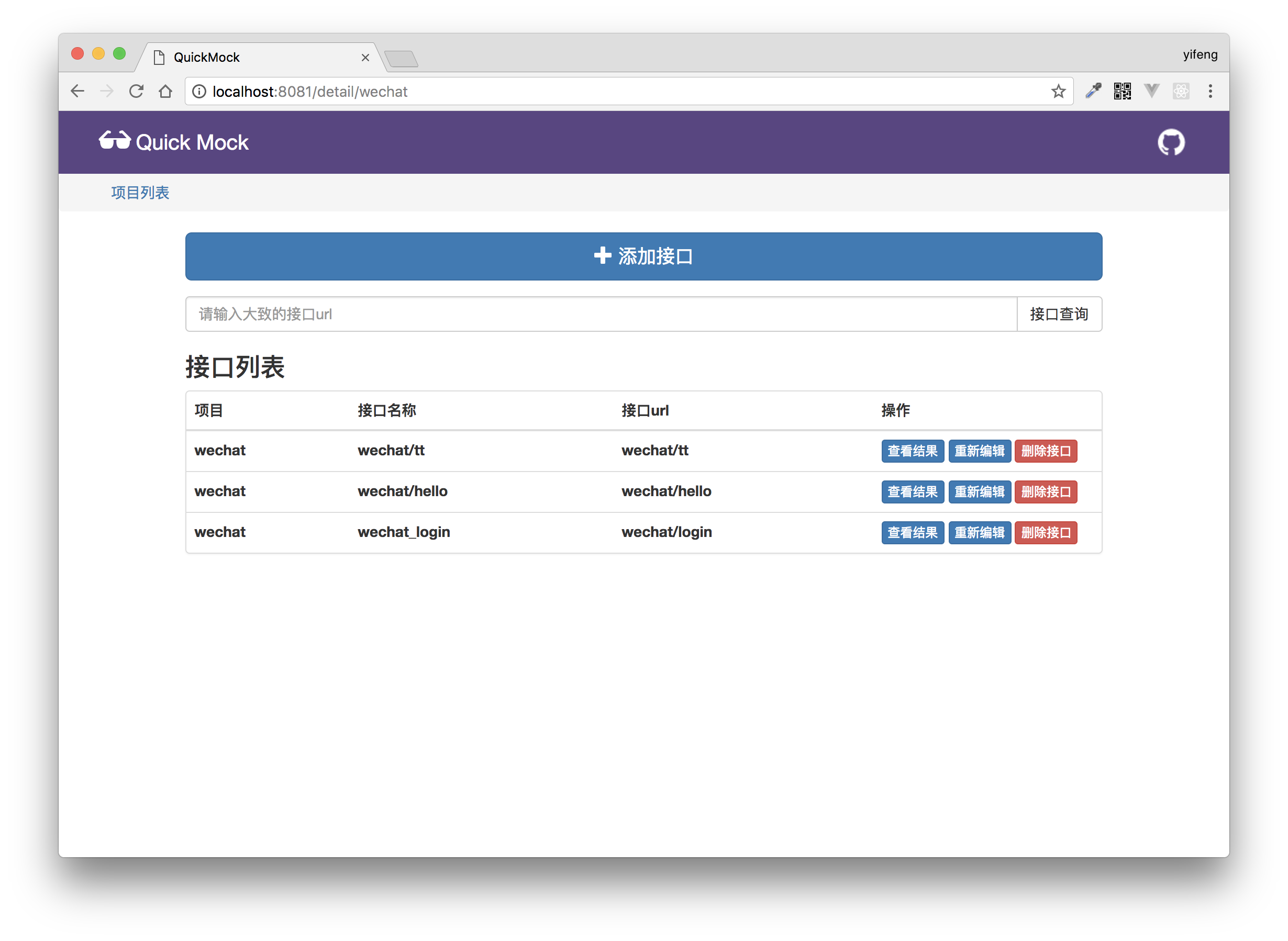
项目添加接口
选择一个项目后,可以查看该项目下的接口信息和为该项目添加接口。
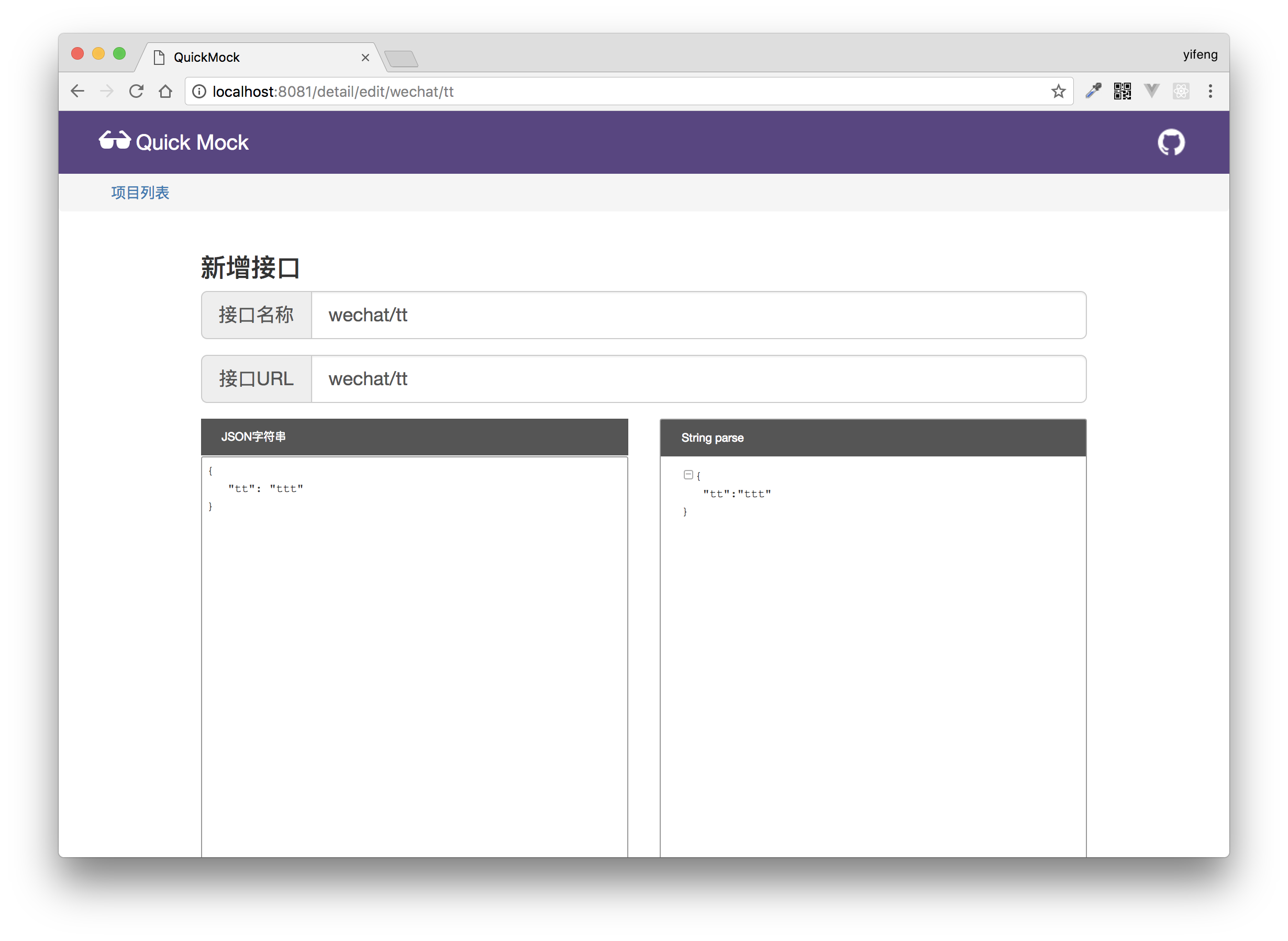
编辑接口
输入接口名称和接口URL,将相对应json数据输入左侧,同时右侧预览json数据格式是否合法,下方填入此接口的备注说明。
接口列表
可以查看项目中有哪些接口,如果接口过多,支持接口的模糊查询。
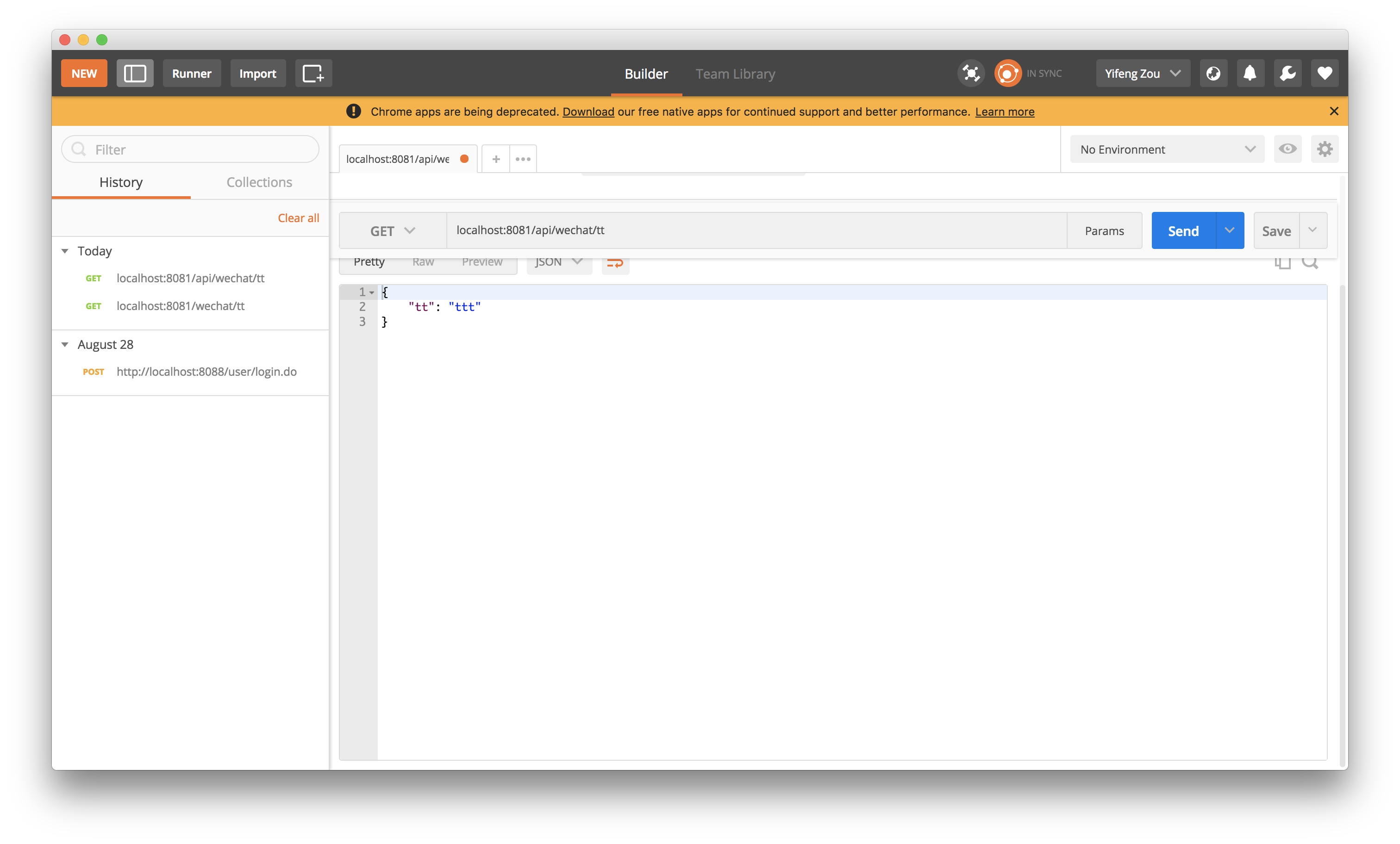
postman验证接口有效
利用postman,验证Mock Server可以将数据真实有效的返回