
node-red-contrib-astro-filter
v1.0.0
Published
Node-RED node for filtering messages based on astronomical events (solstices and equinoxes)

Maintainers
 esimioni
Readme
Node-RED Astronomical Event Filter
A Node-RED node that filter messages based on proximity to astronomical events (solstices and equinoxes).
Features
Astro Filter Node
- Filters messages based on whether the current date is within a specified range related to an astronomical event
- Supports all four major astronomical events:
- March Equinox (Spring in Northern/Autumn in Southern Hemisphere)
- June Solstice (Summer in Northern/Winter in Southern Hemisphere)
- September Equinox (Autumn in Northern/Spring in Southern Hemisphere)
- December Solstice (Winter in Northern/Summer in Southern Hemisphere)
- Configurable date range (start offset and end offset)
- The range accepts start and end offsets that are both negative or both positive, in which case the event date itself won't be included, but just used as a reference
- The most commom use is negative start offset and positive end offset
- There's no need to send the date to the input, the node uses the system date
- The node adds an
astroDiffattribute to themsg.payload, wich is the difference in days from current date to the event date - There's an option to populate
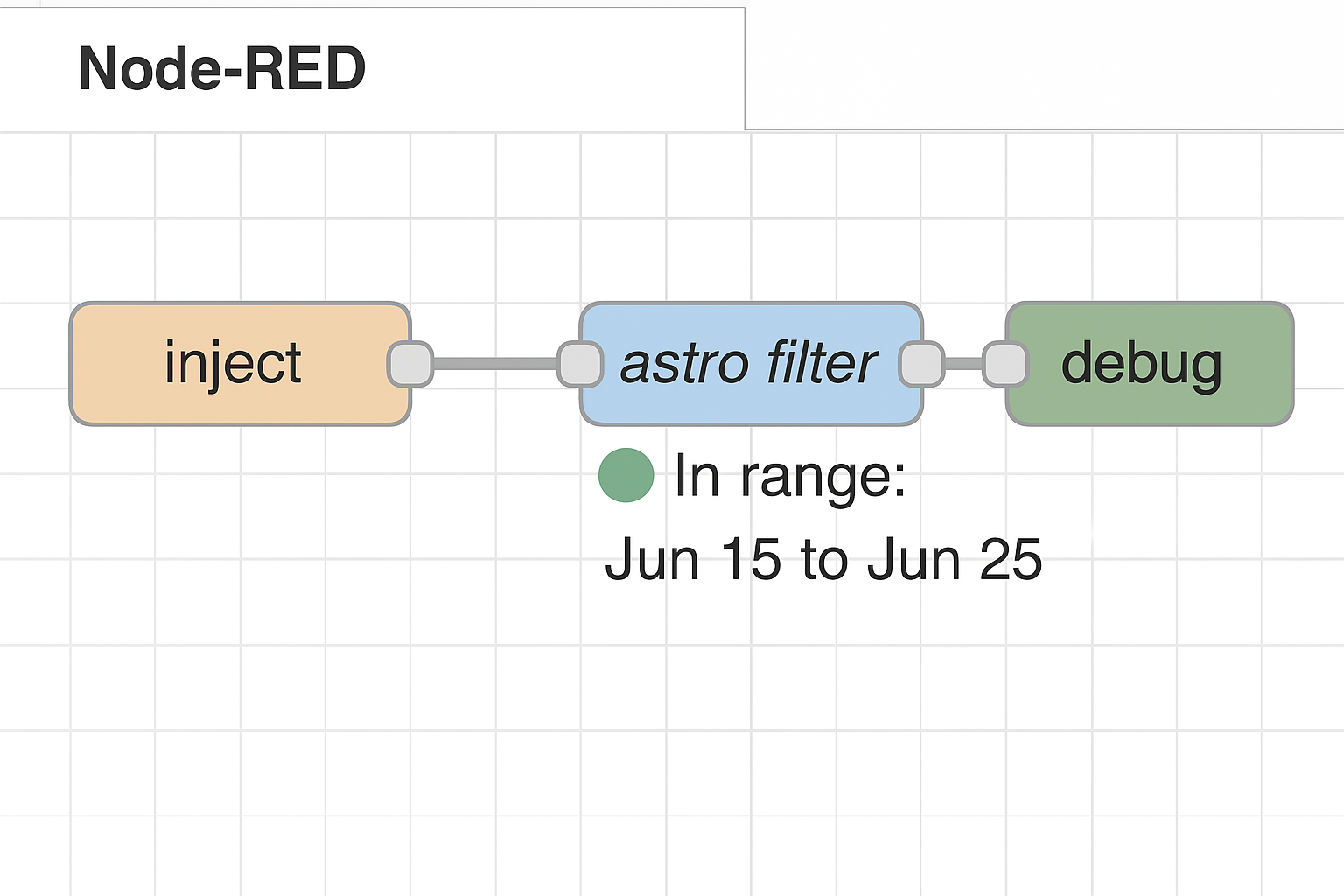
astroDiffas an absolute value (always positve) - Visual status indicator showing whether the current date is in range and the range itself
- Compatible with Node-RED 3.0+
Example
Installation
From Node-RED
The latest stable version is always available on npm for direct download from the Node-RED palette manager.
Using npm
cd ~/.node-red
npm install node-red-contrib-astro-filter
Manual Installation
- Create the
.tgzpackage file using therelease.shscript - Place it in your Node-RED user directory (typically
~/.node-red) - Run the following command:
cd ~/.node-red npm install ./node-red-contrib-astro-filter-1.0.0.tgz - Restart Node-RED
Usage
Astro Filter Node
- Add the "astro filter" node to your flow
- Configure the node:
- Select the astronomical event (March Equinox, June Solstice, September Equinox, or December Solstice)
- Set the start offset and end offset to define the date range in relation to the event selected
- Connect the node to your flow
The node will compare the current system date to specified range. If the date falls within the range, the message will pass through; otherwise, the flow will stop at this node.
Technical Details
This node uses the astronomy-engine library for precise astronomical calculations and moment-timezone for date operations.
License
MIT