
northstar-browser
v1.0.19
Published
Northstar Web Browser: a compact, secure web browser written from scratch in C with GTK 4, built from source on install

Maintainers
 andreasrosdal
Readme
northstar-browser
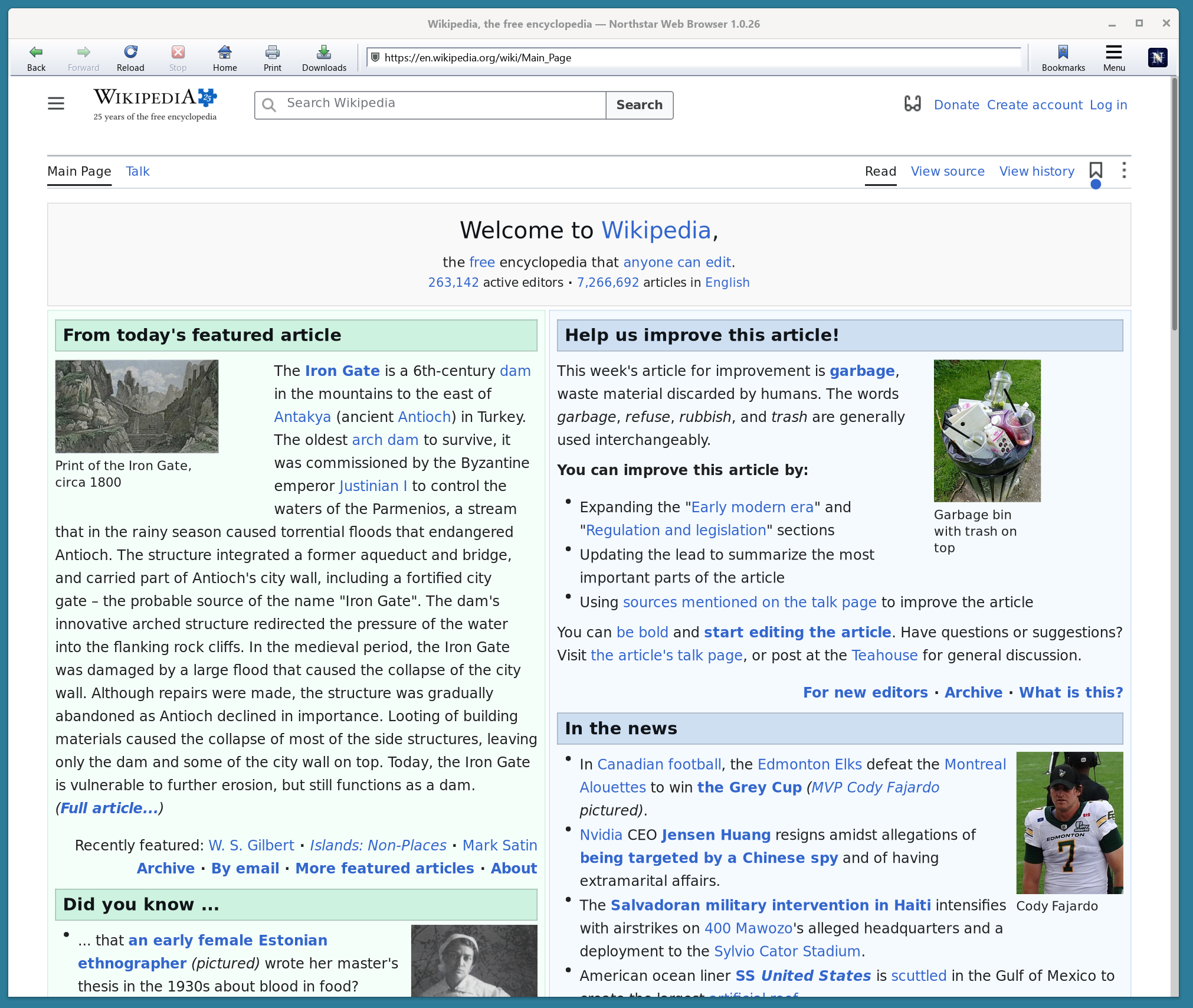
Northstar Web Browser is a compact, secure web browser written from scratch in C with GTK 4.
sudo npm install -g northstar-browser
northstar https://nordstjernen.org
On Linux, macOS and the BSDs, run the install with sudo, because npm's global
directory belongs to root; on Windows, run it without sudo.
Installing builds Northstar from the release source on your machine, with
meson and ninja, against your system's GTK 4 and other libraries. The source
tarball is checked against the SHA-256 recorded in this package. The build
takes several minutes and shows its progress in the terminal; it is installed
inside the npm package, so sudo npm uninstall -g northstar-browser removes it.
npm 11 warns that global install scripts are not yet allowed, and future versions skip them. Either allow the build at install time:
sudo npm install -g --allow-scripts=northstar-browser northstar-browseror let the first northstar launch build it. Package managers that never run
install scripts (pnpm, --ignore-scripts) build on first launch the same way.
Before you install
Before downloading anything, the installer checks the build tools and every required library, and names whatever is missing or too old, with the command that installs it on your system. Optional libraries (audio, AV1, VP9 and H.264 video, Ogg audio, AVIF, spell-checking) are reported as a warning naming the features the build will lack.
The build needs Ubuntu 24.04, Debian 13, Fedora 40, openSUSE Tumbleweed, Arch Linux, Alpine 3.21 or a newer distribution: older releases ship a GTK, HarfBuzz, Cairo or libcurl that is too old.
Debian/Ubuntu:
sudo apt install build-essential git pkg-config meson ninja-build cmake \
    libgtk-4-dev libcurl4-openssl-dev libssl-dev libuchardet-dev \
    libharfbuzz-dev libfribidi-dev libcairo2-dev libfontconfig-dev \
    libfreetype-dev libpsl-dev libsqlite3-dev libseccomp-dev libsdl2-dev \
    zlib1g-dev
macOS (Homebrew, plus xcode-select --install):
brew install meson ninja pkg-config cmake gtk4 curl openssl@3 uchardet libpsl \
    sqlite sdl2 zlib
Windows: install MSYS2 in C:\msys64 (or set
MSYS2_ROOT), then in its UCRT64 terminal:
pacman -S --needed git tar mingw-w64-ucrt-x86_64-{clang,lld,llvm-tools,pkgconf,meson,ninja,cmake,gtk4,curl,uchardet,libpsl,sqlite3}The browser runs against the MSYS2 libraries it was built with, so keep MSYS2 installed. It is built on your machine and unsigned: if Windows Smart App Control is on, it blocks the browser.
If the build fails, the installer prints the end of the build output and the
path of the full log, build-<version>.log in ~/.cache/northstar-browser
(%LOCALAPPDATA%\northstar-browser on Windows).
NORTHSTAR_SKIP_INSTALL=1 skips the build at install time; the first
northstar launch builds it instead.
License
GNU General Public License version 3 or later. Copyright 2026 Andreas Røsdal.