npm package discovery and stats viewer.

Discover Tips

  • General search

    [free text search, go nuts!]

  • Package details

    pkg:[package-name]

  • User packages

    @[username]

Sponsor

Optimize Toolset

I’ve always been into building performant and accessible sites, but lately I’ve been taking it extremely seriously. So much so that I’ve been building a tool to help me optimize and monitor the sites that I build to make sure that I’m making an attempt to offer the best experience to those who visit them. If you’re into performant, accessible and SEO friendly sites, you might like it too! You can check it out at Optimize Toolset.

About

Hi, 👋, I’m Ryan Hefner  and I built this site for me, and you! The goal of this site was to provide an easy way for me to check the stats on my npm packages, both for prioritizing issues and updates, and to give me a little kick in the pants to keep up on stuff.

As I was building it, I realized that I was actually using the tool to build the tool, and figured I might as well put this out there and hopefully others will find it to be a fast and useful way to search and browse npm packages as I have.

If you’re interested in other things I’m working on, follow me on Twitter or check out the open source projects I’ve been publishing on GitHub.

I am also working on a Twitter bot for this site to tweet the most popular, newest, random packages from npm. Please follow that account now and it will start sending out packages soon–ish.

Open Software & Tools

This site wouldn’t be possible without the immense generosity and tireless efforts from the people who make contributions to the world and share their work via open source initiatives. Thank you 🙏

© 2026 – Pkg Stats / Ryan Hefner

novel-charts-datav

v0.0.5

Published

常用的数据图形组件

Readme

e-icon-picker 图标选择组件

简洁大方的图标选择组件,专为 element-plus(已脱离依赖)和 font-awesome(可选)图标库设计,适用于各类 Vue 项目。

示例图片

示例图片

欢迎 Star 支持项目发展:项目地址

安装

推荐使用 npm 安装,便于与打包工具集成:

npm install e-icon-picker@next -S

注意: 本组件已脱离对 element-plus 的依赖,无需额外安装。

快速使用

在 Vue 项目中引入组件并注册:

import { createApp } from 'vue'
import App from './App.vue'
import eIconPicker from 'e-icon-picker'
import "e-icon-picker/icon/default-icon/symbol.js" // 基础彩色图标库
import 'e-icon-picker/index.css' // 基础样式
import 'font-awesome/css/font-awesome.min.css' // font-awesome 图标库

let app = createApp(App)
app.use(eIconPicker)
app.mount('#app')

使用方式

在模板中使用组件:

<e-icon-picker v-model="icon" />

文档

更多详细使用说明请参考:

捐赠支持

开源项目维护不易,若您喜欢本项目,欢迎捐赠支持持续开发与维护。

收款码

捐赠名单

相关项目推荐

作者还有其他开源项目,如 novel,欢迎查看并给予 Star 支持!

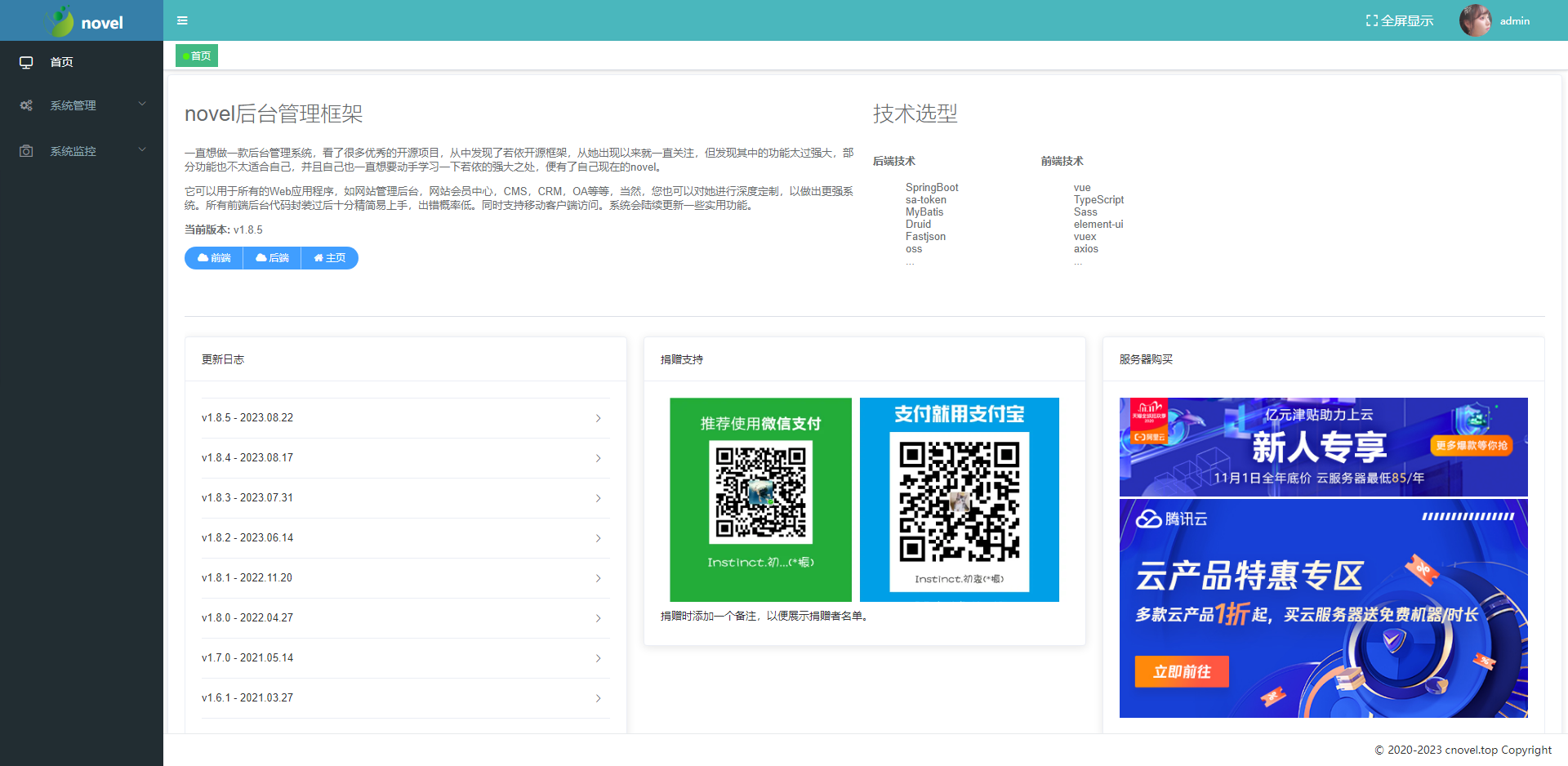
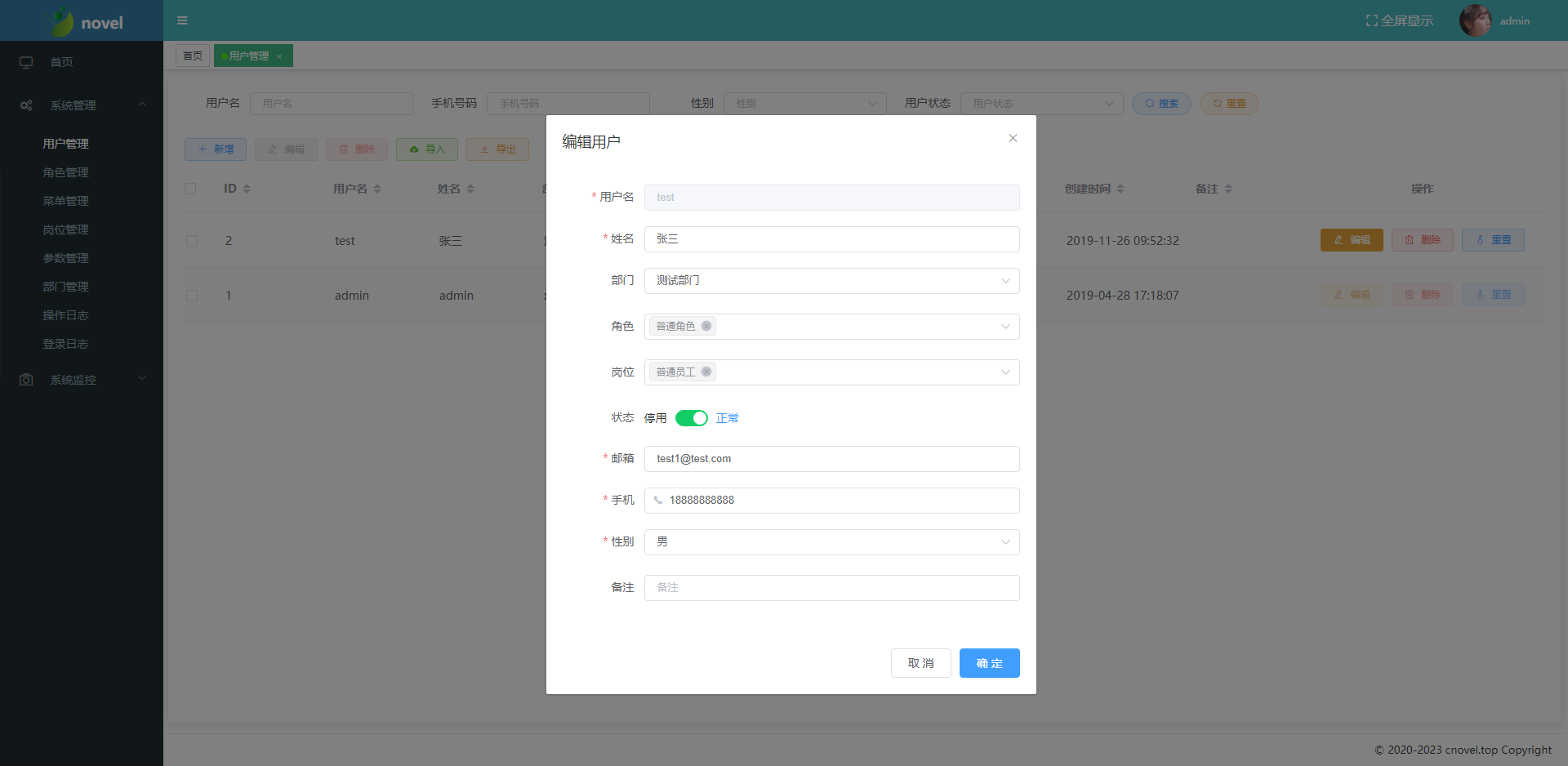
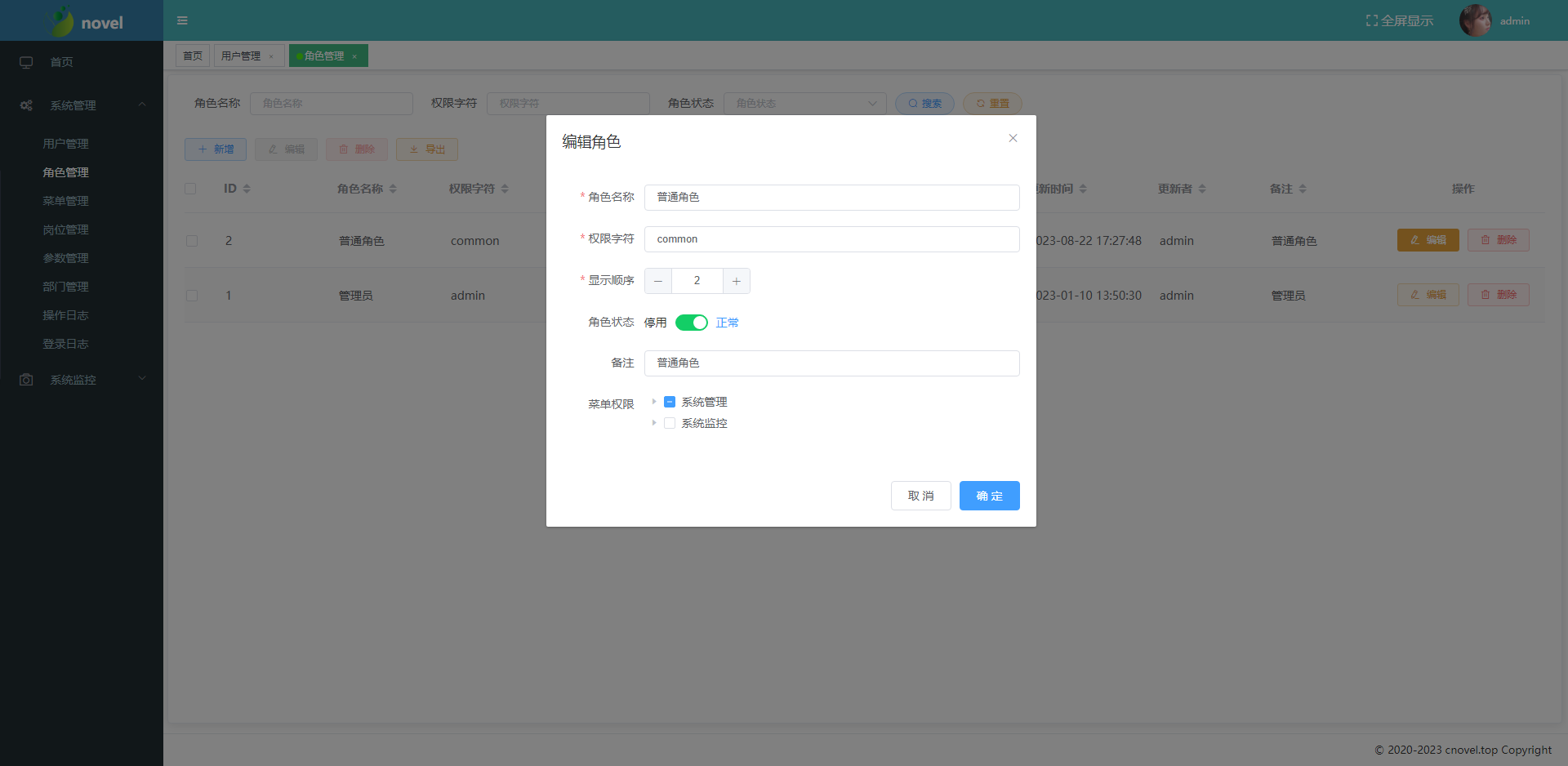
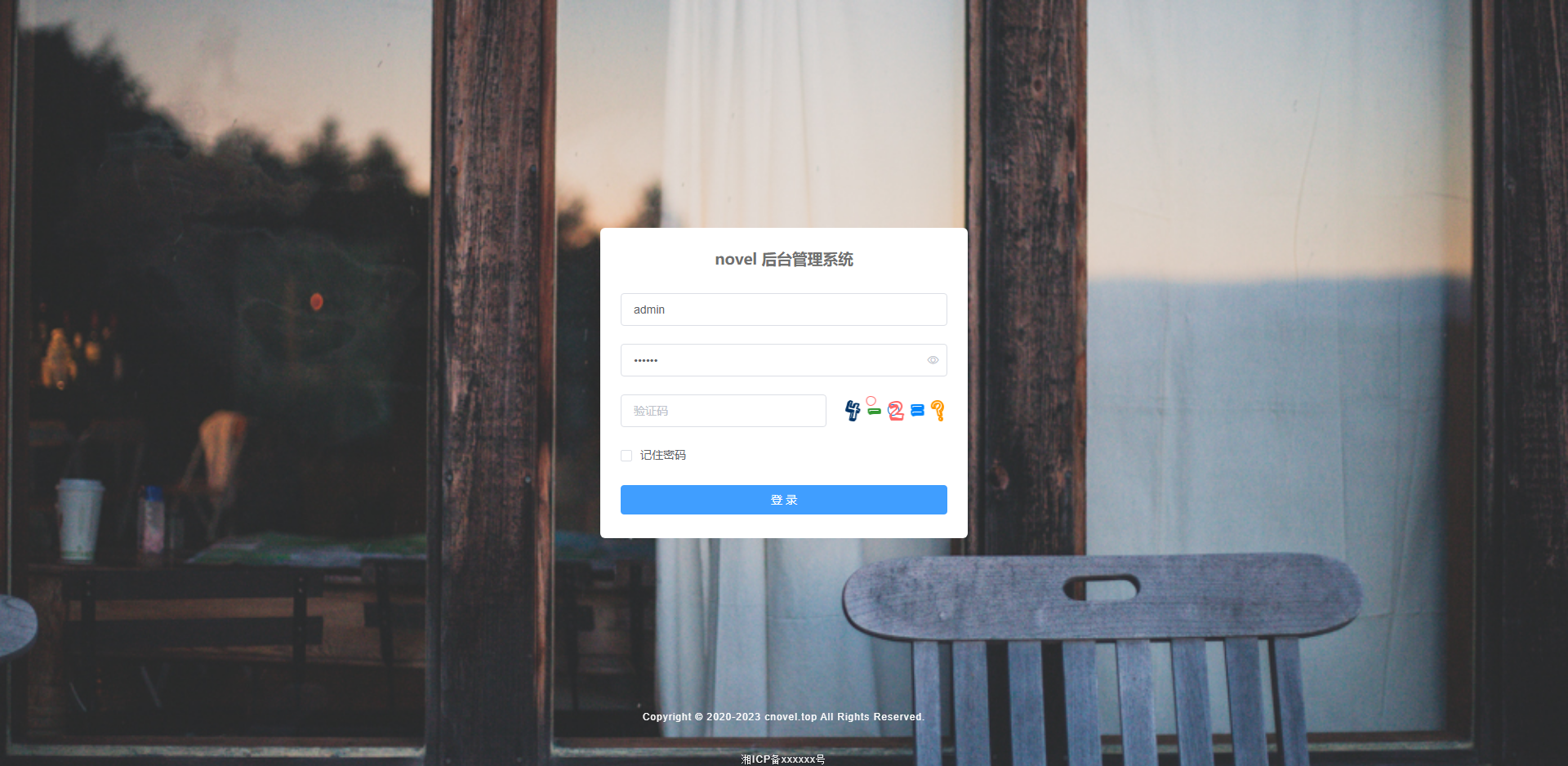
演示图

查看组件在不同场景下的使用效果:

| 登录界面 | 首页 | |---------|------| | 用户登录 | 系统首页 |
| 用户管理 | 用户编辑 | |---------|----------| | 用户管理 | 用户编辑 |
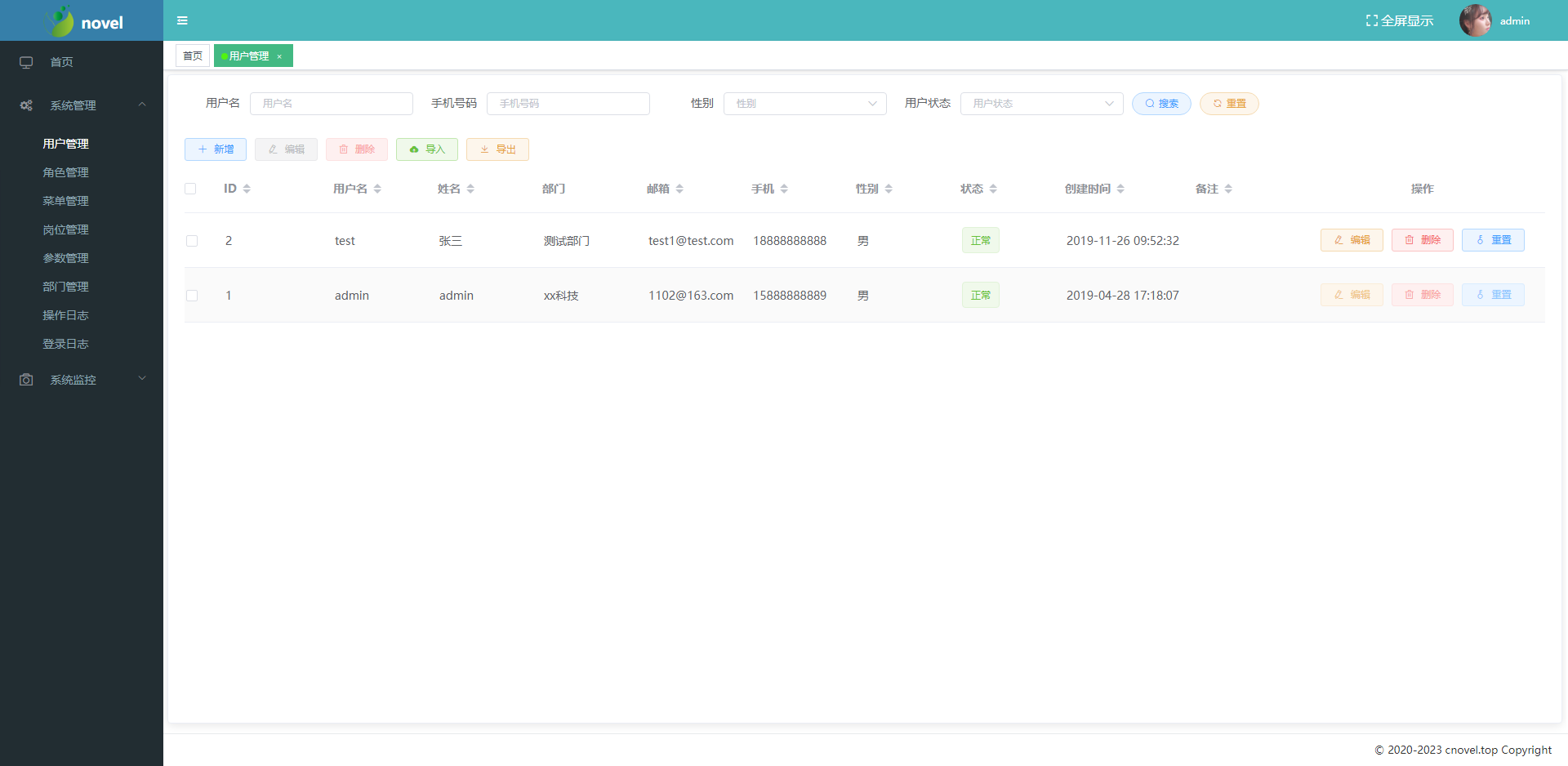
| 角色管理 | 角色编辑 | |---------|----------| | 角色管理 | 角色编辑 |
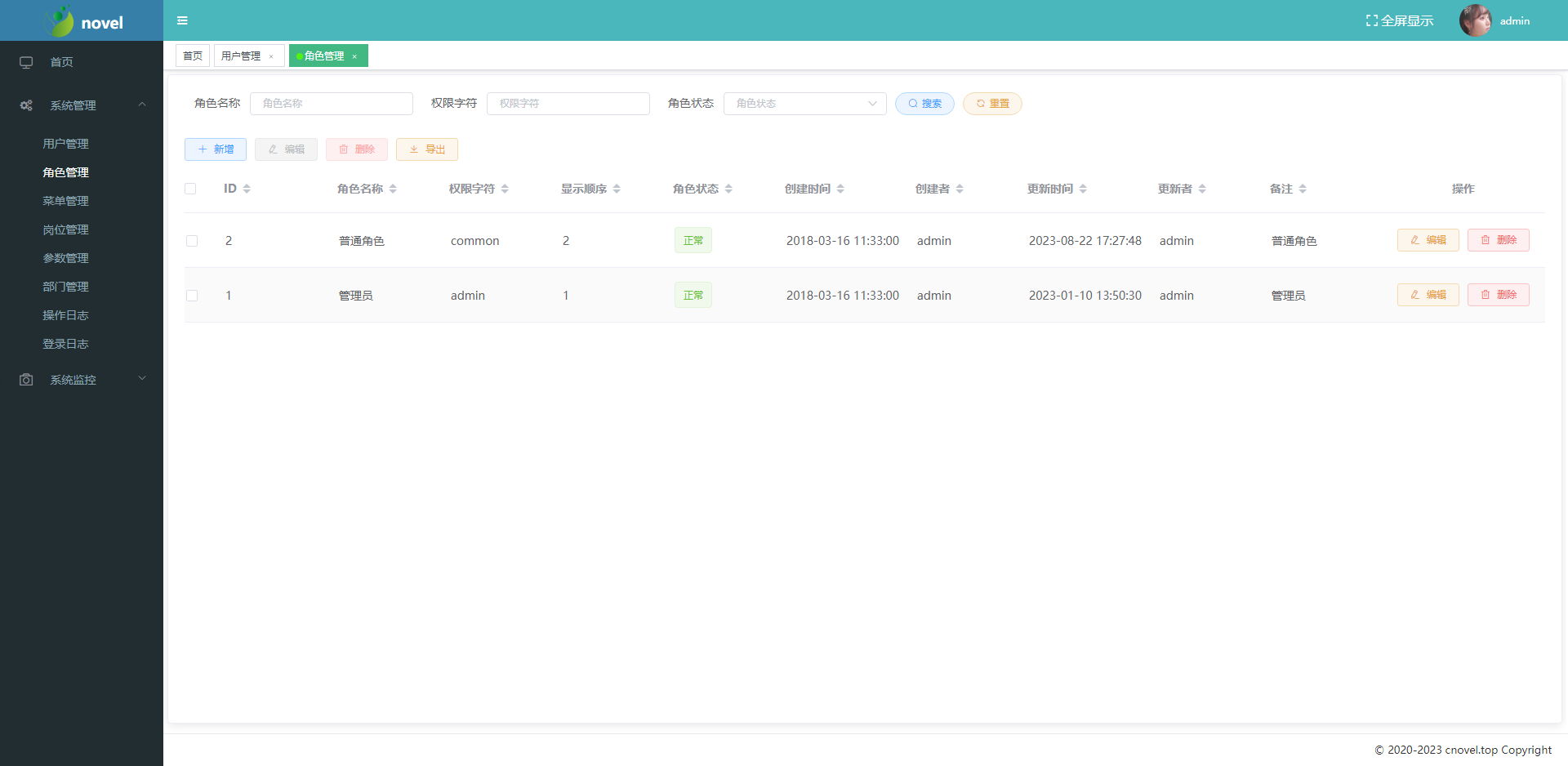
更多界面截图请参见项目文档或访问演示页面。