
npm-trusted-publisher
v2.2.2
Published
A zero-config CLI tool and GitHub Actions workflow for secure, automated npm publishing. Replaces NPM_TOKEN with OIDC, automatically syncs versions, updates changelogs, commits build artifacts, and enables provenance-backed releases.

Maintainers
 khvichadev
Readme
npm Trusted Publisher 🚀
A lightweight CLI helper for npm Trusted Publishing workflows.
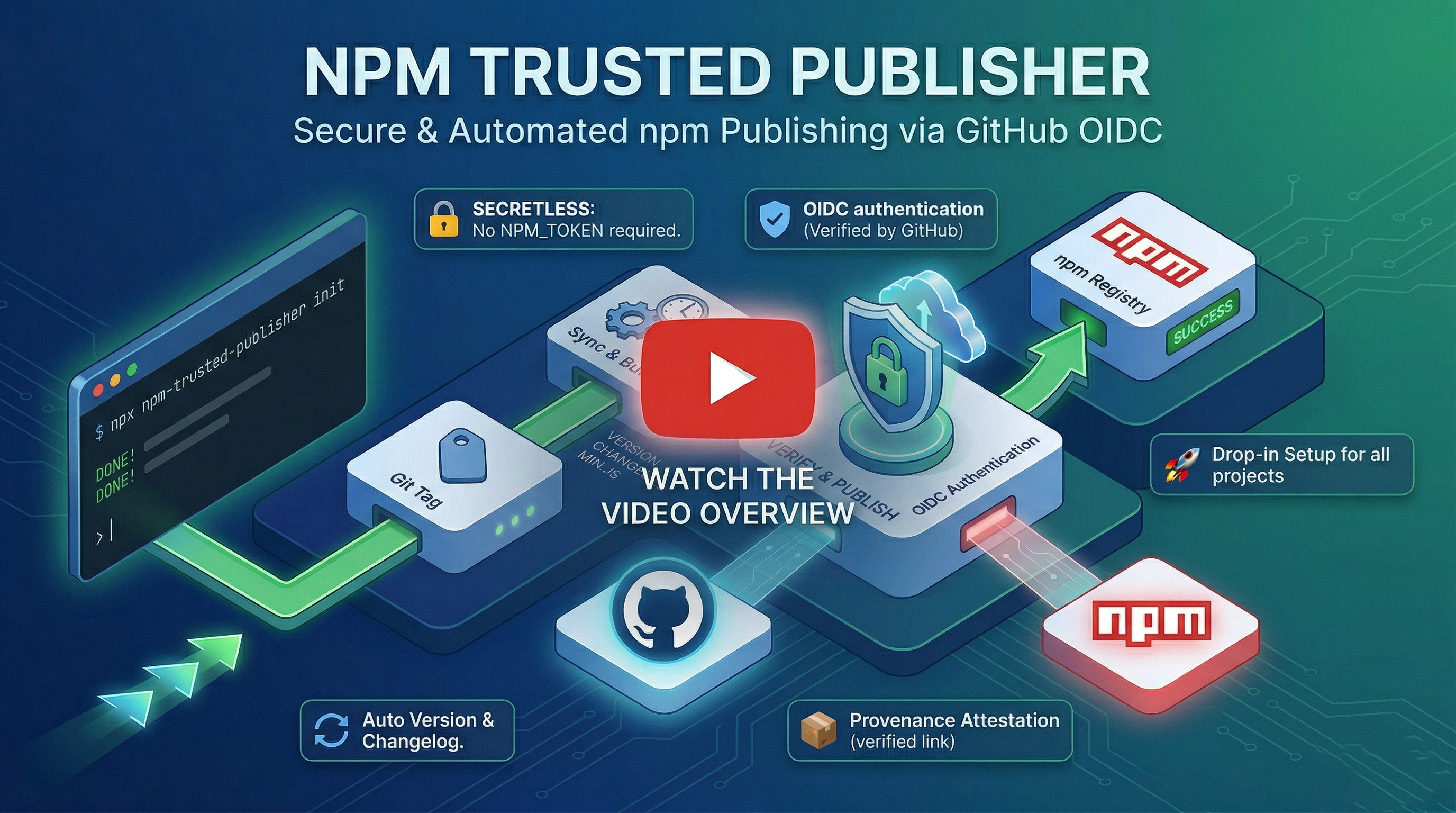
Forget about NPM_TOKEN secrets. Start publishing securely in seconds. A drop-in kd-npm-publish.yml workflow that automates your npm releases using OIDC — no tokens, no manual setup. Includes a zero-config CLI to get started instantly.





🌟 What is this?
npm Trusted Publisher is an open-source helper tool designed to drastically simplify and automate the process of publishing packages to npm.
It generates a production-ready GitHub Actions workflow that utilizes npm's native Trusted Publishing feature. This means your CI/CD pipeline authenticates with npm securely using short-lived OIDC tokens, completely eliminating the need to generate, store, or rotate classic NPM_TOKEN secrets in your repository.
🏅 The npm Verification Badge (Provenance)
Because this workflow uses secure Trusted Publishing, every package you release will automatically receive the npm Provenance badge (provided by npm) on npmjs.com. This verification badge proves to your users exactly which GitHub repository and specific commit the package was built from, ensuring maximum trust and transparency.
👤 Who is this for?
- Developers who want to adopt npm's Trusted Publishing but don't want to manually write the YAML workflow from scratch.
- Open-source maintainers who want automated, hands-free releases (auto changelogs, auto versions, auto build syncing).
- Teams that prioritize supply chain security and want the official npm verification badge.
⚠️ Note on Private Packages: npm Provenance is currently only supported for public packages published from public repositories. Because of this limitation, this workflow enforces
--access publicand is not intended for private npm packages.
✨ Key Features
- 🔒 Secretless Publishing — Authenticates directly with npm using GitHub OIDC. Say goodbye to managing or rotating
NPM_TOKENs in GitHub Secrets. - 📜 Hands-Free Changelogs — Automatically keeps your
CHANGELOG.mdin sync with your releases (no manual updates required). - 🔄 Single-Source Versioning — Ensures your
package.jsonalways matches your GitHub Release Tag exactly. Just tag it and forget it. - 📦 Automated Build & Commit — Builds your project and commits generated artifacts (like
min.jsordist/) back to the repo, ensuring your source of truth matches what's published. - ⚡ Works With Or Without Scripts — Smart logic detects if you have
testorbuildscripts. If they exist, it runs them; if not, it skips them gracefully. - 🛡️ Verifiable Provenance — Builds trust with your users by creating a cryptographic, verifiable link between your published package and the GitHub Action run.
🔍 Workflow Architecture Preview
This is a high-level skeleton of how the 100+ lines of our workflow act securely in the background. Notice the complete absence of any stored NPM_TOKEN or env secrets:
on:
  release:
    types: [published]

permissions:
  contents: write # To auto-commit build artifacts & versions
  id-token: write # To securely authenticate with npm via OIDC

jobs:
  build:
    # 1. Syncs your package.json version to the new GitHub Release tag
    # 2. Runs your build scripts and tests
    # 3. Commits `dist/` or `min.js` artifacts directly back to the repo
  publish-npm:
    needs: build
    # 1. Checks out the newly pushed, synchronized code
    # 2. Publishes to npm using: npm publish --provenance --access public
🆚 The Evolution of npm Publishing
| Feature | Manual (npm publish) | Standard CI/CD | This Workflow |
|---------|------------------------|----------------|-------------------|
| Secretless (No NPM_TOKEN) | ❌ No | ❌ No | ✅ Yes (OIDC) |
| Fully automated | ❌ No | ✅ Yes | ✅ Yes |
| Official npm Provenance | ⚠️ Complex | ⚠️ Manual setup | ✅ Built-in |
| Auto-syncs version tag | ❌ No | ⚠️ Custom scripts | ✅ Built-in |
| Auto-updates CHANGELOG | ❌ No | ⚠️ Custom scripts | ✅ Built-in |
| Auto-commits artifacts (e.g. min.js) | ❌ No | ⚠️ Custom scripts | ✅ Built-in |
📦 Example Output
By simply publishing a new GitHub Release (e.g., v1.0.5), you get:
- ✅ Package published to npm with an official Provenance badge.
- ✅
CHANGELOG.mdupdated automatically with your release notes. - ✅
package.jsonversion synced cleanly with your tag. - ✅ Build artifacts committed back to your repository, ensuring 1:1 repository parity. (Auto-commit is intentional: it guarantees perfect reproducibility between your GitHub source and the npm package).
🛠️ How It Works
This workflow follows a Two-Stage "Build & Verify" Architecture:
The Build Job
- Synchronizes
package.jsonversion with the Release Tag. - Updates
CHANGELOG.mdwith release notes. - Runs tests and generates production-ready assets (e.g.,
dist/,min.js). - Commits and pushes updated files back to your main branch and updates the Tag.
The Publish Job
- Downloads the verified source code.
- Authenticates with npm via OIDC.
- Publishes the package with a public provenance attestation.
🚀 Quick Start
1. Configure npm
💡 Important: If you haven’t published your package to npm yet, you’ll need to publish it once before its Settings page becomes available.
Go to your package settings on npmjs.com and configure Trusted Publishing:
- Provider: GitHub Actions
- Repository:
YourUsername/YourRepo - Workflow Name:
kd-npm-publish.yml
2. Update package.json
For npm Provenance to work properly, your package.json must include your repository URL. Copy this into your package.json file (and replace the URL with your real repo):
  "repository": {
    "type": "git",
    "url": "https://github.com/YourUsername/YourRepo"
  }
3. Add the Workflow
Choose the integration method that works best for you:
Method 1: CLI Tool (Fastest) ⚡
Run this command in your project's root directory:
npx npm-trusted-publisher initThis single command will automatically:
- Create the
.github/workflows/directory - Drop the pre-configured workflow file into your project
- Validate your basic setup
Method 2: Reusable Workflow (Centralized Updates) 🏢
If you manage multiple npm packages across different repositories, keeping duplicated publishing workflows up-to-date is a nightmare. By calling a reusable workflow, you maintain a single source of truth. Whenever the core publishing logic is improved, all your repos inherit it automatically without needing multiple PRs.
Create a minimal .github/workflows/kd-npm-publish.yml in your target repo and point it to the central action:
name: Publish to npm

on:
  release:
    types: [published]

jobs:
  publish:
    uses: KhvichaDev/npm-trusted-publisher/.github/workflows/kd-npm-publish.yml@main
    permissions:
      contents: write
      id-token: write
Method 3: Direct Download 💾

- Download the
kd-npm-publish.ymlfile. - Place it into your project at exactly:
.github/workflows/
(Alternatively, create a file named kd-npm-publish.yml in that directory and manually paste the contents).
4. Release!
Simply create a new GitHub Release:
- Tag Name: Use the
v1.x.xformat (e.g.,v1.0.5). - Release Title: Give it a name (this will appear in your
CHANGELOG). - Description: Describe your changes (this becomes your
CHANGELOGbody).
Once you click Publish Release, the automation takes care of the rest!
🛡️ Security Best Practices
Release-Only Trigger — This workflow is strictly restricted to authorized Releases. It will never run on a Pull Request, preventing unauthorized code from being pushed to your main branch or npm.
Environment Isolation — Each run occurs in a fresh, ephemeral Ubuntu runner. No local secrets or
.envfiles are ever exposed.Transparent History — Every update to the package is cryptographically linked to a GitHub Action run via npm Provenance, ensuring your users can trust the code they download.
🤝 Contributing
Found an edge case or have an idea for an advanced CI/CD setup? Contributions, issues, and feature requests are highly welcome! Check out the issues page to get involved.
📄 License
This workflow and its documentation are released under the MIT License.
Crafted with ❤️ for the open-source community by KhvichaDev — not affiliated with npm, Inc.