
nspin-bun
v1.2.1
Published
Fast and lightweight ESM spinner package optimized for Bun and modern Node.js runtimes

Maintainers
 imgildev
Readme
nspin-bun


Overview
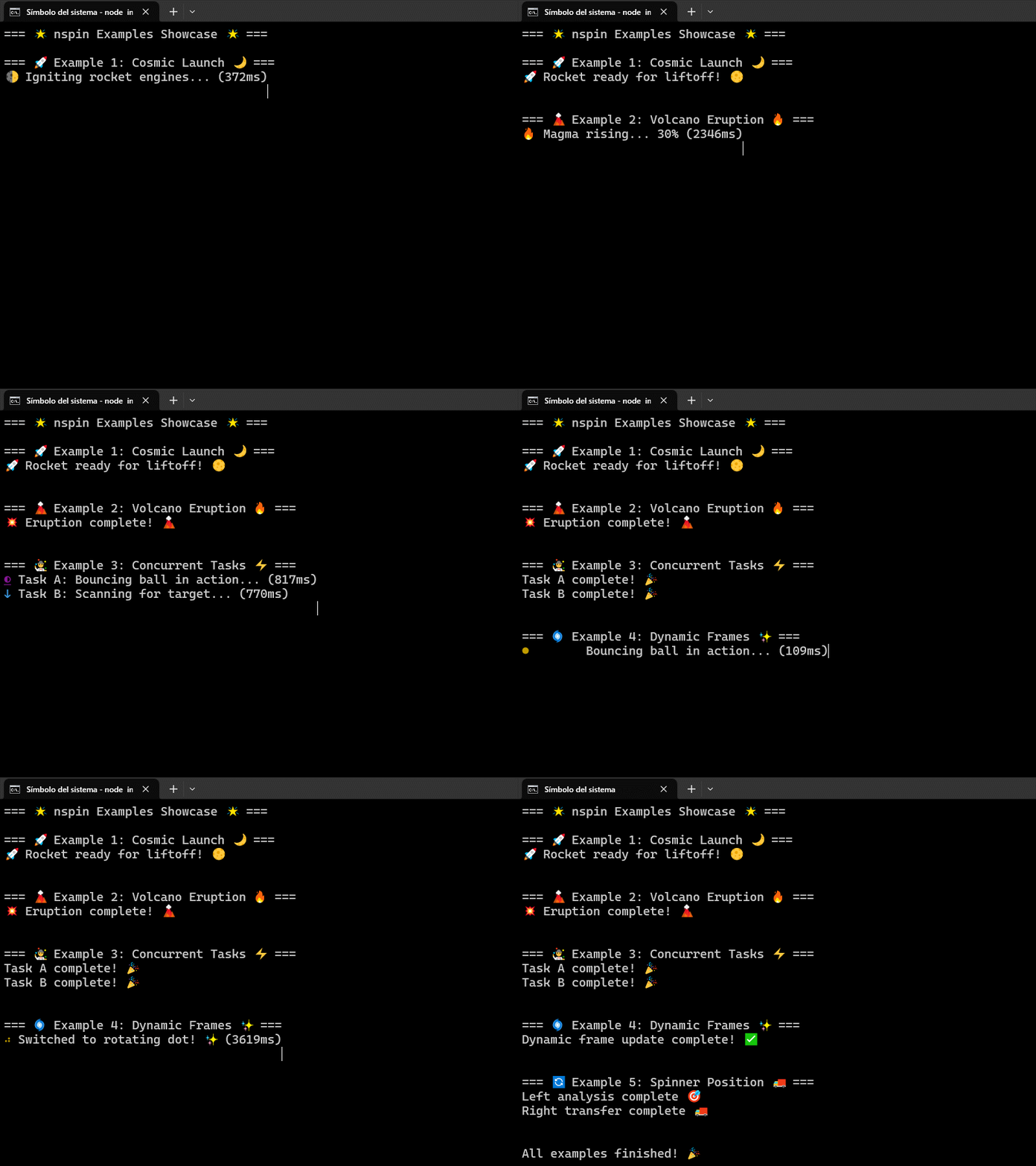
nspin-bun is a lightweight, dependency-free spinner package engineered exclusively for Bun environments. Inspired by nspin, it leverages modern Node.js APIs (like styleText and performance.now()) along with Bun's native capabilities to deliver an ultra-fast, minimal CLI spinner experience—all without external dependencies.
Requirements
- Node.js 22+: To access modern APIs such as
styleTextandperformance.now(). - Bun (>= 0.6.0): Optimized for Bun’s native build, test, and runtime environment.
Key Features
- Optimized for Bun: Enjoy blazing-fast build and test speeds with an ultra-small footprint.
- Modern & Native: Uses advanced Node.js features for reliable and high-performance spinners.
- Zero Dependencies: No external libraries, ensuring a lightweight and secure package.
- Chainable API: Easily manage spinners with fluent methods such as
start,updateText,updateFrames, andstop. - Dynamic Frame Updates: Change the spinner animation on the fly using
updateFrames(newFrames: string[]). - Adaptive Output: Automatically adjusts for both TTY and non-TTY environments.
- Configurable Positioning: Position the spinner to the left (default) or right of the message.
Installation
Since nspin-bun is built exclusively for Bun, install it using Bun’s package manager:
bun add nspin-bunNote: Although available on npm, nspin-bun is optimized specifically for Bun environments.
Quick Usage
Below is a basic example that demonstrates how to initialize a spinner, update its status, and stop it when the task is complete.
import { Spinner } from "nspin-bun";

// Define spinner frames (e.g., progressive updates)
const spinner = new Spinner({
  frames: ["⠋", "⠙", "⠹", "⠸"],
  interval: 80,
  format: "green"
});

spinner.start("Initializing...");

let progress = 0;
const interval = setInterval(() => {
  progress += 20;
  spinner.updateText(`Progress: ${progress}%`);
  if (progress >= 100) {
    clearInterval(interval);
    spinner.stop("Task complete!");
  }
}, 1000);
API Overview
new Spinner(options)Create a new spinner instance with the following options:frames: An array of spinner frames (e.g.,["⠋", "⠙", "⠹", "⠸"]).interval: Frame delay in milliseconds (default is 80).format: Styling options applied viastyleText.position: Position relative to the text ('left'or'right').
Instance Methods:
start(text?: string): Begin the spinner with an optional initial message.updateText(newText: string): Update the spinner’s displayed message in real time.updateFrames(newFrames: string[]): Dynamically update the spinner frames.stop(finalText?: string): Stop the spinner and optionally show a final message.
Additional Information
Error Handling & Non-TTY Environments: nspin-bun gracefully degrades in non-TTY environments, ensuring a clear and readable output even when terminal capabilities are limited.
Performance Optimized: Built with both modern Node.js and Bun features, the package minimizes overhead and maximizes performance.
Clean & Modular Design: The design follows SOLID principles, making the package easy to extend and maintain.
Documentation & Support
For detailed documentation, comprehensive usage examples, and API references, please visit the GitHub repository.
If you have any issues or suggestions, please open an issue on GitHub.
This README for npm is a simplified version. For the complete documentation, including all examples and in-depth API details, please refer to the full README on GitHub.