
oca-ui
v2.4.1
Published
Scaffold a token-driven, bilingual, mobile-first design-system app — pick a design system and a framework stack (Next.js or TanStack Start · React 19 · Tailwind 4 · shadcn).

Maintainers
 thomassamoul
Readme
oca-ui
A CLI that scaffolds a token-driven, bilingual, mobile-first design-system app — React 19 · Tailwind 4 (OKLCH) · shadcn conventions, on your choice of Next.js or TanStack Start. Every template ships with all 35 UI primitives, the design tokens, the design rules, and a built-in component showcase (Storybook-style) on the index page.
On top of the showcase, each template ships production-ready boilerplate — a responsive app shell, a dashboard, a sortable/filterable/paginated data table, and zod-validated auth + settings forms — all wired to the same tokens and to the chosen stack's idiomatic conventions: Next.js App Router with Server Actions + useActionState, or TanStack Router + Query + @tanstack/react-form with server functions. Both organize each domain as a feature vertical slice (service class · queries/mutations or actions · components).
oca-ui init opens a browser gallery so you can pick which design system to scaffold, then prompts for the framework stack and data layer in the terminal.
Usage
npx oca-ui init my-app    # opens a picker in your browser, then scaffolds
cd my-app
npm run dev               # http://localhost:3000 — the full component showcase
Skip the picker by naming a template directly:
npx oca-ui init my-app --template oca       # OCA brand (navy + red)
npx oca-ui init my-app --template default   # cool-slate OKLCH
Options:
-t, --template <id>        design system to scaffold (skips the picker)
--no-browser               pick in the terminal instead of the browser
--stack <next|tanstack>    framework: Next.js or TanStack Start (default: next)
--pm <npm|pnpm|yarn|bun>   package manager for install (default: npm)
--backend <builtin|external>  data layer: the stack's built-in backend or an external API
--no-install               copy files only, skip dependency install
--no-git                   skip git repository init
-y, --yes                  accept defaults, no prompts (uses the first template)
--ascii                    force the ANSI logo instead of the image
-h, --help                 show help
Preview
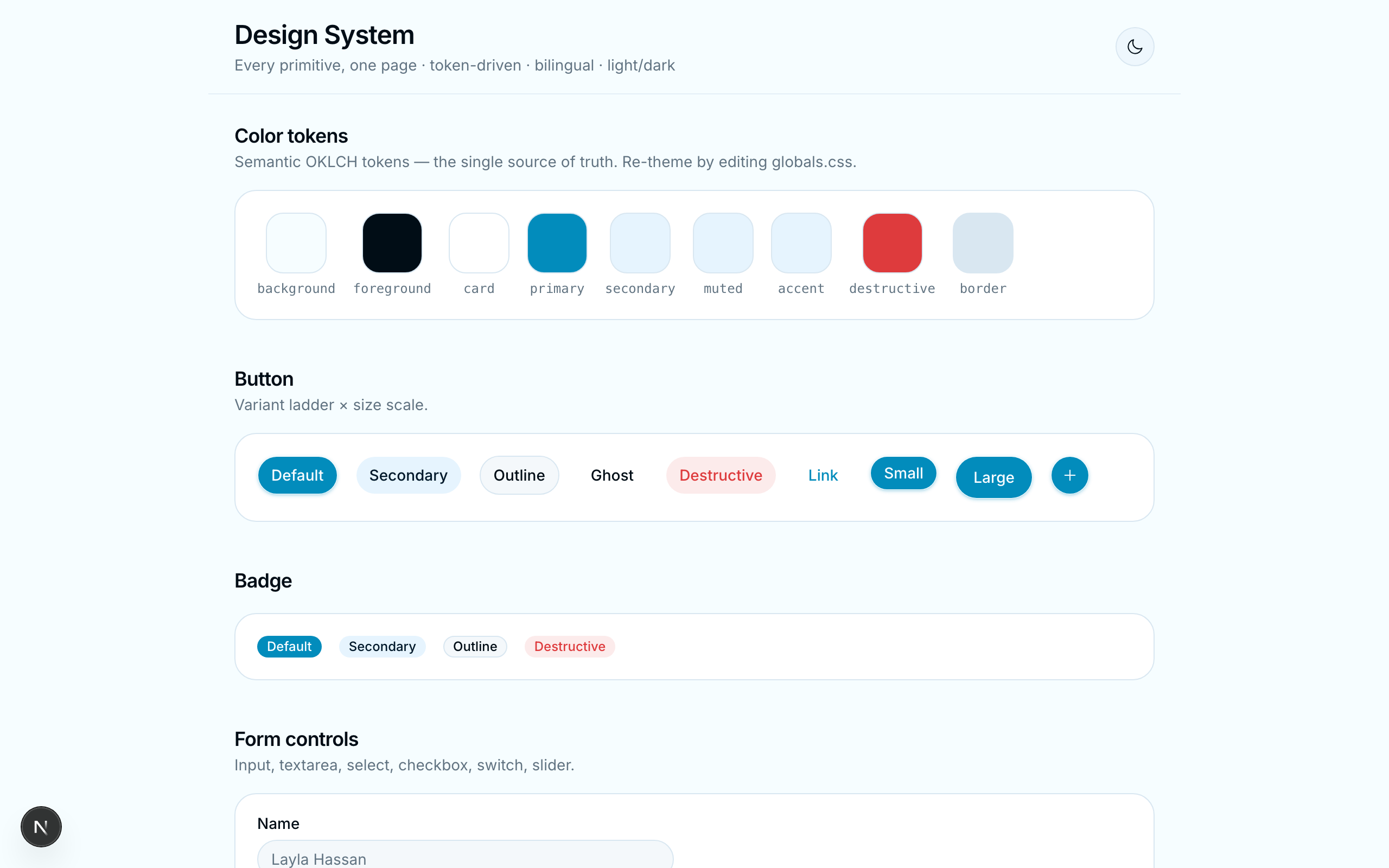
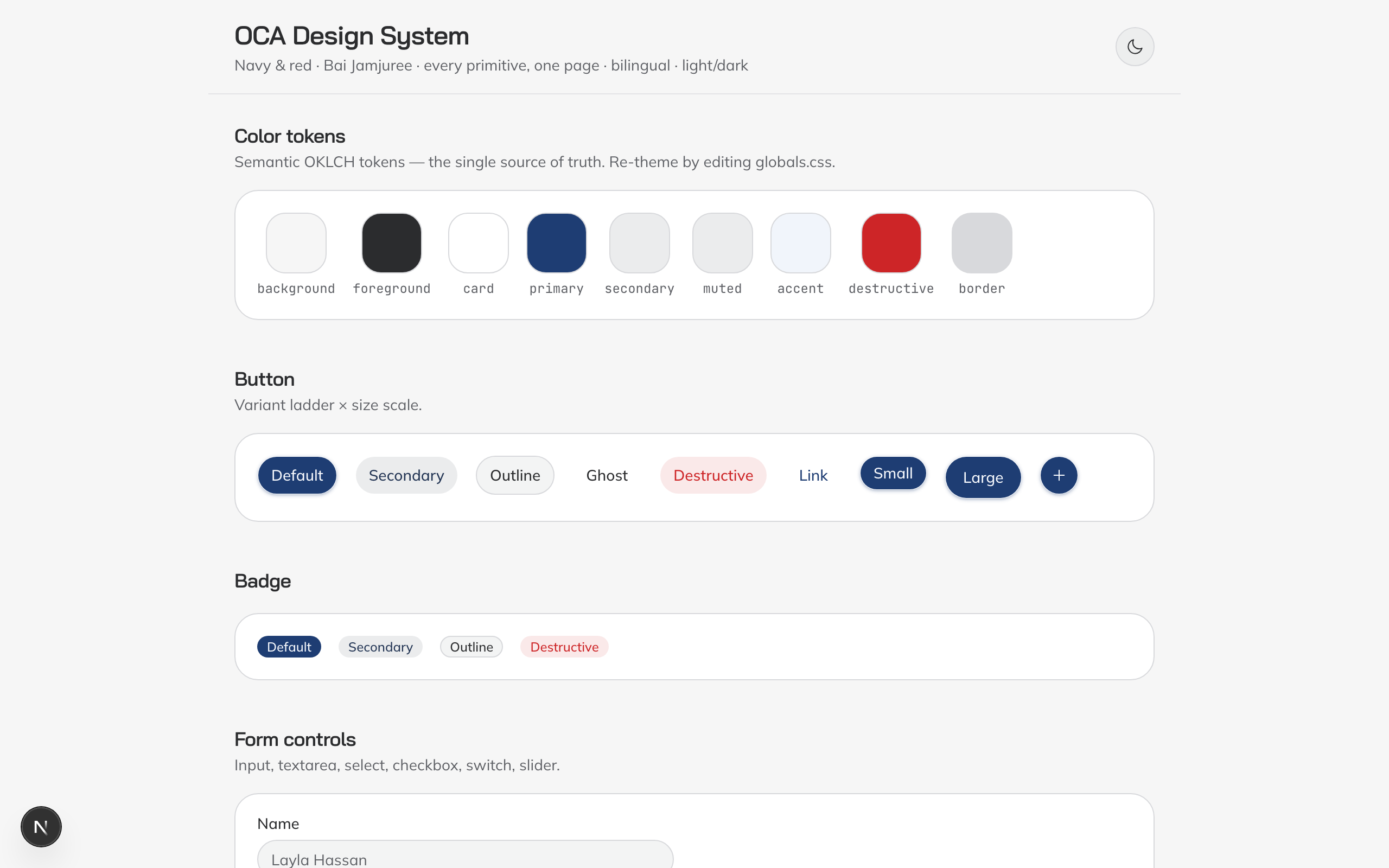
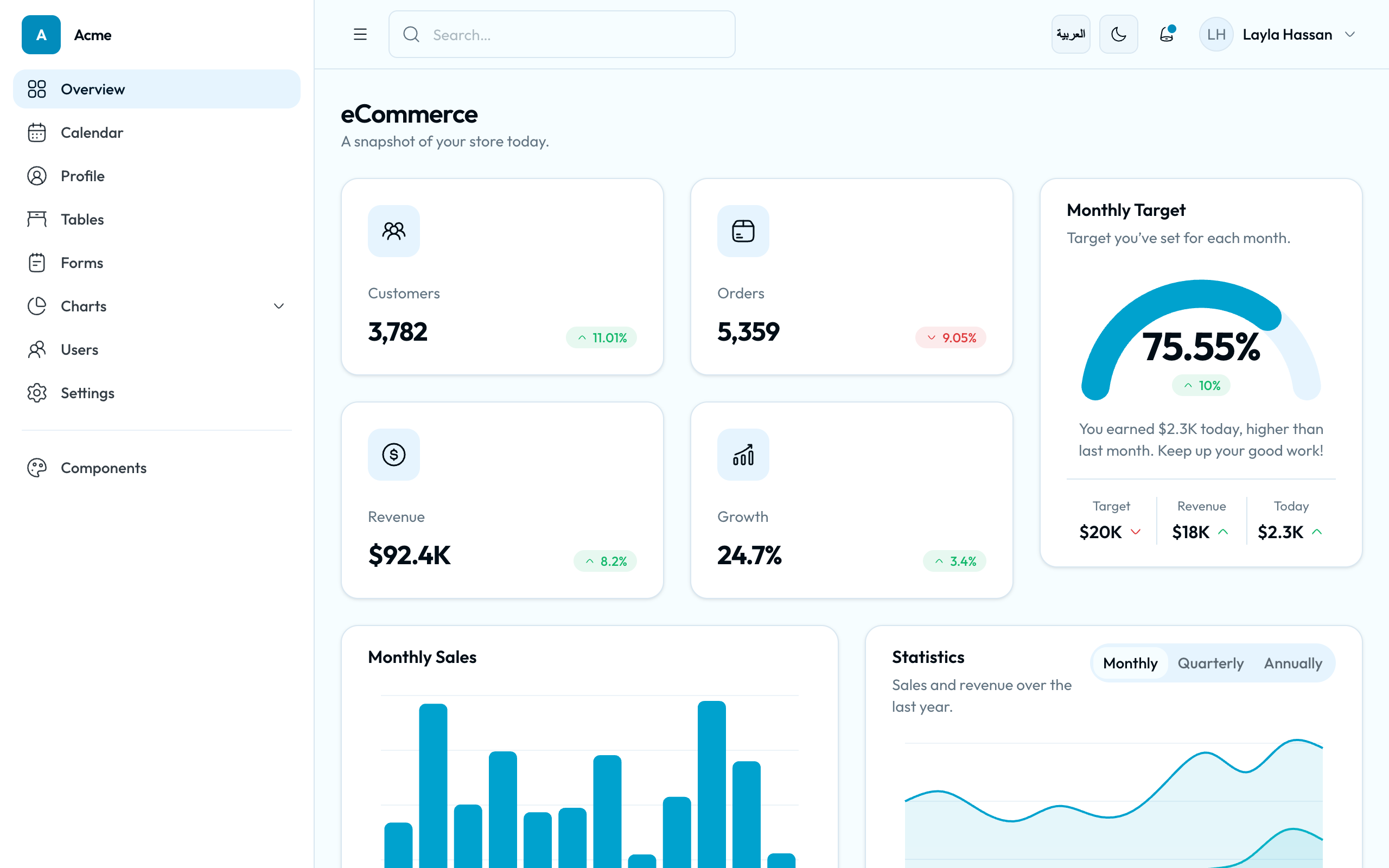
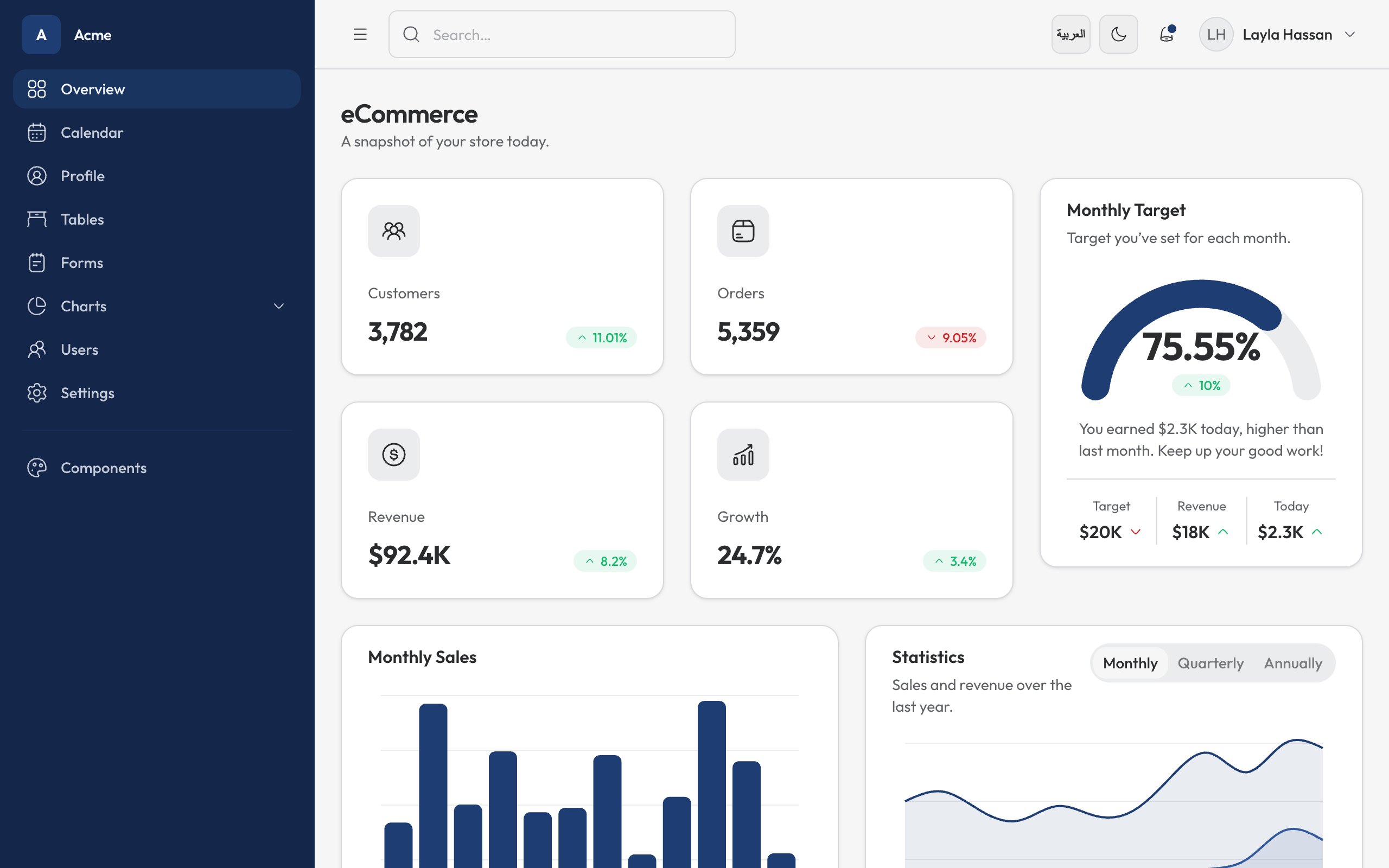
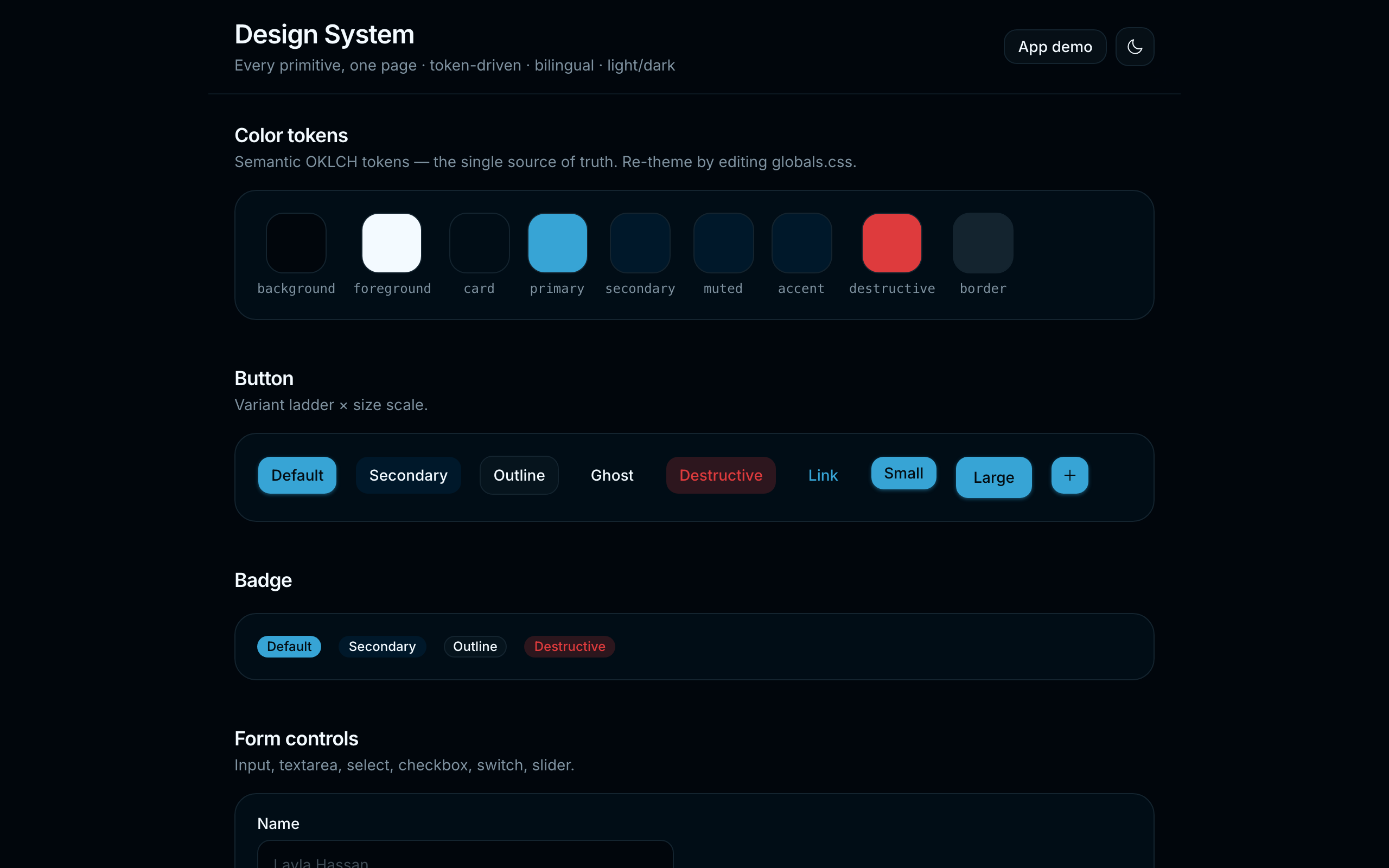
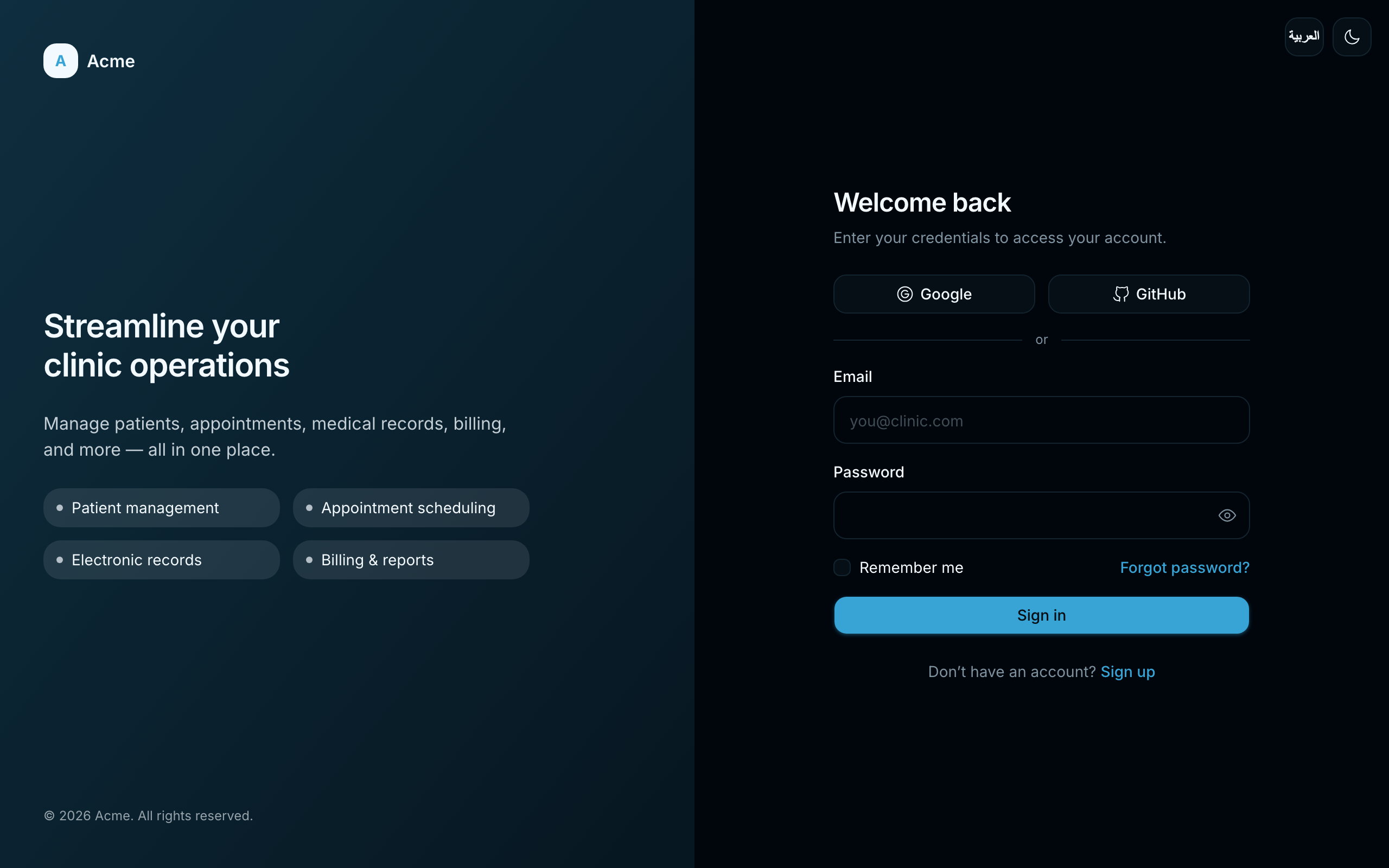
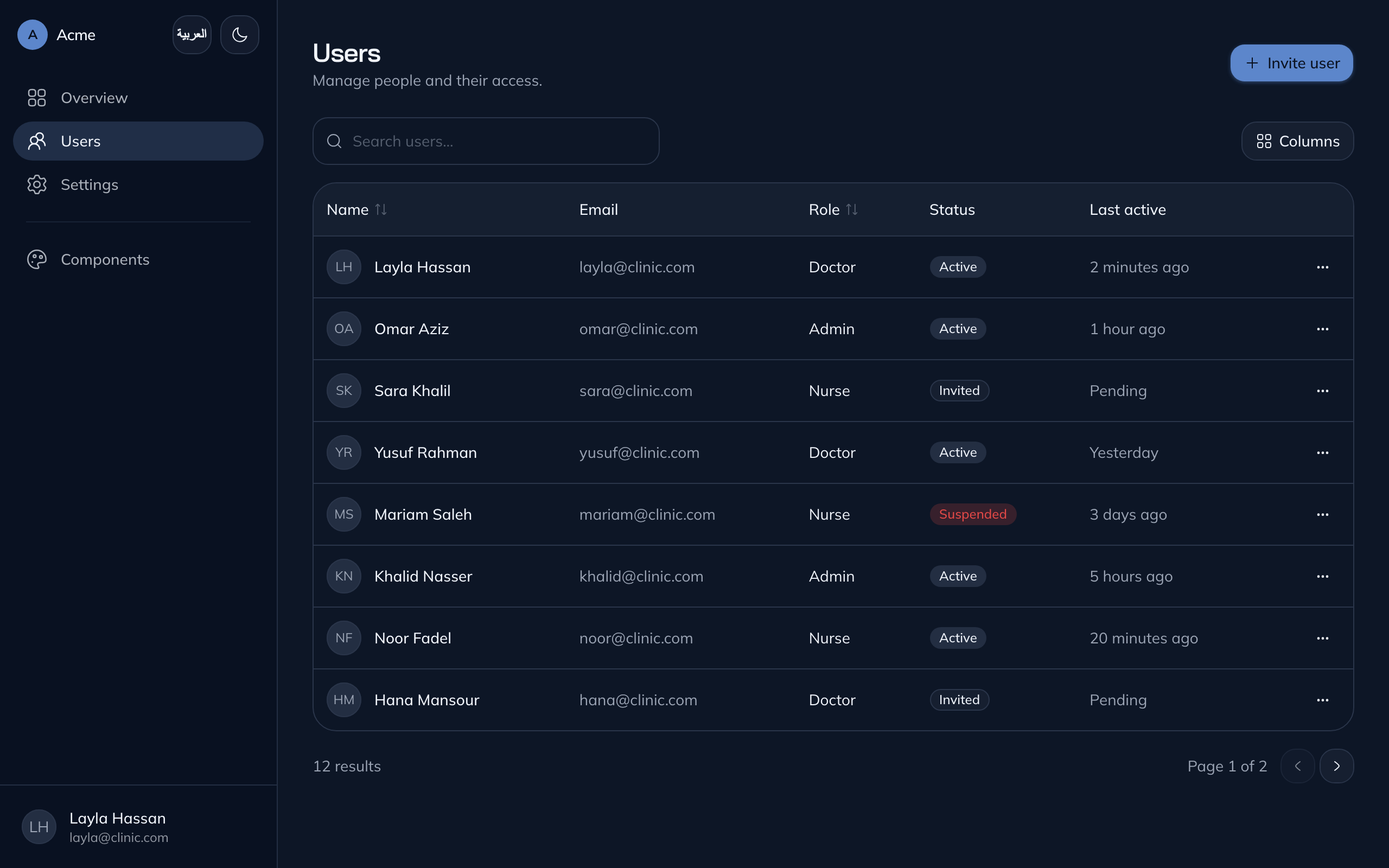
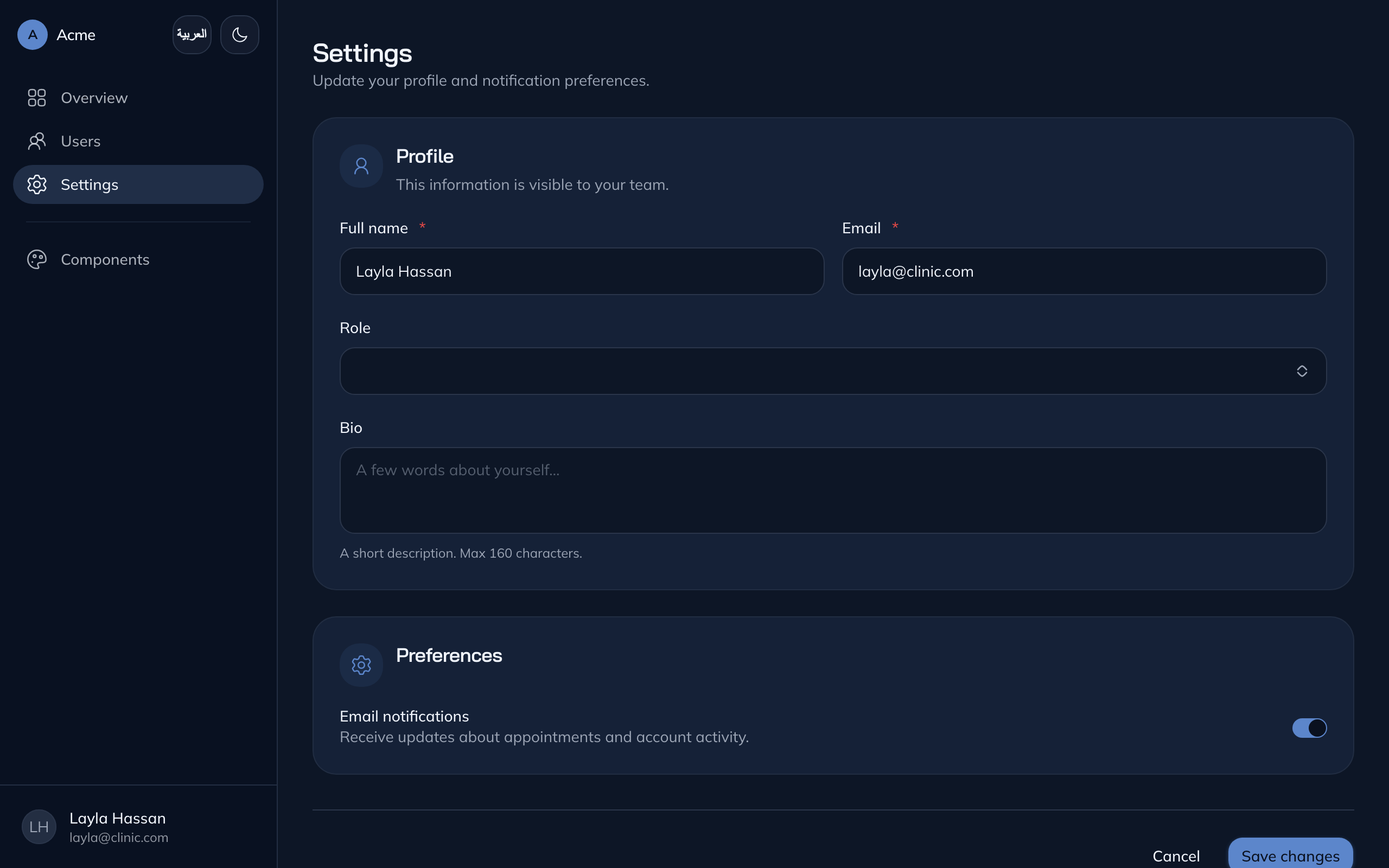
Four design systems, one component kit — pick in the browser gallery, or skip it with --template.
| Cool Slate · default | OCA Brand · oca |
| :---------------------------------------------------: | :-----------------------------------------------------: |
|  |
|  |
|
| TailAdmin · tailadmin | TailAdmin · OCA Brand · tailadmin-oca |
| :-----------------------------------------------------: | :------------------------------------------------------------: |
|  |
|  |
|
Every template is bilingual (EN/AR) with first-class RTL and ships light and dark — see the full Gallery below for every page in both modes.
Screenshots are served from the published npm package via jsDelivr, so they render on the npm page without depending on the source repository.
Design systems
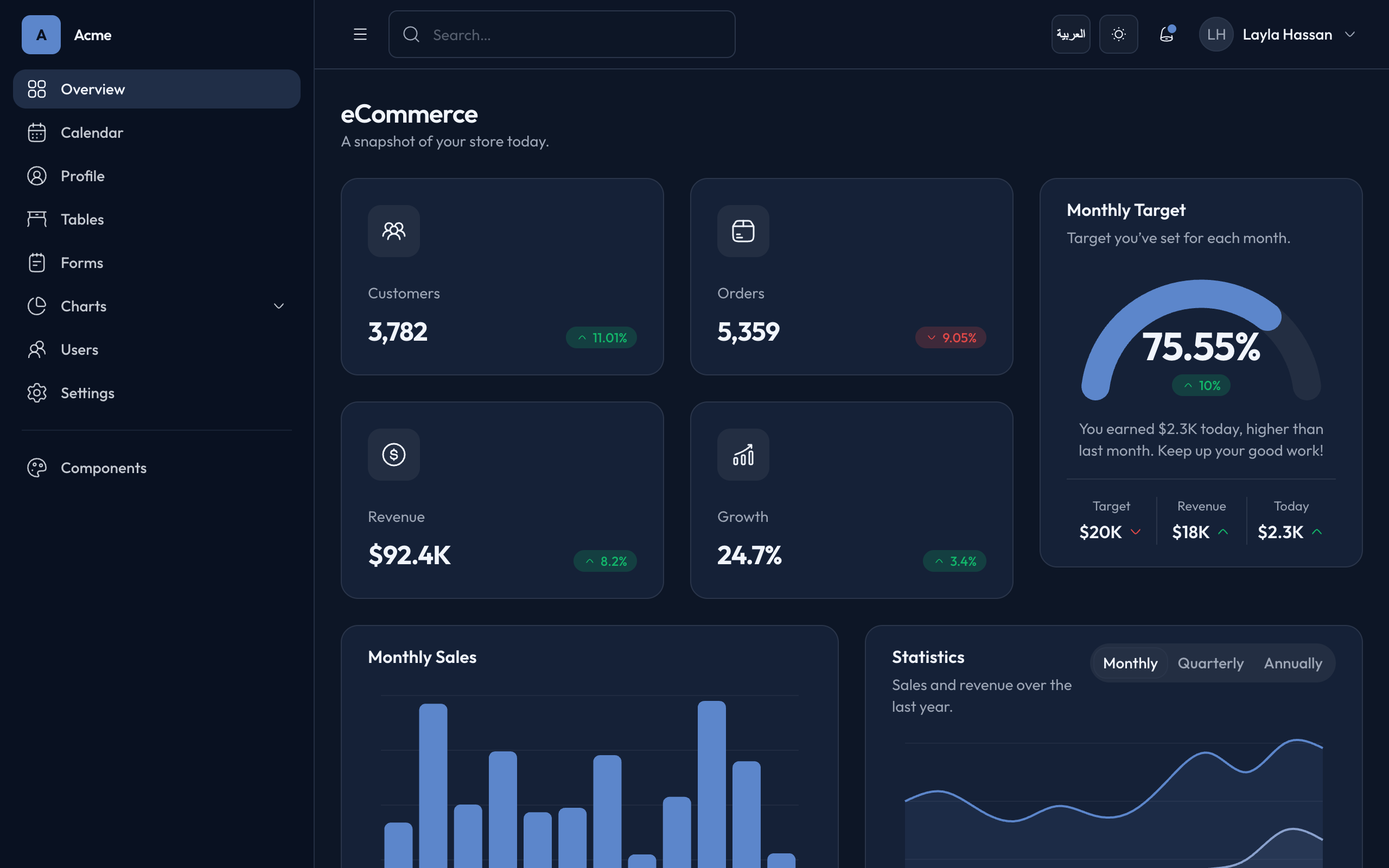
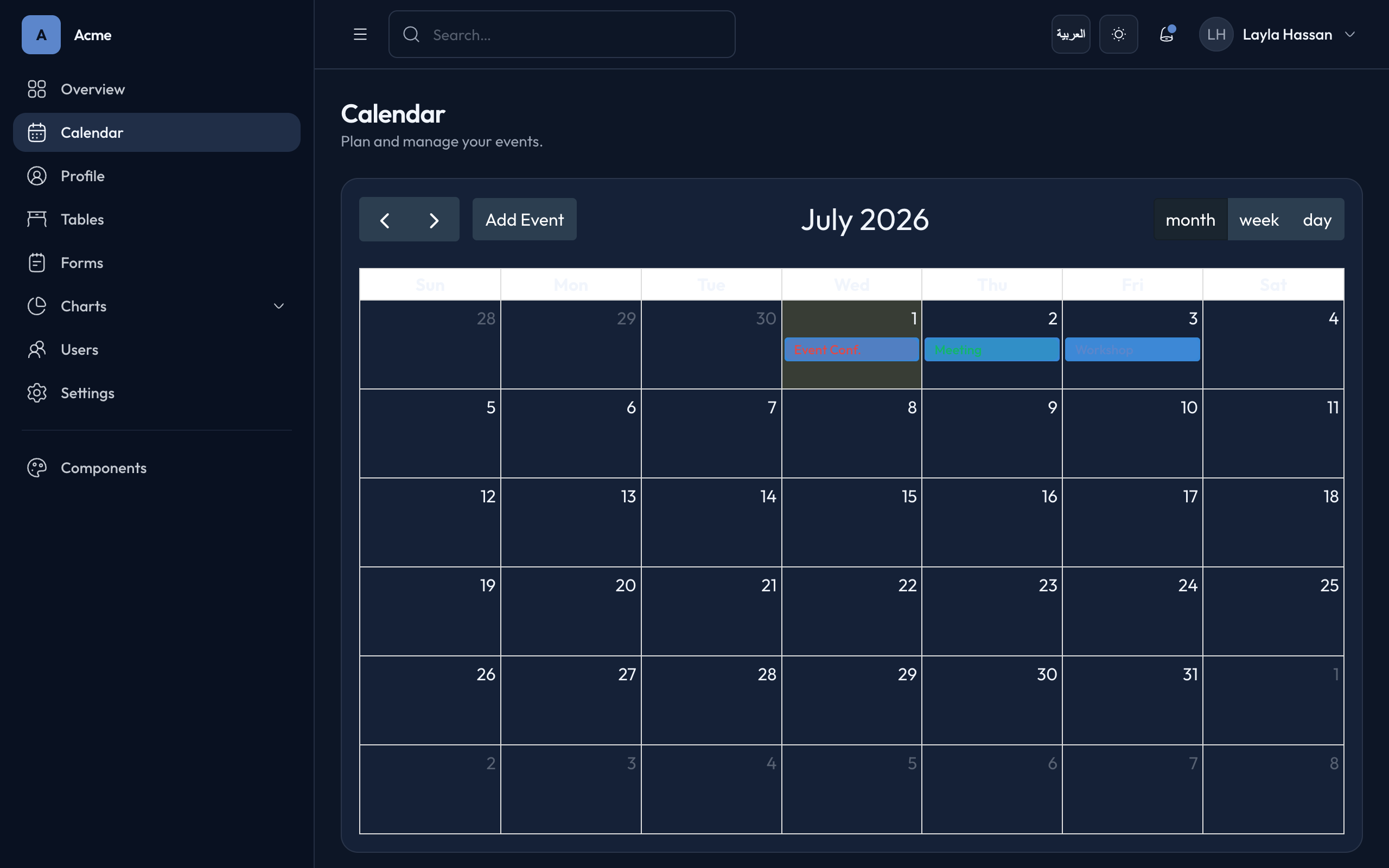
default and oca are the same component kit (all 35 primitives, bilingual/RTL, light/dark) with a different skin. tailadmin is its own family with a fuller feature set, and ships in two colour variants that share one shell (Outfit type, soft shadows, 0.5rem radius) and differ only in palette — tailadmin on Cool Slate and tailadmin-oca on the OCA brand. Pick one in the gallery, or with --template:
| id | name | look |
| -------------- | -------------------- | ----------------------------------------------------------------------- |
| default | Cool Slate | cool-slate OKLCH neutrals, calm navy primary — the original system |
| oca | OCA Brand | navy #1E3D73 + red #CD2527, Bai Jamjuree headings, Mulish body (from the OCA Design System on Claude Design) |
| tailadmin | TailAdmin | Cool Slate palette (calm navy primary on cool-slate neutrals), Outfit type, soft shadows — collapsible sidebar, ecommerce dashboard, calendar, forms, charts, tables & profile (ported from TailAdmin) |
| tailadmin-oca| TailAdmin · OCA Brand | the same TailAdmin shell recoloured to the OCA brand — navy #1E3D73 primary, red #CD2527 accent, deep-navy sidebar |
The picker is a zero-dependency localhost server: it shows a preview + description per template and waits for your click. No browser (CI, SSH, --no-browser)? It falls back to a terminal arrow-key picker; -y / non-TTY takes the first template.
Gallery
Every page, light and dark — the same shots the browser picker shows. Served from the published npm package via jsDelivr.
Cool Slate — default
| Page | Light | Dark |
| :--- | :---: | :---: |
| Users | 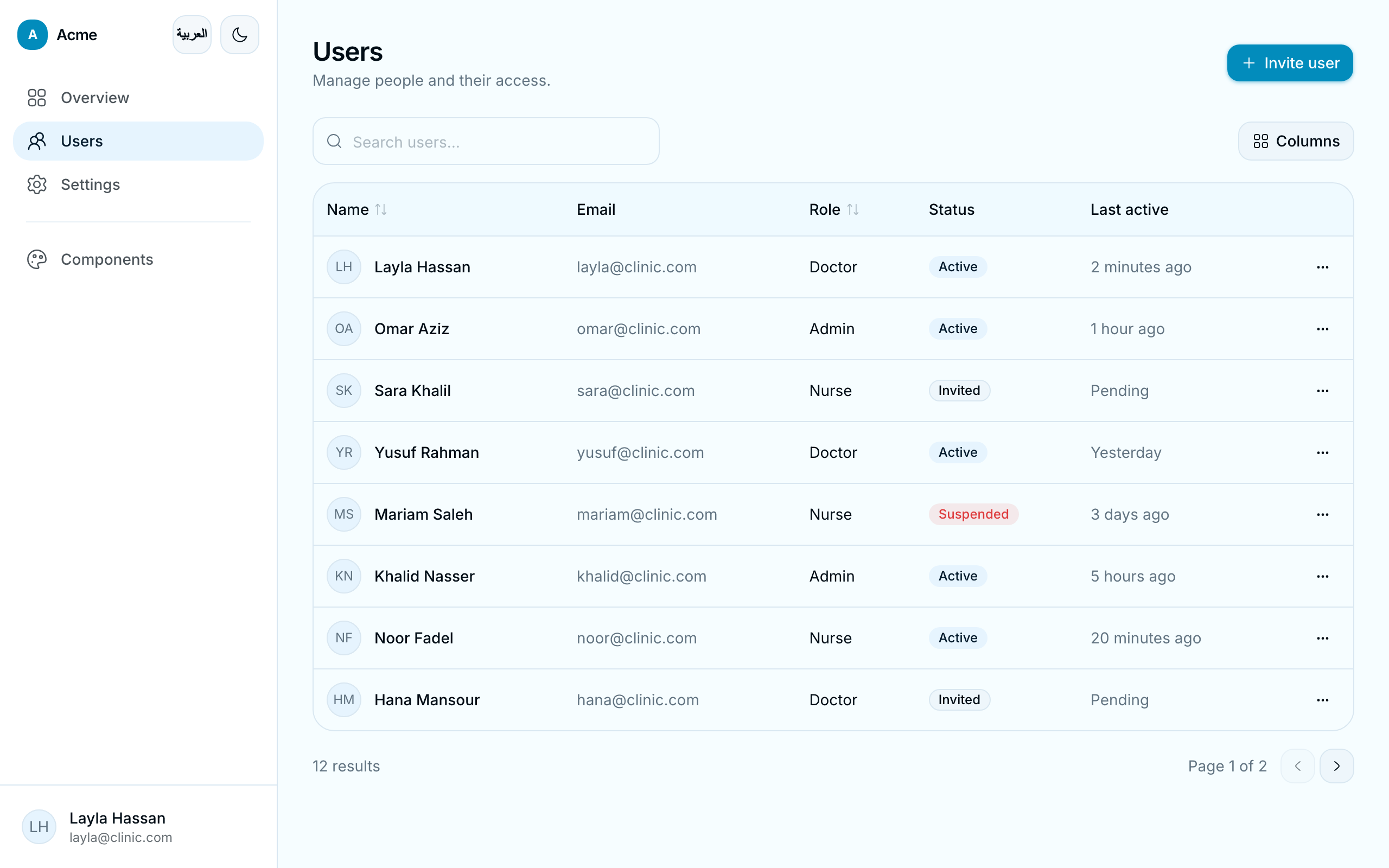 |
| 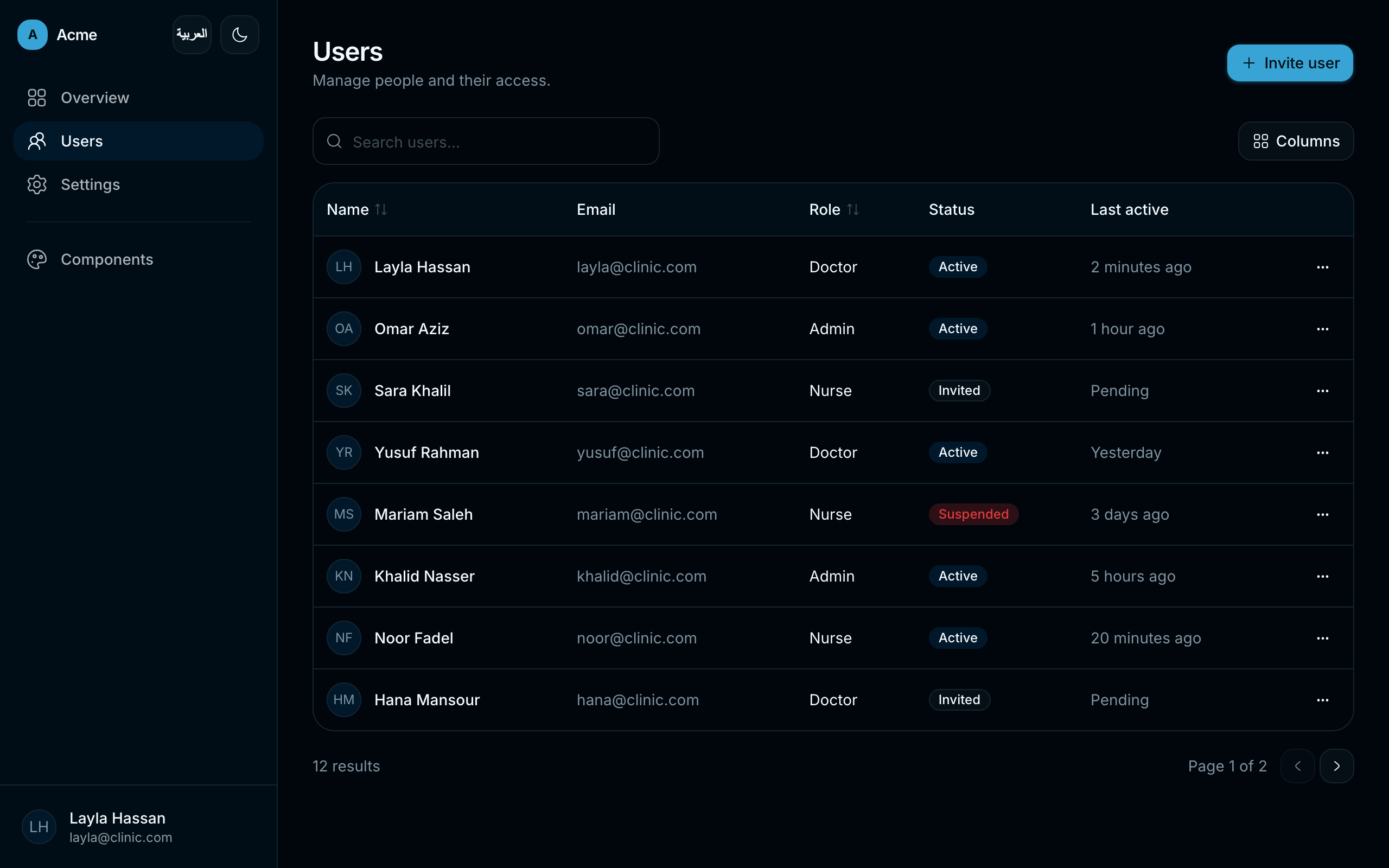 |
| Settings |
|
| Settings | 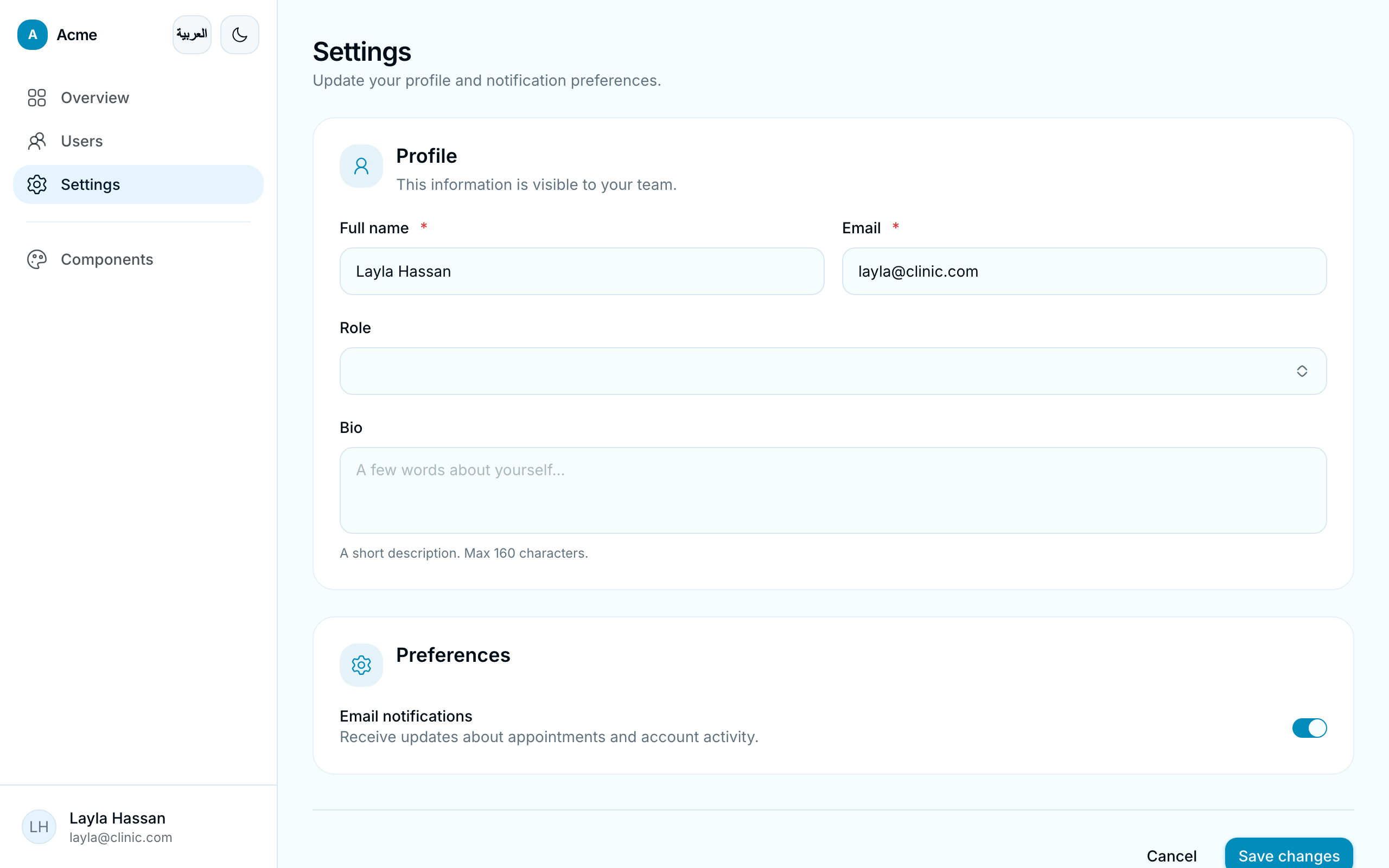 |
| 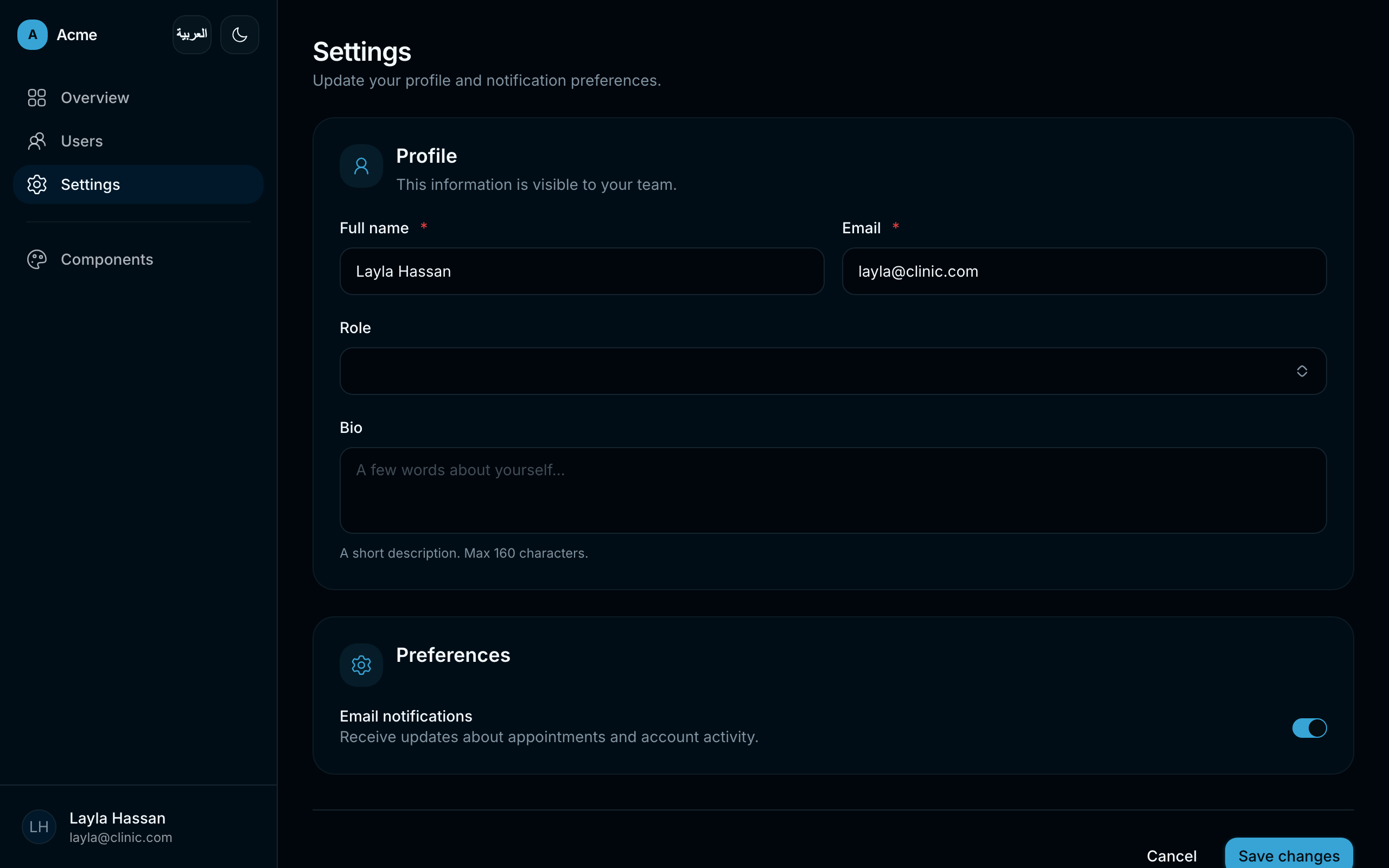 |
| Components |
|
| Components | 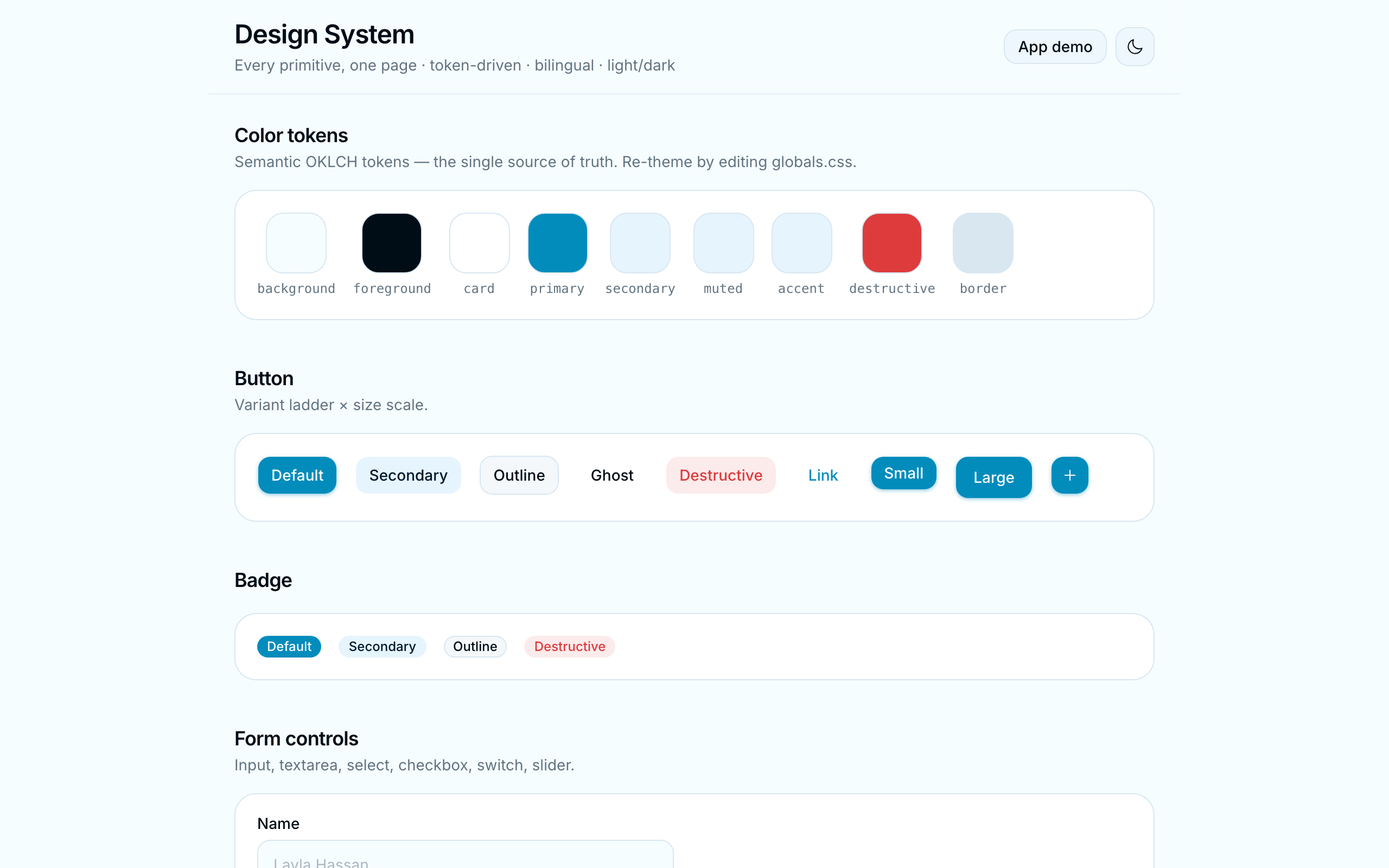 |
|  |
| Sign in |
|
| Sign in | 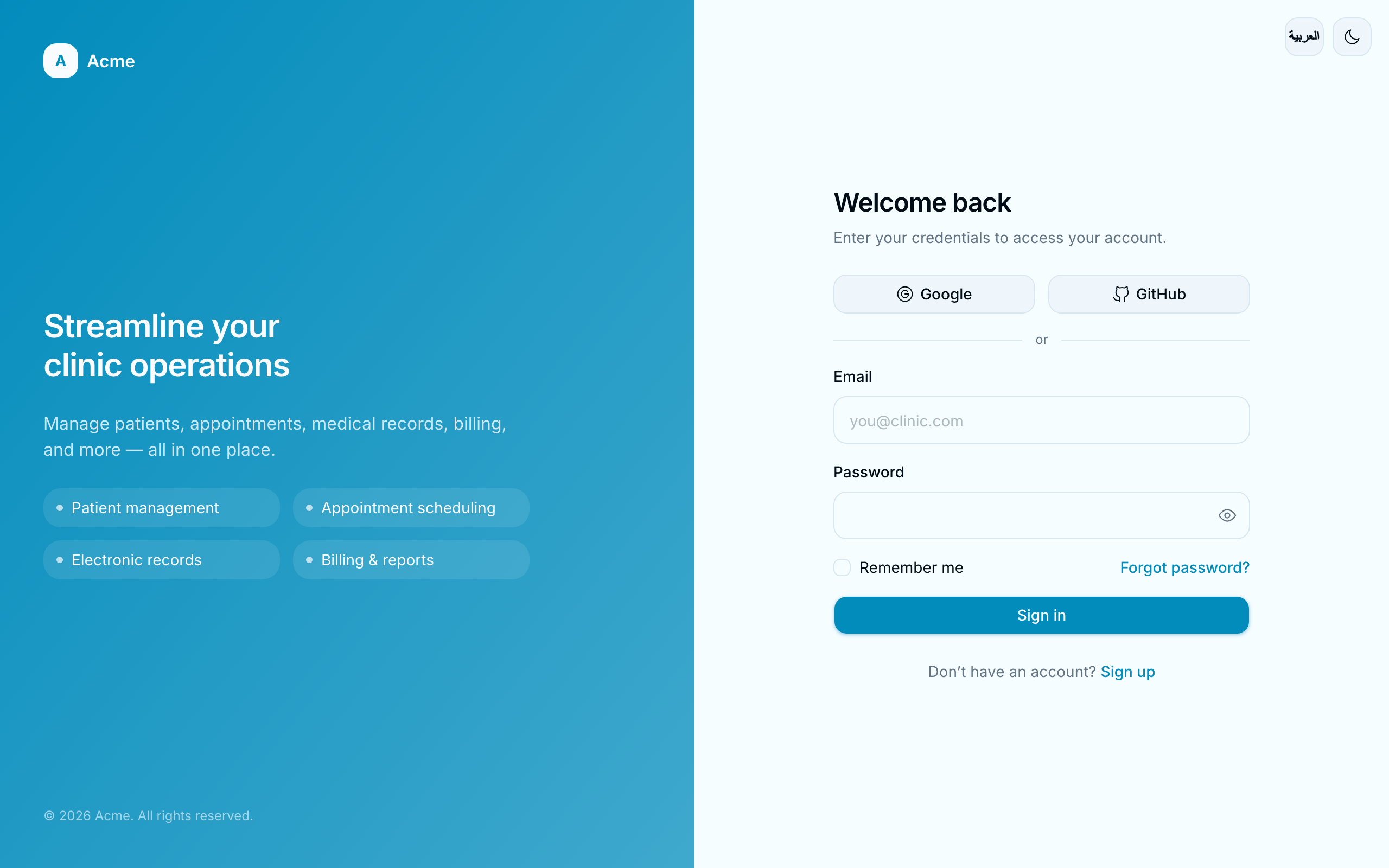 |
|  |
|
OCA Brand — oca
| Page | Light | Dark |
| :--- | :---: | :---: |
| Users | 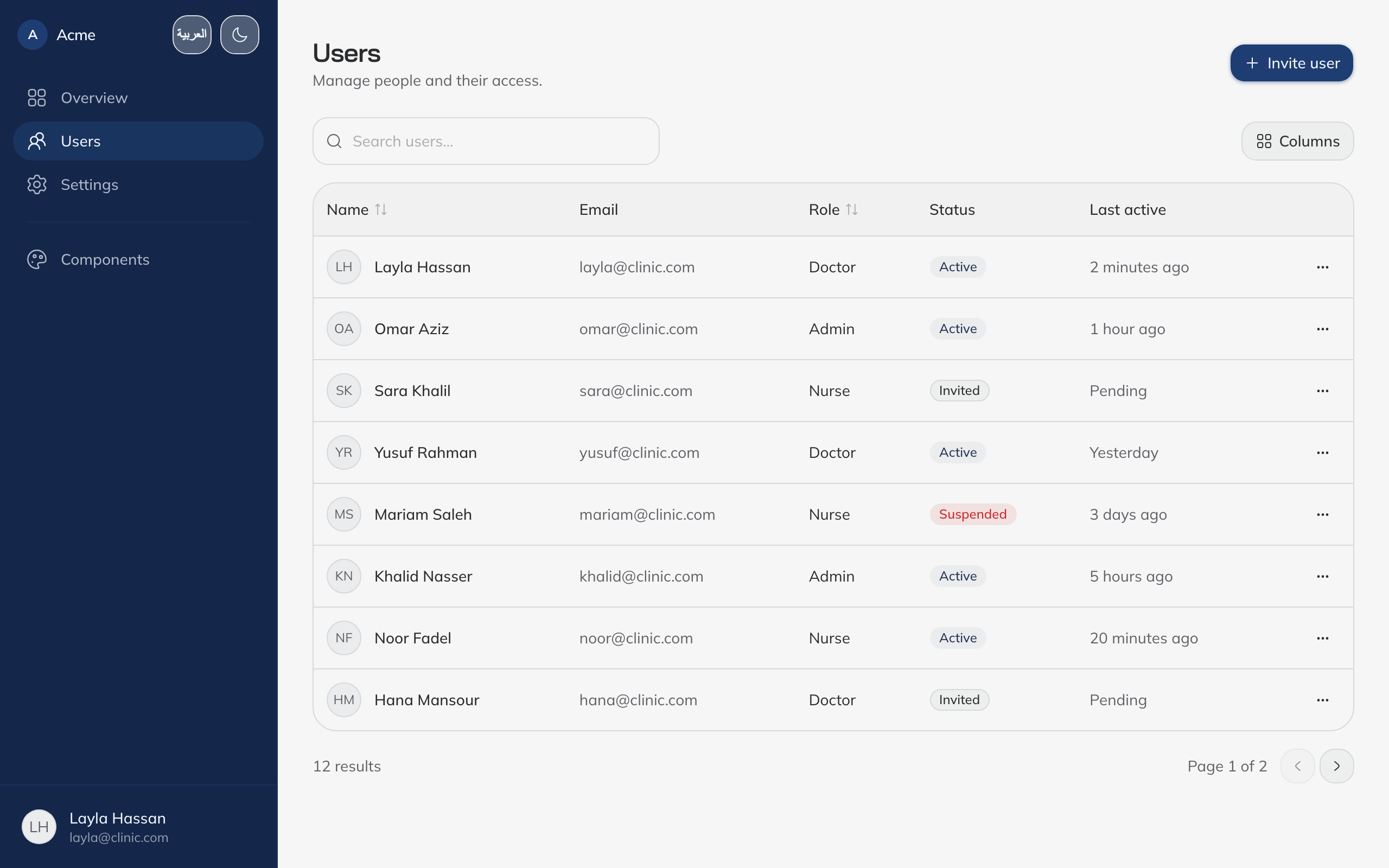 |
|  |
| Settings |
|
| Settings | 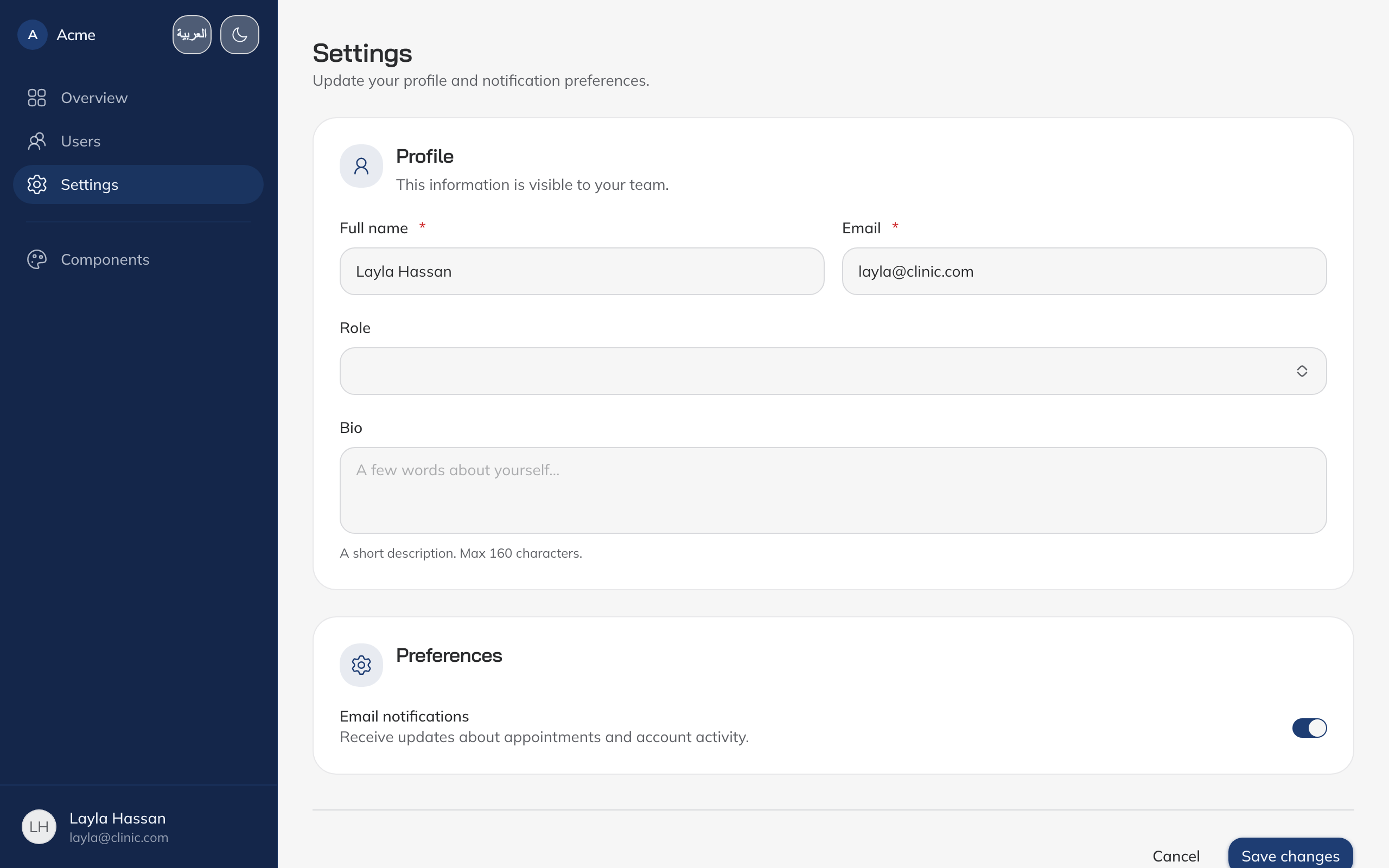 |
|  |
| Components |
|
| Components | 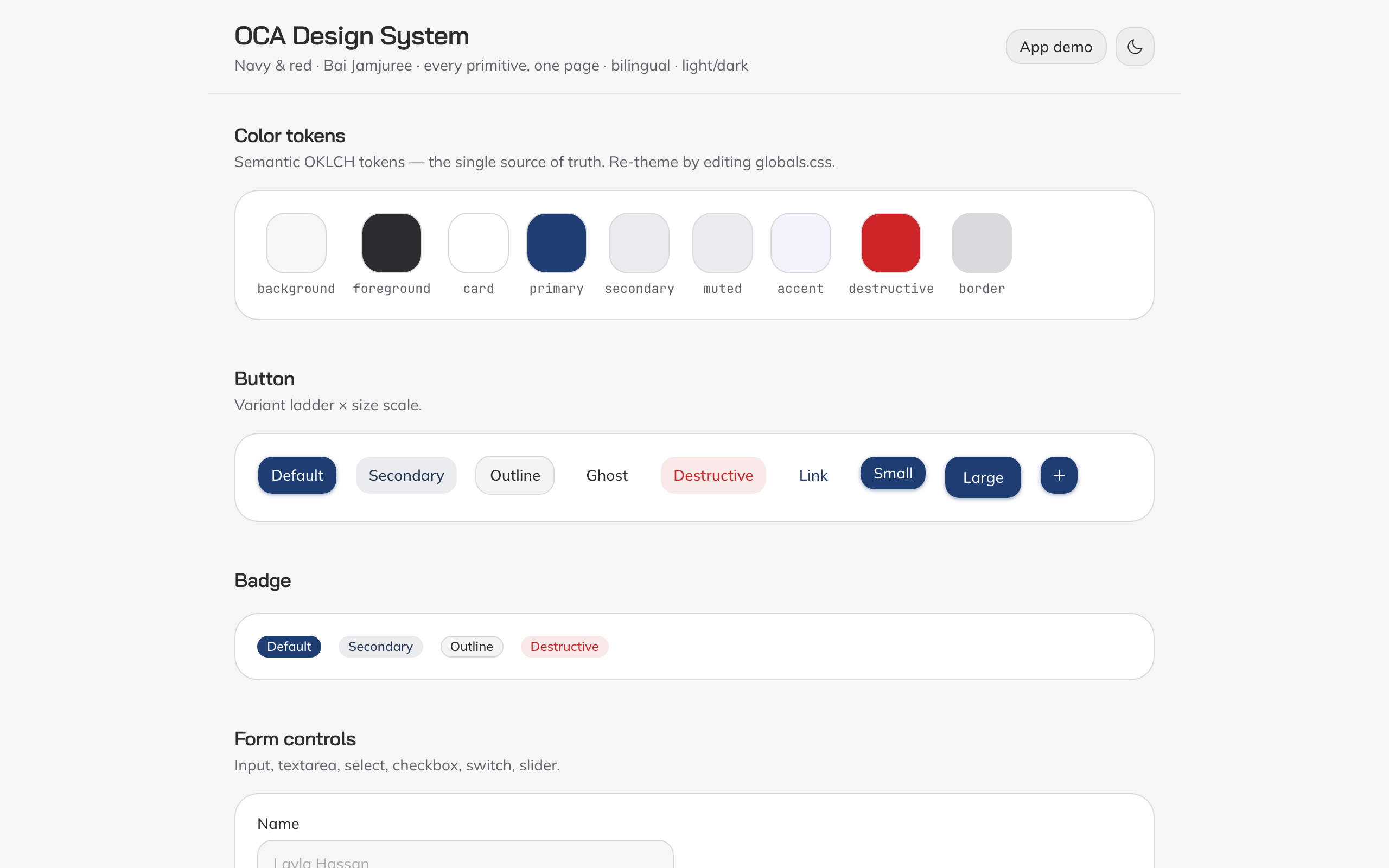 |
| 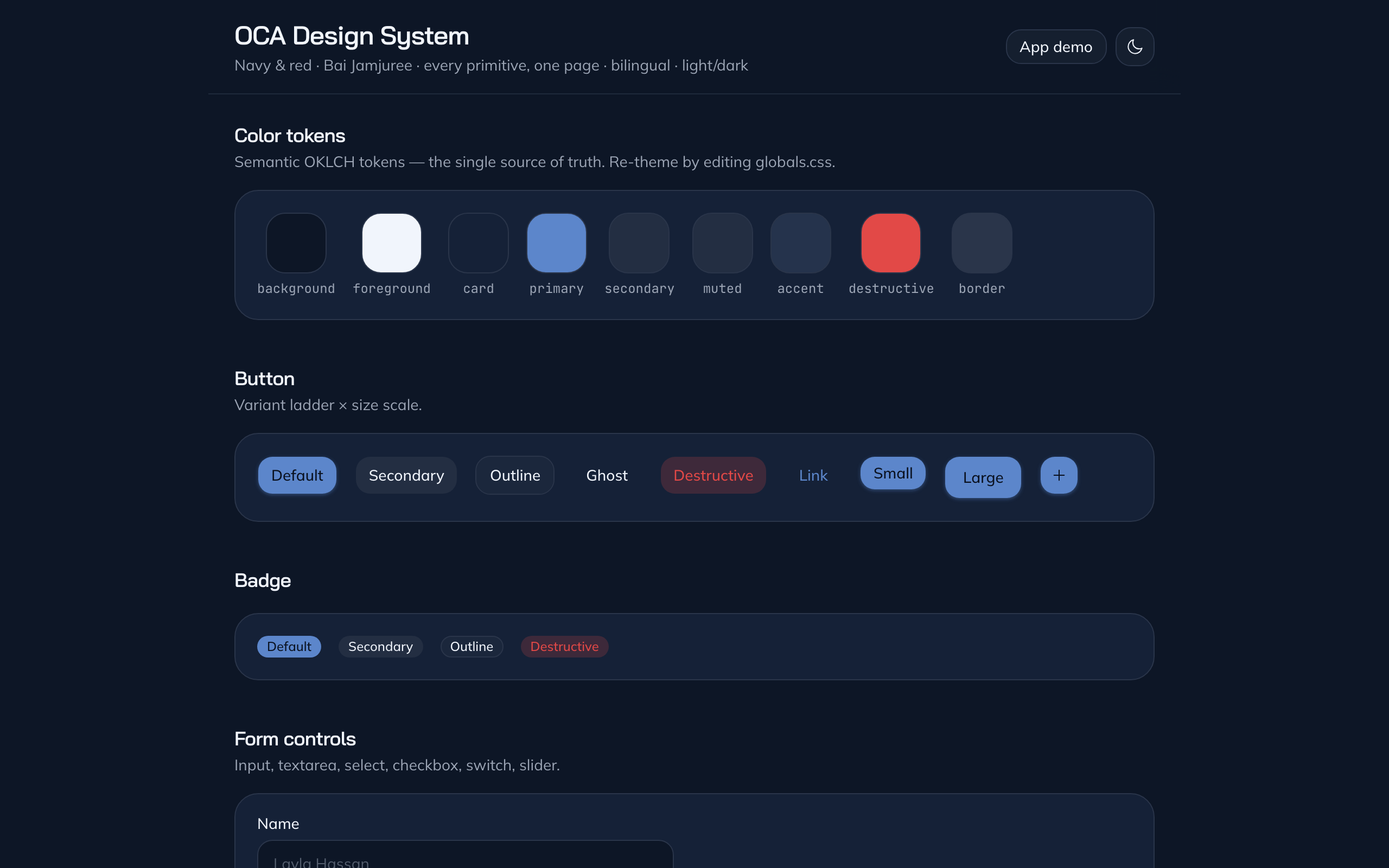 |
| Sign in |
|
| Sign in | 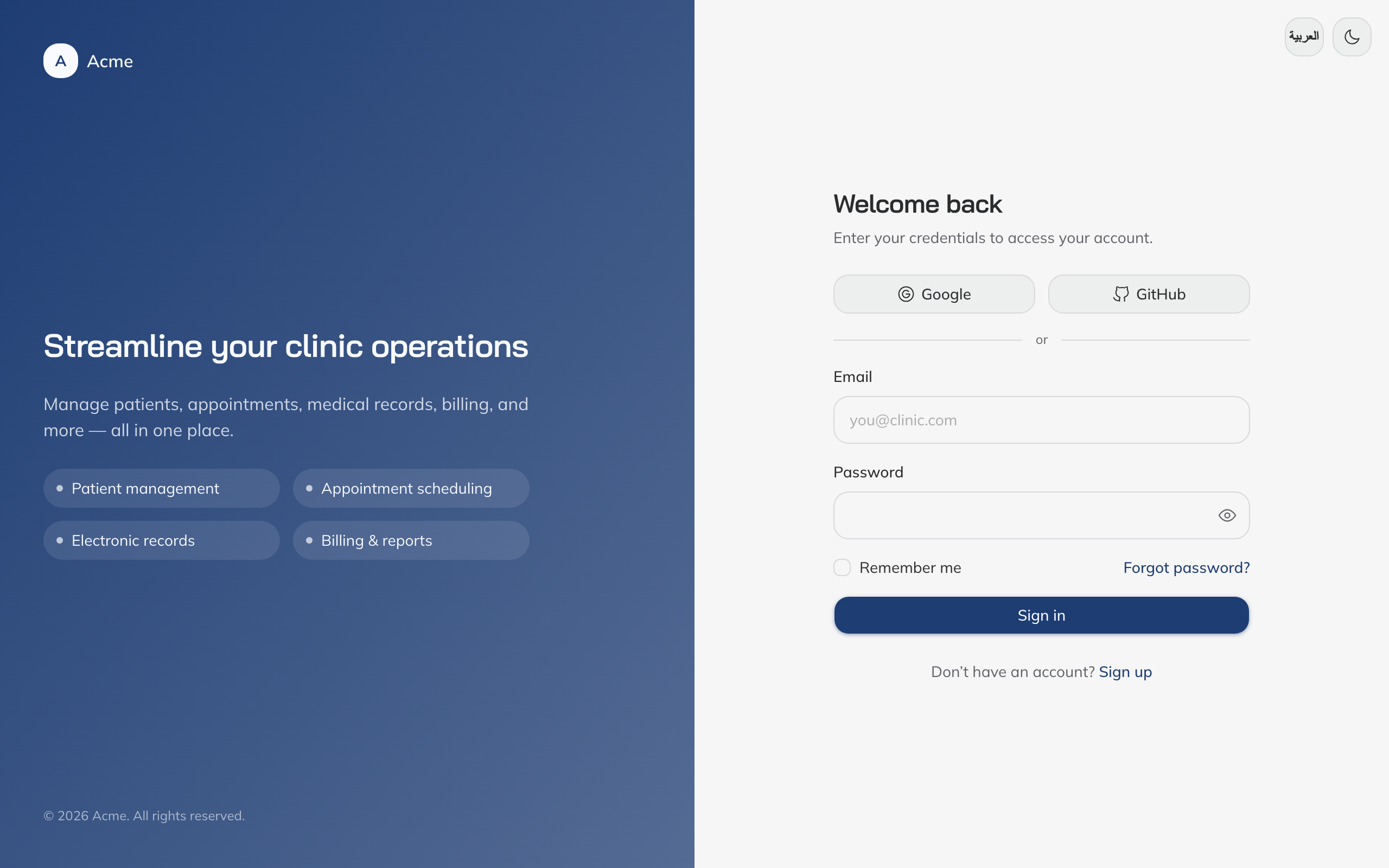 |
| 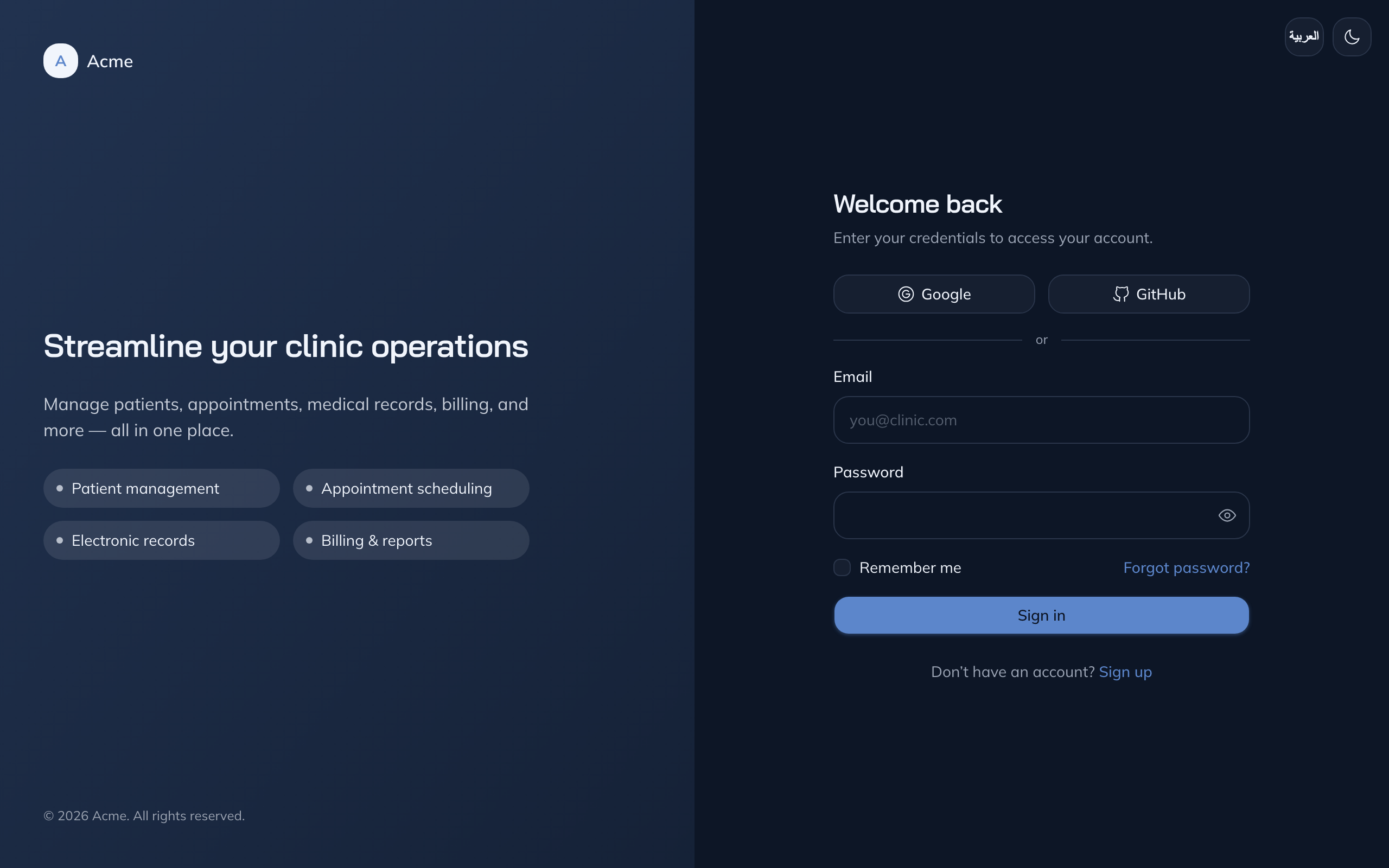 |
|
TailAdmin — tailadmin
| Page | Light | Dark |
| :--- | :---: | :---: |
| Dashboard | 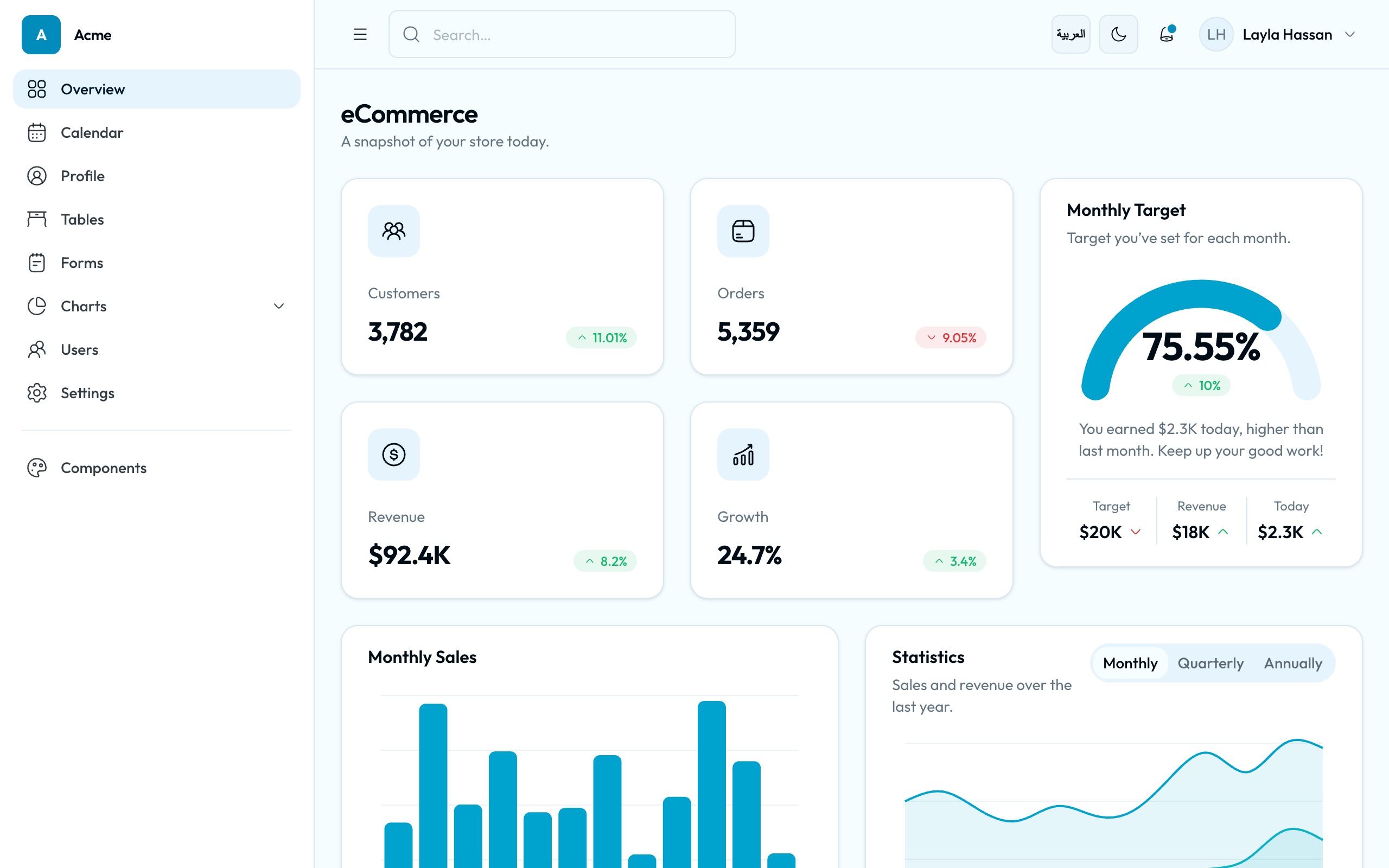 |
| 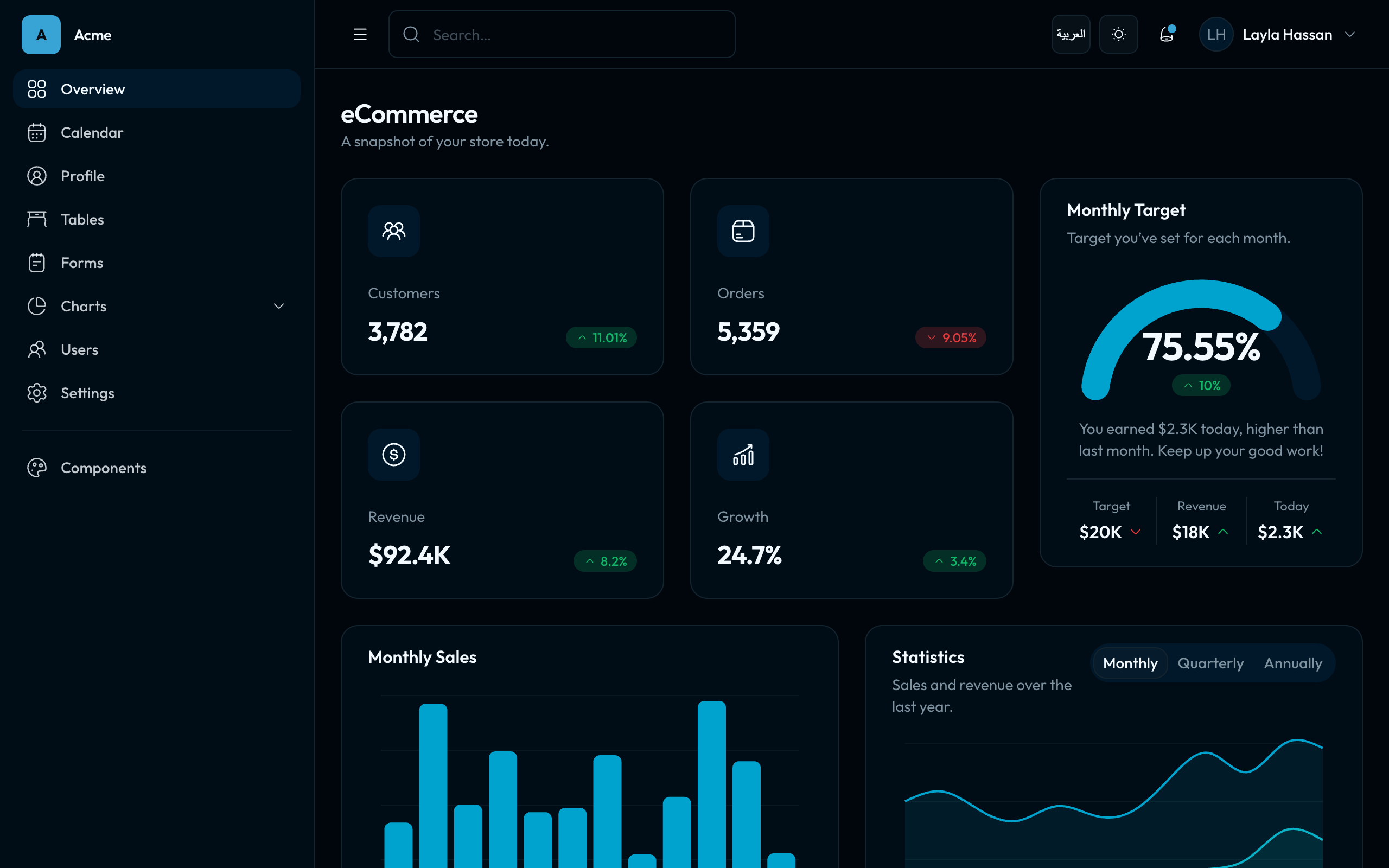 |
| Calendar |
|
| Calendar | 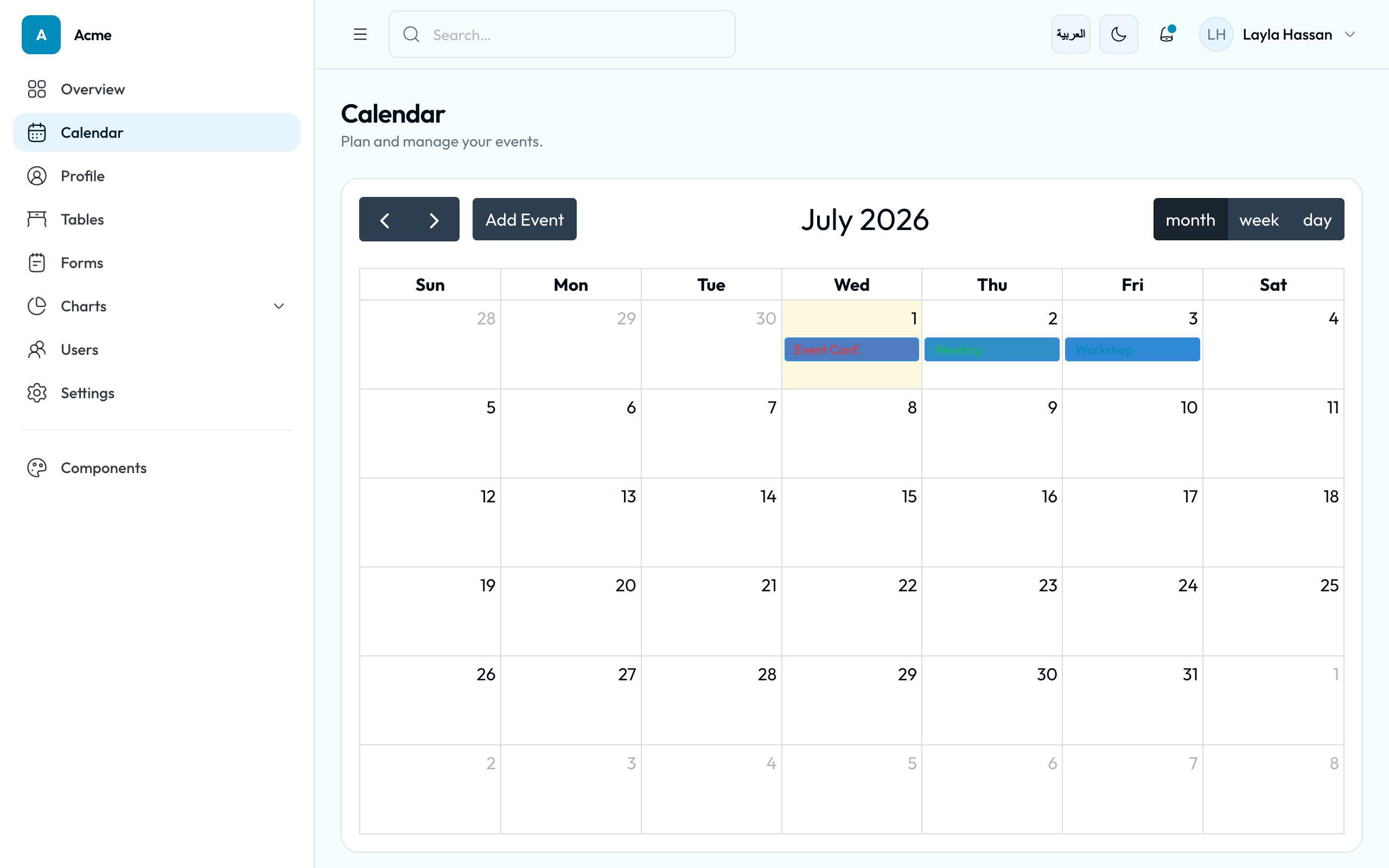 |
| 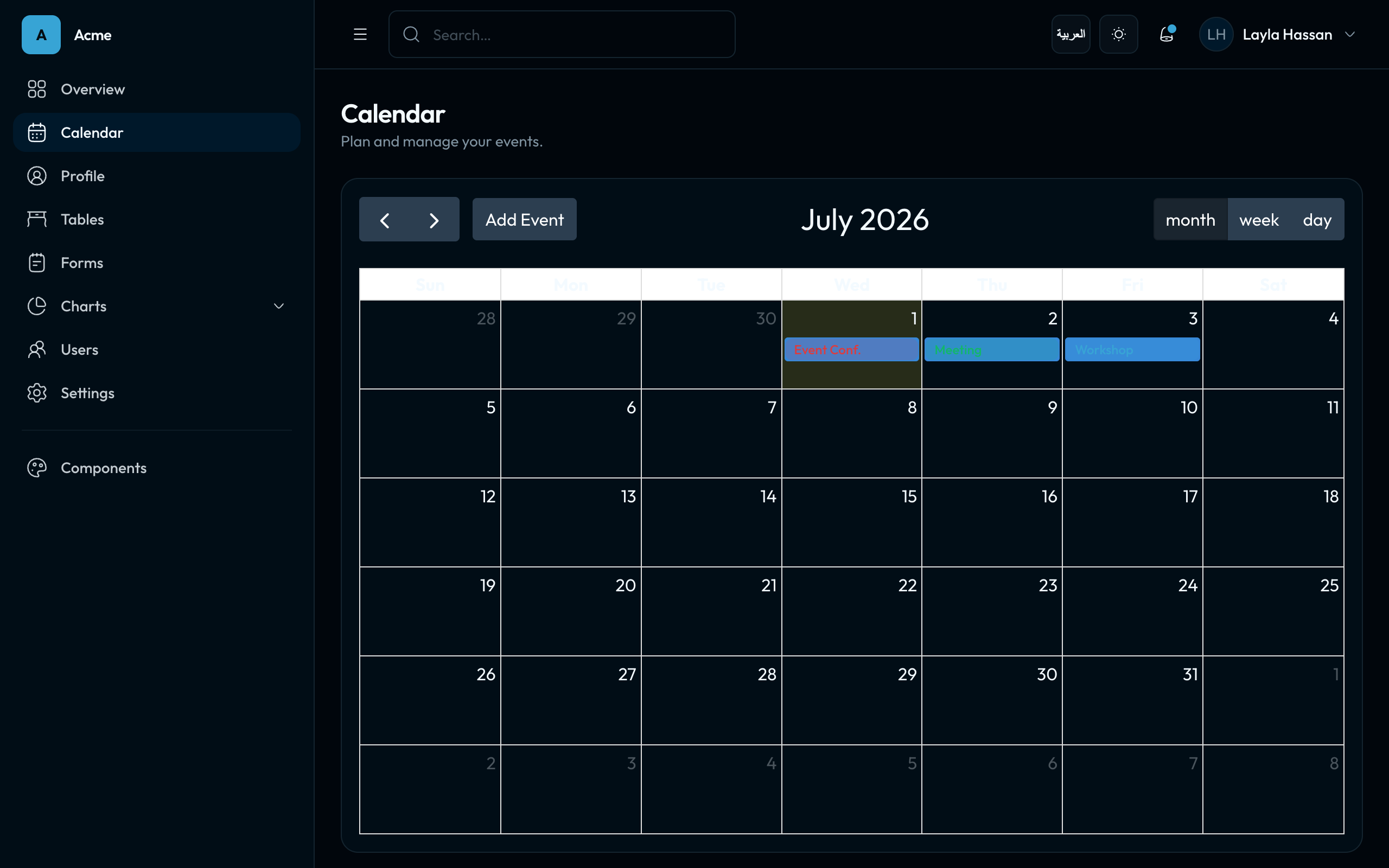 |
| Forms |
|
| Forms | 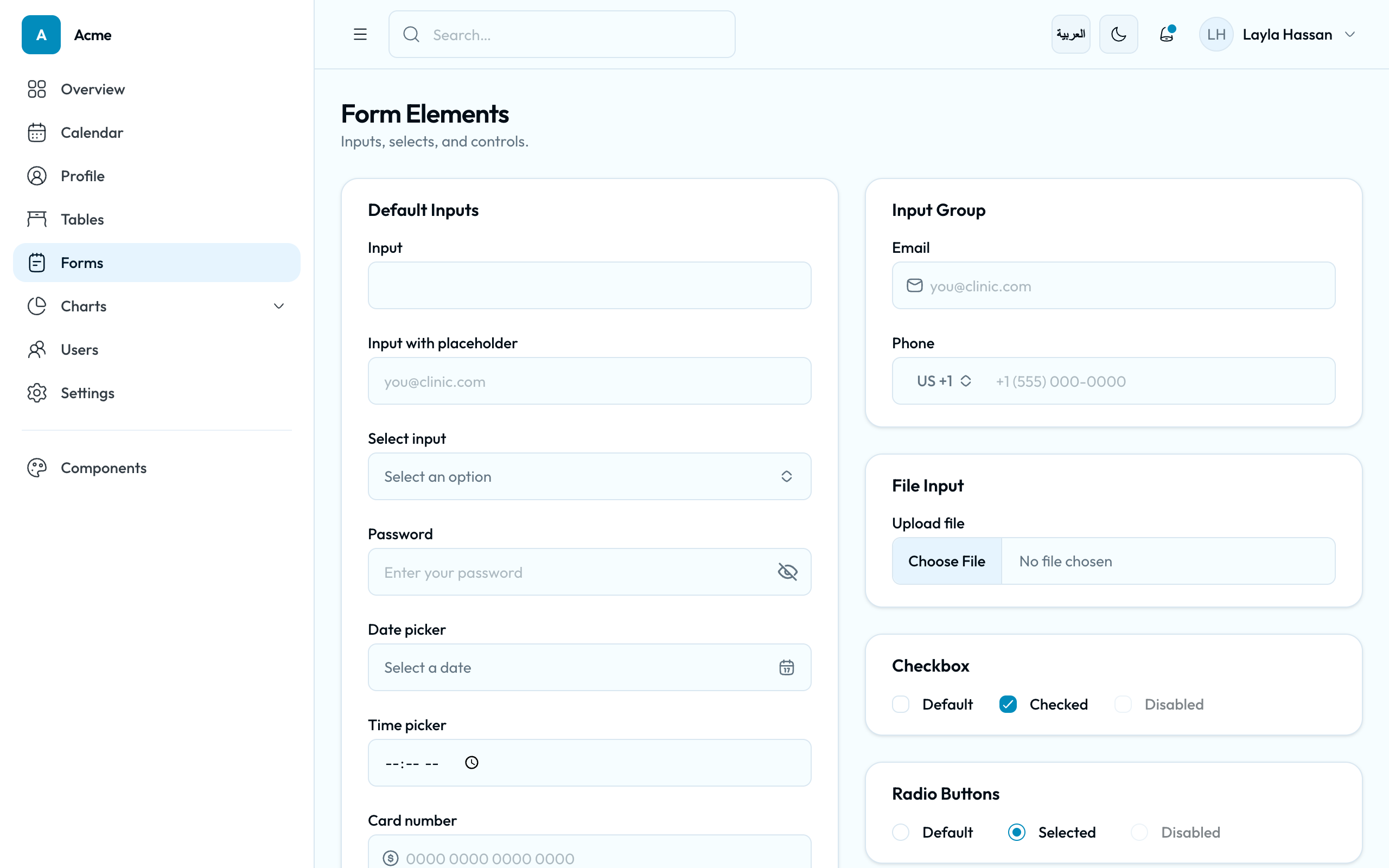 |
| 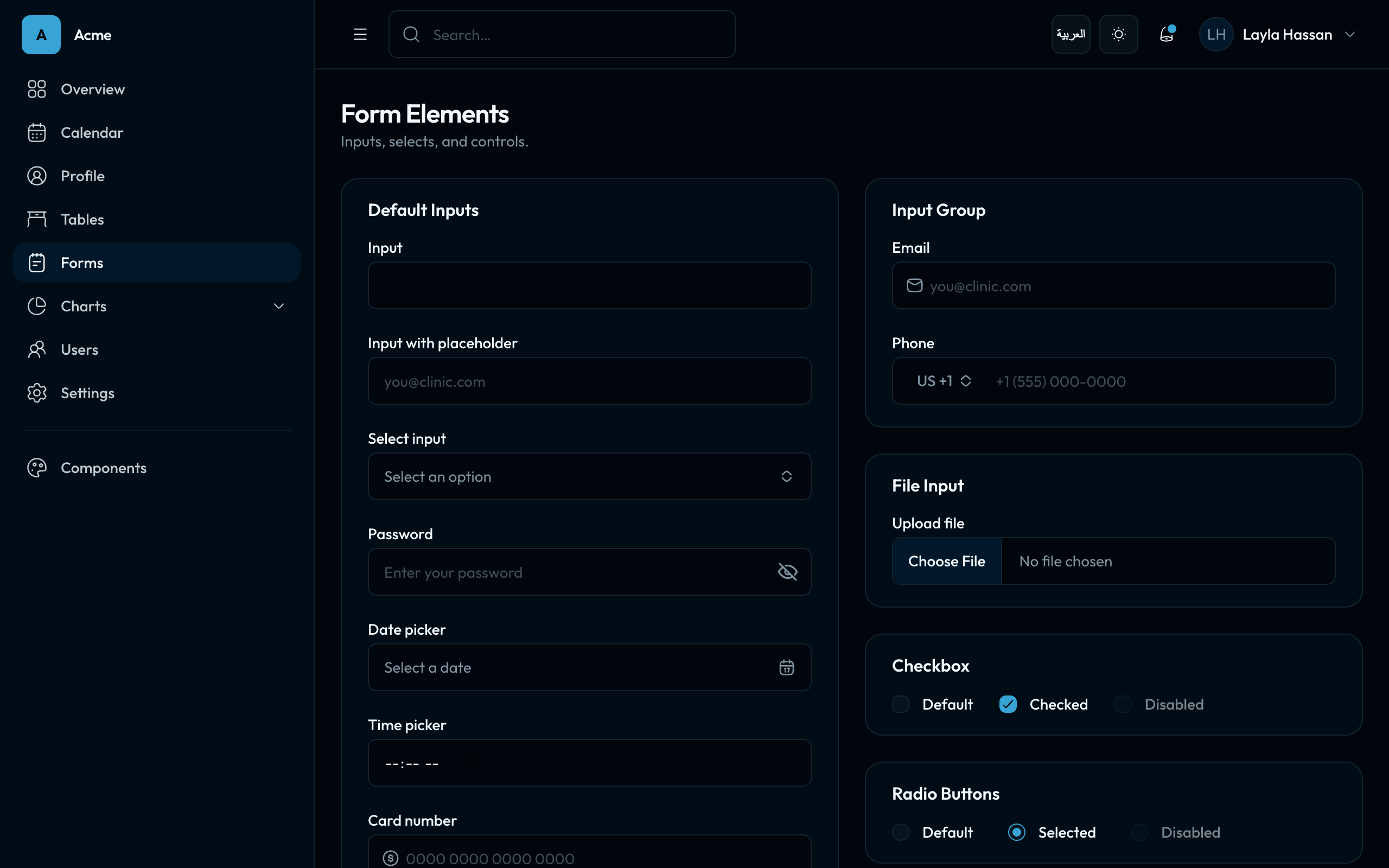 |
| Sign in |
|
| Sign in | 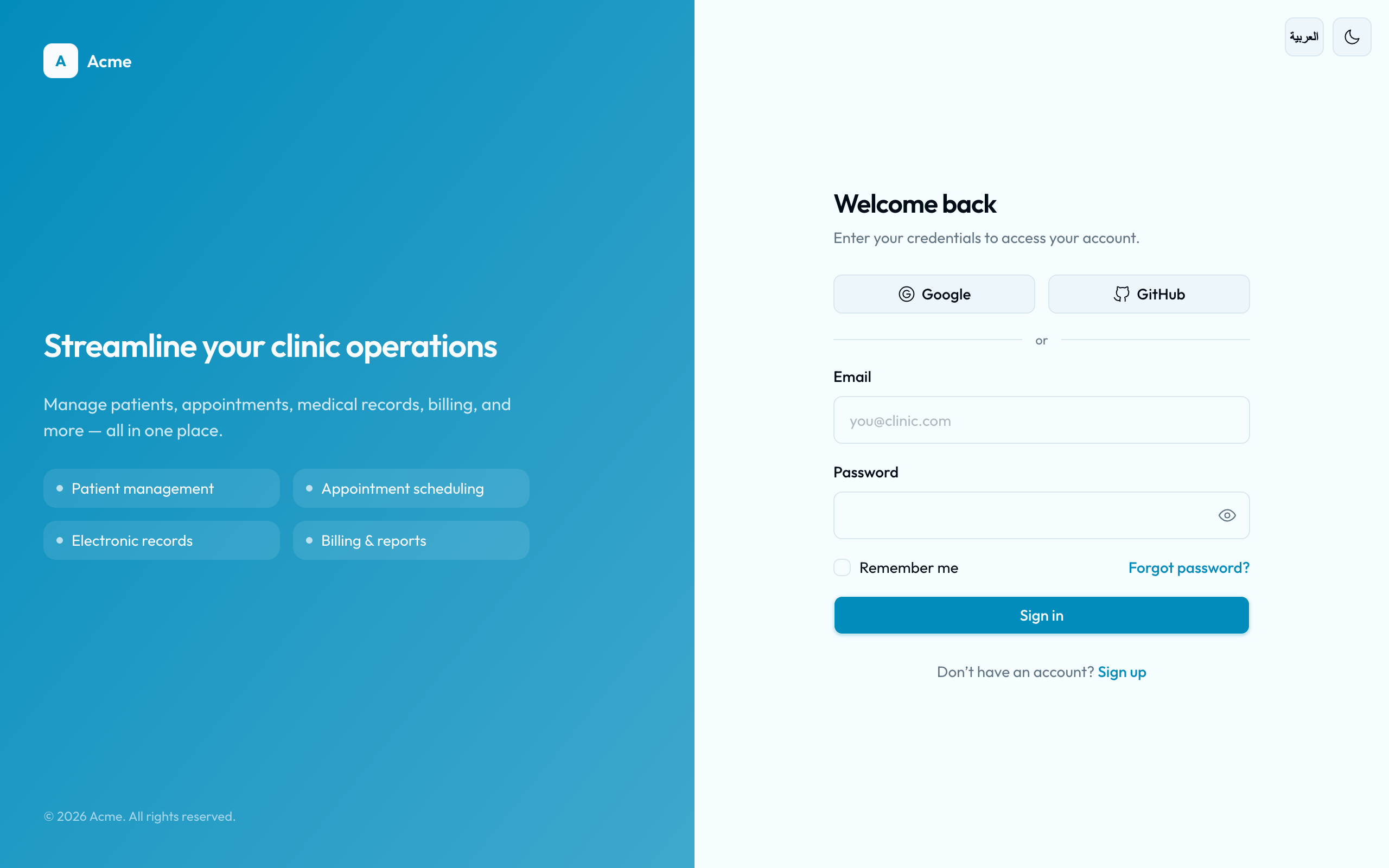 |
| 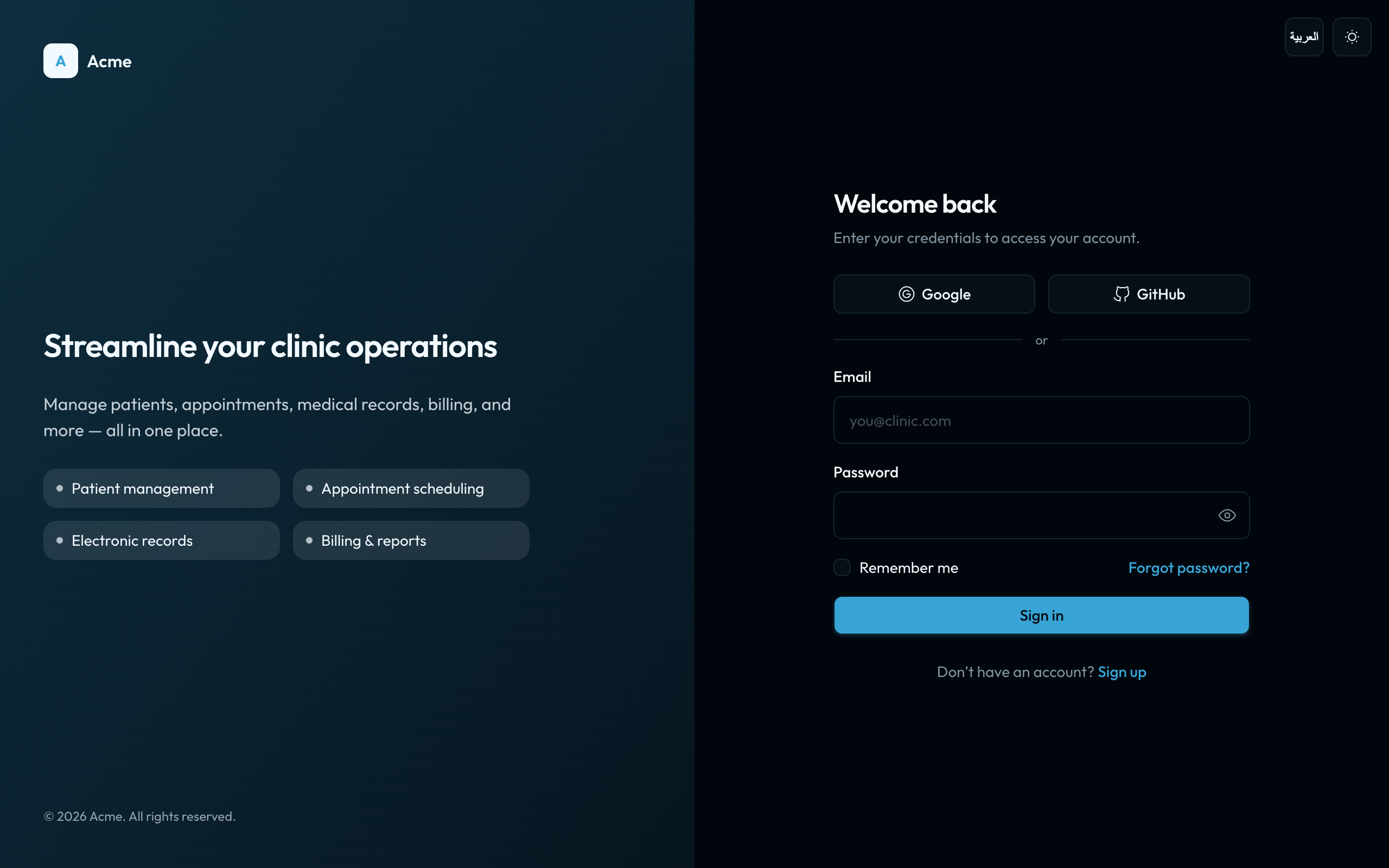 |
|
TailAdmin · OCA Brand — tailadmin-oca
| Page | Light | Dark |
| :--- | :---: | :---: |
| Dashboard | 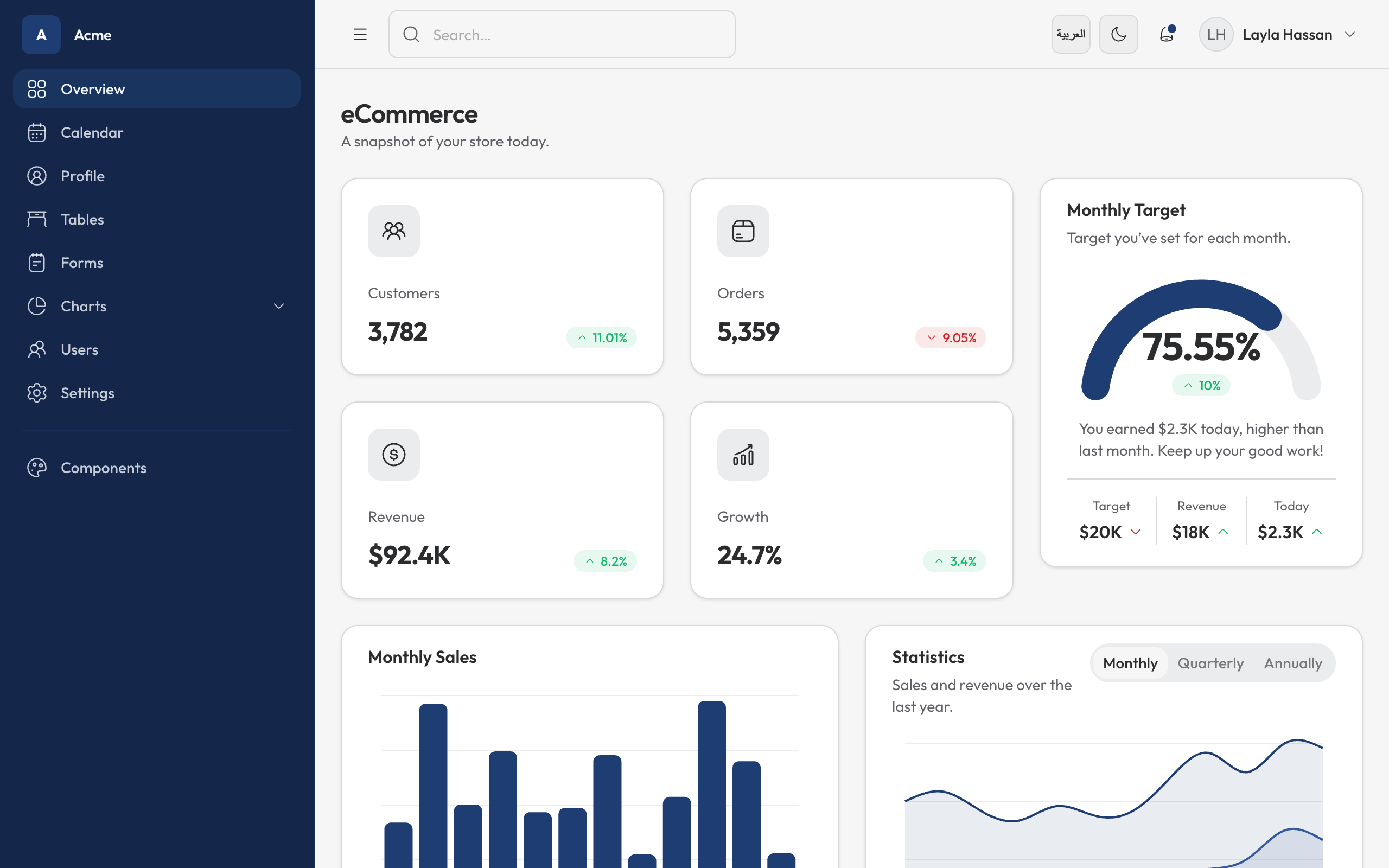 |
|  |
| Calendar |
|
| Calendar | 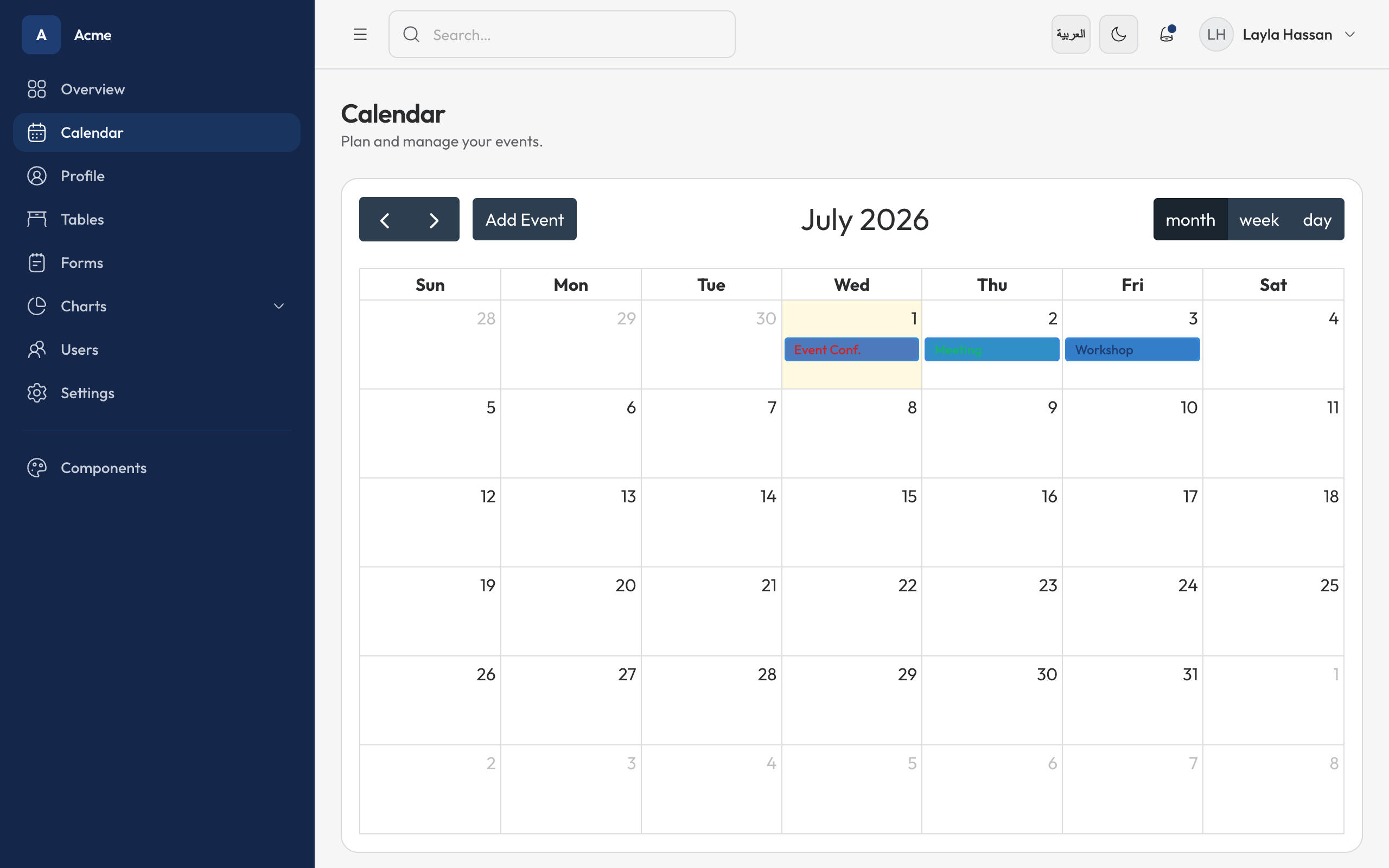 |
|  |
| Forms |
|
| Forms | 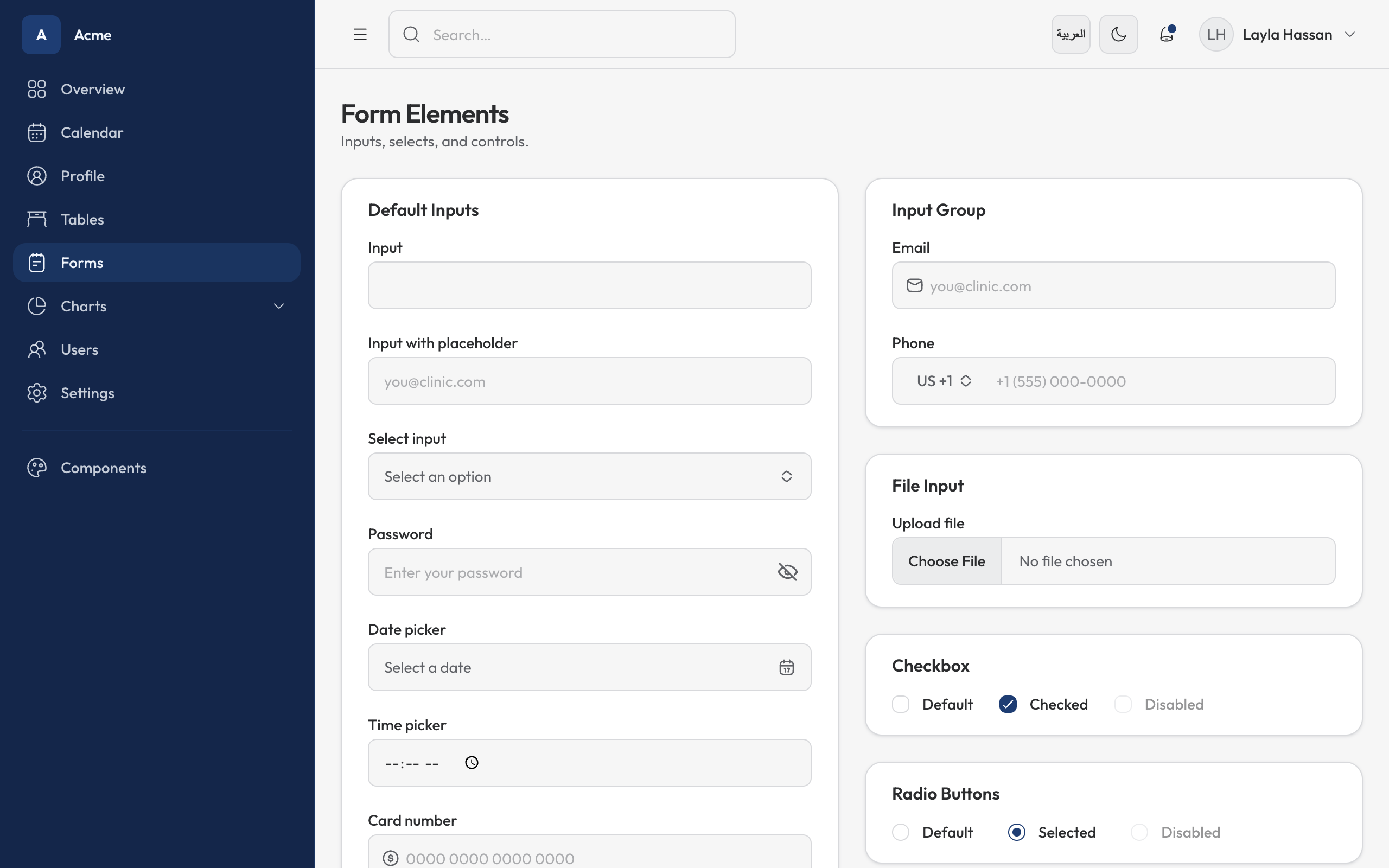 |
| 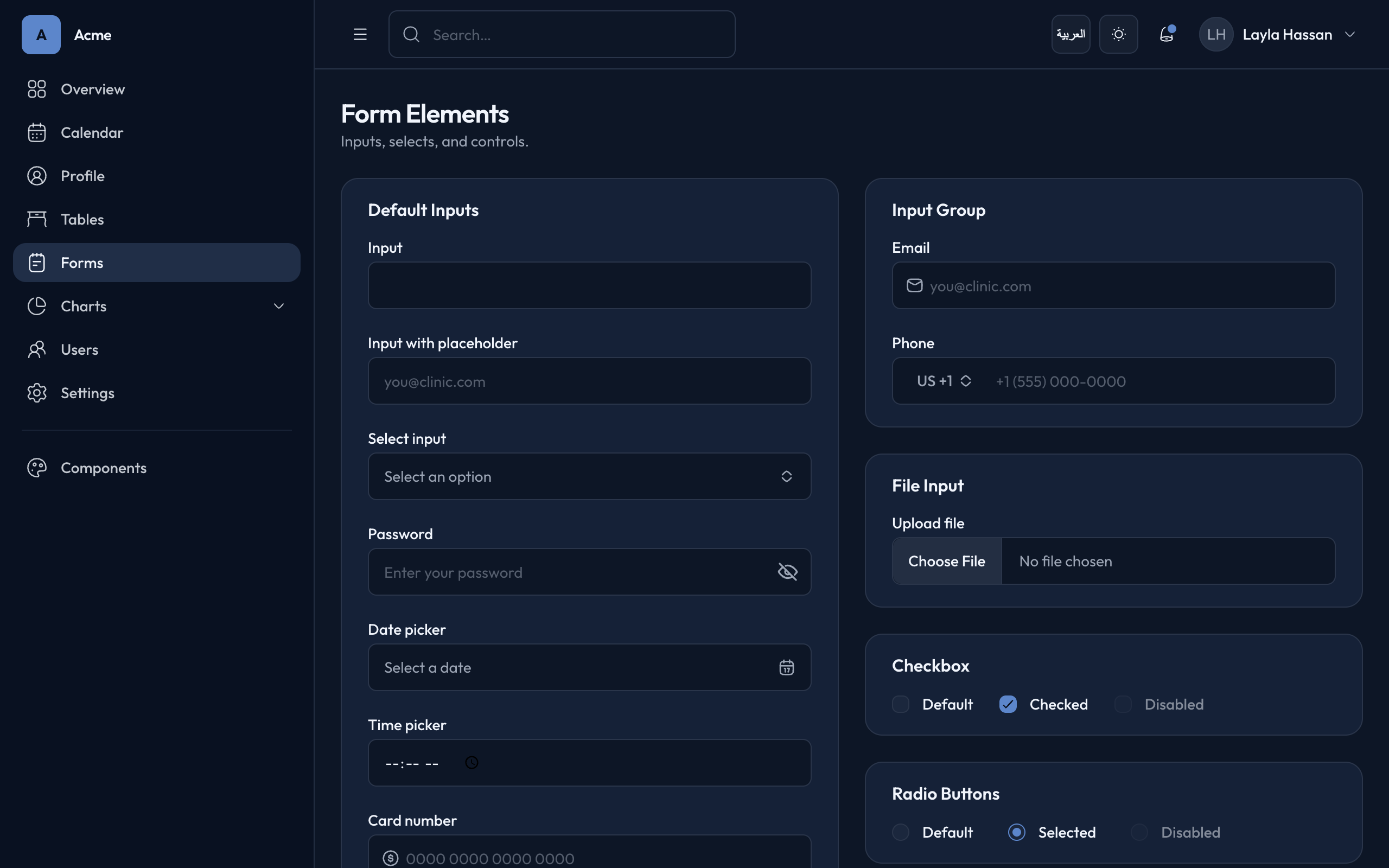 |
| Sign in |
|
| Sign in | 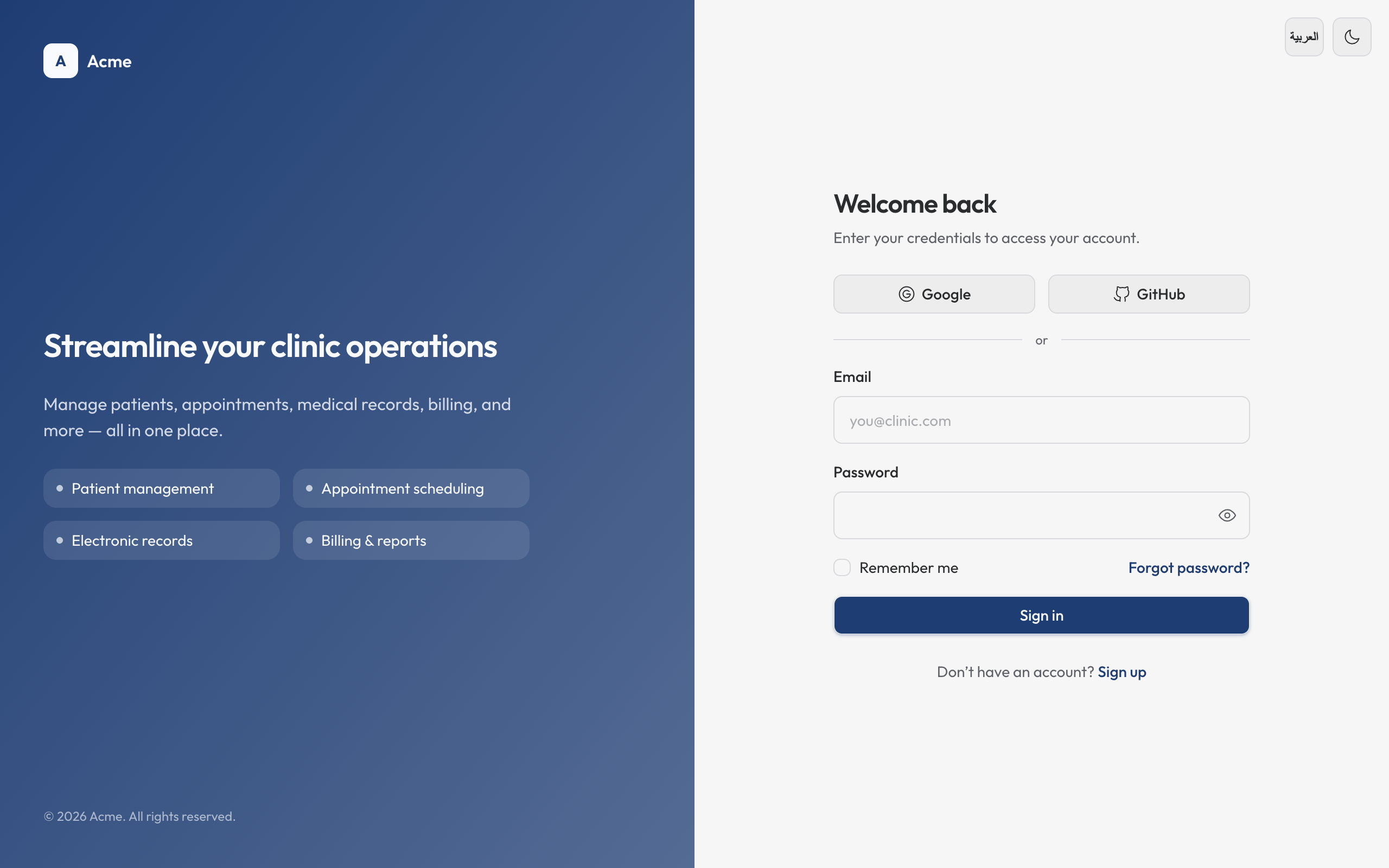 |
| 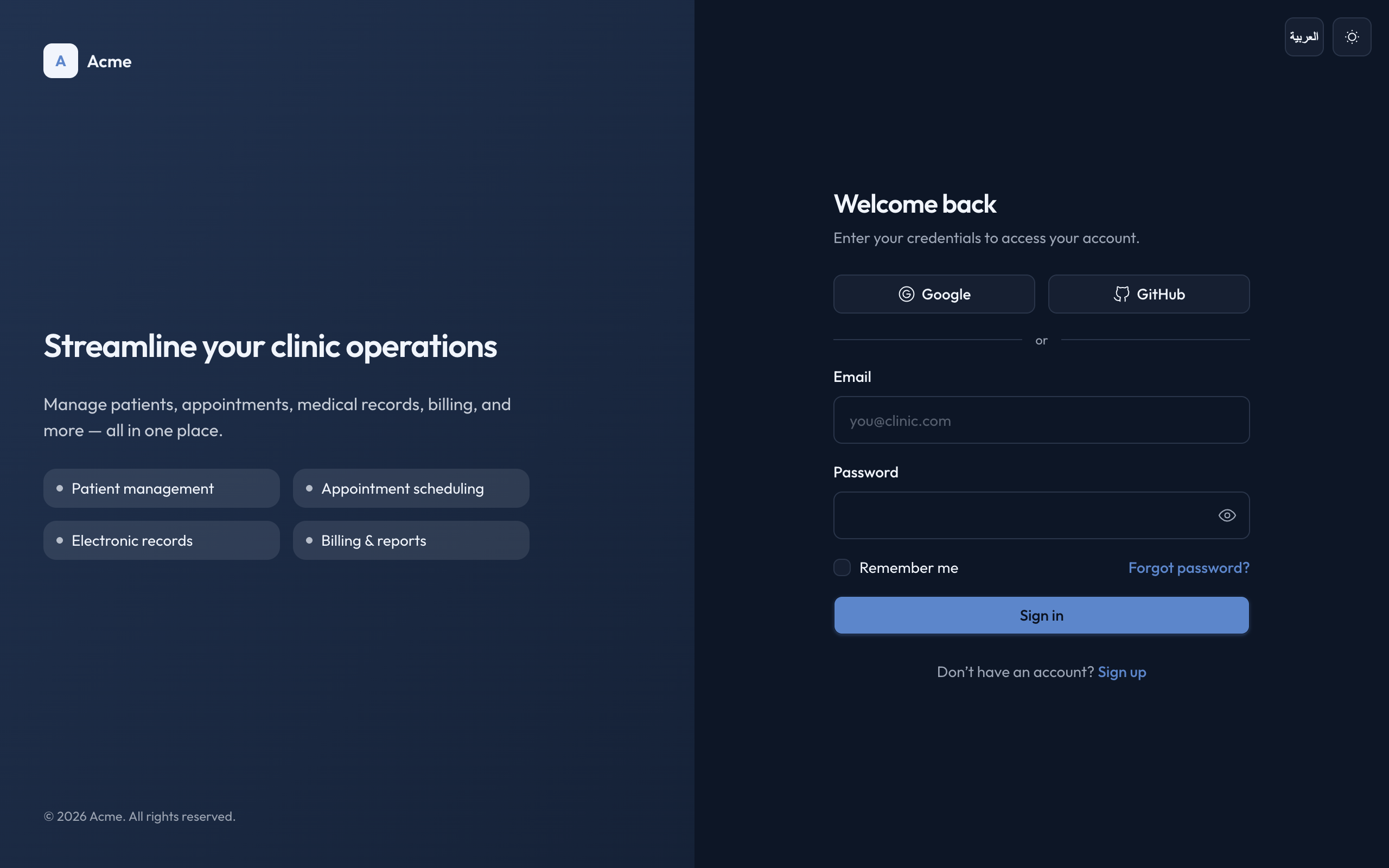 |
|
Framework stack
Pick the framework in the wizard (right after the design system) or with --stack:
| id | what you get |
| -------------------- | ---------------------------------------------------------------------------------------------------------- |
| next (default) | Next.js 16 App Router · server components · app/ routing · next/font · server actions |
| tanstack | TanStack Start · TanStack Router (file-based src/routes) · TanStack Query · server functions · Vite |
Both stacks share the exact same design system — identical tokens, the 35 primitives, the showcase, and the app/dashboard/users/auth/settings boilerplate. Only the routing, data wiring, and build tooling differ. Shared components reach the router through a tiny lib/link.tsx adapter, so they're stack-agnostic.
Data layer
Pick how the app talks to its backend — in the wizard, or with --backend:
| mode | what you get |
| --------------------- | ----------------------------------------------------------------------------------------------------------------------------------------------------------------------- |
| builtin (default) | The stack's native backend, exposed through one service class per feature (features/<domain>/api/<domain>.service.ts): Next.js Server Actions / cache()-wrapped reads, or TanStack Start server functions (createServerFn) consumed via Query. Plus a health endpoint. No external service required. |
| external | A typed fetch apiClient (lib/api/client.ts) plus a fetch-based api/<domain>.service.ts per feature that calls NEXT_PUBLIC_API_URL (Next) or VITE_API_URL (TanStack), and a generated .env.example. |
Both modes expose the same service-class API (usersService.list(), settingsService.updateProfile(), …), so components, queries, and mutations never change — only the service implementation behind the seam swaps. Reads fall back to in-memory mock data until you point the API URL at a real backend. (--backend next still works as an alias for builtin.)
What you get
The Next.js layout is shown below. The TanStack Start variant is identical except routing moves to src/routes/* (__root.tsx, _app/*, _auth/*, api/health.ts), the router lives in src/router.tsx, tokens move to styles/globals.css, and lib/ adds the link.tsx router adapter — see the generated project's README.md.
my-app/
  app/
    globals.css      OKLCH tokens + Tailwind theme mapping + bilingual + touch rules
    layout.tsx       Latin + Arabic fonts, metadata + viewport, FOUC-free theme restore
    page.tsx         renders <Showcase />
    error · global-error · loading · not-found    framework states
    api/health/      typed route handler example
    (auth)/          login · register · forgot-password (Card + Server Actions + zod)
    (app)/           app-shell layout → dashboard · users (data table) · settings (form)
  components/
    showcase.tsx     live gallery of all 35 components
    app-shell.tsx    sidebar + mobile Sheet drawer (driven by config/nav.ts)
    theme-toggle.tsx
    form/            useFormStatus submit button (Next)
    ui/              primitives — button, input, card, dialog, select, combobox, table,
                     data-table, sheet, skeleton, chart, field, form-field, page-header,
                     dropdown-menu, popover, tooltip, tabs, calendar, …
  features/          one vertical slice per domain (auth · dashboard · users · settings)
    <domain>/
      api/*.service.ts   service-class data source (swaps per --backend)
      actions.ts         'use server' mutations (Next)  ·  queries.ts + mutations.ts (TanStack)
      components/        server page + client forms
      schema.ts          zod schema  ·  types.ts domain types
  lib/
    utils.ts         cn()
    form-state.ts    useActionState form state (Next)  ·  query-client.ts (TanStack)
  config/
    nav.ts           sidebar navigation config
  DESIGN_SYSTEM.md   full spec (philosophy + anti-slop checklist)
  CLAUDE.md          operational design rules
Repo layout (this CLI)
bin/cli.mjs         zero-dependency Node scaffolder (pick template → copy → install → next steps)
bin/serve.mjs       zero-dependency localhost gallery server used by the picker
templates/
  registry.json     metadata for each design system (id, title, blurb, tags, preview)
  default/          cool-slate OKLCH design system
    base/           framework-agnostic core — components, tokens, lib helpers, docs
    next/           Next.js shell — app router, configs, data layer
    tanstack/       TanStack Start shell — src/routes, vite, router, data layer
  oca/              OCA brand design system (same three-part layout)
assets/
  previews/*.png    screenshots shown in the picker gallery
A scaffolded project is the shared base/ overlaid by the chosen <stack>/, then the data-layer overlay. To work on a template, scaffold it and iterate there — e.g. npx oca-ui init demo -t default --stack tanstack && cd demo && npm run dev. The CLI copies base + the stack shell (minus node_modules/build artifacts/lockfiles) and stamps the project name.
Add your own design system
cp -R templates/default templates/<id>and re-skin it — the brand lives inbase/styles/globals.css(tokens) and each stack's font loader (next/app/layout.tsx,tanstack/src/routes/__root.tsx). Components read tokens, so they don't change.- Add an entry to
templates/registry.json(id,title,blurb,tags,dir,preview,accent). - Drop a screenshot at
assets/previews/<id>.png(1280×800 works well). Missing previews render a generated placeholder, so this is optional.
The picker, --template, and packaging pick it up automatically.
Re-brand a generated app
Edit styles/globals.css: --primary (+ -foreground) for brand, the neutral hue for temperature, --radius for roundness. Token names are shadcn-standard, so npx shadcn add <component> drops in cleanly.
Credits
The tailadmin and tailadmin-oca design systems are derived from TailAdmin — Free Next.js Admin Dashboard Template, used under the MIT License (Copyright © 2023 TailAdmin). Not affiliated with or endorsed by TailAdmin. Full attribution is in NOTICE, and every scaffolded TailAdmin project ships a THIRD_PARTY_NOTICES.md copy. UI primitives follow shadcn/ui conventions (MIT); the Outfit and Bai Jamjuree/Mulish fonts ship under the SIL Open Font License.