
og-pilot-js
v0.4.15
Published
JavaScript/TypeScript client for the OG Pilot Open Graph image generator.

Maintainers
 raulpopadineti
Readme
OG Pilot JS
[!IMPORTANT]
An active OG Pilot subscription is required to use this package.
A small JavaScript/TypeScript client for generating OG Pilot Open Graph images via signed JWTs.
Installation
npm install og-pilot-jsConfiguration
The default client reads from OG_PILOT_API_KEY and OG_PILOT_DOMAIN.
You can override them at runtime:
import { configure } from "og-pilot-js";

configure((config) => {
  config.apiKey = process.env.OG_PILOT_API_KEY;
  config.domain = process.env.OG_PILOT_DOMAIN;
  // Optional overrides:
  // config.openTimeoutMs = 5000;
  // config.readTimeoutMs = 10000;
  // config.stripExtensions = true;
  // config.imageType = "webp";
  // config.quality = 82;
  // config.maxBytes = 220000;
});
Usage
Generate an image URL (follows the redirect returned by OG Pilot):
import { createImage } from "og-pilot-js";

const imageUrl = await createImage({
  template: "blog_post",
  title: "How to Build Amazing OG Images",
  description: "A complete guide to social media previews",
  bg_color: "#1a1a1a",
  text_color: "#ffffff",
  author_name: "Jane Smith",
  publish_date: "2024-01-15"
}, {
  iat: Date.now() // optional; refresh cache daily
});
createImage is fail-safe and does not throw to your app. If request,
configuration, validation, or parsing fails, it logs with console.error and
returns:
- URL mode (
jsonomitted orfalse):null - JSON mode (
json: true):{ image_url: null }
If you omit iat, OG Pilot will cache the image indefinitely. Provide an iat
to refresh the cache daily. You can pass a Date, epoch seconds, or epoch
milliseconds (Date.now() is auto-converted).
If you want consistent delivery settings across your app, set them globally once:
configure((config) => {
  config.imageType = "webp";
  config.quality = 82;
  config.maxBytes = 220000;
});
Per-call payload values still override those defaults when you need a one-off
image_type, quality, or max_bytes.
Template helpers
createImage defaults to the page template when template is omitted.
Supported templates: page, blog_post, podcast, product, event, book, company, portfolio, github.
Use these helpers to force a specific template:
createBlogPostImage(...)createPodcastImage(...)createProductImage(...)createEventImage(...)createBookImage(...)createCompanyImage(...)createPortfolioImage(...)- For
github, usecreateImage({ template: "github", ... })(no dedicated helper yet).
import { createBlogPostImage } from "og-pilot-js";

const imageUrl = await createBlogPostImage({
  title: "How to Build Amazing OG Images",
  author_name: "Jane Smith",
  publish_date: "2024-01-15"
});
OG Image Examples
All sample payloads set explicit bg_color, text_color, and logo/avatar URLs to avoid default branding fallbacks.
For templates that support custom images, this set includes both with_custom_image and without_custom_image variants. (github currently has no custom image slot.)
Avatar-style fields (for example author_avatar_url) use DiceBear Avataaars, e.g. https://api.dicebear.com/7.x/avataaars/svg?seed=JaneSmith.
Sample Gallery
| Template | Variant | Preview |
|---|---|---|
| page | with custom image | 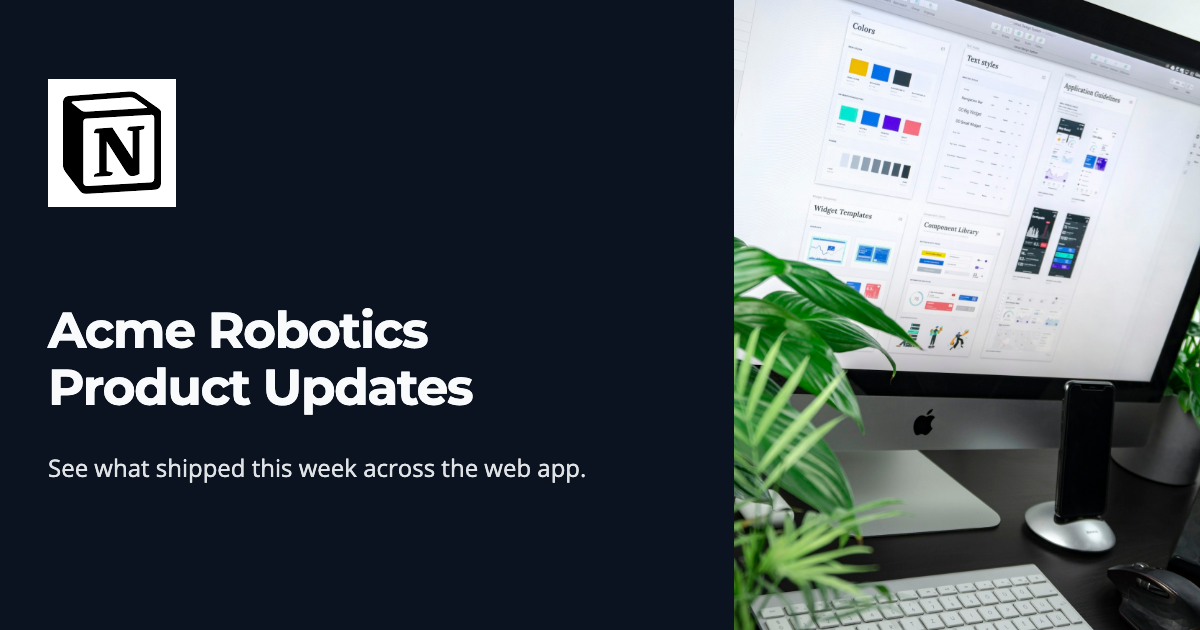
page | without custom image | 
blog_post | with custom image | 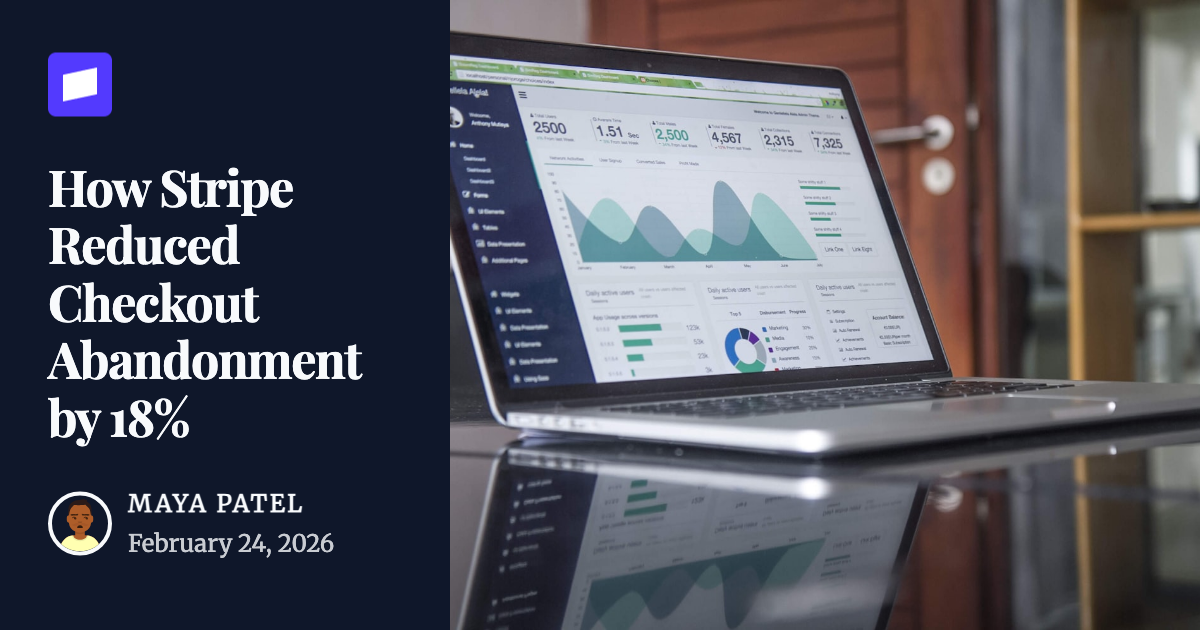
blog_post | without custom image | 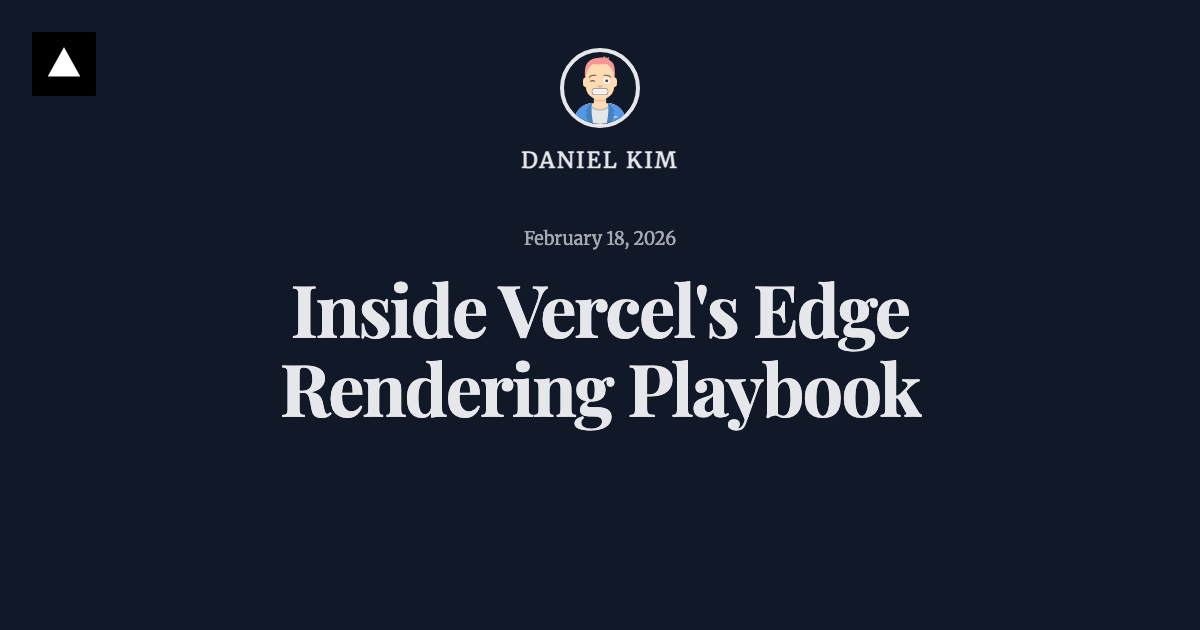
podcast | with custom image | 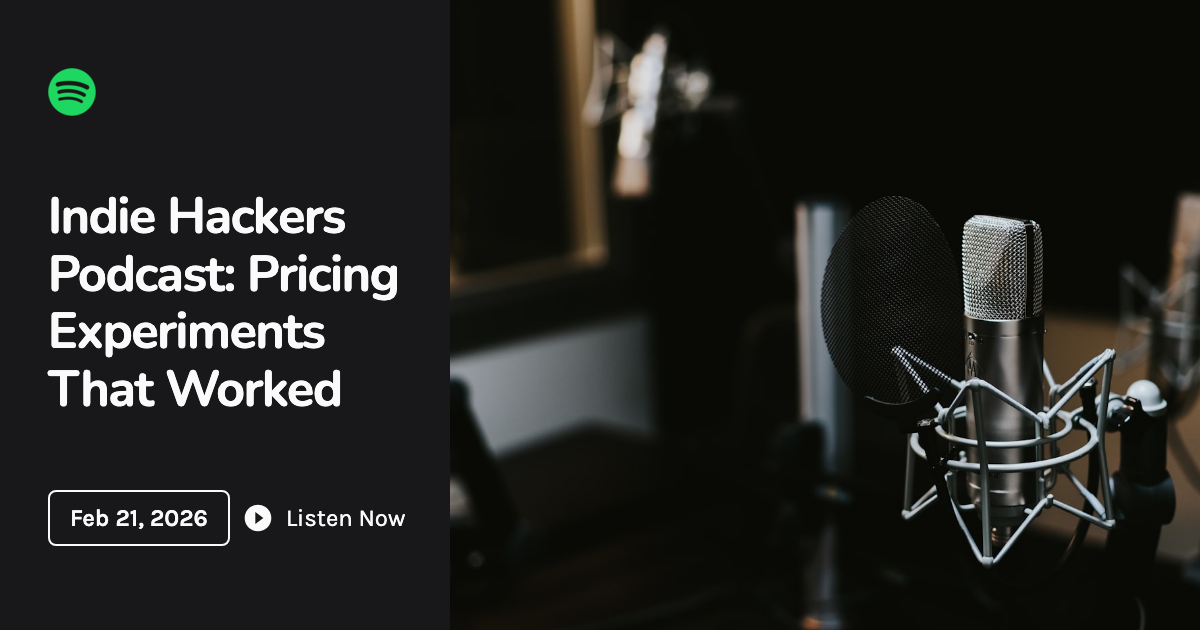
podcast | without custom image | 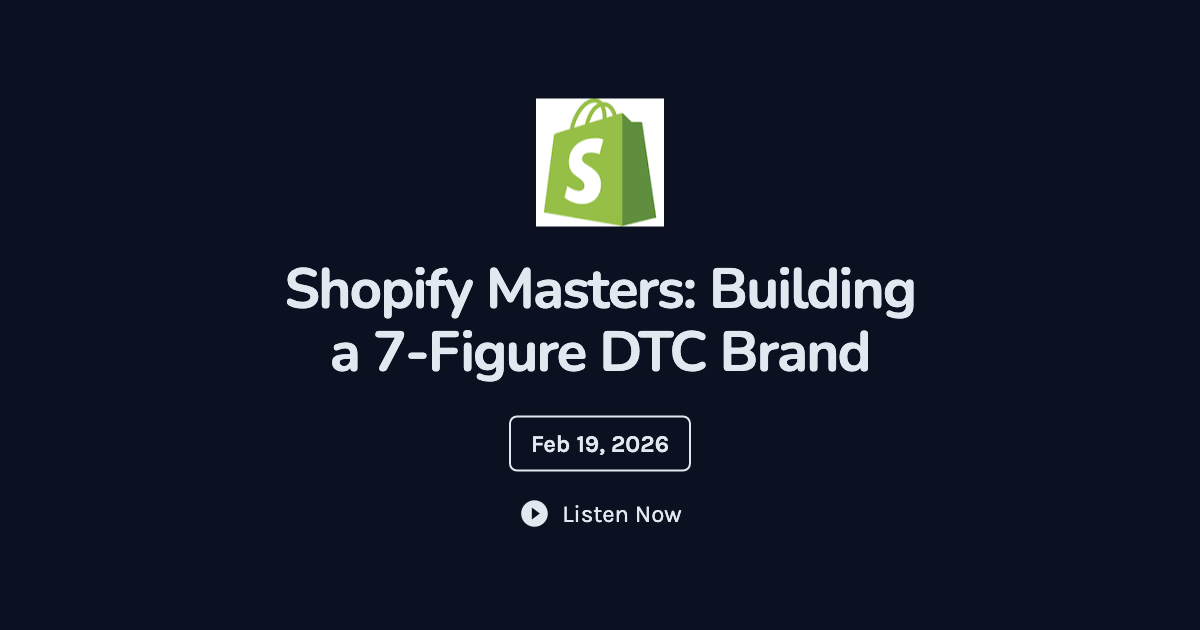
product | with custom image | 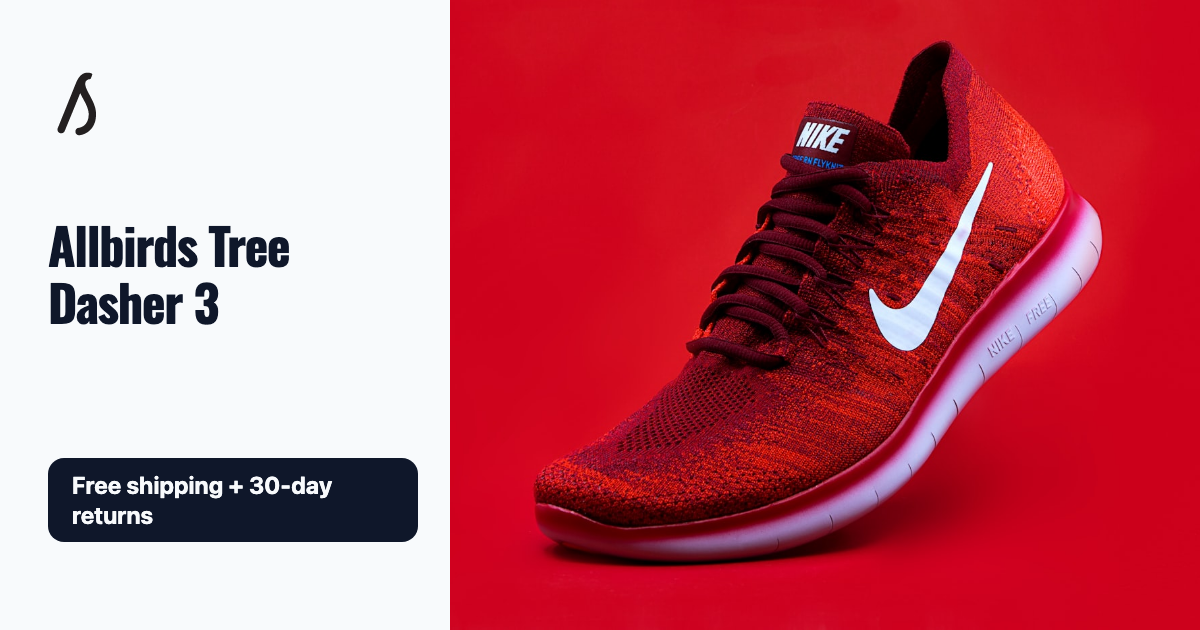
product | without custom image | 
event | with custom image | 
event | without custom image | 
book | with custom image | 
book | without custom image | 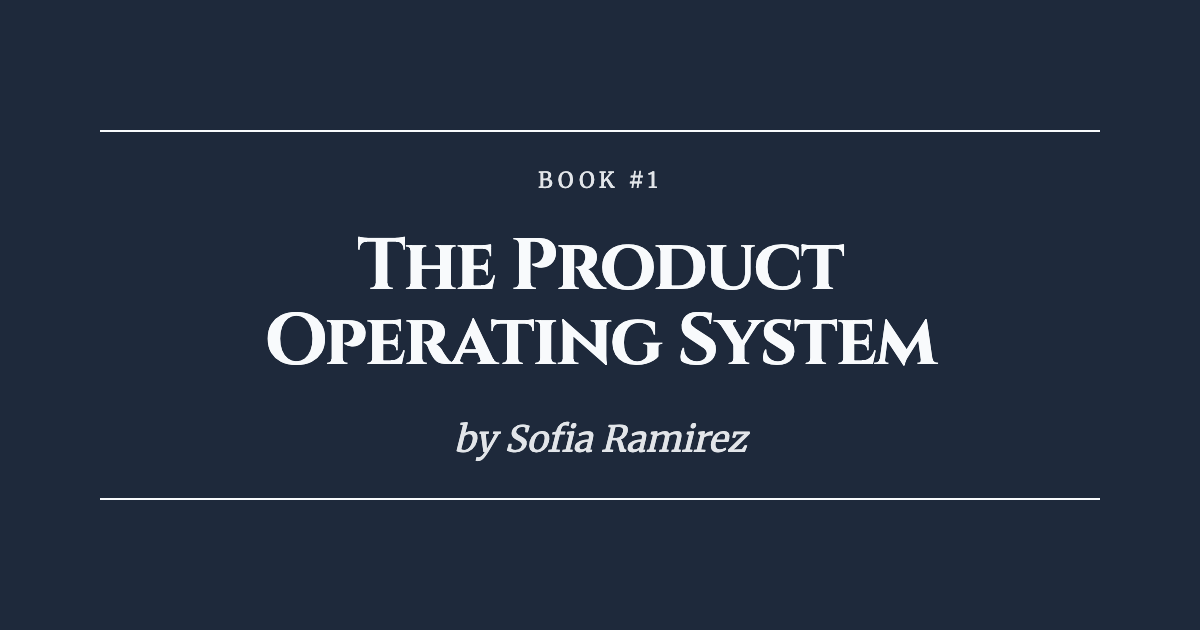
portfolio | with custom image | 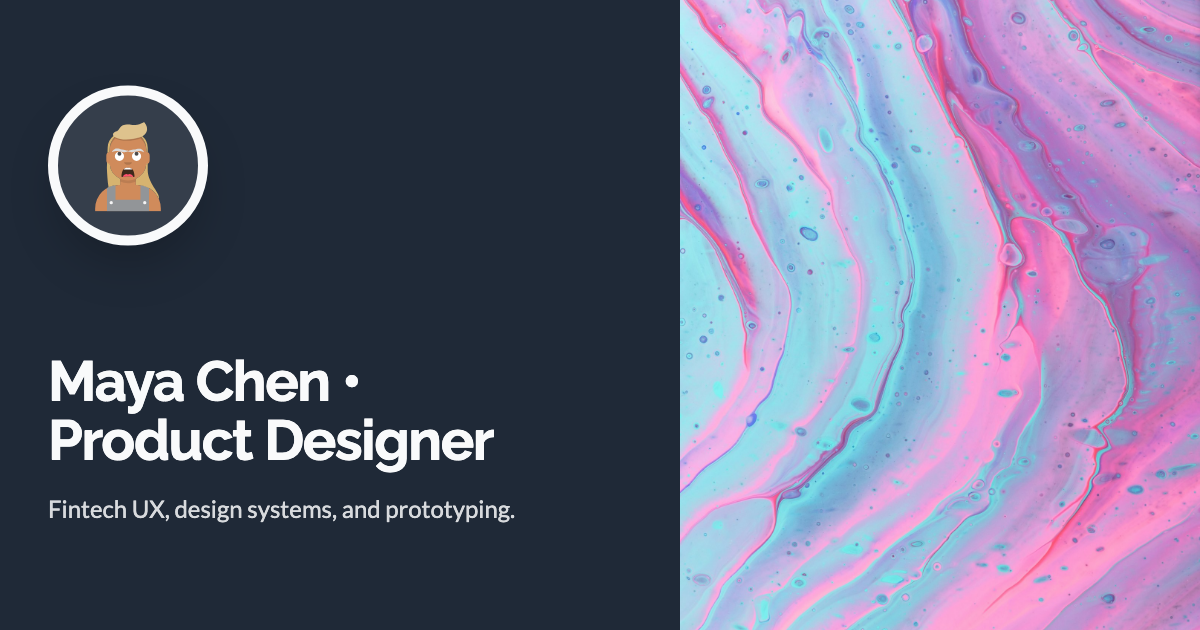
portfolio | without custom image | 
company | with custom image | 
company | without custom image | 
github | default | 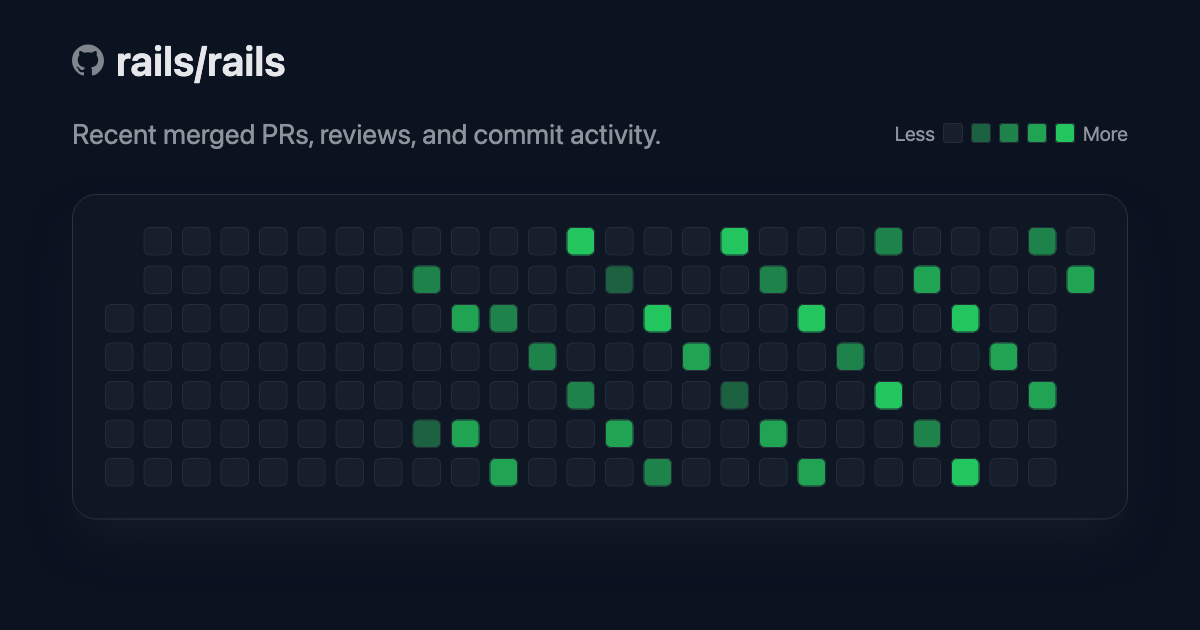
Parameters Used
[
  {
    "id": "page_with_custom_image",
    "template": "page",
    "variant": "with_custom_image",
    "params": {
      "title": "Acme Robotics Product Updates",
      "description": "See what shipped this week across the web app.",
      "logo_url": "https://www.google.com/s2/favicons?sz=128&domain_url=https%3A%2F%2Fwww.notion.so",
      "image_url": "https://images.unsplash.com/photo-1558655146-d09347e92766?w=1400&q=80",
      "bg_color": "#0B1220",
      "text_color": "#F8FAFC",
      "template": "page"
    },
    "image_url": "https://img.ogpilot.com/1f6oY498I6SiNfqGDjwdHLNpwmeU264t2OL0k7tY8Mw/plain/s3://og-pilot-development/eoo5v45d766hf22j4r2al60ktali"
  },
  {
    "id": "page_without_custom_image",
    "template": "page",
    "variant": "without_custom_image",
    "params": {
      "title": "Notion AI Workspace for Product Teams",
      "description": "Docs, specs, and roadmaps in one living workspace.",
      "logo_url": "https://www.google.com/s2/favicons?sz=128&domain_url=https%3A%2F%2Fwww.notion.so",
      "bg_color": "#111827",
      "text_color": "#E5E7EB",
      "template": "page"
    },
    "image_url": "https://img.ogpilot.com/9MZdTcTRyOoRqpTLll__EvDimmgojZESfZWokDqXeZM/plain/s3://og-pilot-development/wfa9es2wuvp6btjiriekk53swp6n"
  },
  {
    "id": "blog_post_with_custom_image",
    "template": "blog_post",
    "variant": "with_custom_image",
    "params": {
      "title": "How Stripe Reduced Checkout Abandonment by 18%",
      "logo_url": "https://www.google.com/s2/favicons?sz=128&domain_url=https%3A%2F%2Fstripe.com",
      "image_url": "https://images.unsplash.com/photo-1460925895917-afdab827c52f?w=1400&q=80",
      "author_name": "Maya Patel",
      "author_avatar_url": "https://api.dicebear.com/7.x/avataaars/svg?seed=MayaPatel",
      "publish_date": "2026-02-24",
      "bg_color": "#0F172A",
      "text_color": "#F8FAFC",
      "template": "blog_post"
    },
    "image_url": "https://img.ogpilot.com/RBBQZnBrAKcVmFjJg6UtNqX8P6nRRQdGLrlJNWYif7I/plain/s3://og-pilot-development/je7pj816exul9umhyszqpnbxelmd"
  },
  {
    "id": "blog_post_without_custom_image",
    "template": "blog_post",
    "variant": "without_custom_image",
    "params": {
      "title": "Inside Vercel's Edge Rendering Playbook",
      "logo_url": "https://www.google.com/s2/favicons?sz=128&domain_url=https%3A%2F%2Fvercel.com",
      "author_name": "Daniel Kim",
      "author_avatar_url": "https://api.dicebear.com/7.x/avataaars/svg?seed=DanielKim",
      "publish_date": "2026-02-18",
      "bg_color": "#111827",
      "text_color": "#E5E7EB",
      "template": "blog_post"
    },
    "image_url": "https://img.ogpilot.com/yP1B7OrLOy9Iu9JDSNk9Veys3ESCuCSBM9il2wq13V4/plain/s3://og-pilot-development/6aei8frvun6kvqojoor1hqack31y"
  },
  {
    "id": "podcast_with_custom_image",
    "template": "podcast",
    "variant": "with_custom_image",
    "params": {
      "title": "Indie Hackers Podcast: Pricing Experiments That Worked",
      "logo_url": "https://www.google.com/s2/favicons?sz=128&domain_url=https%3A%2F%2Fwww.spotify.com",
      "image_url": "https://images.unsplash.com/photo-1478737270239-2f02b77fc618?w=1400&q=80",
      "episode_date": "2026-02-21",
      "bg_color": "#18181B",
      "text_color": "#FAFAFA",
      "template": "podcast"
    },
    "image_url": "https://img.ogpilot.com/rzOOt7PWJ44OEwpKnntMLZaPvtl76DA3yRlj6B6N-Cc/plain/s3://og-pilot-development/fmkeblwertneuy4p82foeg5rfltl"
  },
  {
    "id": "podcast_without_custom_image",
    "template": "podcast",
    "variant": "without_custom_image",
    "params": {
      "title": "Shopify Masters: Building a 7-Figure DTC Brand",
      "logo_url": "https://www.google.com/s2/favicons?sz=128&domain_url=https%3A%2F%2Fwww.shopify.com",
      "episode_date": "2026-02-19",
      "bg_color": "#0B1120",
      "text_color": "#E2E8F0",
      "template": "podcast"
    },
    "image_url": "https://img.ogpilot.com/5UWWFG2J5bNRDOhDkN96ZG_g0XI9ULGDFgQkuVTjCYQ/plain/s3://og-pilot-development/yyhmo7lamj1n99i2n6dyttwungmq"
  },
  {
    "id": "product_with_custom_image",
    "template": "product",
    "variant": "with_custom_image",
    "params": {
      "title": "Allbirds Tree Dasher 3",
      "logo_url": "https://www.google.com/s2/favicons?sz=128&domain_url=https%3A%2F%2Fwww.allbirds.com",
      "image_url": "https://images.unsplash.com/photo-1542291026-7eec264c27ff?w=1400&q=80",
      "unique_selling_point": "Free shipping + 30-day returns",
      "bg_color": "#F8FAFC",
      "text_color": "#0F172A",
      "template": "product"
    },
    "image_url": "https://img.ogpilot.com/mzmHDMjyAX4VlpJanMT3zpmIJgSuClYI5eofhFpSJNQ/plain/s3://og-pilot-development/8ls2legb316l9vak40nu388uzy2t"
  },
  {
    "id": "product_without_custom_image",
    "template": "product",
    "variant": "without_custom_image",
    "params": {
      "title": "Bose QuietComfort Ultra",
      "logo_url": "https://www.google.com/s2/favicons?sz=128&domain_url=https%3A%2F%2Fwww.bose.com",
      "unique_selling_point": "Save $70 this weekend",
      "bg_color": "#111827",
      "text_color": "#F9FAFB",
      "template": "product"
    },
    "image_url": "https://img.ogpilot.com/kK6d7xU3EWT5WKC6jKCw1rhJDmv9bwvRn2S-nShV4NA/plain/s3://og-pilot-development/52ns2l1ll7hjhfg0p3wn5c9pqtr5"
  },
  {
    "id": "event_with_custom_image",
    "template": "event",
    "variant": "with_custom_image",
    "params": {
      "title": "Launch Week Berlin 2026",
      "logo_url": "https://www.google.com/s2/favicons?sz=128&domain_url=https%3A%2F%2Fwww.eventbrite.com",
      "image_url": "https://images.unsplash.com/photo-1540575467063-178a50c2df87?w=1400&q=80",
      "event_date": "2026-06-12/2026-06-14",
      "event_location": "Station Berlin",
      "bg_color": "#1E1B4B",
      "text_color": "#F5F3FF",
      "template": "event"
    },
    "image_url": "https://img.ogpilot.com/A7nxHkYs4xN4c1PhH2KQSWoB4ALwBdpP0HPiAss9_70/plain/s3://og-pilot-development/vjkdf6cx82dvdxmhiwtvrvkl976d"
  },
  {
    "id": "event_without_custom_image",
    "template": "event",
    "variant": "without_custom_image",
    "params": {
      "title": "RubyConf Chicago 2026",
      "logo_url": "https://www.google.com/s2/favicons?sz=128&domain_url=https%3A%2F%2Frubyconf.org",
      "event_date": "2026-11-17",
      "event_location": "Chicago, IL",
      "bg_color": "#312E81",
      "text_color": "#EEF2FF",
      "template": "event"
    },
    "image_url": "https://img.ogpilot.com/elpfu28vJ57XCGx3npKhCwXqqJnPoqwCm8Aj5SLkWsM/plain/s3://og-pilot-development/vpte818nvtegc60ta98q7pmw91c8"
  },
  {
    "id": "book_with_custom_image",
    "template": "book",
    "variant": "with_custom_image",
    "params": {
      "title": "Designing APIs for Humans",
      "description": "A practical handbook for product-minded engineers.",
      "logo_url": "https://www.google.com/s2/favicons?sz=128&domain_url=https%3A%2F%2Fwww.oreilly.com",
      "image_url": "https://images.unsplash.com/photo-1512820790803-83ca734da794?w=1400&q=80",
      "book_author": "Alex Turner",
      "book_series_number": "2",
      "book_genre": "Technology",
      "bg_color": "#172554",
      "text_color": "#EFF6FF",
      "template": "book"
    },
    "image_url": "https://img.ogpilot.com/7pidSkvU_l0RzY9xBOLSa2x-jDWWvx14Gtv-KMDCGLw/plain/s3://og-pilot-development/cwnhb631ls2olk0yzkukmr5dnf7e"
  },
  {
    "id": "book_without_custom_image",
    "template": "book",
    "variant": "without_custom_image",
    "params": {
      "title": "The Product Operating System",
      "description": "How modern teams ship with confidence.",
      "logo_url": "https://www.google.com/s2/favicons?sz=128&domain_url=https%3A%2F%2Fwww.penguinrandomhouse.com",
      "book_author": "Sofia Ramirez",
      "book_series_number": "1",
      "book_genre": "Business",
      "bg_color": "#1E293B",
      "text_color": "#F8FAFC",
      "template": "book"
    },
    "image_url": "https://img.ogpilot.com/FpMbBN15SLgaK9FEX07xXcT5dQIWyZkFdHaZ9i5wx3U/plain/s3://og-pilot-development/0rzisfn2qswdzsz641rl3s29ngu9"
  },
  {
    "id": "portfolio_with_custom_image",
    "template": "portfolio",
    "variant": "with_custom_image",
    "params": {
      "title": "Maya Chen • Product Designer",
      "description": "Fintech UX, design systems, and prototyping.",
      "logo_url": "https://api.dicebear.com/7.x/avataaars/svg?seed=MayaChen&size=64",
      "image_url": "https://images.unsplash.com/photo-1557672172-298e090bd0f1?w=1400&q=80",
      "bg_color": "#1F2937",
      "text_color": "#F9FAFB",
      "template": "portfolio"
    },
    "image_url": "https://img.ogpilot.com/gauiw2MMcNLLSFnQ07Hq3flv4S0L-89lnnjUOO0VgYU/plain/s3://og-pilot-development/qok04llq0ff3d2lherudwlhqxslm"
  },
  {
    "id": "portfolio_without_custom_image",
    "template": "portfolio",
    "variant": "without_custom_image",
    "params": {
      "title": "Arjun Rao • Frontend Engineer",
      "description": "React performance, accessibility, and DX.",
      "logo_url": "https://api.dicebear.com/7.x/avataaars/svg?seed=ArjunRao&size=64",
      "bg_color": "#0F172A",
      "text_color": "#E2E8F0",
      "template": "portfolio"
    },
    "image_url": "https://img.ogpilot.com/jVck9SDPlei0gaHq44_itLoVzn2wINrCP3XCTQF3SYs/plain/s3://og-pilot-development/jxa1s7dtibaeqamh0fsymwz7uqrx"
  },
  {
    "id": "company_with_custom_image",
    "template": "company",
    "variant": "with_custom_image",
    "params": {
      "title": "Notion",
      "description": "4 job openings",
      "logo_url": "https://www.google.com/s2/favicons?sz=128&domain_url=https%3A%2F%2Fwww.notion.so",
      "bg_color": "#111827",
      "text_color": "#F9FAFB",
      "template": "company"
    },
    "image_url": "https://img.ogpilot.com/rji7hNgoxRM1KF2GofIO9gqXJQNg5CqlPWbhbGpR4FA/plain/s3://og-pilot-development/2xl6zi3zgjm74izr46efduzhmbrr"
  },
  {
    "id": "company_without_custom_image",
    "template": "company",
    "variant": "without_custom_image",
    "params": {
      "title": "Linear",
      "description": "12 job openings",
      "company_logo_url": "https://www.google.com/s2/favicons?sz=256&domain_url=https%3A%2F%2Flinear.app",
      "bg_color": "#0B1220",
      "text_color": "#E5E7EB",
      "template": "company",
      "iss": "gitdigest.ai"
    },
    "image_url": "https://img.ogpilot.com/PgGl9a6xPmG0Tn7qKmZZUczrv43cNLxzyISsbHG8_oE/plain/s3://og-pilot-development/6gmm6jg5r8ya27r3tr215edfd972"
  },
  {
    "id": "github_activity",
    "template": "github",
    "variant": "default",
    "params": {
      "title": "rails/rails",
      "description": "Recent merged PRs, reviews, and commit activity.",
      "accent_color": "#22C55E",
      "bg_color": "#0B1220",
      "text_color": "#E5E7EB",
      "contributions": [
        {
          "date": "2025-10-28",
          "count": 6
        },
        {
          "date": "2025-11-01",
          "count": 3
        },
        {
          "date": "2025-11-05",
          "count": 9
        },
        {
          "date": "2025-11-08",
          "count": 12
        },
        {
          "date": "2025-11-12",
          "count": 7
        },
        {
          "date": "2025-11-16",
          "count": 11
        },
        {
          "date": "2025-11-20",
          "count": 5
        },
        {
          "date": "2025-11-24",
          "count": 14
        },
        {
          "date": "2025-11-28",
          "count": 8
        },
        {
          "date": "2025-12-02",
          "count": 4
        },
        {
          "date": "2025-12-06",
          "count": 10
        },
        {
          "date": "2025-12-10",
          "count": 15
        },
        {
          "date": "2025-12-14",
          "count": 6
        },
        {
          "date": "2025-12-18",
          "count": 9
        },
        {
          "date": "2025-12-22",
          "count": 13
        },
        {
          "date": "2025-12-26",
          "count": 4
        },
        {
          "date": "2025-12-30",
          "count": 7
        },
        {
          "date": "2026-01-03",
          "count": 11
        },
        {
          "date": "2026-01-07",
          "count": 16
        },
        {
          "date": "2026-01-11",
          "count": 12
        },
        {
          "date": "2026-01-15",
          "count": 6
        },
        {
          "date": "2026-01-19",
          "count": 8
        },
        {
          "date": "2026-01-23",
          "count": 14
        },
        {
          "date": "2026-01-27",
          "count": 9
        },
        {
          "date": "2026-01-31",
          "count": 5
        },
        {
          "date": "2026-02-04",
          "count": 13
        },
        {
          "date": "2026-02-08",
          "count": 17
        },
        {
          "date": "2026-02-12",
          "count": 10
        },
        {
          "date": "2026-02-16",
          "count": 7
        },
        {
          "date": "2026-02-20",
          "count": 12
        },
        {
          "date": "2026-02-24",
          "count": 9
        }
      ],
      "template": "github"
    },
    "image_url": "https://img.ogpilot.com/0dxm83dTyNCg5Dq_GZFT4SqsRyTWUO31d0HQwjIq0-A/plain/s3://og-pilot-development/jlhwskjsx08x56attaljw3ce0p65"
  }
]
Parameters
All parameters are embedded in the signed JWT payload; the only query param is token.
The library handles iss (domain) and sub (API key prefix) automatically.
Requests are sent as POST to https://ogpilot.com/api/v1/images with redirect: "manual".
Core parameters
| Parameter | Required | Default | Description |
|---------------|----------|----------|---------------------------------------------------------------|
| template | No | "page" | Template name |
| title | Yes | — | Primary title text |
| description | No | — | Subtitle or supporting text |
| logo_url | No | — | Logo image URL |
| image_url | No | — | Hero image URL |
| bg_color | No | — | Background color (hex format) |
| text_color | No | — | Text color (hex format) |
| image_type | No | — | Delivered image format: jpeg, png, webp, or gif |
| quality | No | — | Delivered image quality from 1 to 100 |
| max_bytes | No | — | Maximum delivered image size in bytes |
| iat | No | — | Issued-at timestamp for daily cache busting |
| path | No | auto-set | Request path for image rendering context (see Path handling) |
Configuration options
| Option | Default | Description |
|-------------------|---------------------------|--------------------------------------------------------------------------|
| apiKey | OG_PILOT_API_KEY env var | Your OG Pilot API key |
| domain | OG_PILOT_DOMAIN env var | Your domain registered with OG Pilot |
| baseUrl | https://ogpilot.com | OG Pilot API base URL |
| openTimeoutMs | 5000 | Connection timeout in milliseconds |
| readTimeoutMs | 10000 | Read timeout in milliseconds |
| stripExtensions | true | When true, file extensions are stripped from resolved paths (see Strip extensions) |
| stripQueryParameters | false | When true, query strings are removed from resolved paths before signing (see Strip query parameters) |
| imageType | — | Default delivered image format: jpeg, png, webp, or gif |
| quality | — | Default delivered image quality from 1 to 100 |
| maxBytes | — | Default maximum delivered image size in bytes |
| fetch | global fetch | Custom fetch implementation |
Options
| Option | Default | Description |
|-----------|---------|--------------------------------------------------------------------------|
| json | false | When true, sends Accept: application/json and parses the JSON response |
| headers | — | Additional HTTP headers to include with the request |
| default | false | Forces path to / when true, unless a manual path is provided |
Path handling
The path parameter enhances OG Pilot analytics by tracking which OG images perform better across different pages on your site. By capturing the request path, you get granular insights into click-through rates and engagement for each OG image.
The client automatically injects a path parameter on every request:
| Option | Behavior |
|------------------|---------------------------------------------------------------------------------------------------------|
| default: false | Uses the current request path when available (via request context), then falls back to env vars, then / |
| default: true | Forces the path parameter to /, regardless of the current request (unless path is provided explicitly) |
| path: "/..." | Uses the provided path verbatim (normalized to start with /), overriding auto-resolution |
Framework Integration
Next.js (App Router)
In Next.js, the recommended approach is to use generateMetadata and build the
path directly from params and searchParams (no middleware needed):
// app/products/[id]/page.tsx
import type { Metadata } from "next";
import { buildPathFromNextProps, createImage } from "og-pilot-js";

export async function generateMetadata(props): Promise<Metadata> {
  const path = await buildPathFromNextProps("/products/[id]", props);
  const imageUrl = await createImage(
    {
      template: "product",
      title: "Product page",
    },
    { path }
  );

  return {
    openGraph: {
      images: [imageUrl],
    },
  };
}
For catch-all routes:
// app/blog/[...slug]/page.tsx
import { buildPathFromNextProps } from "og-pilot-js";

export async function generateMetadata(props) {
  const path = await buildPathFromNextProps("/blog/[...slug]", props);
  // => /blog/2024/launch?ref=twitter
}
Express
import express from "express";
import { createExpressMiddleware } from "og-pilot-js";

const app = express();
app.use(createExpressMiddleware());

// Now path is automatically captured in all routes
app.get("/blog/:slug", async (req, res) => {
  const imageUrl = await createImage({
    template: "blog_post",
    title: "My Blog Post",
  });
  // path is automatically set to /blog/:slug
});
Nuxt (useSeoMeta)
Nuxt recommends useSeoMeta for SEO tags. You can generate the OG image URL
server-side and pass it directly:
<!-- app/pages/products/[id].vue -->
<script setup lang="ts">
import { createImage } from "og-pilot-js";

const route = useRoute();

if (import.meta.server) {
  const imageUrl = await createImage(
    {
      template: "product",
      title: "Product page",
    },
    { path: route.fullPath }
  );

  useSeoMeta({
    title: "Product page",
    ogTitle: "Product page",
    ogImage: imageUrl,
    twitterCard: "summary_large_image",
  });
}
</script>
If you need reactive metadata, pass a computed getter:
<script setup lang="ts">
const title = ref("My title");

useSeoMeta({
  title,
  ogTitle: () => title.value,
});
</script>
Other Frameworks
For SvelteKit, Remix, or other frameworks, use withRequestContext in your server middleware:
// SvelteKit hooks (src/hooks.server.ts)
import { setCurrentRequest } from "og-pilot-js";
import type { Handle } from "@sveltejs/kit";

export const handle: Handle = async ({ event, resolve }) => {
  setCurrentRequest({ url: event.url.pathname + event.url.search });
  return resolve(event);
};
Using withRequestContext (async-safe)
For fine-grained control or when middleware isn't suitable:
import { withRequestContext, createImage } from "og-pilot-js";

// In your request handler
await withRequestContext({ url: req.originalUrl }, async () => {
  const imageUrl = await createImage({
    template: "blog_post",
    title: "My Blog Post"
  });
  // path is automatically set to req.originalUrl
});
Manual path override
const imageUrl = await createImage({
  template: "page",
  title: "Hello OG Pilot",
  path: "/pricing?plan=pro"
});
Default path
const imageUrl = await createImage(
  {
    template: "blog_post",
    title: "Default OG Image"
  },
  { default: true }
);
// path is set to "/"
Fetch JSON metadata instead:
import { createImage } from "og-pilot-js";

const data = await createImage(
  {
    template: "page",
    title: "Hello OG Pilot"
  },
  { json: true }
);
// Success: data.image_url is usually a URL string
// Failure: data.image_url is null, and an error is logged
Strip extensions
When stripExtensions is enabled, the client removes file extensions from the
last segment of every resolved path. This ensures that /docs, /docs.md,
/docs.php, and /docs.html all resolve to "/docs", so analytics are
consolidated under a single path regardless of the URL extension.
Multiple extensions are also stripped (/archive.tar.gz becomes /archive).
Dotfiles like /.hidden are left unchanged. Query strings are preserved.
import { configure, createImage } from "og-pilot-js";

configure((config) => {
  config.stripExtensions = true;
});

// All of these resolve to path "/docs":
await createImage({ title: "Docs", path: "/docs" });
await createImage({ title: "Docs", path: "/docs.md" });
await createImage({ title: "Docs", path: "/docs.php" });

// Nested paths work too: /blog/my-post.html → /blog/my-post
// Query strings are preserved: /docs.md?ref=main → /docs?ref=main
// Dotfiles are unchanged: /.hidden stays /.hidden
Or pass it when creating a client:
const ogPilot = createClient({
  apiKey: "...",
  domain: "...",
  stripExtensions: true,
});
Strip query parameters
When stripQueryParameters is enabled, the client removes the query string from
every resolved path before it is signed. This helps keep analytics grouped by
the canonical path rather than variant URLs that differ only by query terms.
You can combine it with stripExtensions when you want canonical paths without
extensions and without queries. For example, /archive.tar.gz?ref=campaign
resolves to "/archive" when both options are enabled.
import { configure, createImage } from "og-pilot-js";

configure((config) => {
  config.stripQueryParameters = true;
});

// Even though a query string is provided, the signed payload only sees "/docs".
await createImage({ title: "Docs", path: "/docs?ref=main" });
Framework notes
This library is meant for server-side usage. Keep your API key private and do not call it from client-side/browser code. In Next.js or Nuxt, call it from API routes or server handlers.
Advanced usage
Create a dedicated client with custom configuration:
import { createClient } from "og-pilot-js";

const ogPilot = createClient({
  apiKey: process.env.OG_PILOT_API_KEY,
  domain: process.env.OG_PILOT_DOMAIN
});

const url = await ogPilot.createImage({ title: "Hello" });
Development
npm run build
npm run typecheck