
open-accessibility
v1.0.0
Published
Free accessibility tools menu for website maintainers powered by jQuery

Maintainers
 jossef
Readme
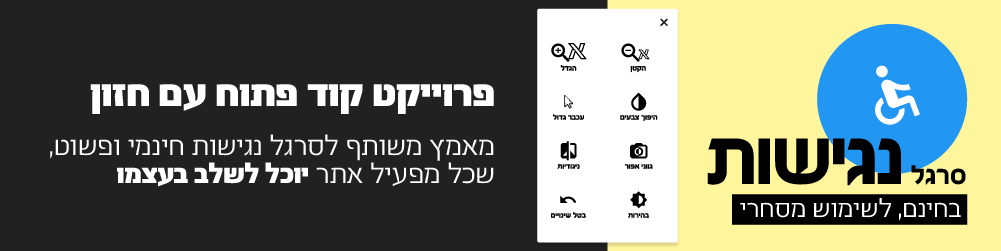

Free accessibility tools menu for website maintainers powered by jQuery. See the demo
Getting Started
CDN
Add the following imports (make sure to import jQuery before)
<script src="https://cdn.rawgit.com/jossef/open-accessibility/master/dist/open-accessibility.min.js"></script>
<link rel="stylesheet" href="https://cdn.rawgit.com/jossef/open-accessibility/master/dist/open-accessibility.min.css">
Bower
bower install open-accessibility --saveNPM
npm install open-accessibility --saveInitialization
In order for the plugin to load, it has to be initialized like so:
$('body').openAccessibility();In addition, some default options may be overidden on initialization:
$('body').openAccessibility({
  textSelector: 'h1,p'
});
Full list of default options:
isMenuOpened: false
highlightedLinks: false
isMobileEnabled: false
grayscale: 0
brightness: 100
contrast: 100
maxZoomLevel: 3
minZoomLevel: 0.5
zoomStep: 0.2
zoom: 1
cursor: false
textSelector: '.open-accessibility-text'
invert: false
iconSize: 'm',
localization: ['he']
Langual support
In order to use other language add the locale script file right after the open-accessibility.babel libary ( The order is important ).
<script src="dist/open-accessibility.min.js"></script>
<script src="dist/locale.min.js"></script>
and use localization property in configuration to set the primary language
localization: ['en']You may want to extend the locale.js file, or the $.fn.openAccessibility.locale property in order to add your own language!
- We'll add a support for multilangual select in the menu, soon :)