
opencode-9router-plugin
v0.1.5
Published
Dynamic 9router provider plugin for opencode


Readme
Opencode 9Router Plugin
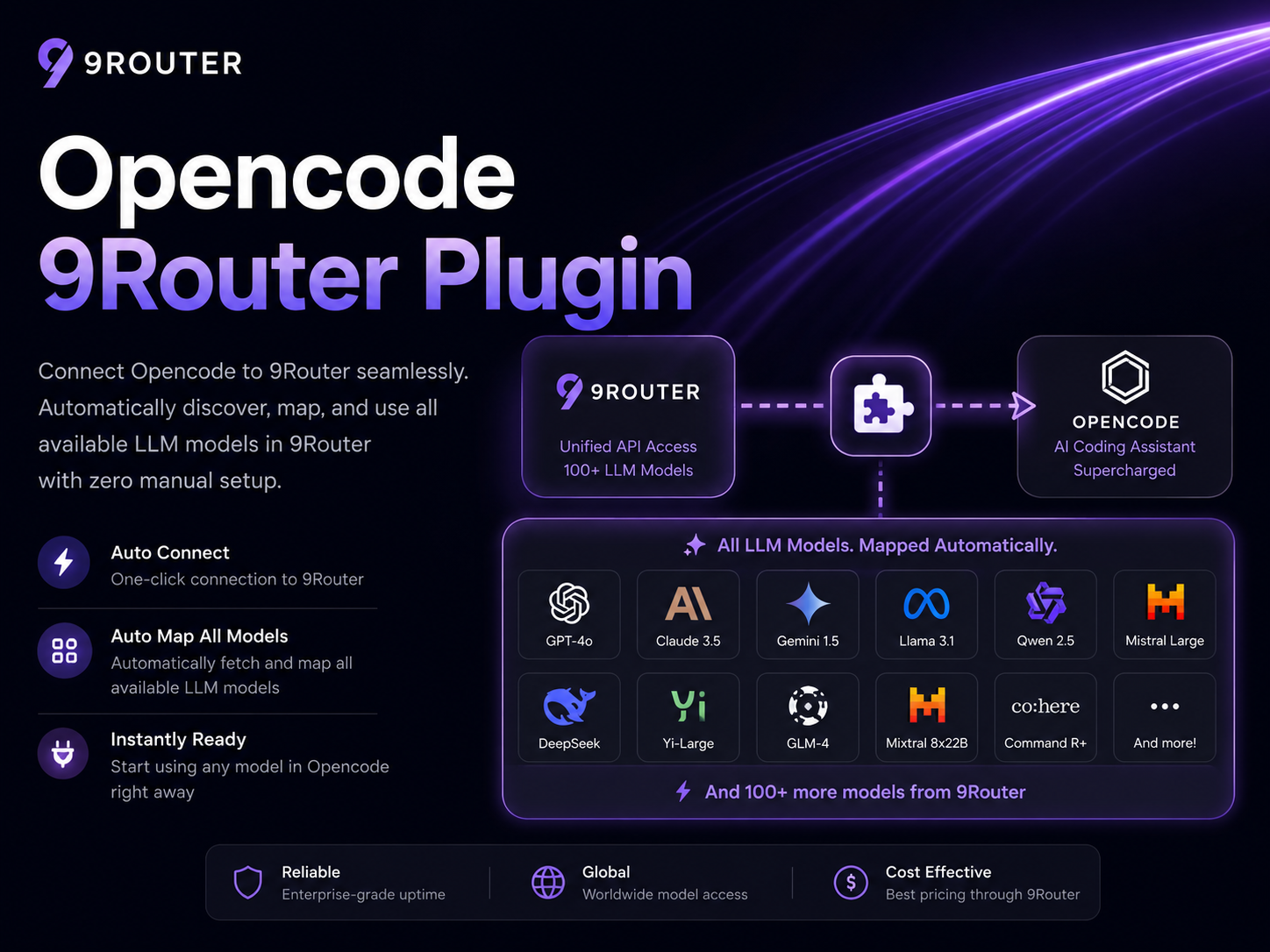
Dynamic 9router provider plugin for opencode.
It discovers available models from your 9router endpoint at startup and injects them into opencode automatically, so model lists do not need to be hardcoded in opencode.json.
Features
- Discovers models dynamically from
OPENCODE_9ROUTER_URL(default:http://localhost:20128/v1) - Registers provider
9routerusing@ai-sdk/openai-compatible - Sends
OPENCODE_9ROUTER_API_KEYas Bearer auth when discovering models - Injects dynamically discovered models into opencode config at runtime
- Does not write opencode config from the runtime plugin
- Includes an explicit installer/check CLI for safer setup and troubleshooting
Recommended Install
Use opencode's native plugin installer:
opencode plugin opencode-9router-pluginThen set your API key and restart opencode.
Windows (cmd):
setx OPENCODE_9ROUTER_API_KEY "sk-..."macOS/Linux:
export OPENCODE_9ROUTER_API_KEY="sk-..."If your 9router endpoint is not the default local URL, also set:
export OPENCODE_9ROUTER_URL="http://localhost:20128/v1"Windows (cmd):
setx OPENCODE_9ROUTER_URL "http://localhost:20128/v1"Restart opencode, then verify:
opencode models 9routerFallback Installer
If the native installer is unavailable, use the package CLI:
npx opencode-9router-plugin installThe CLI first tries opencode plugin opencode-9router-plugin. If that fails, it falls back to safe config editing.
Useful options:
npx opencode-9router-plugin install --global
npx opencode-9router-plugin install --project
npx opencode-9router-plugin install --config ./opencode.json
npx opencode-9router-plugin install --dry-run
npx opencode-9router-plugin install --yes
npx opencode-9router-plugin install --manual
The fallback editor:
- detects
OPENCODE_CONFIGand warns aboutOPENCODE_CONFIG_CONTENT - supports global and project config targets
- creates backups before writing existing files
- writes atomically through a temp file and rename
- avoids duplicate plugin entries, including tuple entries like
["opencode-9router-plugin", {}] - refuses to edit JSONC files with comments because preserving comments safely is not guaranteed
Check Setup
Run diagnostics:
npx opencode-9router-plugin checkIt checks:
- target config path
- whether config parses successfully
- whether plugin entry is present
- whether
OPENCODE_9ROUTER_API_KEYis set - whether
opencode models 9routerreturns models
Uninstall
Use opencode's native plugin management if available. Otherwise:
npx opencode-9router-plugin uninstall --globalor:
npx opencode-9router-plugin uninstall --projectManual Config
If you prefer to edit config manually, add the package name to plugin:
{
  "$schema": "https://opencode.ai/config.json",
  "plugin": ["opencode-9router-plugin"]
}
Do not hardcode model lists. The plugin discovers them dynamically at startup.
Environment Variables
OPENCODE_9ROUTER_URL(optional): 9router base URL. Defaulthttp://localhost:20128/v1OPENCODE_9ROUTER_API_KEY(recommended): API key used by provider options and model discovery requestsOPENCODE_9ROUTER_TIMEOUT_MS(optional): fetch timeout in ms. Default5000
- Create a tag such as
v0.1.0. - Publish to npm manually or with GitHub Actions on tagged releases.
Troubleshooting
- Restart opencode after changing config or installing plugins.
- If
/modeldoes not show 9router models, runnpx opencode-9router-plugin check. - If models are empty, verify that your 9router endpoint is running and
/modelsis reachable. - If you see
Missing API Key, setOPENCODE_9ROUTER_API_KEYand restart opencode. - If you previously used a local development copy, remove duplicate local entries such as
./plugins/opencode-9router.tsbefore switching to the npm package.
Github Repository
https://github.com/mdhb2/opencode-9router-plugin