
ossclip
v0.1.25
Published
Local-first CLI video producer: cuts silence and fillers, word-timed captions, face-aware framing, and LLM-planned code-rendered graphics — transcription and rendering never leave your machine

Maintainers
 ahsanayaz
Readme
ossclip
A local-first CLI that turns a talking-head take into a finished short. It cuts silence and filler words, writes word-timed kinetic captions, frames on the measured face, and has an LLM plan code-rendered on-screen graphics — title cards, stat cards, diagrams, terminal and chat mockups — from what was actually said.
Transcription is local (whisper.cpp), rendering is local (Remotion); the only network calls are the LLM planning ones, on your own key or your existing Claude Code / Google Antigravity subscription. Vertical 9:16 by default, landscape 16:9 with --aspect.
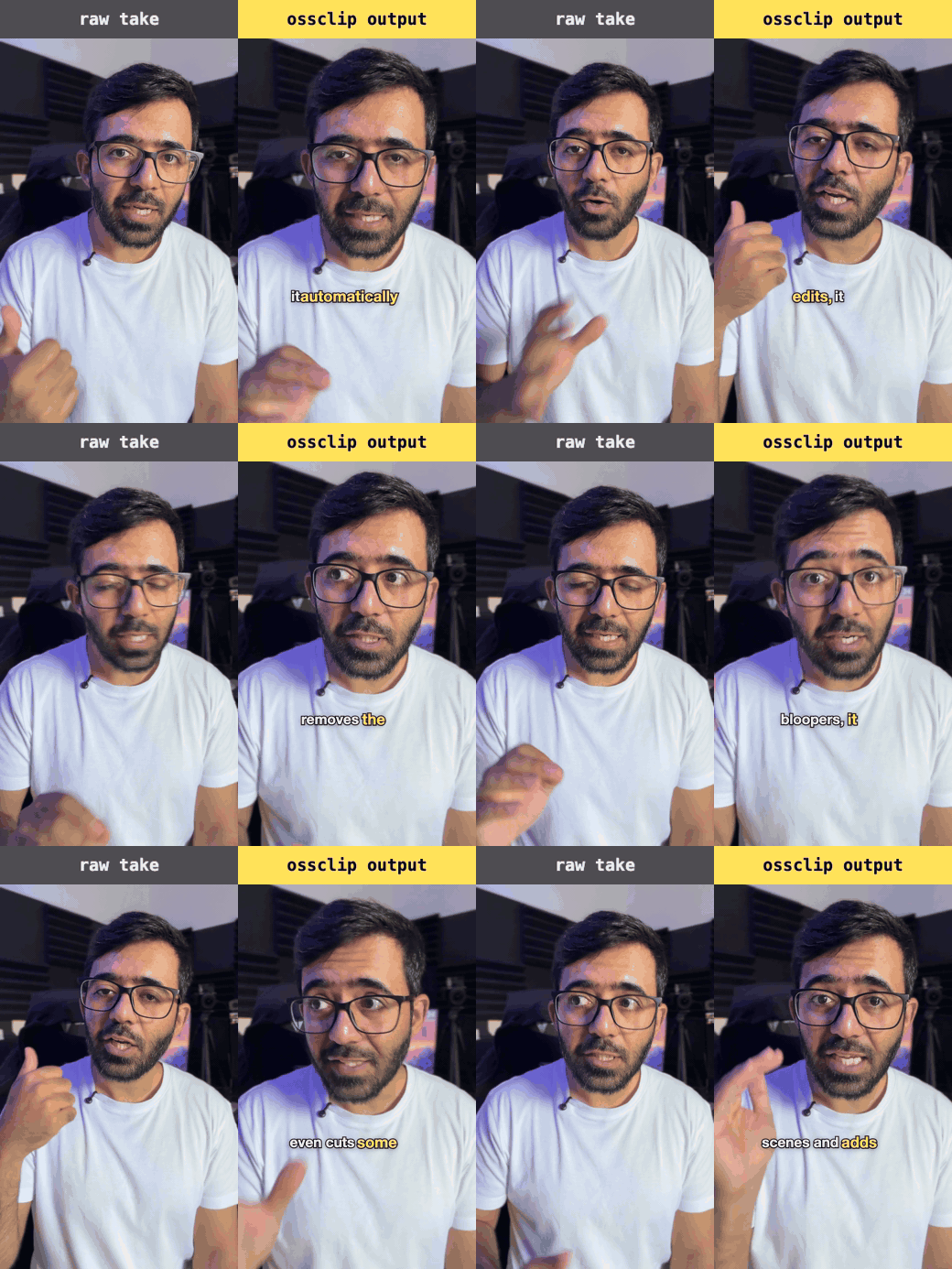
Left: the raw take. Right: the same take after ossclip produce — cut down, reframed on the measured face, word-timed kinetic captions.
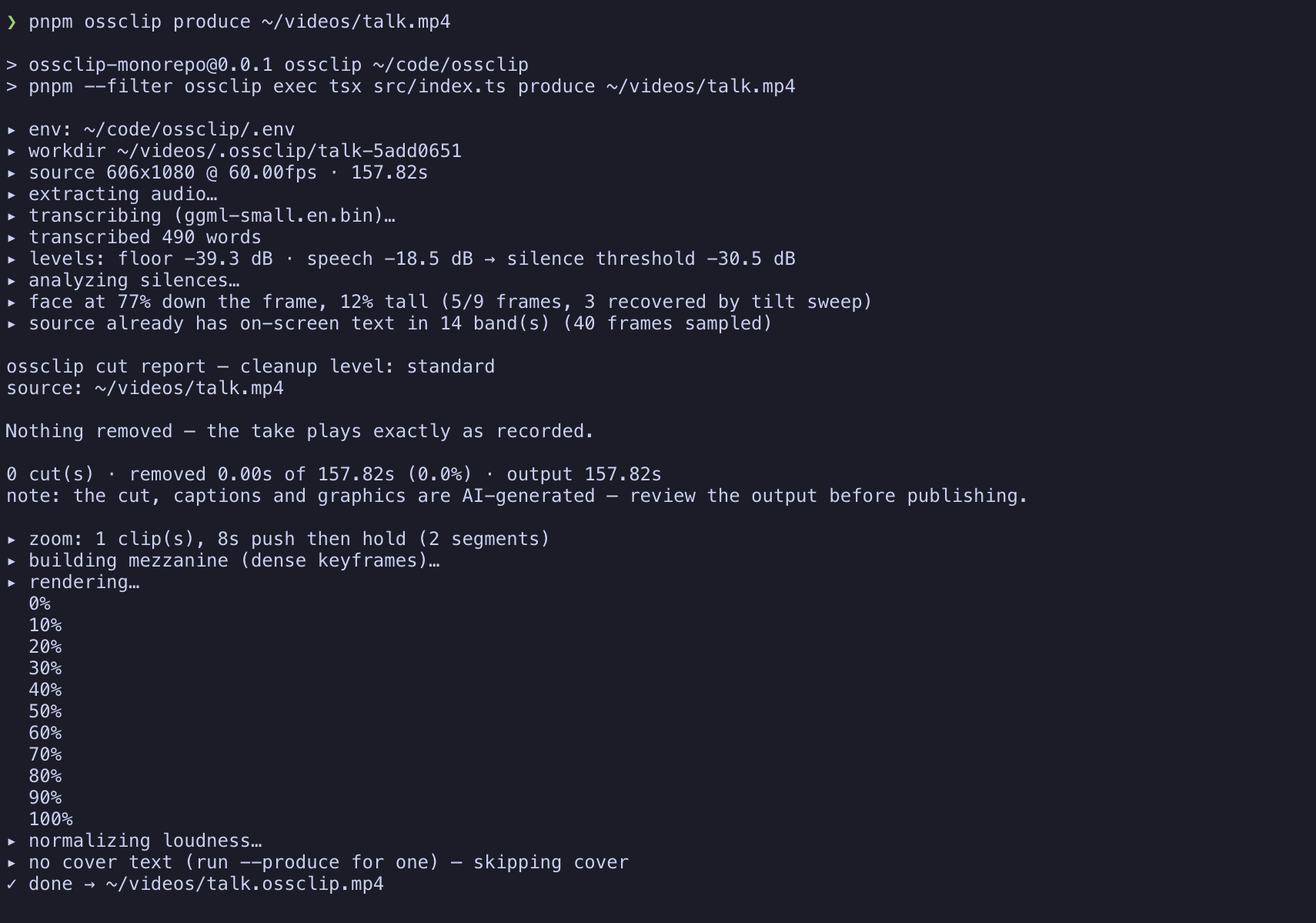
npm install -g ossclip
ossclip doctor             # checks every prerequisite, prints the exact fix per line
ossclip doctor checks Node ≥ 22, ffmpeg/ffprobe, whisper.cpp (whisper-cli), the transcription model, and an LLM provider — printing the per-platform install command for anything missing.
# The whole thing: cut + captions + LLM-planned graphics + cover
ossclip produce input.mp4 --produce -o out.mp4

# Just the cut and captions — no LLM, no network
ossclip produce input.mp4 -o out.mp4

# Long-form in, one short out: the strongest ~60s window, chosen by the producer
ossclip produce podcast.mp4 --produce --clip 60 -o clip.mp4

# Keep your own editor: export the planned cuts as labelled markers, no render, no LLM
ossclip analyze input.mp4 --format premiere-xml   # Premiere Pro; resolve-edl for Resolve, fcpxml for FCP

# Edit what it produced — direct manipulation, in the browser
ossclip edit "<work directory>"
Not sure what to run? ossclip with no arguments opens a menu, and every choice prints the equivalent command before it runs. Choose produce a video and the wizard's first question offers the newest videos in your working directory, Downloads and Movies (Videos on Linux and Windows); a Browse… row that opens your operating system's own file picker; and typing a path. Over SSH on macOS or Windows, or on a Linux box with no display or no zenity/kdialog, the Browse rows are simply not shown — there is no window to open. OSSCLIP_NO_PICKER set to a non-empty value hides them too, leaving suggestions and typing — truthiness, not presence, so an empty OSSCLIP_NO_PICKER= leaves the picker on.
Scope, honestly: ossclip is at its best polishing a take you have already cut down. --clip selects a single strongest window from long-form input — one clip, not N.
Keep your own editor: ossclip analyze exports every suggested cut as a labelled span marker — reason, duration, confidence — in the dialect your NLE actually reads (premiere-xml, resolve-edl with colours, or fcpxml for Final Cut). Review the markers, cut in your own timeline; nothing is applied for you. Import steps per NLE are in the repo README.
AI can make mistakes: the cut, the captions and every graphic are generated — review the output before publishing.
Telemetry: ossclip sends anonymous usage events (counts, durations, provider name) — never footage, transcripts, file names or paths. Turn it off any time with ossclip telemetry off, OSSCLIP_TELEMETRY=0, or DO_NOT_TRACK=1. Full detail in the repo README's Telemetry section.
Full documentation, flags, keybinds and the findings log: github.com/AhsanAyaz/ossclip
Licence
MIT. Rendering depends on Remotion, which is source-available under its own two-tier licence — for-profit companies above its stated size need a company licence.