
own-the-canvas
v1.0.11
Published
Beautiful, responsive, fully customizable HTML canvas-based React visual components

Maintainers
 jabid19
Readme
own-the-canvas
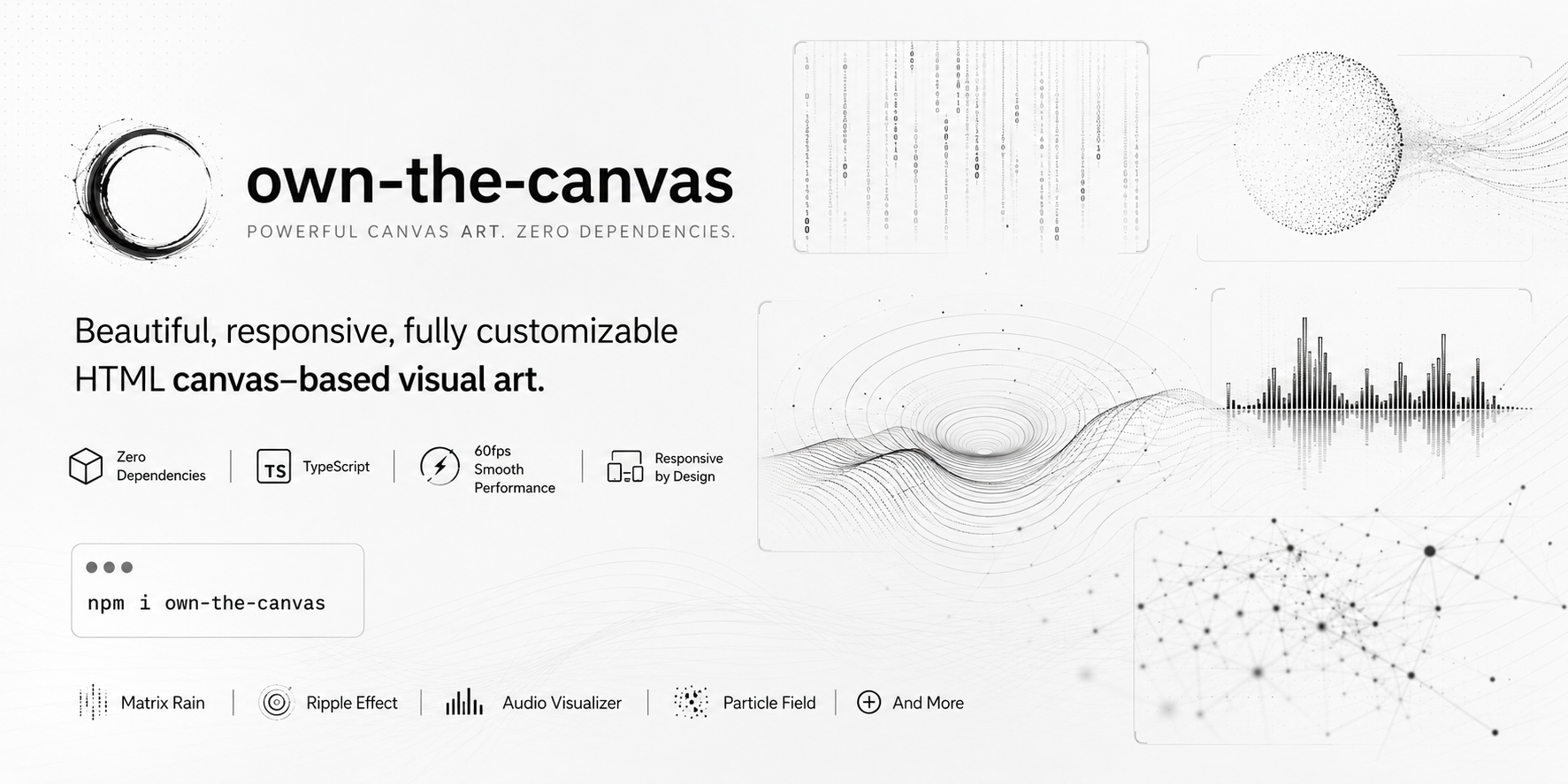
50+ canvas-based React visual components. Zero dependencies. TypeScript.




Install
npm install own-the-canvas
# or
pnpm add own-the-canvas
# or
yarn add own-the-canvas
Peer deps: React 18+
Quick Start
Every component fills its parent container by default. Drop it in and it works.
import { DragonCursor, MatrixRain, ParticleText } from "own-the-canvas";

export default function App() {
  return (
    <div style={{ width: "100vw", height: "100vh" }}>
      <MatrixRain preset="cyberpunk" />
    </div>
  );
}
All components accept a preset prop for instant themed defaults — override any individual prop on top.
Featured Components
DragonCursor
A sinuous dragon body that trails your cursor in real time. Segments, wings, optional fire breath, and a background star field with optional per-star glow halos — all configurable.
Presets: default · emerald · inferno · void · ice
import { DragonCursor } from "own-the-canvas";

<DragonCursor preset="inferno" segmentCount={24} showFire wingSpan={70} starCount={80} glowingStars />
| Prop | Type | Default | Description |
| --- | --- | --- | --- |
| segmentCount | number | 20 | Body segment count |
| bodyColor | string | "#ffffff" | Dragon body color |
| wingSpan | number | 60 | Wing span in px |
| showFire | boolean | false | Enable fire breath |
| followSpeed | number | 0.15 | Cursor follow lerp speed |
| starCount | number | 60 | Number of background stars |
| starColor | string | "#ffffff" | Star color |
| glowingStars | boolean | false | Layered halo glow on ~28% of stars |
| starGlowBlur | number | 8 | Glow blur radius for glowing stars |
MatrixRain
Falling character rain — katakana, latin, or binary. Per-column trail fade, variable speed, neon green or any color.
Presets: default · cyberpunk · binary · minimal · blood
import { MatrixRain } from "own-the-canvas";

<MatrixRain color="#00ff41" charset="katakana" fontSize={16} speed={20} />
| Prop | Type | Default | Description |
| --- | --- | --- | --- |
| color | string | "#ffffff" | Character color |
| charset | "latin" \| "binary" \| "katakana" \| string | "latin" | Character set |
| fontSize | number | 14 | Font size in px |
| speed | number | 33 | Ms per frame — lower = faster |
| backgroundColor | string | "rgba(17,17,17,0.1)" | Per-frame overlay — controls trail length |
KoiPond
Living koi pond on canvas — fish navigate with organic steering, ripple on hover, lily pads float, caustic light dances.
Presets: default · koi · night · lotus · neon
import { KoiPond } from "own-the-canvas";

<KoiPond preset="koi" fishCount={8} interactive showLilies caustics />
| Prop | Type | Default | Description |
| --- | --- | --- | --- |
| fishCount | number | 6 | Number of koi fish |
| fishColor | string | "#ffffff" | Fish body color |
| showLilies | boolean | true | Render floating lily pads |
| caustics | boolean | true | Caustic light shimmer |
| interactive | boolean | true | React to mouse movement |
FluidSimulation
Real-time Navier-Stokes fluid solver. Move your mouse to inject velocity and ink — auto-bursts fire at intervals for continuous motion.
Presets: default · ink · neon · lava · ocean · smoke
import { FluidSimulation } from "own-the-canvas";

<FluidSimulation
  preset="neon"
  inkColors={["#ff00ff", "#00ffff", "#7700ff"]}
  resolution={80}
/>
| Prop | Type | Default | Description |
| --- | --- | --- | --- |
| resolution | number | 128 | Grid resolution 32–128 |
| inkColors | string[] | monochrome | Ink colors |
| viscosity | number | 0.0001 | Fluid viscosity |
| autoInk | boolean | true | Auto-inject ink bursts |
| mouseForce | number | 5 | Mouse velocity force multiplier |
FlowField
Perlin noise vector field guiding 800 particle streams. Enable curl for swirling, organic motion. Builds layered ink-like compositions over time.
Presets: default · neon · ocean · lava · forest · monochrome
import { FlowField } from "own-the-canvas";

<FlowField
  preset="ocean"
  particleCount={1200}
  curl
  noiseScale={0.003}
/>
| Prop | Type | Default | Description |
| --- | --- | --- | --- |
| particleCount | number | 800 | Number of flow particles |
| colors | string[] | monochrome | Particle stroke colors |
| noiseScale | number | 0.004 | Noise scale — lower = larger structures |
| curl | boolean | false | Add curl noise for swirling flow |
| speed | number | 1 | Flow speed multiplier |
GlitchOverlay
Digital glitch effect with RGB channel separation, CRT scanlines, block-slice artifacts, and film noise. Designed as an absolute-positioned overlay — zero configuration required.
Presets: default · crt · cyberpunk · subtle · corrupt
import { GlitchOverlay } from "own-the-canvas";

<div style={{ position: "relative" }}>
  <YourContent />
  <GlitchOverlay preset="cyberpunk" intensity={0.8} rgbShift={12} />
</div>
| Prop | Type | Default | Description |
| --- | --- | --- | --- |
| intensity | number | 0.6 | Glitch probability 0–1 |
| rgbShift | number | 8 | RGB color shift in px |
| rgbShiftColor | string | "#ff0000" | RGB split primary color — complement used for opposing channel |
| scanlines | boolean | true | CRT scanline overlay |
| blockGlitch | boolean | true | Block-slice glitch artifacts |
| flickerRate | number | 0.02 | Screen flicker rate 0–1 |
BubbleUniverse
Physics-based soap bubbles that float, collide, merge on contact, and pop on click. Iridescent shimmer and glow included.
Presets: default · soap · neon · deep · minimal
import { BubbleUniverse } from "own-the-canvas";

<BubbleUniverse preset="soap" bubbleCount={20} mergeOnCollide glowEffect />
| Prop | Type | Default | Description |
| --- | --- | --- | --- |
| bubbleCount | number | 15 | Number of bubbles |
| mergeOnCollide | boolean | true | Bubbles merge on collision |
| popEffect | boolean | true | Pop animation on click |
| glowEffect | boolean | true | Glow on bubbles |
| gravity | number | 0.02 | Gravity strength |
Rain
Falling rain streaks with sinusoidal wind drift, splash particles on ground impact, and a background star field with optional glow halos. Great as a layered overlay.
Presets: default · storm · drizzle · neon · golden
import { Rain } from "own-the-canvas";

<Rain preset="storm" dropCount={400} wind={0.6} showSplashes starCount={60} glowingStars />
| Prop | Type | Default | Description |
| --- | --- | --- | --- |
| dropCount | number | 200 | Number of rain drops |
| speed | number | 15 | Drop fall speed px/frame |
| wind | number | 0.3 | Horizontal wind drift |
| dropColor | string | "#000000" | Drop stroke color |
| showSplashes | boolean | true | Splash particles on impact |
| starCount | number | 60 | Number of background stars |
| starColor | string | "#ffffff" | Star color |
| glowingStars | boolean | false | Layered halo glow on ~28% of stars |
| starGlowBlur | number | 8 | Glow blur radius for glowing stars |
FireEffect
Pixel-level cellular automaton fire. Heat seeds at the bottom row, rises with cooling and wind drift, maps to a palette. Five color themes.
Presets: default · inferno · toxic · ice · plasma
import { FireEffect } from "own-the-canvas";

<FireEffect palette="inferno" intensity={0.95} windStrength={0.4} />
| Prop | Type | Default | Description |
| --- | --- | --- | --- |
| palette | "smoke" \| "inferno" \| "toxic" \| "ice" \| "plasma" | "smoke" | Color theme |
| customColors | string[] | undefined | Custom gradient — overrides palette when ≥2 colors |
| intensity | number | 0.95 | Flame intensity 0–1 |
| windStrength | number | 0.3 | Horizontal wind -1 to 1 |
| cooling | number | 0.3 | Cooling rate — higher = shorter flames |
| spread | number | 0.7 | Flame spread 0–1 |
ParticleText
Text rendered from thousands of particles — each springs to its position in the letterform. Mouse cursor repels them; they reform when it leaves.
Presets: default · neon · fire · frost · gold · minimal
import { ParticleText } from "own-the-canvas";

<ParticleText
  text="HELLO"
  preset="neon"
  fontSize={140}
  repelRadius={100}
  repelForce={8}
/>
| Prop | Type | Default | Description |
| --- | --- | --- | --- |
| text | string | "hello" | Text to render as particles |
| fontSize | number | 120 | Font size in px |
| color | string | "#ffffff" | Particle color |
| repelRadius | number | 80 | Mouse repulsion radius in px |
| repelForce | number | 5 | Mouse repulsion force |
| snapSpeed | number | 0.12 | Spring constant for snap-to-target |
Base Props
Every component accepts these props:
| Prop | Type | Default | Description |
| --- | --- | --- | --- |
| width | number \| string | "100%" | Container width |
| height | number \| string | "100%" | Container height |
| className | string | — | CSS class on wrapper <div> |
| style | React.CSSProperties | — | Inline styles on wrapper <div> |
| preset | string | "default" | Named preset — sets themed defaults |
All components use forwardRef — the ref is forwarded to the underlying <canvas> element.
42 More Components
Starfield · Fireworks · Boids · SlimeMold · GameOfLife · Kaleidoscope · ReactionDiffusion · AuroraBorealis · Spirograph · Lightning · ClothSimulation · VoronoiCells · NeuralWeb · Metaballs · AntColony · Wormhole · Mandala · MagneticBlob · WatercolorBloom · InkBleed · CrystalGrowth · SandSimulation · WaveInterference · LSystem · Lissajous · PendulaWave · DiffusionAggregation · TerrainMesh · MagneticField · Spotlight · Shockwave · Confetti · RippleEffect · NoiseGradient · PixelDissolve · AudioVisualizer · ParticleField · LiveChart · GalaxySpiral · SolarFlare · TornadoVortex · SakuraBlossom
Full docs, live previews, and interactive playground:
License
MIT