
package-viewer
v1.1.3
Published
Generates a list of Node.js packages located inside of a given directory.


Readme
Package-Viewer
Generates a list of Node.js packages located inside of a given directory.
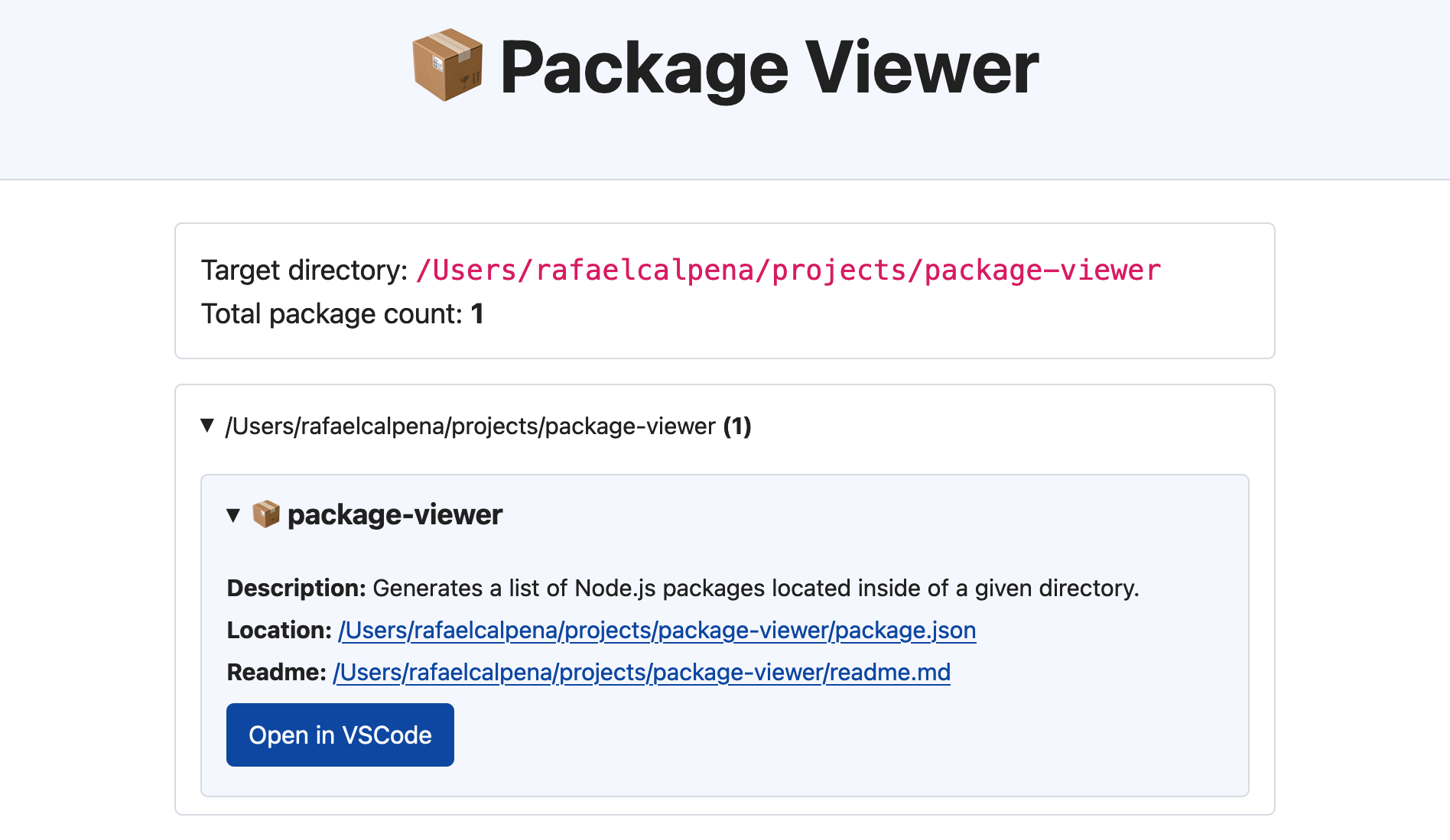
Features
- Tree view containing multiple folders and Node.js packages.
- Automatic identification and tagging for:
- pNpm, Lerna, Angular and Nx Workspaces
- Git projects
- Compiled packages (under
/distfolders) - Packages containing local path dependencies (starting with file:)
- Global Symlinked Packages
- Unnecessary packages are filtered by default (packages under
node_modulesas well as hidden files and folders./.**) - Built-in Markdown renderer for
readme.mdfiles. - Button to quickly open your projects in VS Code.
Usage
- Navigate to some folder to be analyzed, for example, your personal projects folder.
- Run
npx package-viewerand wait for the list of folders and packages to open in the browser.
Options
- You can optionally pass the directory as an argument, for example:
npx package-viewer ~/my-custom-directory. - The server port can be configured with the
PORTenvironment variable, e.g.PORT=3012 npx package-viewer, or yetPORT=any npx package-viewerto let the program choose an available port. - Generated
index.htmlwill be cached at~/.package-viewer/index.html. Such folder can be removed by the user at any time.
Further Improvements
- Add support for multiple folders as arguments.
- Add custom glob rules for filtering.
- Add custom notes and tagging features.
- Identify global modules for npm/pnpm and tag respective package.json files.