
packmd
v1.0.7
Published
Convert GitHub repositories and webpages into AI-ready Markdown digests

Maintainers
 thelastofinusa
Readme
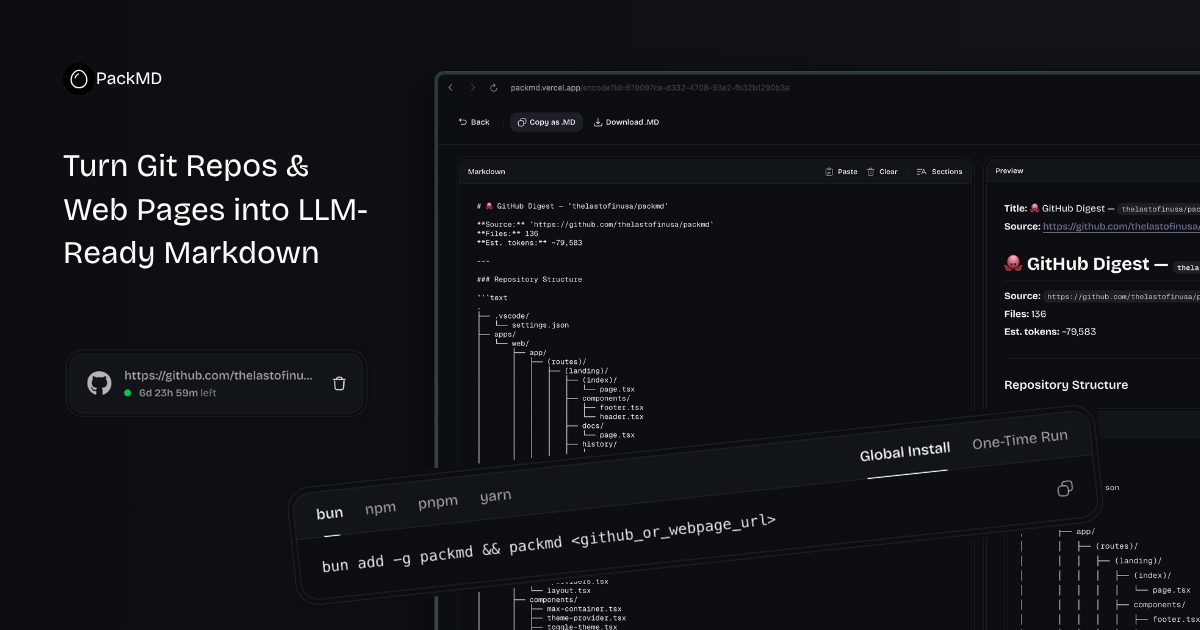
packmd
Instant AI context. PackMD is a command‑line tool that converts GitHub repos, local directories, and live web pages into clean, token-efficient Markdown digests optimized for ChatGPT, Claude, and other LLMs.
Installation
Global (recommended)
npm install -g packmdNow you can use packmd from anywhere:
packmd --helpRun without installing (using npx)
npx packmd <target> [options]Quick Start
# Generate a digest from a public GitHub repo
packmd [https://github.com/vercel/next.js](https://github.com/vercel/next.js) -o next.md

# Scrape a documentation website (requires Jina API key for higher limits)
packmd [https://react.dev](https://react.dev) --jina-api-key YOUR_KEY --copy

# Digest the current directory (respects .gitignore)
packmd .

# Digest a local folder with custom options
packmd ~/projects/my-app -m 300 -s 50 --exclude "*.test.js"
Usage
packmd [target] [options]| Argument | Description |
| -------- | --------------------------------------------------------------------------------------------------------------------------------------------------- |
| target | GitHub URL (e.g., https://github.com/owner/repo), owner/repo slug, local directory path, or any webpage URL. Defaults to current directory (.). |
Options
| Flag | Description |
| ----------------------------- | ------------------------------------------------------------------------------------------ |
| -o, --output <path> | Save the generated Markdown to a specific file (e.g., digest.md). |
| -c, --copy | Copy the output directly to your clipboard (no file saved). |
| -t, --token <token> | GitHub Personal Access Token for private repositories or higher rate limits. |
| -m, --max-files <number> | Maximum number of files to include (default: 200). |
| -s, --max-file-size <kb> | Maximum file size in KB (files larger are skipped) (default: 100). |
| -i, --include <patterns...> | Glob patterns to explicitly include (e.g., "*.ts" "*.md"). |
| -e, --exclude <patterns...> | Glob patterns to explicitly ignore (e.g., "test/**" "*.log"). |
| --jina-api-key <key> | Jina Reader API key – raises the free rate limit from 20 to 500 requests per minute. |
| --no-gitignore | Ignore .gitignore rules when scanning a local directory (by default they are respected). |
| -v, --version | Show the version number. |
| -h, --help | Show help. |
Note: When using
--output, if the file already exists, you will be prompted to overwrite or enter a new name.
Examples
GitHub repository
# Basic
packmd facebook/react -o react.md

# With token (for private repos)
packmd my-org/private-repo -t ghp_xxxxx -o private.md

# Limit to 300 files, exclude everything in the "examples" folder
packmd vercel/next.js -m 300 -e "examples/**" -o next-limited.md
Web page (via Jina Reader)
# Simple scrape
packmd [https://docs.nestjs.com](https://docs.nestjs.com) --copy

# With Jina API key (higher rate limit)
packmd [https://tailwindcss.com/docs](https://tailwindcss.com/docs) --jina-api-key jina_xxxxx -o tailwind.md
Local directory
# Digest the current folder
packmd .

# Digest a specific path
packmd ~/code/my-project -o project.md

# Override .gitignore and include only TypeScript files
packmd ./src --no-gitignore -i "*.ts" "*.tsx"
Combine options
packmd [https://github.com/expressjs/express](https://github.com/expressjs/express) -o express.md -m 100 -s 50 -e "test/**" "*.spec.js"How It Works
The CLI uses the same core engine (@packmd/core) as the web app:
- Input detection – determines if the target is a GitHub repo, a web page, or a local path.
- Fetching – for GitHub, uses the GitHub API; for web pages, uses Jina Reader; for local, uses Node.js
fs. - Filtering – applies ignore rules, globs, size limits, and binary detection.
- Processing – builds a directory tree and downloads file contents (in parallel for GitHub).
- Markdown generation – creates a header with metadata, an ASCII tree, and fenced code blocks for each file.
Progress is shown via a live spinner (ora). Output can be saved to a file or copied to your clipboard.
Notes
- GitHub rate limits – Without a token, you are limited to 60 requests per hour. Use
-tto raise this to 5,000 per hour. - Jina rate limits – Without an API key, you get 20 requests per minute. Provide
--jina-api-keyfor 500 RPM. - The CLI respects
.gitignoreby default. Use--no-gitignoreto scan everything. - Binary files (images, fonts, archives) are automatically skipped.
License
MIT © Holiday