
pasoma
v1.2.3
Published
Deploy software, manage infrastructure, and automate DevOps tasks through natural language.


Readme
Pasoma CLI


AI DevOps Engineering Agent in your terminal. Pasoma helps you deploy applications, manage infrastructure, and automate DevOps tasks through natural language.
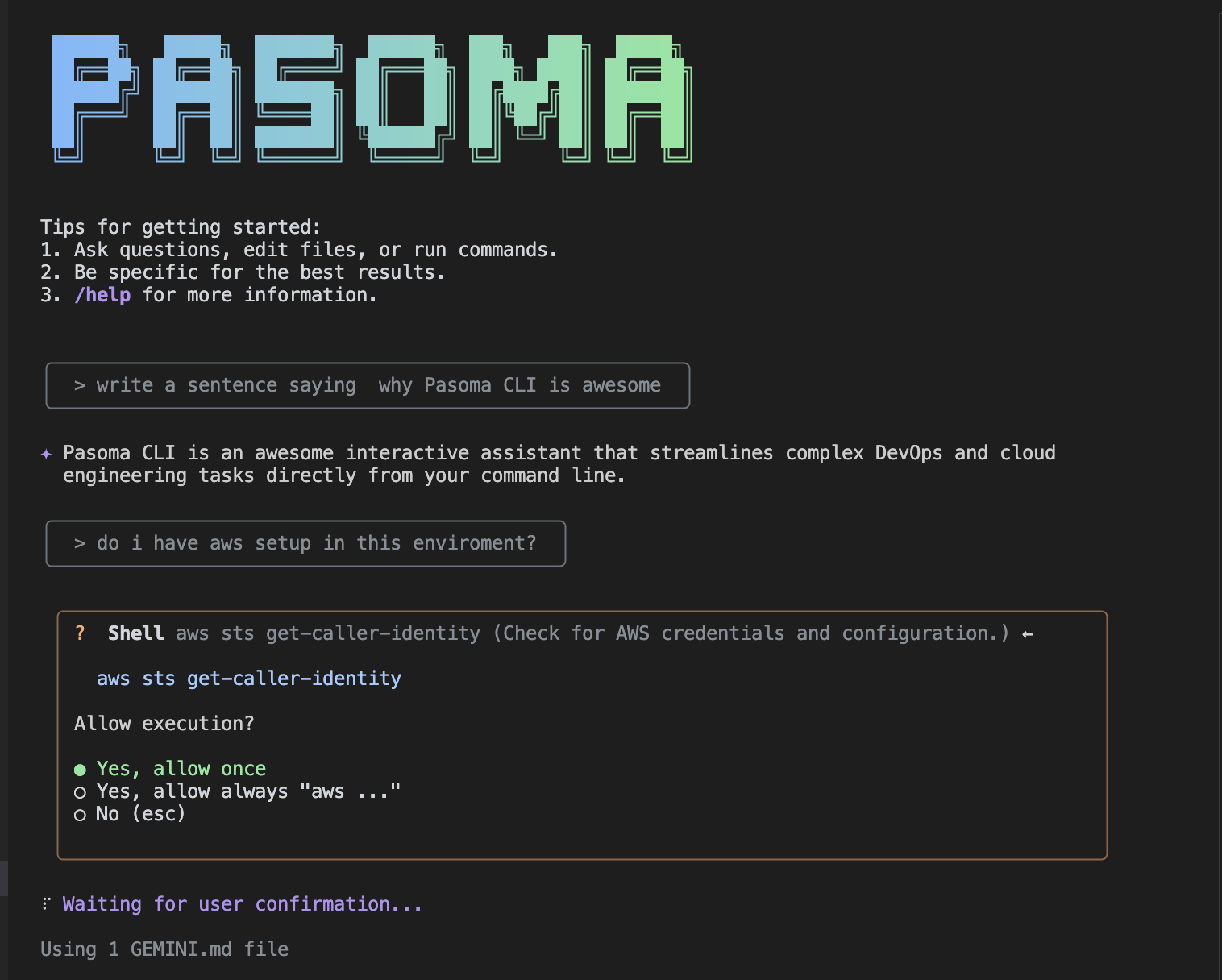
Quick start
- Install Pasoma:
npm install -g pasoma- Navigate to your project directory:
cd your-project

pasoma
When prompted, sign in with your personal Google account. This will grant you up to 60 model requests per minute and 1,000 model requests per day using Gemini.
Start with a simple request:
> Deploy this Node.js app to AWS using containers> Set up a CI/CD pipeline for this repository> Help me configure monitoring for my applicationAbout Pasoma
Pasoma is your DevOps teammate that handles infrastructure tasks, deployments, and cloud operations so you can focus on building your applications.
Pasoma CLI is fork of Gemini CLI optimized for handling DevOps tasks.
Deploy applications
> Deploy this React app to S3 with CloudFront
> Set up a staging environment for this API
> Migrate this app from Heroku to AWS
Manage infrastructure
> Create a VPC with public and private subnets
> Set up a load balancer for my application
> Configure auto-scaling for my containers
Handle CI/CD
> Create a GitHub Actions workflow for testing and deployment
> Set up blue-green deployment for zero downtime
> Add security scanning to my build pipeline
Monitor and troubleshoot
> Set up CloudWatch alerts for high CPU usage
> Help me debug why my pods keep crashing
> Create a dashboard for application metrics
Secure your infrastructure
> Audit my AWS security groups
> Set up secrets management for my application
> Configure SSL certificates for my domain
How it works
Pasoma connects to your cloud accounts and uses your existing CLI tools. It can read your code, understand your infrastructure, and execute the necessary commands to get things done.
Deployments
When you ask for deployment help, Pasoma defaults to containerization unless your project needs something else. This gives you:
- Consistent deployments across environments
- Easy scaling and management
- Better resource utilization
- Simplified CI/CD integration
For frontend apps, static hosting. For event-driven workloads, serverless. For legacy systems, traditional VMs.
Authentication
Use a Gemini API key:
The Gemini API provides a free tier with 100 requests per day using Gemini 2.5 Pro, control over which model you use, and access to higher rate limits (with a paid plan):
Generate a key from Google AI Studio.
Set it as an environment variable in your terminal. Replace
YOUR_API_KEYwith your generated key.export GEMINI_API_KEY="YOUR_API_KEY"(Optionally) Upgrade your Gemini API project to a paid plan on the API key page (will automatically unlock Tier 1 rate limits)
Use a Vertex AI API key:
The Vertex AI API provides a free tier using express mode for Gemini 2.5 Pro, control over which model you use, and access to higher rate limits with a billing account:
Generate a key from Google Cloud.
Set it as an environment variable in your terminal. Replace
YOUR_API_KEYwith your generated key and set GOOGLE_GENAI_USE_VERTEXAI to trueexport GOOGLE_API_KEY="YOUR_API_KEY" export GOOGLE_GENAI_USE_VERTEXAI=true(Optionally) Add a billing account on your project to get access to higher usage limits
For other authentication methods, including Google Workspace accounts, see the authentication guide.
Examples
Deploy a web application:
> I have a Next.js app that needs to be deployed to production with a databaseSet up monitoring:
> My application is running but I need alerts when errors spikeOptimize costs:
> Review my AWS spending and suggest optimizationsHandle incidents:
> My service is down, help me troubleshoot the issueReporting issues
Found a bug or have feedback?
Send an issue report to Email.
Privacy and data
Pasoma processes your infrastructure configurations and deployment commands to provide assistance. We don't store sensitive data like API keys or application secrets.