
pi-auto-theme-switcher
v1.1.4
Published
Automatically switch pi themes based on macOS system appearance (dark/light mode)


Readme
pi-auto-theme-switcher
Automatically switch pi themes based on macOS system appearance.
Polls system dark/light mode every 3 seconds and applies the matching theme. Works with any installed pi themes.
Install
pi install npm:pi-auto-theme-switcherOr add to ~/.pi/agent/settings.json:
{
  "packages": ["npm:pi-auto-theme-switcher"]
}
Usage
On first run, auto-theme maps to pi's built-in dark and light themes. Use /auto-theme config to pick your preferred themes:
/auto-theme configThis opens a picker for both dark and light mode themes from all installed themes.
Commands
| Command | Description |
|---------|-------------|
| /auto-theme | Show current config and status |
| /auto-theme config | Pick which themes map to dark & light mode |
| /auto-theme on | Enable auto-switching |
| /auto-theme off | Disable auto-switching |
Example with ayu themes
{
  "packages": [
    "git:github.com/iodic/pi-ayu-themes",
    "npm:pi-auto-theme-switcher"
  ]
}
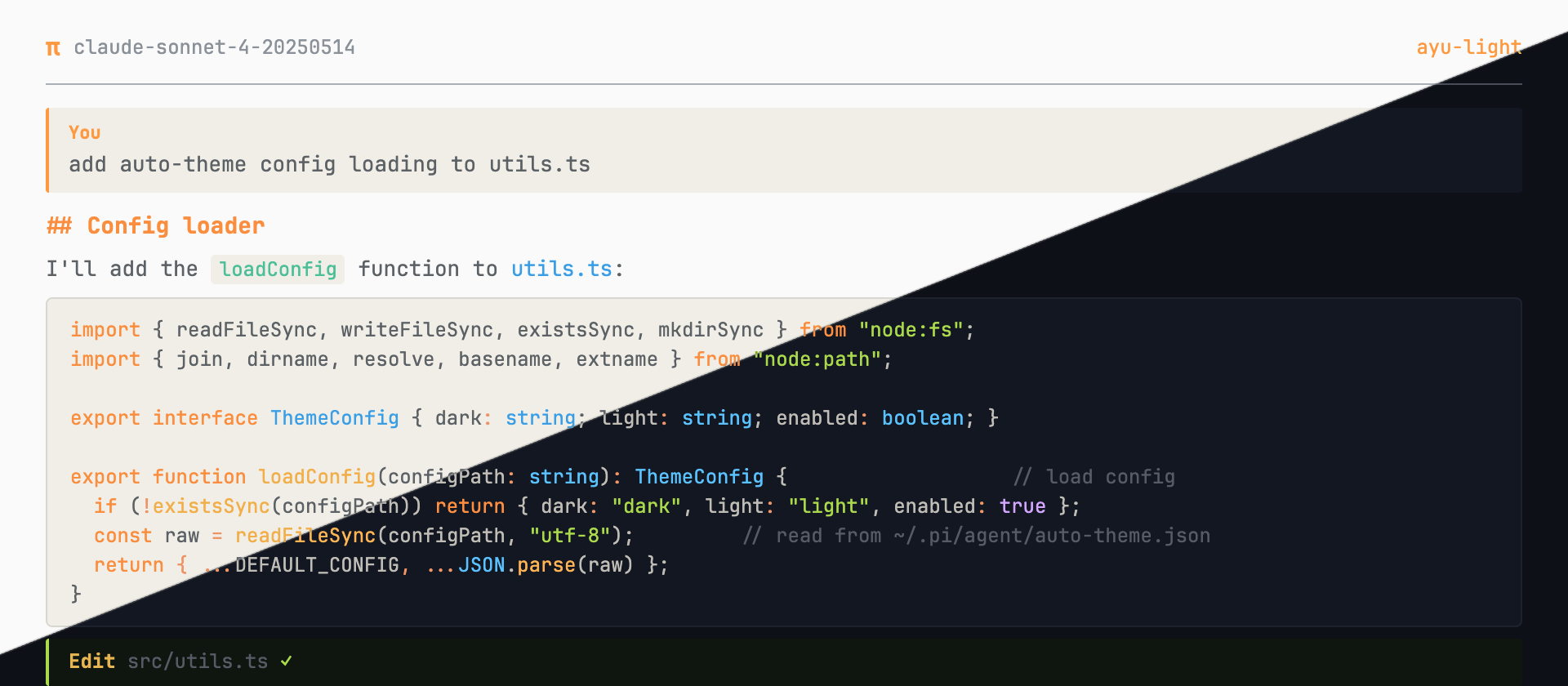
Then run /auto-theme config and select ayu-dark for dark mode and ayu-light for light mode.
Config
Saved to ~/.pi/agent/auto-theme.json:
{
  "dark": "ayu-dark",
  "light": "ayu-light",
  "enabled": true
}
Platform
macOS only. Uses osascript to query system appearance. No-op on other platforms.
License
MIT