
pi-better-ssh
v0.1.2
Published
Pi extension for safe synchronous remote bash commands over reusable SSH connections.

Maintainers
 exoulster
Readme
pi-better-ssh
pi-better-ssh runs short synchronous remote commands over safe, reusable SSH connections. It adds explicit remote tools; Pi's built-in bash remains local and is never overridden.
Install
pi install npm:pi-better-sshFor one session without changing Pi settings:
pi -e npm:pi-better-sshChoose The Right Tool
Use remote_bash when the foreground turn should wait for a short remote command's output and exit code. Use bg_task_spawn and the bg_task_* lifecycle tools with structured ssh for long-running or durable remote jobs; those jobs use remote tmux for lifecycle control.
| Tool | Purpose |
| --- | --- |
| remote_bash | Run one short remote bash command and wait for its result. |
| ssh_profile | List SSH aliases or manage the active session's host, workdir, and environment defaults. |
| ssh_mux | Inspect or stop reusable ControlMaster connections. |
SSH Hosts
Prefer a literal Host alias in ~/.ssh/config; OpenSSH applies its configured hostname, user, port, key, jump host, and other policy. Wildcard entries are honored by OpenSSH but are not listed by ssh_profile.
Host airflow-prod
  HostName airflow.internal.example
  User deploy
  IdentityFile ~/.ssh/airflow_ed25519
  ProxyJump bastion.example
Tool calls can use the alias (airflow-prod) or an explicit user@host target. Structured user, port, identity_file, jump, and options fields override connection details without constructing a shell command.
Run A Command
remote_bash requires command. It requires host unless an active profile supplies one. workdir and env apply on the remote host; timeout is an optional positive number of seconds.
{
  "command": "airflow dags list",
  "host": "airflow-prod",
  "workdir": "/opt/airflow",
  "env": { "AIRFLOW_HOME": "/opt/airflow" },
  "timeout": 30
}
A remote non-zero exit is a normal tool result with output and exitCode, so agents can inspect command failures. Output follows Pi bash limits: the last 2,000 lines or 50KB, whichever is reached first. Complete truncated output is retained in a local temporary file.
Session Profile
A profile sets defaults for later remote_bash calls. use accepts a configured Host alias or user@host, plus optional remote workdir and env. The active profile is stored in the Pi session and survives /reload; it is not a separate host inventory.
{ "action": "list" }{
"action": "use",
"host": "airflow-prod",
"workdir": "/opt/airflow",
"env": { "AIRFLOW_HOME": "/opt/airflow" }
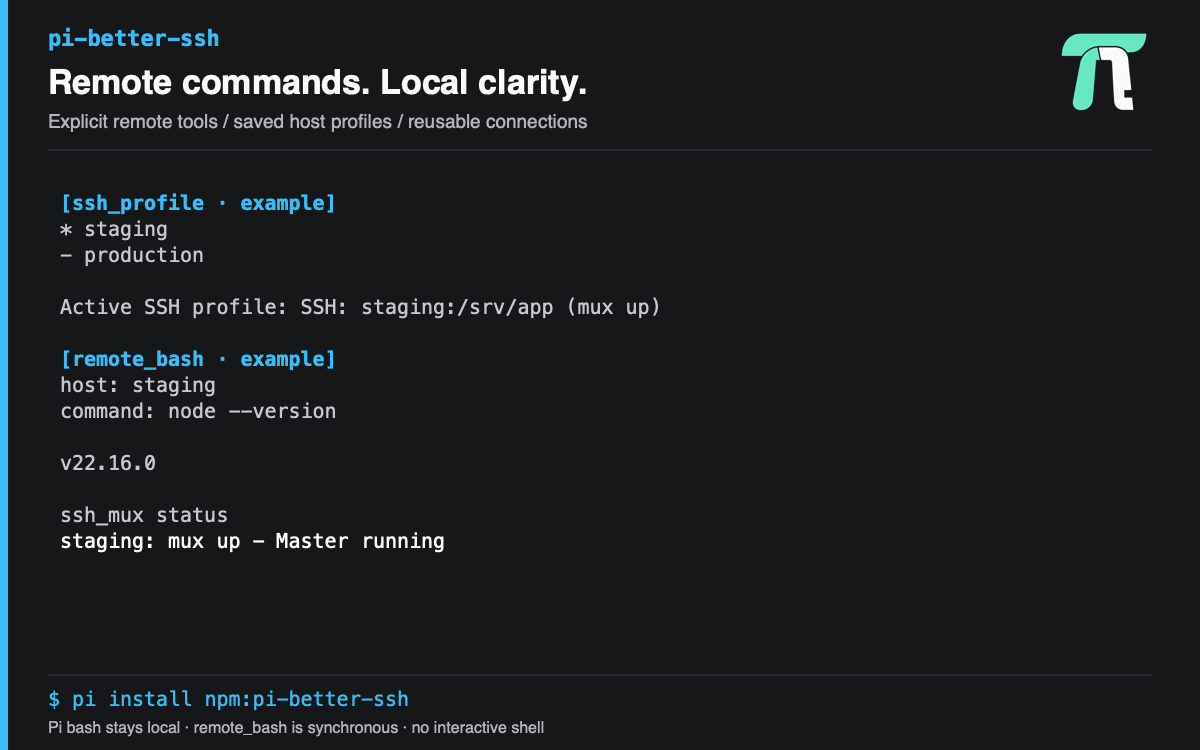
}Call ssh_profile with status to inspect the active profile or clear to remove it. A footer chip shows the active target, workdir, and whether its mux is up or down. An explicit host, workdir, or environment entry on remote_bash takes precedence over the corresponding profile default.
ControlMaster
remote_bash checks for a reusable ControlMaster and opens one when needed. Its ControlPath lives under the harness-owned ~/.pi/agent/ssh-control directory, which is forced to mode 0700; the socket key includes the connection identity and Pi session. A stale socket is removed and reopened once. Repeated commands for the same target and session reuse the master.
Use ssh_mux with status or stop and either a target, the active profile, or all:true for masters observed in the current Pi process and session:
{ "action": "status", "host": "airflow-prod" }{ "action": "stop", "all": true }Stopping a mux does not stop remote tmux jobs. A remote_bash timeout terminates only that slave SSH process; a healthy reusable master remains available.
Safety Defaults
- SSH is launched as argv with
shell:false; connection fields are never interpolated into a local shell command. BatchMode=yes, a bounded connect timeout, and no TTY are always enforced, so password prompts fail fast.- Caller
optionscannot disable required SSH or mux safety settings. - Remote workdir and environment values are shell-quoted by the shared SSH core before
bash -cruns. - Identity file paths may appear in status details, but key material is never read or displayed.
- This package provides no interactive shell, PTY attach, remote IDE mode, or local
bashoverride.