
pi-t-plan
v1.1.0
Published
pi plan tracker: TUI progress, plan_manager tool, Trimegisto tiers, timers, EN/ES/ZH fuzzy progress.
Downloads
266

Maintainers
 noguerol
Readme
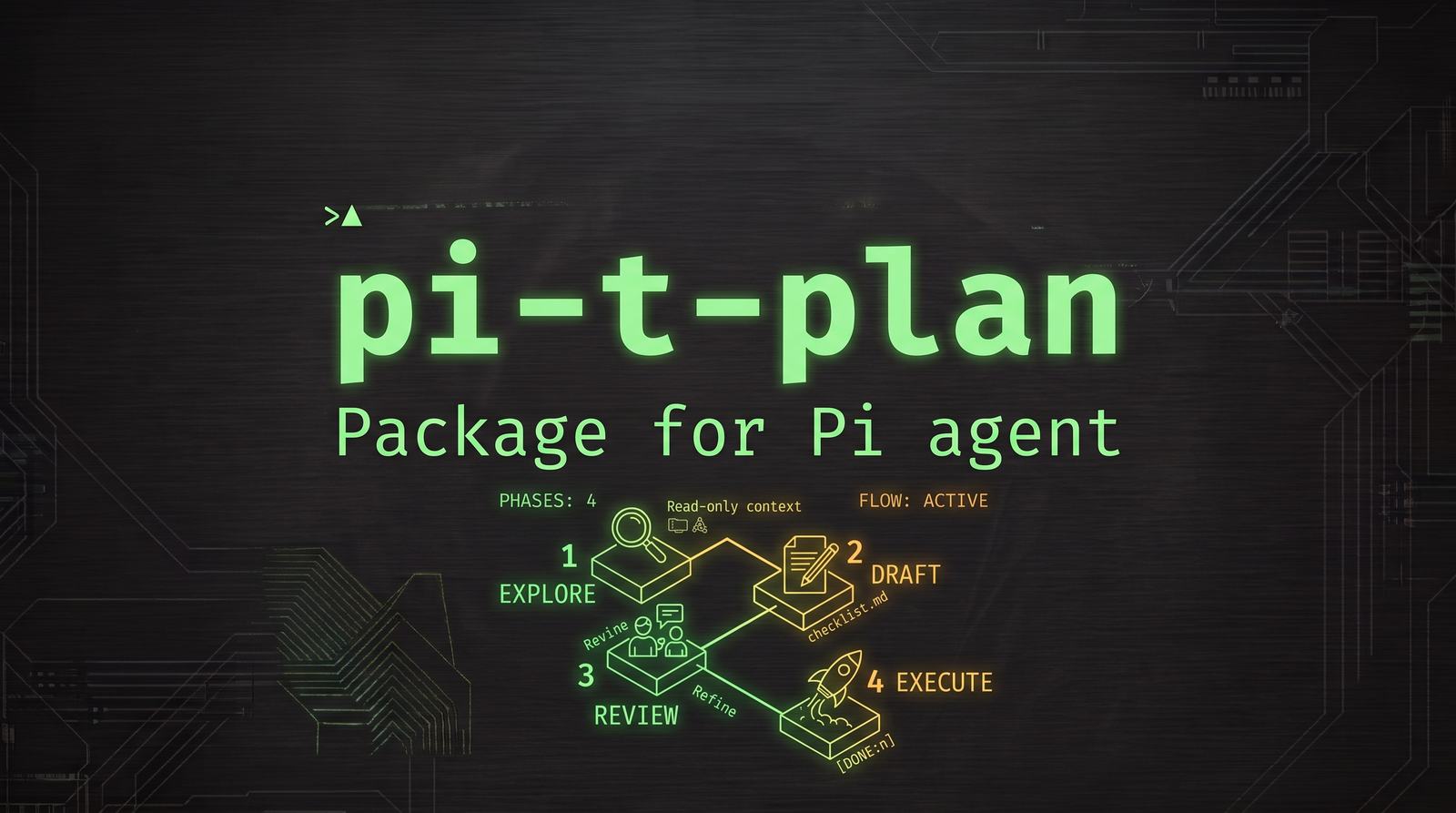
t-plan — Implementation Plan Tracking for pi
t-plan keeps a live, persistent implementation plan for every pi session. It auto-detects plans from the model's output, tracks progress in real time as the model works, renders a compact animated TUI widget, and maintains a session-scoped plan file in your project directory — so your plan survives restarts, session switches and compaction.
The model gets a plan_manager tool plus automatic plan-context injection, so it can create, update and complete tasks itself. Progress detection also works without any tool calls: the extension reads the model's natural language (English, Spanish and Mandarin Chinese) and its tool activity to mark tasks in progress and done.
Per-session plans: every plan file is bound to the pi session that created it (plan_<title>_<session-id>.md), so several pi instances can work on different plans in the same directory without ever colliding. Resuming a session brings its plan back; loading a foreign plan file tells you which session owns it and how to resume it.
Trimegisto integration: with Trimegisto mode enabled, every task is classified by complexity and assigned a tier — t1 (complex → deep thinking), t2 (medium → solver), t3 (simple → mechanical) — so the model launches each task on the right agent tier. Task timers show a live HH:MM:SS counter for every in-progress task.
What's new
- v1.1.0 — no more "done-but-pending" tasks — completed work used to stay pending because (a)
agent_settledreset every in-progress task to pending at the end of any run (even successful ones), (b) the fuzzy detector dropped sentences over 300 chars, required a completion verb that was missing for ~20 Spanish participles, and failed by a floating-point epsilon on0.55, (c) real tool activity (edited files, run tests) never completed anything, (d)[DONE:1,2,3]only marked the first id, (e) task numbers shifted mid-run when tasks were removed, (f) only 10 pending tasks were injected into the model context. Fixed: abort-aware settle (only interrupted runs pause), clause-level detection with an epsilon-safe threshold and a full participle set, deterministic tool-evidence completion, multi-id/range/all[DONE:…], stable #refs that never renumber, the full plan injected with refs, and per-task (never bulk) touch tracking so conclusions drop only what nobody acted on. - Stable task refs — every task carries a
#refassigned once and never renumbered ([DONE:#3],task_id="3",task_id="2,3",task_id="2-4",task_id="all"). Display order may change; refs don't. - Plan files are private — never commit or publish them — t-plan now enforces this in three ways: it keeps the session-scoped pattern (
plan_*_[0-9a-zA-Z]*.md, plus legacyplan.md) in your.gitignoreautomatically, it instructs the model never togit add/commit/publish plan files, and every generated plan file carries a private-runtime-state marker. - Mandarin Chinese support — automatic language detection now recognizes Mandarin/Chinese text and localizes auto-generated plan titles as
{project} 计划. - Chinese plan parsing — t-plan detects headings and task formats such as
## 计划,1、任务,## 步骤 1:..., and status groups like已完成,进行中,待办, and阻塞. - Trilingual fuzzy progress detection — Mandarin completion/start/removal/conclusion phrases like
已完成,正在,移除,不再需要, and全部完成now work alongside English and Spanish. - Trimegisto tier classification in Chinese — Mandarin task keywords feed the
t1/t2/t3heuristic too.
Features
- Auto-detect plans from model output — numbered lists, checkboxes, step headers, plan sections
- Session-scoped plan files —
plan_<title-slug>_<session-id>.md: one file per pi session, zero collisions between parallel instances - Session ↔ plan binding — resuming a session restores its plan (and keeps writing the same file); loading another session's plan hints
pi --session <id> - Localized plan title —
{project} Plan/Plan de {project}/{project} 计划following the conversation language; shown in the widget and used in the file name - Live TUI widget — compact, animated, always-visible progress above or below the editor
- Automatic progress tracking — fuzzy trilingual (EN/ES/ZH Mandarin) matching of completion/starting/removal language plus tool-call evidence; no
[DONE:n]markers required - Continuous plan refresh — reconciles revised/updated/remaining plans the model publishes mid-project (new, renamed, split and removed tasks)
- Active-task invariant —
in_progressmeans right now: when the agent run settles, stale active tasks revert to pending - Work-conclusion invariant — when the model concludes the whole work, nothing is left active or pending
- Parallel agent tracking — tasks spawned for sub-agents are tracked and labeled per agent
- Trimegisto mode — complexity-based tier assignment (t1/t2/t3) with availability-aware fallback to
active(t0) - Task timers — live
HH:MM:SSelapsed counter on in-progress tasks (configurable) - Manual task management —
/taskcommand family for full control - Session persistence — state survives restarts and session switches; global preferences persist in
~/.pi/agent/t-plan/config.json
Install
t-plan is a pi package: one extension (src/index.ts) declared in package.json.
# From GitHub
pi install git:github.com/noguerol/t-plan

# Pin a tag/commit (refs are never moved by `pi update`)
pi install git:github.com/noguerol/[email protected]

# Local checkout (development)
pi install /path/to/t-plan

# Try it for one run only, without installing
pi -e git:github.com/noguerol/t-plan
pi list # show installed packages
pi remove git:github.com/noguerol/t-planSecurity: pi packages run with full system access — extensions execute arbitrary code. Install only packages you trust and review the source.
Requirements: a working pi installation. No API keys, external services or extra dependencies — the extension only uses pi's bundled libraries and Node.js built-ins.
Quick Start
- Start (or continue) a conversation about a multi-step project.
- The model produces a plan — a numbered list, checkboxes or a
## Plansection. t-plan detects it automatically and creates the task list. - Watch the widget: tasks turn 🔄 in progress (with a live timer) as the model works on them and ✅ done as they complete — detected from its responses and tool activity.
- The session's plan file (
plan_<title>_<session>.md) appears in your working directory and stays up to date. - Correct or drive anything manually at any time:
/task add Write integration tests
/task start 2
/task done 2
The extension is enabled by default. Toggle it anytime with /t-plan or Ctrl+Alt+P.
Session-Scoped Plan Files
Each plan belongs to exactly one pi session, and its file name carries both the plan title and the session id:
plan_<title-slug>_<session-id>.md e.g. plan_myapp_01a048c3.md- Title — auto-derived from the working directory name in the conversation's language (English:
myapp Plan, Spanish:Plan de myapp, Mandarin:myapp 计划). Change it anytime with/t-plan new(which also resets the task list) — custom titles stop being auto-overwritten. - Parallel instances — two pi processes in the same directory produce
plan_myapp_01a048c3.mdandplan_myapp_01a0493a.md; they never intersect. - Resume a session → get its plan back. Plan state rides in the session file, and updates keep landing on the same plan file.
- Private by design — never commit or publish plan files. Plan files are runtime state, not source: t-plan keeps the pattern
<prefix>_*_[0-9a-zA-Z]*.md(plus legacyplan.md) in your.gitignoreautomatically — best-effort, and only inside a git working tree — and the model is explicitly instructed never togit add, commit, force-add or publish them. A fixed-filename rule likeplan.mdis not enough: the session id in the name changes per session, so the ignore entry must be the pattern. If you commit or share plan files, you leak session-internal state. - Load a plan → find its session.
/t-plan loadlists every plan file in the directory (title, session id, task count, last modified). Picking one adopts its tasks into the current session, and if it belongs to another session the extension tells you how to jump back:pi --session <id>. - Purge (
/t-plan purge) removes only this session's plan file. - Old single-file setups keep working: a legacy
plan.mdshows up in the/t-plan loadpicker.
Trimegisto Mode
Trimegisto turns pi into a multi-agent runtime with four tiers. With Trimegisto mode ON (/t-plan config → Trimegisto mode), t-plan applies trimegisto's own role separation — "T1 plans, T2 solves, T3 executes" — to every task:
| Tier | Badge | Complexity | Typical work |
|------|-------|------------|--------------|
| t1 | [t1] (complex) | High | Architecture, deep analysis, refactors, migrations, security, strategy |
| t2 | [t2] (medium) | Medium | Implementation, debugging, code review, integrations, tests |
| t3 | [t3] (simple) | Low | Parsing, formatting, translations, renames, docs, conversions |
| t0 | [t0] (active) | fallback | Default worker tier — used when the assigned tier is unavailable |
- Auto-classification — new tasks are classified by a trilingual (EN/ES/ZH Mandarin) weighted keyword heuristic. Ties and unknown texts land on
t2(the catch-all implementation tier). - Manual override —
/task tier 3 t1or thetierparameter ofplan_manager("t0" | "t1" | "t2" | "t3" | "active"). - Availability-aware — the extension reads
~/.pi/agent/trimegisto/config.jsonand knows which tiers are actually spawnable (enabled + model configured, respectingspawnOnlyOnActive). Tasks assigned to an unavailable tier fall back tot0(active), so plans stay executable. - LLM guidance — the injected plan context lists each task's effective tier and instructs the model to launch tasks on their tier with the
trimegistotool, batching independent tasks in one call. - Everywhere — the widget shows colored
[tN]badges plus a header distribution (t1×1 t2×3 t3×2), the plan file shows(→ tN)per task, and/t-plan show+plan_manager listshow→ tN.
Task Timers
Every in-progress task can show a live HH:MM:SS counter since it started (spinner, badge and timer all update in real time). Completed tasks record their total time in the plan file as (took HH:MM:SS). Toggle with /t-plan config → Task timers.
Commands
/t-plan — plan management
| Command | Description |
|---------|-------------|
| /t-plan | Toggle plan tracking on/off |
| /t-plan config | Open the configuration menu |
| /t-plan on / /t-plan off | Enable/disable tracking |
| /t-plan show | Display current plan status |
| /t-plan new | Create a new (empty) plan |
| /t-plan load | Pick a plan file in the directory and load it |
| /t-plan save | Save tasks to this session's plan file |
| /t-plan clear | Remove all tasks (keep state) |
| /t-plan purge | Delete all tasks, reset state and remove this session's plan file |
/task — manual task management
| Command | Description |
|---------|-------------|
| /task add [text] | Add a new task |
| /task done [id] | Mark a task as completed |
| /task remove [id] | Remove a task |
| /task edit [id] | Edit a task's text |
| /task move [id] [n] | Move a task to position n |
| /task start [id] | Mark a task as in progress |
| /task block [id] [reason] | Mark a task as blocked |
| /task tier [id] [t0-t3] | Set the trimegisto tier of a task |
Keyboard shortcut: Ctrl+Alt+P toggles plan tracking.
Task identification
Commands accept any of:
- Stable ref —
#3/3(never renumbered when other tasks are removed) - List / range / all —
task_id="2,3","2-4","all",[DONE:2,3],[DONE:2-4] - Task ID — the internal unique ID (e.g.
task_1234_abc) - Text — exact, substring, or fuzzy best match (
task_id="JWT auth"finds the JWT task)
If nothing matches, plan_manager returns the current ref list so the model can retry in the same turn. Omit the identifier and the extension shows an interactive picker.
How Progress Detection Works
The model rarely emits explicit markers, so the extension infers progress after every assistant turn from three signal classes:
- Explicit markers —
[DONE:n](now multi-id:[DONE:1,3],[DONE:2-4],[DONE:all],[DONE:#3]), done checkboxes (- [x] …,✅ …,✔️ …) - Natural language — completion language (EN/ES/ZH participles including actualizado, escrito, probado, verificado, desplegado, configurado, refactorizado, migrado, validado, integrado, cubierto, funciona, corregido…), starting language, removal language and whole-work conclusions, matched per clause (long summaries are split by clause, never discarded) with token overlap, light stemming, Mandarin CJK shingles and ES/ZH↔EN synonym mapping (synonyms are now resolved before stemming, so
terminado↔finished,eliminar↔remove,guardar↔saveall match) - Tool evidence — deterministic and language-independent: every
tool_resultrecords the exact paths/commands used (edits and writes mutate; runs ofvitest/jest/tsc… count as test evidence). Several tasks can advance per turn, and tasks whose artefacts were genuinely touched are completed when the run settles normally
Detection is deliberately conservative: weak signals never complete a task, reading a file alone never completes it, and a clause that explicitly says a task remains pending excludes it from evidence completion. You can always correct with /task done N or the plan_manager tool.
Continuous plan refresh
Long projects produce revised plans. When an assistant message contains an updated / current / remaining plan, the extension reconciles it with the live task list:
- Existing tasks keep their IDs, timestamps and completed status where safe
- New tasks are appended; renamed/refined tasks update their text
- Unfinished tasks missing from an explicitly replacement plan are removed
- Status-grouped plan file sections round-trip with their correct statuses
Invariants
- Active-task invariant —
in_progressmeans a model is actively working on it.agent_settledfires after every agent run (success, abort or error), so only interrupted runs (stopReason: "aborted" | "error") revert in-progress tasks to pending; a normal settle leaves them active and completes the ones with tool evidence. - Work-conclusion invariant — when the model concludes the entire work ("all done", "todo listo"), active tasks are completed, tasks with real evidence are finalized, tasks explicitly left pending stay pending, and only pending tasks nobody ever touched are dropped from the list.
Widget UI
The widget is designed to stay compact and readable during long projects:
- At most 5 tasks shown, with a
... N moresummary line - One line per task — long descriptions are truncated with a single
…ellipsis - Ordering: in-progress tasks first (animated braille spinner), then blocked, then upcoming by priority
- Completed tasks are struck through, briefly illuminated, then fade out after ~2.4s
- Trimegisto mode: colored
[tN]badge per task and a header distribution like📋 Title 2/7 done • 1 active • t1×1 t2×3 t3×2 - Timers:
⏱ HH:MM:SSnext to each in-progress task
The plan_manager Tool
The extension registers a plan_manager tool the model can use to maintain the plan itself:
| Action | Description |
|--------|-------------|
| add | Add a task (task_text, optional tier) |
| complete | Mark task(s) done — task_id accepts "3", "2,3", "2-4", "all" or task text |
| start | Mark a task in progress (task_id) |
| block | Mark a task blocked (task_id, optional notes) |
| update | Change text/status/notes/tier (task_id, task_text, status, notes, tier) |
| remove | Remove task(s) (task_id) |
| list | Return the current plan state |
Task status also updates automatically from the model's language and tool activity, so the plan stays in sync even when the model never calls the tool.
Plan File Format
The extension maintains one plan file per pi session in your working directory:
# Project Plan

## Status: 3/7 completed

- 🔄 In progress: 2
- ⏳ Pending: 2
- ✅ Completed: 3

## 🔄 In Progress

- [ ] Implement authentication module ⏱ 00:04:12 (→ t2) (agent: auth-worker)
- [ ] Set up database schema (→ t2)

## ⏳ Pending

- [ ] Create API endpoints (→ t2)
- [ ] Translate error messages (→ t3)

## ✅ Completed

- [x] Initialize project structure (took 00:01:48) (→ t3)

---
*Last updated: 1/1/2026, 12:00:00*
Edit the file by hand if you like — /t-plan load parses it back, including the status-group sections, summary counters, tier markers and timers.
Configuration
Open with /t-plan config:
| Option | Default | Description |
|--------|---------|-------------|
| Plan tracking | ON | Enable/disable the extension |
| Auto-detect plans | ON | Detect plans in model output |
| Show widget | ON | Display the task widget |
| Widget placement | aboveEditor | Widget position (above/below editor) |
| Plan file prefix | plan | Plan files: <prefix>_<title>_<session>.md |
| Track agents | ON | Monitor parallel agent tasks |
| Trimegisto mode | OFF | Tier classification + agent assignment per task |
| Task timers | ON | Live HH:MM:SS counter on in-progress tasks |
| Tool evidence | ON | Touch files/commands complete or advance tasks |
| Debug log | OFF | Log swallowed errors to ~/.pi/agent/t-plan/debug.log |
| Animate widget | ON | Spinner on in-progress tasks + completion flash |
| Compact task lines | ON | Truncate each task to a single line |
| Highlight completed | ON | Briefly illuminate completed tasks before hiding them |
Global preferences persist across sessions in ~/.pi/agent/t-plan/config.json (the newest session value always wins).
Repository Layout
t-plan/
├── package.json        # pi package manifest (pi-package)
├── LICENSE             # MIT
├── README.md
└── src/
    ├── index.ts        # Extension entry point (commands, widget, tool, hooks)
    ├── types.ts        # Task/state/config types and defaults
    ├── tiers.ts        # Trimegisto tier classification, availability and timers
    └── utils.ts        # Plan parsing, fuzzy matching and reconciliation engine
License
MIT © Javier Noguerol