
pigx-gen
v6.1.2
Published
PIGX module generator rewritten in TypeScript


Readme
5.6 后版本,不需要手动安装,已经上传至 Maven 中央仓库,直接按文档在 CMD 命令行执行生产命令就行啦
pigx-gen是什么
pigx-gen是自定义的archetype,通过使用pigx-gen archetype可以生成满足我们项目需求的工程模板,提高开发效率的同时可以统一团队内的项目结构风格
TypeScript 版本使用
TypeScript 版本用于在已有 PIGX 工程根目录中新增业务模块。必须在 PIGX 根目录执行,也就是当前目录必须存在根 pom.xml,并且该 pom.xml 需要是 packaging=pom 且包含 modules 节点。
CLI 会自动读取根 pom.xml 中的 groupId、artifactId、version,默认使用 Spring Boot 4 模板并自动生成 Java 包名。Spring Boot 4 模板使用 mybatis-plus-spring-boot4-starter、druid-spring-boot-4-starter 和 spring-boot-starter-webmvc,不再生成 Undertow 依赖。生成完成后,会自动在根 pom.xml 的 modules 中追加新增模块。
交互式创建
cd pigx
npx [email protected]
执行后在 TUI 中输入模块名 artifactId,例如 demo,并选择 Spring Boot 版本。
Spring Boot 版本可选择 2、3、4,默认是 4。
Web 容器跟随 Spring Boot Web starter 默认配置,当前模板不额外声明 Tomcat 或 Undertow。
非交互式创建
cd pigx
npx [email protected] demo --yes
等价写法:
npx [email protected] --module demo --yes指定 Spring Boot 版本:
npx [email protected] --module demo --springboot-version 4 --yes生成结果:
pigx
├── pom.xml                  # 自动追加 <module>demo</module>
└── demo
    ├── pom.xml
    ├── demo-api
    └── demo-biz
可选参数:
pigx-gen
pigx-gen <module-name>

参数:
  -m, --module <name>       新模块 artifactId
  --springboot-version <n>  Spring Boot 版本,可选 3、4,默认 4
  -y, --yes                 使用默认值,不进入交互
  -h, --help                显示帮助
  -v, --version             显示版本
未修改包名版本使用
- 此工程不可直接运行
未修改包名的PIGX项目使用请参考此文档: https://pig4cloud.com/data/doc/pigx/quick-start/pigx-new-app.html
已经修改包名版本 (专属版本)使用
- ① 解压专属版本申请的文件包,解压 xx-gen.zip
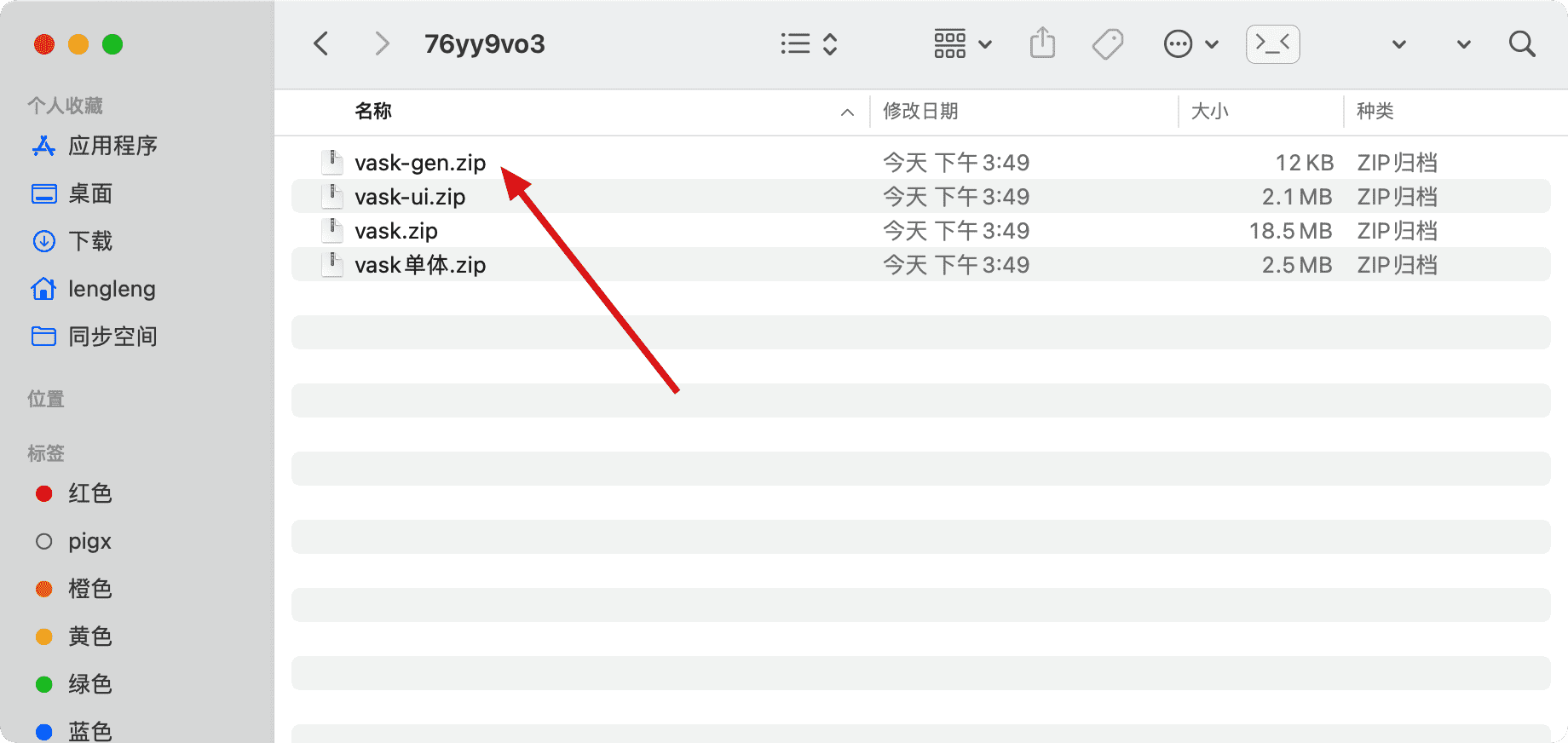
- ② 切换至 xx-gen 根目录执行安装
cd xx-gen
mvn clean install- ③ 任意空目录执行创建骨架项目测试
注意查看申请专属版本的邮件关于 如何使用 gen.zip 部分,命令根据实际执行
mvn archetype:generate \
       -DspringbootVersion=4 \
       -DgroupId=com.pig4cloud \
       -DartifactId=demo \
       -Dversion=5.12.1 \
       -DarchetypeGroupId=com.pig4cloud.archetype \
       -DarchetypeArtifactId=pigx-gen \
       -DarchetypeVersion=5.12.1 \
       -DarchetypeCatalog=local \
       -DinteractiveMode=false