
piri
v1.3.2
Published
A lightweight utility to create beautiful, stylized SVG maps with a bring-your-own-styles mentality. Heavily based on the [Dotted Map](https://github.com/NTag/dotted-map/tree/main) library, with more customization.

Maintainers
 thejessewinton
Readme
piri
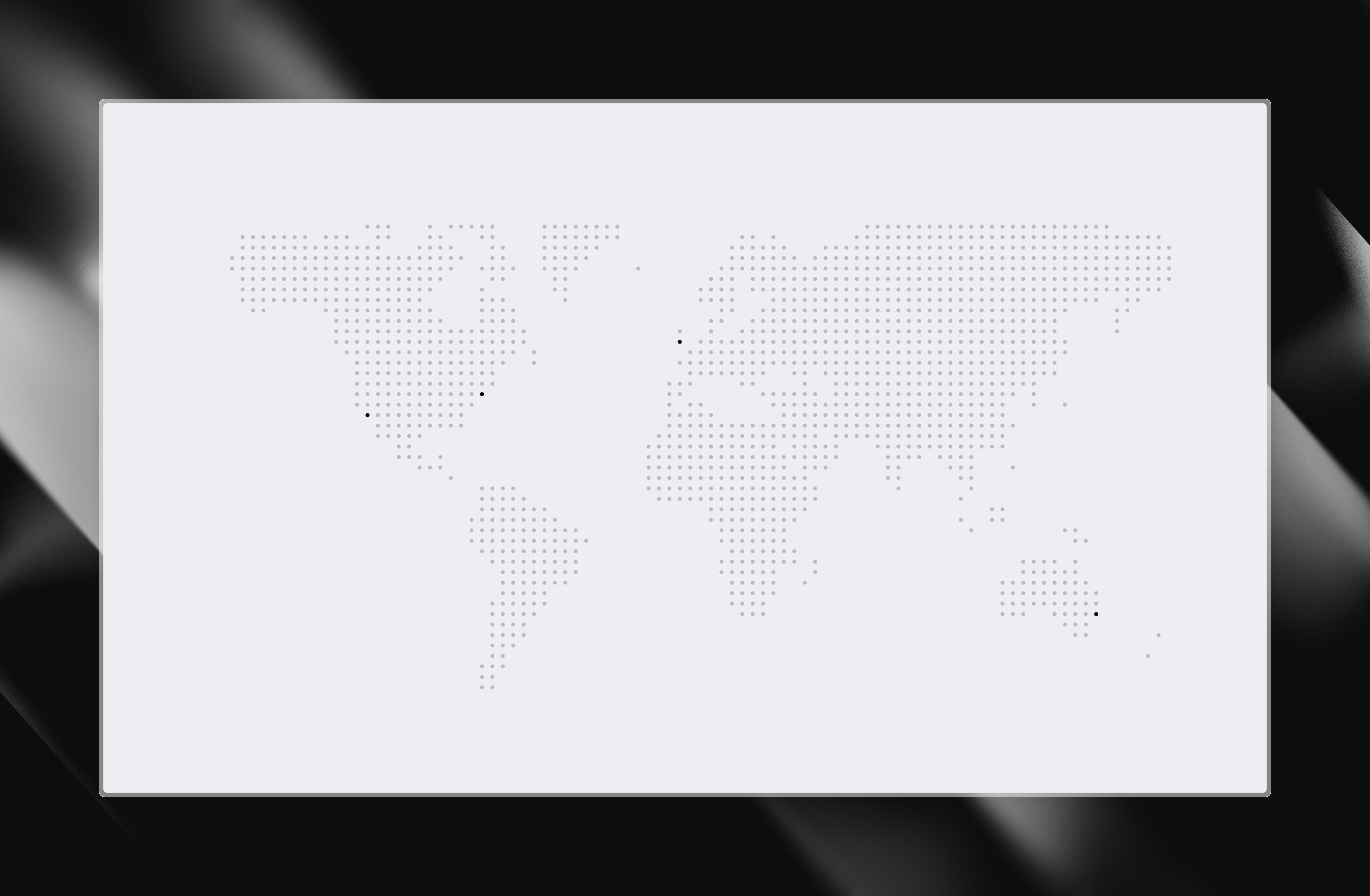
A lightweight utility to create beautiful, stylized SVG maps with a bring-your-own-styles mentality. Heavily based on the Dotted Map library, with more customization.
Installation
pnpm install piriUsage
import { createMap } from "piri";

const { points, addMarkers } = createMap({
  width: 150,
  height: 75,
});
It's that simple. points represents land mass, addMarkers projects your markers onto the same coordinate space.
Options
| Option | Type | Default | Description |
|---|---|---|---|
| width | number | required | Width of the SVG viewBox. |
| height | number | required | Height of the SVG viewBox. |
| grid | "diagonal" \| "vertical" | "vertical" | vertical | The arrangement of the points |
| mapSamples | number | 6000 | Grid cells sampled. Higher = denser dots. |
| radius | number | 0.3 | Base dot radius in viewBox units. Controls edge margin (radius * 1.25). |
| countries | CountryCode[] | undefined | ISO 3166-1 alpha-3 codes (e.g. ["USA", "CAN"]). Auto-fits the region to the bounding box. |
| region | Region | auto | Custom lat/lng bounding box. Overrides the auto-fit from countries. Latitudes clamped to [-85, 85] (Web Mercator limit). |
Markers
By default addMarkers expects an array with, at minimum, the latitude and longitude of your markers, and an optional size parameter, which you can then use to set a custom radius per marker.
const markers = addMarkers([
  {
    lat: 40.7128,
    lng: -74.006,
    size: 0.4
  }, // New York
  { lat: 51.5074,
    lng: -0.1278
  }, // London
]);
Expanding the output
addMarkers is generic, and any extra properties you pass in are inferred and fully typed in the output.
const markers = addMarkers([
  {
    lat: 40.7128,
    lng: -74.006,
    size: 2
    visited: true
  }, // New York
  { lat: 51.5074,
    lng: -0.1278
    visited: false
  }, // London
]);
Rendering
After these steps, render the map as an SVG, with whatever customizations you need. This example uses React:
export const DottedMap = () => {
  const { points, addMarkers } = createMap({ width: 150, height: 75 })

  const markers = addMarkers([
    { lat: 40.7128, lng: -74.006, size: 0.5, visited: true },
    { lat: 51.5074, lng: -0.1278, size: 0.5, visited: false },
  ])

  return (
    <svg viewBox="0 0 150 75" style={{ width: '100%', height: '100%' }}>
      {points.map((point) => (
        <circle
          cx={point.x}
          cy={point.y}
          r={0.25}
          fill="#ccc"
          key={`${point.x}-${point.y}`}
        />
      ))}
      {markers.map((marker) => (
        <circle
          cx={marker.x}
          cy={marker.y}
          r={marker.size ?? 0.25}
          fill={marker.visited ? '#4A0404' : '#999'}
          key={`${marker.x}-${marker.y}`}
        />
      ))}
    </svg>
  )
}
Caching
Point calculations are cached automatically.