
plaindeck
v0.10.0
Published
Git-native slide format, Agent API, CLI, MCP server, and renderer

Maintainers
 wsqstar
Readme
plaindeck
Agent-friendly API, CLI, and renderer for the PlainDeck Git-native slide format.
npm install plaindeck
npx plaindeck init ./my-deck --title "Make the idea visible"
npx plaindeck validate ./my-deck
npx plaindeck inspect ./my-deck --json
Made with plaindeck
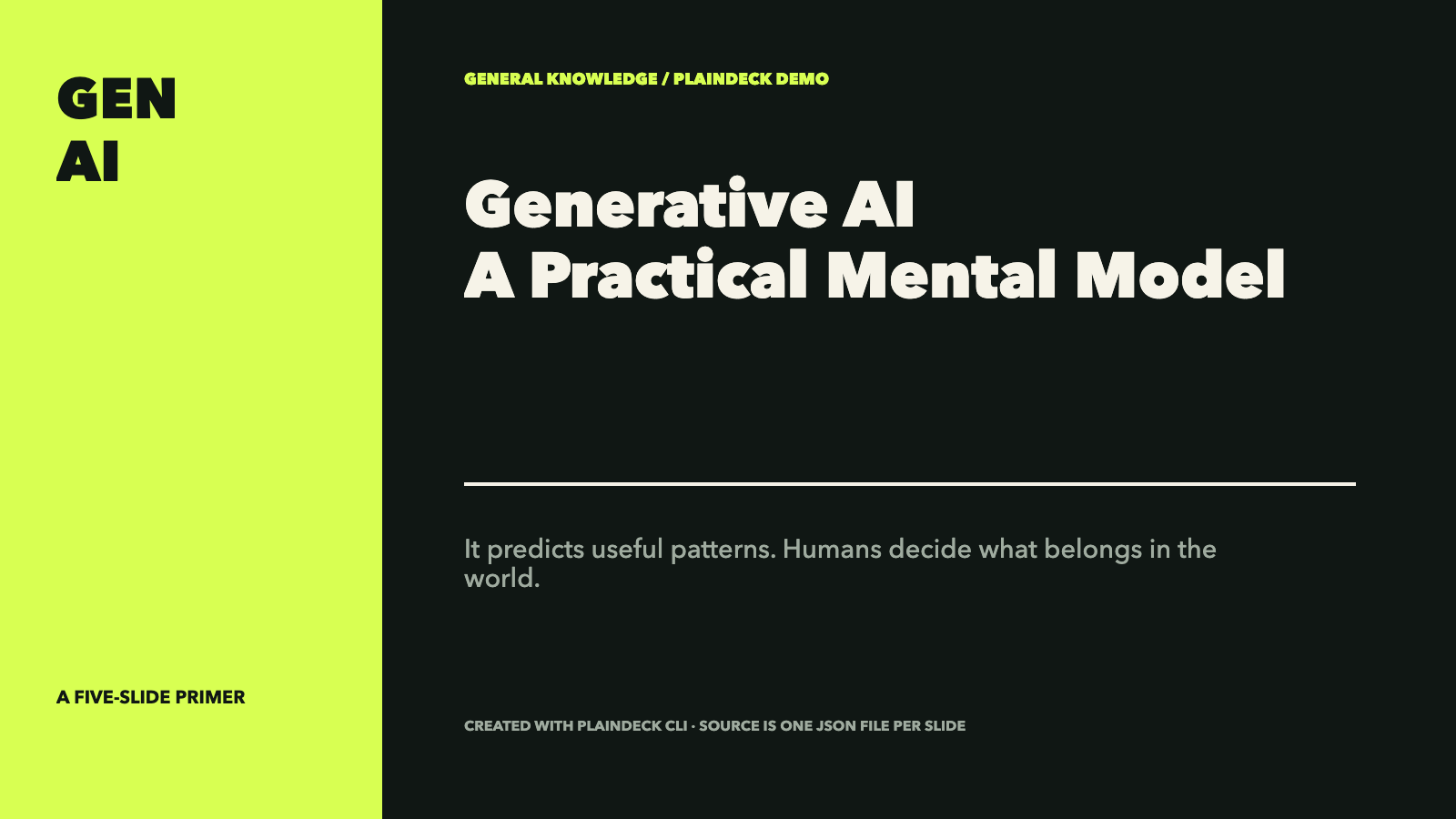
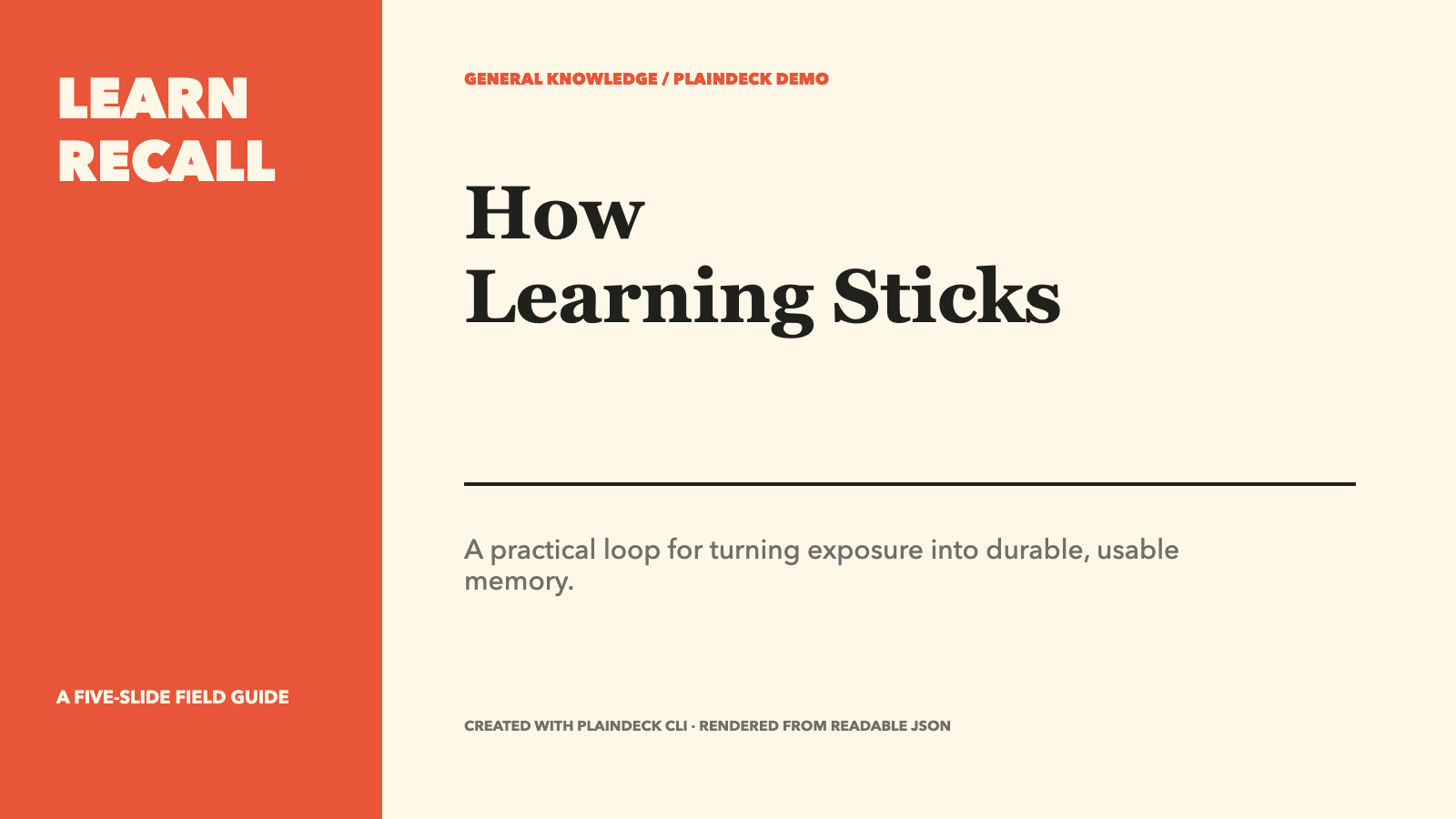
Each example below is a real five-slide PlainDeck project generated through init → operations → validate → render. Click a cover to download the PDF, or open the source to inspect one editable JSON file per slide.
| Generative AI | How the Internet Works | How Learning Sticks |
| --- | --- | --- |
|  |
|  |
|  |
| Source · PDF | Source · PDF | Source · PDF |
|
| Source · PDF | Source · PDF | Source · PDF |
Browse the demo gallery and reproduction commands.
CLI
plaindeck init ./pitch --template pitch --theme night-citrus
plaindeck init ./paper-talk --template nature-methods
plaindeck apply ./my-deck --ops changes.json --dry-run --json
plaindeck add-slide ./my-deck --layout image-right --name "Results"
plaindeck styles --search editorial
cat brief.md | plaindeck add-cards ./my-deck --content - --style editorialMagazine --name "Weekly brief"
cat benchmark.md | plaindeck add-table ./my-deck --data - --style rules --name "Benchmark"
plaindeck render ./my-deck --format html --output dist/deck.html
plaindeck render ./my-deck --format png --output dist/slides
plaindeck render ./my-deck --format pdf --output dist/deck.pdf
init preserves the five-slide showcase / studio-cobalt default. Templates also include nature-methods (a seven-slide evidence-led methods talk), paper-reading, pitch, flowchart (five pages that draw a process: pipeline, decision branch with a loop-back, checklist and closing; plus the reusable process-flow and decision-branch layout presets), and blank. Every template ships full English and Chinese copy — pass { lang: 'en' | 'zh' } to createDeckTemplate, or let the web editor follow the browser language automatically. nature-methods and paper-reading default to the light nature-editorial theme. Thirteen color systems are available, including four adopted from the open-source Palette Lab · 色卡实验室 academic color archive (palette-vermillion 宣纸与朱砂, palette-ice-magenta 冰蓝与品红, palette-jade-ivory 翡翠与象牙, palette-jade-night 翡翠夜; machine-readable archive at llms-full.txt).
add-table parses Markdown, CSV, TSV, or JSON into a semantic, editable table slide with rules, grid, or stripes styling. add-cards turns Juya-style Markdown or JSON into a responsive 1–8 card slide. Both commands use the same operation kernel and renderers as the Web editor. styles exposes 174 native recipes batch-compiled from the MIT-licensed Juya catalog.
HTML output is a standalone Web presentation with keyboard navigation, progress, slide names, and fullscreen. PNG/PDF use the same layout renderer in document mode. Rendered sample decks — playable HTML and PDF for every built-in template — live in the editor's SAMPLES gallery and under demo/.
PNG and PDF rendering require Playwright Chromium:
npm install playwright
npx playwright install chromium
External image requests are blocked by default. Pass --allow-network only for trusted projects that intentionally use remote images.
TypeScript API
import { applyOperations, createDeckTemplate, loadDeck, saveDeck, validateDeck } from 'plaindeck'
import { renderHtml } from 'plaindeck/render'

const deck = await loadDeck('./my-deck')
const result = applyOperations(deck, [
  {
    op: 'set-element',
    slide: './slides/001-intro.json',
    element: 'title',
    patch: {
      text: 'A new title',
      animation: { enter: 'fade-up', delayFrames: 12, durationFrames: 20 },
    },
  },
  {
    op: 'set-slide-motion',
    slide: './slides/001-intro.json',
    motion: { camera: { fromScale: 1, toScale: 1.04, durationFrames: 150 } },
  },
  {
    op: 'set-footer',
    footer: {
      left: { type: 'slide-name' },
      center: { type: 'date' },
      right: { type: 'page-of-count' },
    },
  },
])

const validation = validateDeck(result.document)
if (!validation.valid) throw new Error(JSON.stringify(validation.issues))
await saveDeck('./my-deck', result.document, result.changedPaths)
const html = renderHtml(result.document)
To create a project in memory, call createDeckTemplate('showcase', { title, theme: 'studio-cobalt' }); the CLI init command uses this same factory.
PlainDeck uses stable slide paths and element IDs so Agent changes remain easy to inspect in Git.
Node-only rendering functions are exported from the package root, while plaindeck/render contains the browser-safe pure HTML renderer:
import { loadDeck, renderPdf, renderPng } from 'plaindeck'

const deck = await loadDeck('./my-deck')
await renderPng(deck, { projectPath: './my-deck', output: './dist/slides' })
await renderPdf(deck, { projectPath: './my-deck', output: './dist/deck.pdf' })
For React and video output, the same package ships plaindeck/react and plaindeck/remotion subpath entries (with react, react-dom and remotion as optional peer dependencies). They use the same layout implementation as HTML/PNG/PDF; Remotion only interprets optional animation and camera metadata.
MCP server
The same package ships an MCP server (plaindeck/mcp subpath, plaindeck-mcp bin) exposing the Agent API as Model Context Protocol tools: init, validate, inspect, apply_operations, add_cards, add_table, render, styles. Any MCP client — DeepSeek Harness, Claude Code, Codex — can scaffold, edit, validate, and render decks; every step lands as a reviewable JSON diff.
npm install --global plaindeck
plaindeck-mcp   # stdio server
DeepSeek Harness integration (tools appear as mcp__plaindeck__*):
dsh web --patch "$PWD/packages/plaindeck/plaindeck.cordis.yml"Or merge the overlay file's single insert patch into $DSH_HOME/cordis.patch.yml to keep it across runs. All tools take absolute project paths. The server depends on @modelcontextprotocol/sdk, which npm installs automatically.
See the Agent API and operation contract for the v0.7 interface, including native tables, document-level automatic footers, readable motion, and the MCP tool contract. The project schema remains 0.1.
License
MIT