
portarium
v0.3.2
Published
Real-time port dashboard for your terminal — watch, search, kill & restart processes
Downloads
391

Maintainers
 tretyakov.y
Readme
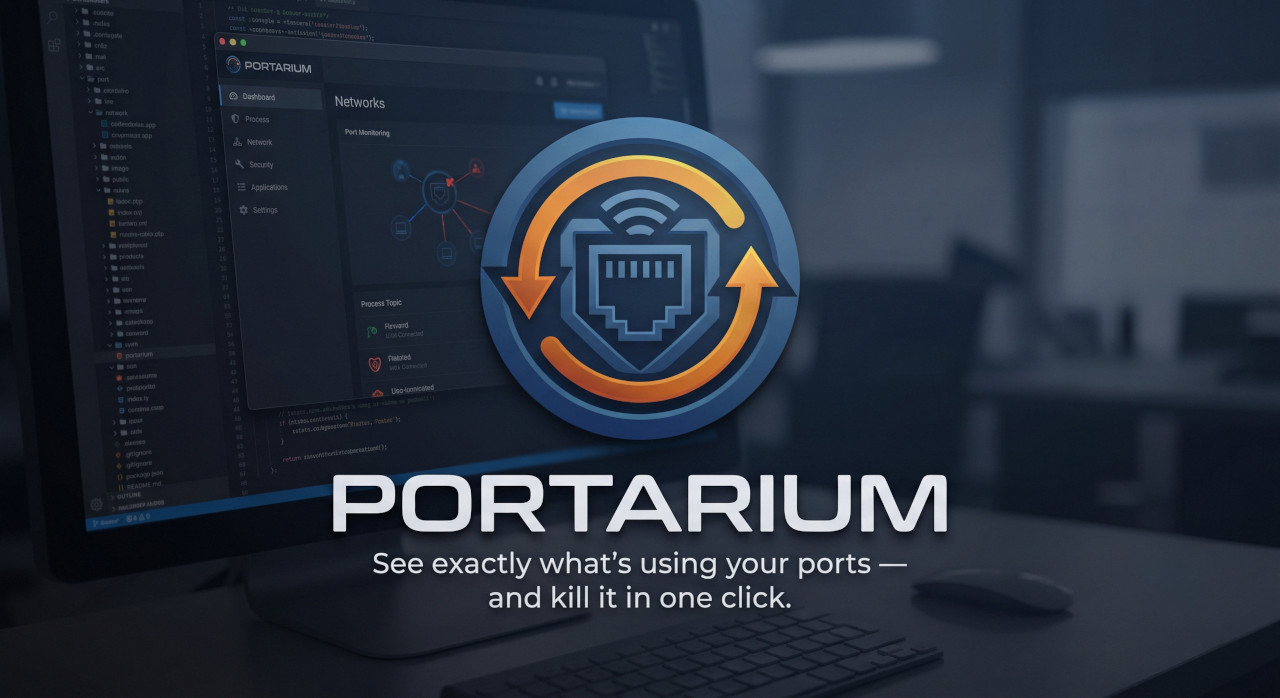
⚡ Portarium
Know what's running. Kill what's blocking. See how it's connected.
A blazing-fast, native developer port manager. Stop playing detective with netstat and lsof. Portarium watches your ports, tracks traffic, and visualizes network topology — across desktop and terminal.





🤔 The Problem
Every developer knows the pain:
Error: listen EADDRINUSE: address already in use :::3000You open a project and something is already squatting on the port. Now you're hunting for PIDs and copy-pasting kill commands. Every. Single. Time.
Portarium ends that.
✨ Features
🔍 Real-Time Port Dashboard
See every listening port on your machine at a glance — process name, PID, connections, framework detection, and project identification.
⚡ One-Click Control
Hover over any port and click ✕ to kill it instantly. If Portarium knows the start command, hit ↻ to restart it directly in a new terminal. Dead processes show a "stopped" badge with a persistent restart button.
🗺️ Interactive Port Map (D3.js Topology)
A D3.js-powered network topology visualization that shows precisely how your services are communicating.
- Drag & Collide simulation for physical manipulation
- Scroll to zoom in and navigate
- Node Caching & Real-time updates without screen flickering
- Framework-colored nodes and connection metrics
🔔 System Tray Intelligence
Portarium lives quietly in your system tray:
- Traffic light icon immediately alerts you to conflicts and statuses
- A background thread quietly builds a historical log of all backend activity while the window is closed
🧠 Smart Detection Engine
- Framework Detection — Recognizes React, Vite, Angular, Django, Node, and more via default ports.
- Project Context — Crawls for
package.json,Cargo.toml, orgo.modto name your running servers.
🖥️ Terminal UI (OpenTUI)
Portarium ships with a full keyboard-driven terminal interface built on OpenTUI. Same port dashboard, no desktop shell required — perfect for SSH sessions, minimal setups, or developers who live in the terminal.
Four-Page Dashboard
| Page | Key | Description |
|------|-----|-------------|
| Ports | 1 | Full port list with framework colors, search, and filter |
| Dashboard | 2 | Summary stats, active services, and recent events |
| Services | 3 | Ports grouped by project or framework |
| Logs | 4 | Chronological event log of port starts and stops |
Keybindings
| Key | Action |
|-----|--------|
| ↑ ↓ / j | Navigate port list |
| k | Kill selected process |
| K | Kill all filtered processes |
| r | Restart selected (when start command is known) |
| / | Search / filter ports |
| f | Cycle filter: all → dev → other |
| 1–4 / Tab | Switch pages |
| u | Refresh now |
| q / Ctrl+C | Quit |
📥 Installation
Download
Build from Source
Prerequisites
| Tool | Version | Install | |------|---------|---------| | Node.js | ≥ 18 | nodejs.org | | Rust | ≥ 1.70 | rustup.rs | | Bun | ≥ 1.0 | bun.sh — required for TUI | | Tauri CLI | v2 | Included |
Desktop App
git clone https://github.com/y-tretyakov/portarium.git
cd portarium

npm install
npm run tauri dev
The app launches with Vite HMR — edit React components and see changes instantly alongside the Rust backend watcher.
Terminal UI
# Requires Bun (https://bun.sh)
bun install
bun run tui

# Development mode with auto-reload:
bun run tui:dev
🎯 Supported Frameworks
Portarium auto-detects these frameworks out-of-the-box:
| Port | Framework | Color |
|------|-----------|-------|
| 3000, 3001 | React | #61dafb |
| 4200 | Angular | #dd0031 |
| 5173, 5174, 4173 | Vite | #646cff |
| 4000, 2000 | Node.js | #68a063 |
| 8000 | Django | #2bbc8a |
| 8080, 80 | HTTP | #f0a500 |
| 8888 | Jupyter | #f37626 |
| 5432 | Postgres | #336791 |
| 6379 | Redis | #dc382d |
| 3306 | MySQL | #4479a1 |
| 27017 | MongoDB | #4db33d |
| 1420 | Tauri | #ffc131 |
| 22 | SSH | #6e7681 |
| 443, 8443 | HTTPS | #22c55e |
| 9000 | PHP | #8892bf |
🏗️ Architecture
| Layer | Technology |
|-------|-----------|
| Runtime (desktop) | Tauri 2 — Rust backend, native webview |
| Frontend (desktop) | React 19 + TypeScript + Vite 7 |
| Frontend (terminal) | OpenTUI + React — src-tui/ |
| Visualization | D3.js v7 — Force-directed graph simulation (desktop) |
| Styling | Vanilla CSS — Custom Glassmorphism (desktop) |
| Port Engine | lsof/netstat on Linux/macOS; netstat + tasklist on Windows |
| Data Pipelines | Singleton thread-safe event logger in Rust (desktop) |
🤝 Contributing
Contributions are warmly welcomed.
- Fork the repository
- Create a feature branch:
git checkout -b feat/amazing-feature - Commit your changes:
git commit -m 'Add amazing feature' - Push to the branch:
git push origin feat/amazing-feature - Open a Pull Request
Roadmap & Ideas
- 🌐 Expanding supported framework signatures
- 🎨 Theme customization & light mode support
- 📦 Homebrew/Winget packages
- 🧪 Expanding unit and integration tests
📄 License
This project is licensed under the MIT License — see the LICENSE file for details.
If Portarium saved you from one more EADDRINUSE, give it a ⭐
Made with 🦀 Rust + ⚛️ React + ⬛ OpenTUI + 💜 by y-tretyakov