
prisma-schema-docs
v1.0.14
Published
Prisma docs generator for schema files

Maintainers
 pedroo-nietoo
Readme
Prisma Schema Docs
Overview
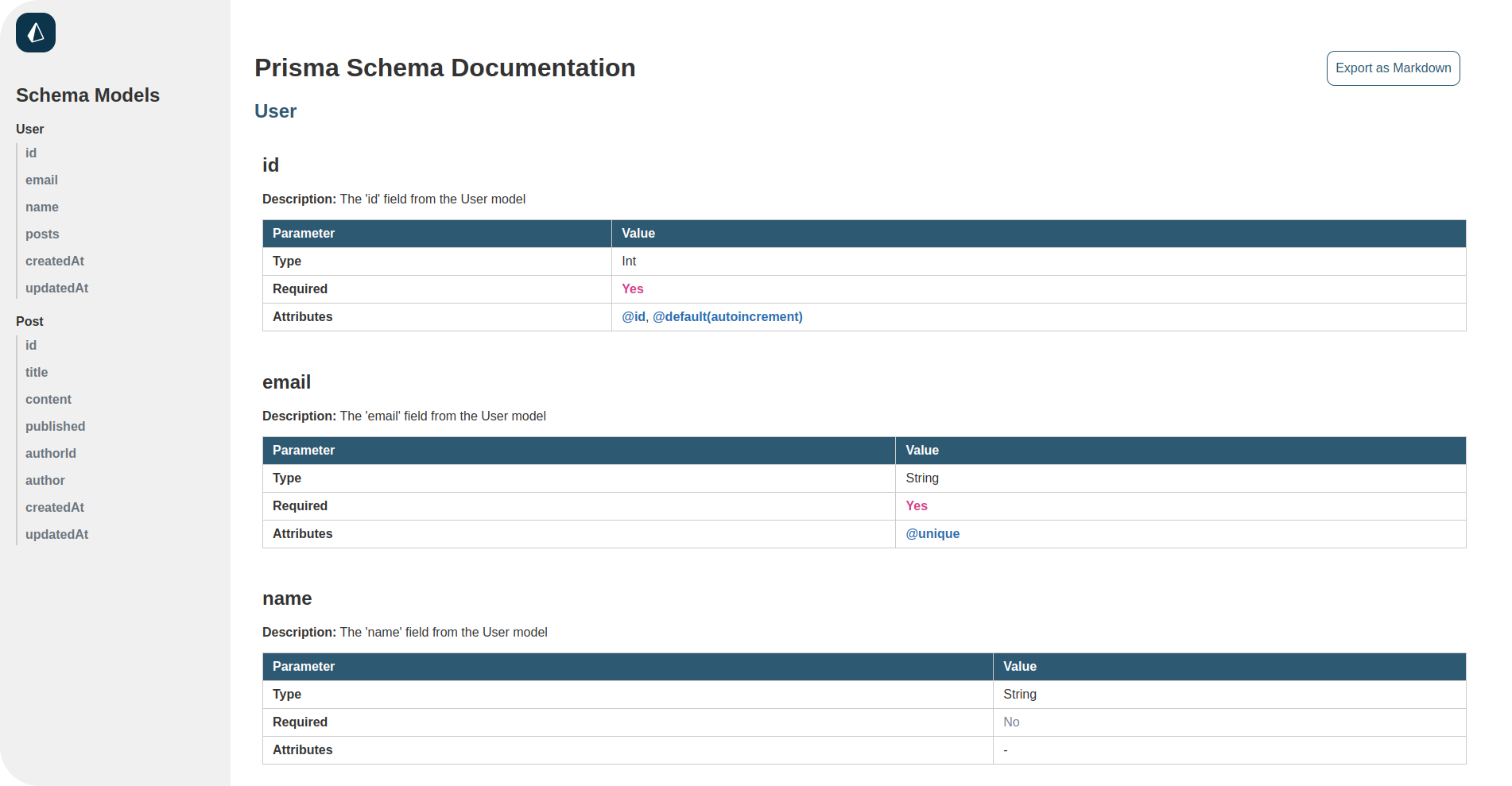
The prisma-schema-docs is a simple command-line tool that generates HTML documentation for your Prisma schema files. This package reads your schema.prisma file and produces an easy-to-read documentation format for your models and their fields, including attributes like @id, @unique, @default, and @relation.
Usage
Installation
To install prisma-schema-docs, use npm:
npm install prisma-schema-docsOr, if you prefer to install it globally:
npm install -g prisma-schema-docsGenerating Documentation
Once installed, you can generate documentation by running the following command:
npx prisma-schema-docsOr, if you prefer to generate the documentation on dark mode:
npx prisma-schema-docs -dThis will create an index.html file in the docs directory, containing the generated documentation from your prisma/schema.prisma.
To use prisma-schema-docs, ensure you have a schema.prisma file in the prisma directory of your project. The command will look for the schema file and generate the documentation based on its content.
Contributing
Contributions are welcome! If you would like to contribute, please fork the repository, add your changes, and submit a pull request. Please ensure your code adheres to the project's coding standards and includes tests. Make sure to send a detailed description of your changes and why you made them, as long as a image/gif/video that shows the changes.
Testing
To run tests for the package, you can use Jest. First, ensure you have installed the dependencies, then run:
npm testLicense
This package is licensed under the MIT License. See the LICENSE file for more details.
© 2024 Pedroo-Nietoo