
pwa-install-guide
v1.0.5
Published
A simple guide to add PWA installation functionality with customizable UI or hooks.


Readme
PWA Install Guide
Introduction
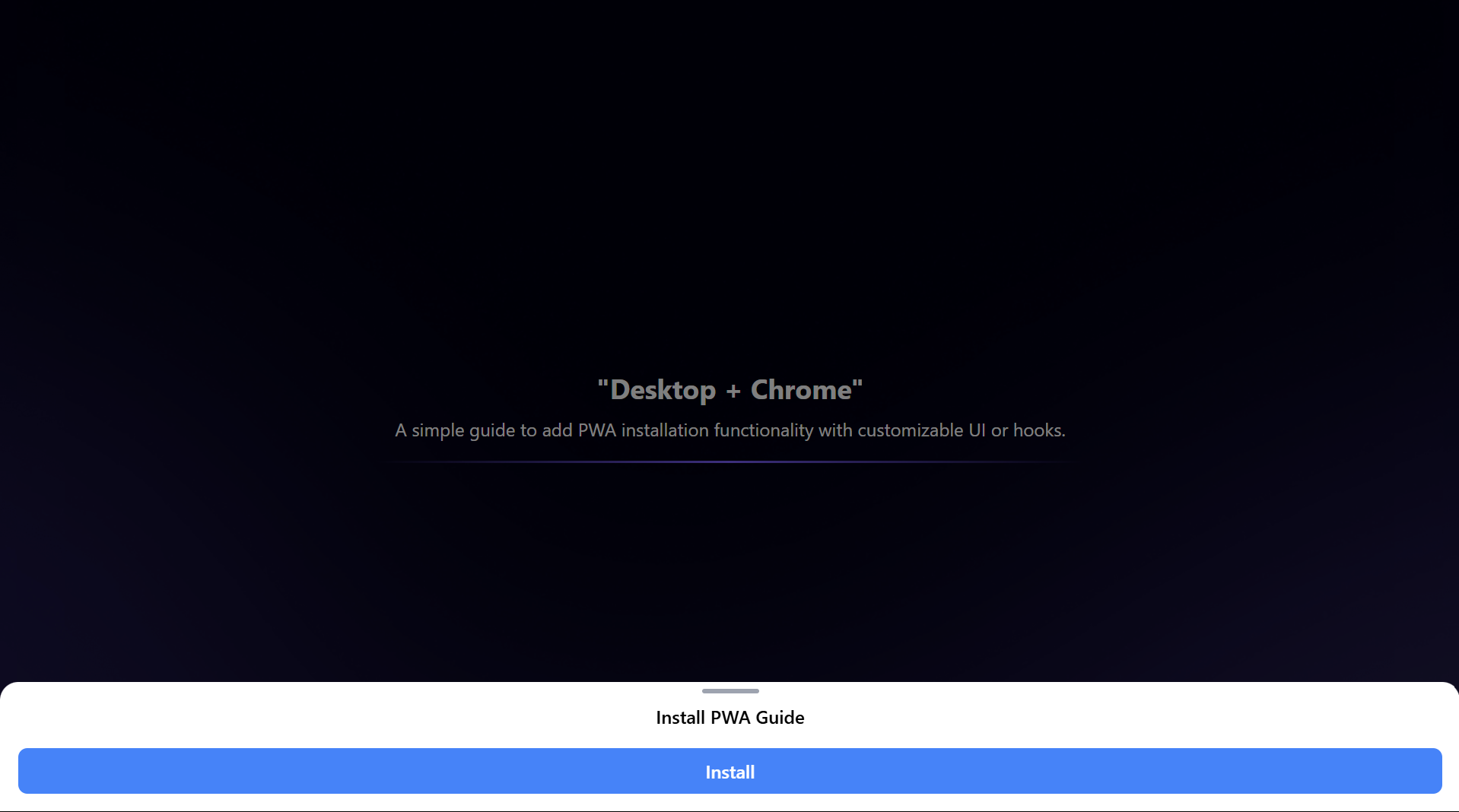
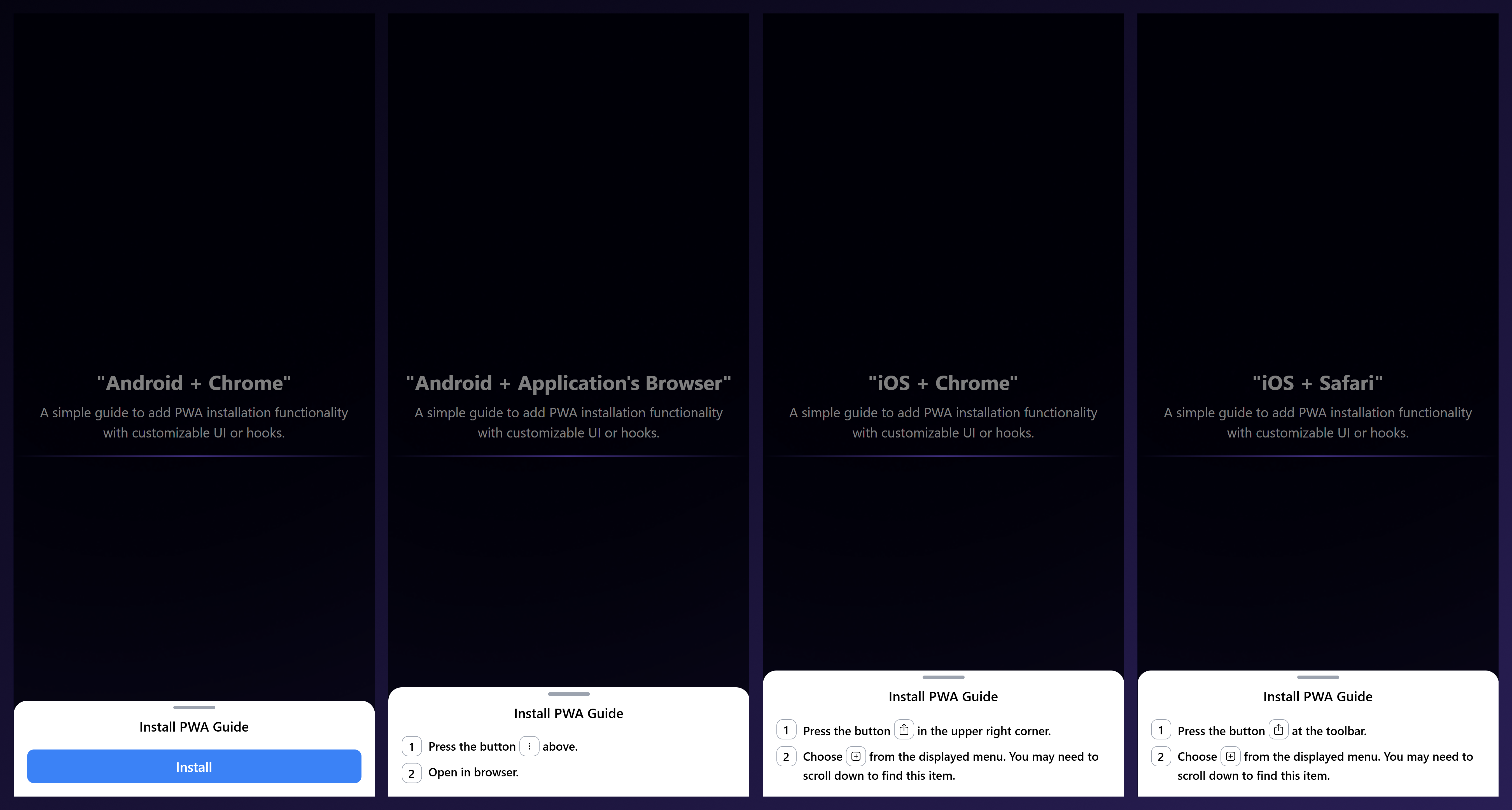
PWA Install Guide simplifies adding Progressive Web App (PWA) installation functionality to your application. The SDK supports two main usage approaches:
- Complete Component: Includes pre-built UI and installation logic.
- Hook: Provides state and data to customize the installation UI as needed.
Installation
Install the SDK via npm:
npm install pwa-install-guideor yarn
yarn add pwa-install-guideUsage
1. Complete Component
Use the pre-built component that comes with ready-to-use UI and logic. Ideal for quick integration of PWA installation functionality.
import { InstallPWAGuideModal } from 'pwa-install-guide';
import 'pwa-install-guide/dist/style.css'


function App() {
  return (
    <div>
      <InstallPWAGuideModal />
    </div>
  );
}
Props (Optional):
| Prop Name | Type | Description | Default Value | | :----------------- | :--------------------------- | :-------------------- | :------------------ | | type | "modal" or "popup" | Appearence Type | "modal" | | header | "JSX.Element" or "undefined" | Modal's Header | "Install PWA Guide" | | containerClassName | "string" or "undefined" | ClassName's Container | "undefined" |
2. Using the Hook
The hook provides state and functions for you to create a custom installation UI.
import { useInstallPWAGuide } from 'pwa-install-guide';

function CustomInstallFlow() {
  const { showPrompt, loading, steps, isOpen, onClose } = useInstallPWAGuide({
    iconWrapper: ({ children }) => (
      <span className="icon-wrapper">{children}</span>
    ),
    onAfterInstall: () => alert("PWA installed successfully!"),
    onBeforeInstall: () => console.log("Preparing to install PWA..."),
    onInstallError: (error) => console.error("Installation error:", error),
  });
  if (!steps && !showPrompt) {
    return <p>PWA is installed or not supported on this browser.</p>;
  }
  return (
    isOpen && (
      <div className="modal">
        {steps ? (
          steps.map((step, index) => (
            <p key={index} className="step">
              {index + 1} {step}
            </p>
          ))
        ) : (
          <button onClick={showPrompt} disabled={loading}>
            {loading ? "Loading..." : "Install PWA"}
          </button>
        )}
        <button onClick={onClose}>Close</button>
      </div>
    )
  )
}
Hook API:
| State/Function | Type | Description | | :------------- | :----------------------------------------- | :---------------------------------------------------------------- | | showPrompt | "() => Promise<void>" or "undefined" | Function to trigger the PWA installation prompt. | | loading | "boolean" | Indicates if the installation process is ongoing. | | steps | "JSX.Element[]" or "undefined" | List of steps to guide the user through the installation process. | | isOpen | "boolean" | Indicates if the installation guide modal is currently open. | | onClose | "() => void" | Function to close the installation guide modal |
| Prop Name | Type | Description | | :-------------- | :--------------------------------------------------------------------- | :---------------------------------------------------------- | | iconWrapper | "({ children }:{children: JSX.Element}) => JSX.Element" or "undefined" | Custom wrapper for icons in installation steps. | | onBeforeInstall | "() => void" or "undefined" | Callback executed before showing the installation prompt. | | onAfterInstall | "() => void" or "undefined" | Callback executed after successful installation. | | onInstallError | "(error?: unknown) => void" or "undefined" | Callback executed when an error occurs during installation. |
License
ISC Licensed. Copyright (c) Esollabs 2024.