
pwkit
v0.0.6
Published
Modern, customizable password generator with entropy analysis and flexible character group settings.

Maintainers
 lemon3
Readme
PWkit
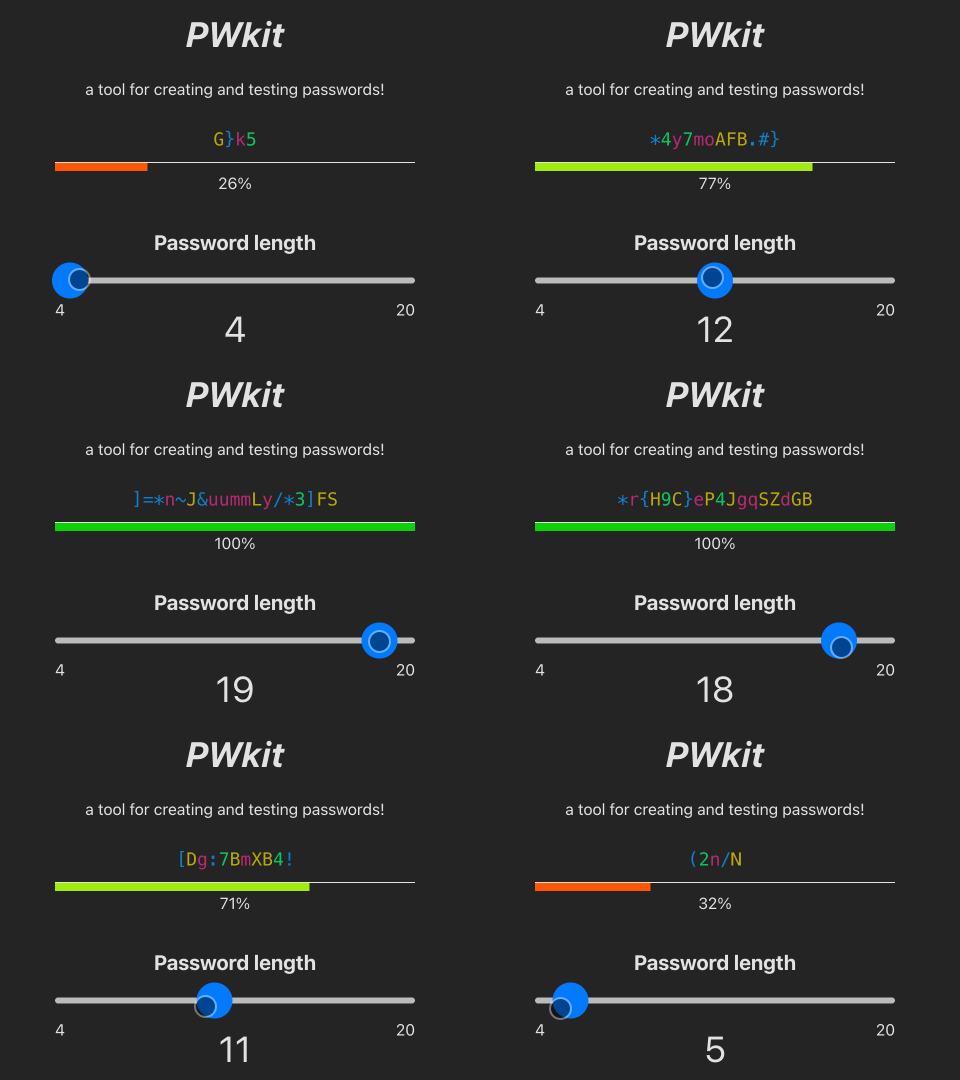
Modern, customizable password generator and tester with entropy analysis and flexible character group settings.
See a small demo, that uses this package!
Import into your project
pnpm add pwkitnpm install pwkityarn add pwkitUsage
generate a password
import { password } from "pwkit";

// initialize
const pwd = password();

// use with default settings
console.log(pwd.create());
more advanced usage
import { password } from "pwkit";

const options = {
  length: 12,
  lowercase: 4,
  symbols: 3,
};
const pwd = password(options);

// generates a random password with a length of 12
// and ensures that at least 4 lower-case letters and
// at least 3 symbols are used for the generation.
console.log(pwd.create());
Test a password
import { password } from "pwkit";

const pwd = password();
const myPassword = '.Pa55-W0rD';
const result = pwd.test(myPassword);

console.log(result);
Methods
create(options?)
const options = {
  // see below
};
const pwd = password(options);
const myPassword = pwd.create();

console.log(myPassword);
// returns, eg.:
// {
//   entropy: 65.23561956057013
//   length: 10
//   password: "7)9uUIU]vg"
//   statistic: {
//     lowercase: 3,
//     uppercase: 3,
//     numbers: 2,
//     symbols: 2,
//     umlauts: 0
//   }
//   strength: 0.6523561956057012,
// }
test(string)
const pwd = password();
const myPassword = '.Pa55-W0rD';

const test = pwd.test(myPassword);
console.log(tmp);
// returns:
// {
//   entropy: 65.23561956057013,
//   length: 10,
//   statistic: {
//     lowercase: 2,
//     uppercase: 3,
//     numbers: 3,
//     symbols: 2,
//     umlauts: 0,
//   },
//   strength: 0.6523561956057012,
// }
setCharGroups()
to override the character groups
const pwd = password();
const myNewGroups = {
  lowercase: 'abcdefg',
  uppercase: 'HIJKMLN',
  numbers: '0123456',
  symbols: '!"§$%&/',
}
pwd.setCharGroups(myNewGroups);
resetCharGroups()
reset all Groups to their default value
const pwd = password();
pwd.resetCharGroups();
updateSettings()
Useful to override the settings. The old settings will be overwritten!
const pwd = password();
const myNewSettings = {
  length: 32,
  // and others, see options
};
pwd.updateSettings(myNewSettings);
getCharset()
returns all characters (that are used for password generation) as a string.
const pwd = password();
const chars = pwd.getCharset();
console.log(chars);
options
options = {
  // the length of the password
  // default: 10
  length: 10,

  // should lowercase chars be included
  // values: true | false | number
  // e.g.: 3 (use at least 3 chars from the lowercase character-set)
  // default: true
  lowercase: true,

  // should uppercase chars be included
  // values: true | false | number
  // e.g.: 3 (use at least 3 chars from the uppercase character-set)
  // default: true
  uppercase: true,

  // should numbers chars be included
  // values: true | false | number
  // e.g.: 3 (use at least 3 chars from the numbers character-set)
  // default: true
  numbers: true,

  // should symbols chars be included
  // values: true | false | number
  // e.g.: 3 (use at least 3 chars from the symbols character-set)
  // default: true
  symbols: true,

  // should umlauts chars be included
  // values: true | false | number
  // e.g.: 3 (use at least 3 chars from the umlauts character-set)
  // default: false
  umlauts: false,

  // exclude similar looking characters like '0' and 'O'
  // values: true | false
  // default: false
  excludeSimilar: false,

  // try to distribute normal over the the selected character-sets!
  // e.g.: if set to true, length set to 16, and lowercase, uppercase, numbers, and symbols are set to true. We get 4 lowercase, 4 uppercase, 4 numbers and 4 symbols in the resulting password
  // values: true | false
  // default: false
  normalDistribute: false,
}