
qa
v0.19.0
Published
The CLI for Mo, Momentic's autonomous QA agent.


Readme
qa
The CLI for Mo, Momentic's autonomous QA agent.
$ npm i qaPoint Mo at a URL. It explores the app in a real browser, writes its own test cases, and files one report: a verdict per case, plus reproduction steps and a recording for every bug it reproduces.
qa start "test https://your-app.com"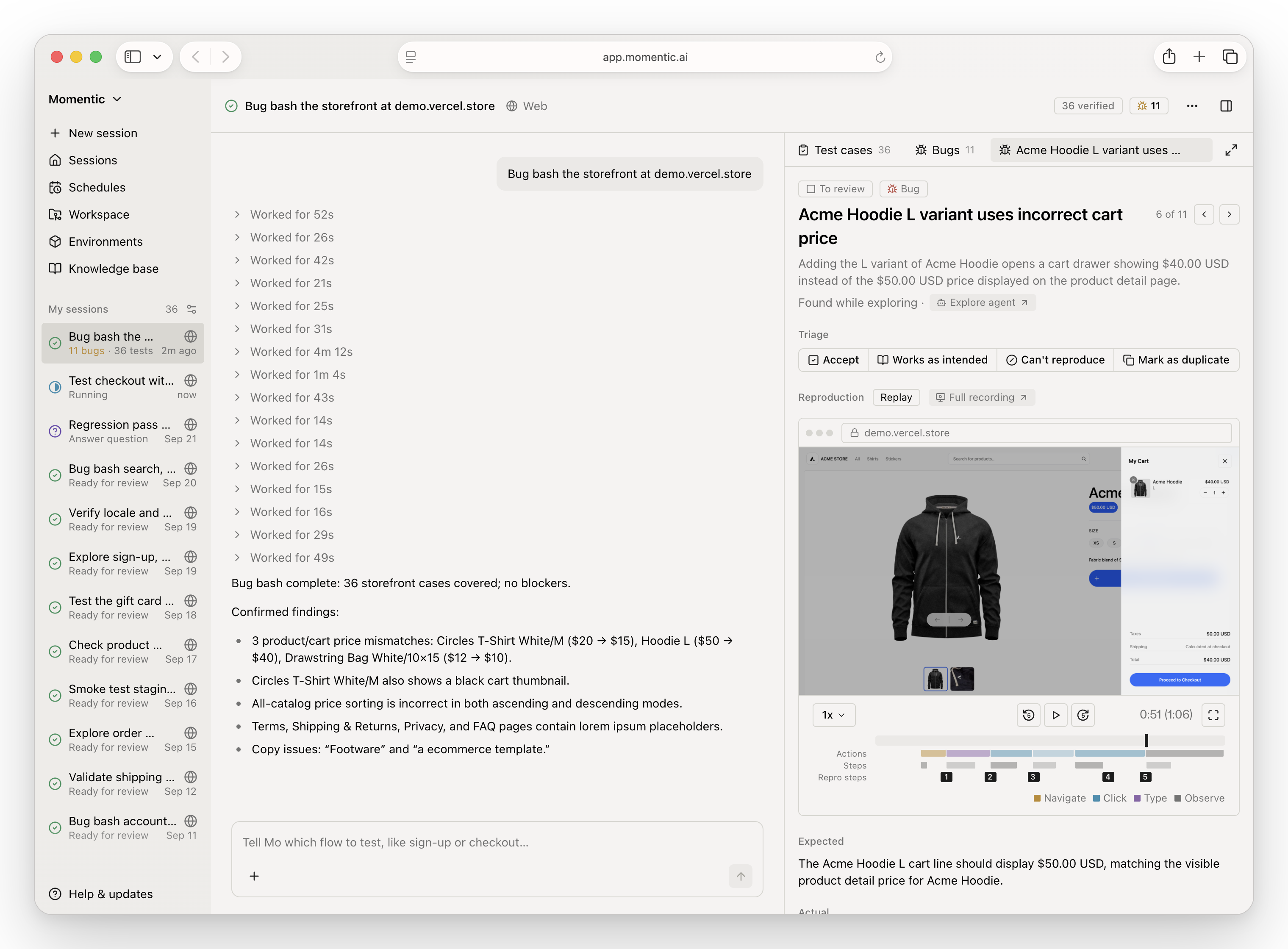
Requires Node 22.12+ or 24+ and a Momentic account (qa login). Mo is in beta.
Sign up to get onboarded.
Using a coding agent? qa skills installs Momentic's agent skills and MCP
servers for it.
Install
Install the CLI globally:
npm install -g qa
qa --help
Or run it without a global install:
npx qa --helpThe npm package is qa. It installs a compiled qa binary for your system and
exposes the qa command. The standalone installer
(curl -fsSL https://cli.momentic.ai/qa | sh) also installs qa. Releases
before 0.18 named the command mo.
The npm launcher requires Node.js 22.12 or later in the 22.x series, or Node.js
24 or later. Binaries are available for macOS ARM64/x64, Linux ARM64/x64 (glibc
and musl), and Windows x64. Linux musl requires libstdc++. Keep optional
dependencies enabled so npm can install your system's binary.
Authentication
Sign in once to share credentials with the Momentic CLIs:
qa login
qa logout
Credentials are saved to ~/.momentic/auth.json. Existing credentials from
momentic login or momentic-wizard login are reused automatically. You can
also provide MOMENTIC_API_KEY or --api-key for a single command.
Update
Update a global npm installation with:
npm install -g qa@latestFor a project dependency, update qa with your project's package manager.
qa upgrade prints these instructions without replacing npm-managed files.
Troubleshoot
Run qa doctor to print the install method, resolved binary path, every
mo/qa/momentic executable on your PATH, and the one that wins. Include
the output when reporting a CLI problem.
npm install -g qafails withEEXISTif a file namedqaalready exists in npm's global bin directory. Checkls -la $(npm prefix -g)/binand remove the stale entry; do not pass--force.qa0.17.x also installed amocommand. Updating removes it.- A curl install from before the rename left
moat$HOME/.local/bin/mo.mo upgradestill downloads new releases, but the file keeps themoname. Remove it and rerun the installer to switch toqa. - If a standalone
moand the npm package coexist, the first onPATHruns. In a shell that already ran the old command, runhash -rto clear the cached path. npx mois not Momentic; themopackage on npm is a different project. Usenpx qa.
See the Mo CLI reference for commands and examples.