
qb-vuex
v1.1.0
Published
基于Vuex的持久化缓存,以及封装Vue.Observable局部store的持久化缓存

Maintainers
 chonglou_
Readme
@qb/vuex
基于 Vuex 的响应式并持久化数据加密缓存,以及支持新建局部 Store 的响应式并持久化数据加密缓存
背景
对于全局数据状态的管理Vuex,通常要针对页面的刷新,将数据做一份本地缓存,于此情况,本地缓存的操作情况也是繁多。在此,在保证项目支持store数据响应式的前提下,本地加密持久化数据成了关键,于此,对 Vuex 的初始化集成了一个工具函数createVuexStore,将操作停留在store的commit/dispatch方式上,无需再操作本地localstorage/sessionstorage,同时写入数据进行了加密
智能提示
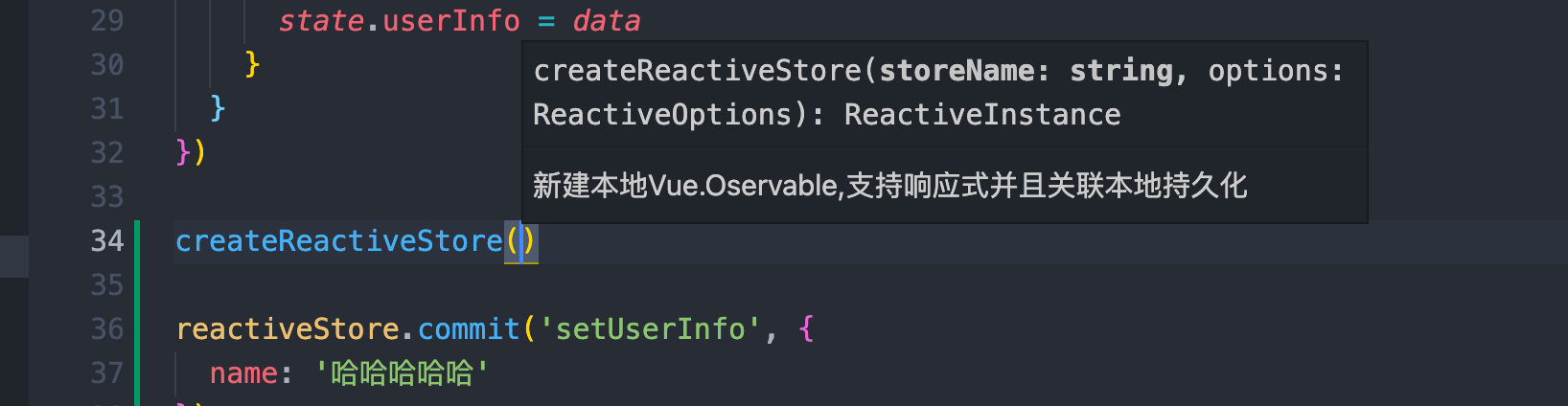
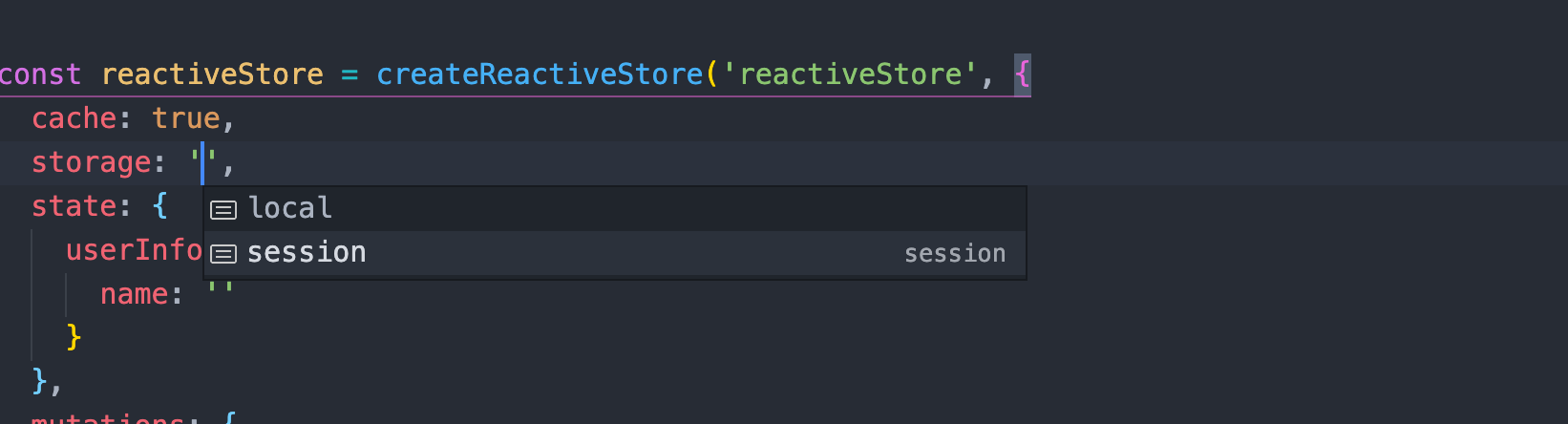
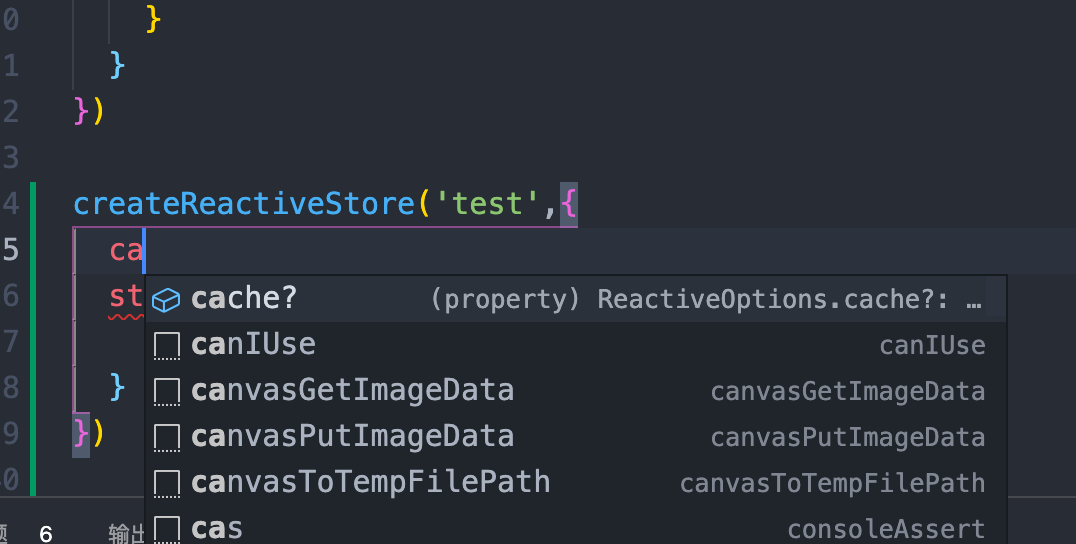
安装
Vue2.x 版本
安装依赖
npm install vuex secure-ls vuex-persistedstate -S安装工具
npm install @qb/vuex -SVue3.x 版本
安装依赖
npm install vuex@next secure-ls vuex-persistedstate -S安装工具
npm install @qb/vuex@next -SAPI
createVuexStore
新建一个 Vuex-store, 支持响应式且默认数据本地持久化缓存(LocalStroage) createVuexStore(storeName, options)
参数说明
| 参数 | 类型 | 必填 | 默认值 | 说明 | | --------- | :----: | ---: | -----: | -------------------------------------: | | storeName | string | 否 | | 仓库名称,存储到 localstroage 中的 key | | options | object | 是 | | 等同于 Vuex 的 StoreOptions |
示例代码
import { createVuexStore } from '@qb/vuex'

const store = createVuexStore('example-store', {
  state: {
    name: '',
    address: {
      city: '',
      province: ''
    }
  },
  mutations: {
    /**
     * 更新用户名称
     * @param {*} state
     * @param {*} value
     */
    SET_NAME(state, value) {
      state.name = value
    },

    /**
     * 更新用户地址
     * @param {*} state
     * @param {*} data
     */
    SET_ADDRESS(state, data) {
      state.address = { ...state.address, ...data }
    }
  }
})

new Vue({
  store,
  render: h => h(App)
}).$mount('#app')
<template>
<div>
<h1>store : {{ $store.state.name }}</h1>
<h1>store : {{ $store.state.address }}</h1>
</div>
</template>
<script>
export default {
mounted() {
this.$store.commit('SET_NAME', '小明')
this.$store.commit('SET_ADDRESS', {
province: '广东省',
city: '广州市'
})
}
}
</script>
createReactiveStore
新建一个局部仓库 store,支持响应式,且可配置是否本地缓存方式以及是否加密 createReactiveStore(storeName, options)
参数说明
| 参数 | 类型 | 必填 | 默认值 | 说明 | | --------- | :----: | ---: | -----: | -------------------------------------------------------: | | storeName | string | 否 | | 仓库名称,存储到 localstroage 或 sessionStorage 中的 key | | options | object | 是 | | ReactiveOptions 对象 |
ReactiveOptions
| 参数 | 类型 | 必填 | 默认值 | 说明 | | ----------- | :-----: | ---: | --------: | -----------------------------------------------------------------------------------: | | cache | boolean | 否 | false | 是否开启缓存,默认不开启 | | encrypt | boolean | 否 | false | 是否开启加密 ,默认不开启 | | StorageMode | string | 否 | 'session' | 字符串枚举, local (存储到本地 localstroage) , session (存储到本地的 sessionStroage) | | state | object | 否 | { } | 数据状态管理对象 , 等同于 Vuex 的 StoreOptions 的 state | | mutations | object | 否 | null | 同步修改 state 函数集合 ,等同于 Vuex 的 StoreOptions 的 mutations | | actions | object | 否 | null | 异步修改 state 函数集合 ,等同于 Vuex 的 StoreOptions 的 actions |
示例代码
import { createReactiveStore } from '@qb/vuex'
const ReactiveStore = createReactiveStore('reactiveStore', {
  cache: true,
  storage: 'local',
  encrypt: true,
  state: {
    name: '',
    address: {
      city: '',
      province: ''
    }
  },
  mutations: {
    /**
     * 更新用户名称
     * @param {*} state
     * @param {*} value
     */
    SET_NAME(state, value) {
      state.name = value
    },

    /**
     * 更新用户地址
     * @param {*} state
     * @param {*} data
     */
    SET_ADDRESS(state, data) {
      state.address = { ...state.address, ...data }
    }
  },

  actions: {
    //模拟异步
    ASYNC_SET_ADDRESS({ state, commit }, data) {
      return new Promise(resolve => {
        setTimeout(() => {
          commit('SET_ADDRESS', data)
          resolve(data)
        }, 1000)
      })
    }
  }
})
<template>
<div>
<h1>ReactiveStore : {{ name }}</h1>
<h1>ReactiveStore : {{ address }}</h1>
</div>
</template>
<script>
export default {
computed: {
name() {
return ReactiveStore.state.name
},
address() {
return ReactiveStore.state.address
}
},
mounted() {
ReactiveStore.commit('SET_NAME', '小明')
ReactiveStore.commit('SET_ADDRESS', {
province: '广东省',
city: '广州市'
})
}
}
</script>

异步模式
<script>
export default {
  computed: {
    name() {
      return ReactiveStore.state.name
    },
    address() {
      return ReactiveStore.state.address
    }
  },
  async mounted() {
    let res = await ReactiveStore.dispatch('ASYNC_SET_ADDRESS', {
      province: '浙江省',
      city: '杭州市'
    })
    console.log("ASYNC_SET_ADDRESS",res)
  }
}
</script>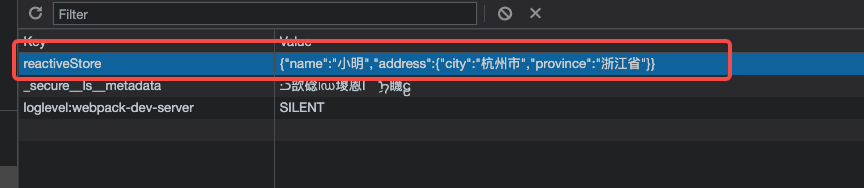

Vue3.x 版本注意事项
对于createReactiveStore 在 Vue3.x 版本中,返回的是一个 reactive 响应式对象,如果在setup中使用时,需要借助toRefs 或者 computed来维持其响应式, 且 toRefs解构的是整个store实例,而不是state
<template>
  <div>
    <h1>ReactiveStore : {{ userName }}</h1>
    <h1>ReactiveStore : {{ state.address }}</h1>
  </div>
</template>


<script lang="ts">
import { defineComponent, toRefs, computed } from 'vue'
export default defineComponent({
  setup() {
    const userName = computed(() => {
      return ReactiveStore.state && ReactiveStore.state.name
    })

    onMounted(() => {
      ReactiveStore.commit('SET_NAME', '小明')
      ReactiveStore.commit('SET_ADDRESS', {
        province: '湖南省',
        city: '长沙市'
      })
    })

    return {
      userName,
      ...toRefs(ReactiveStore)
    }
})
</script>