
qr-scanner-cli
v2.1.4
Published
[](https://github.com/victorperin/qr-scanner-cli/actions?query=workflow%3Apr-check+branch%3Amaster) [

Readme
QR Scanner CLI



QR Scanner CLI is a project that can resolve any QR code from an image on your desktop.
Installation
Installation is done using the npm install command:
npm i -g qr-scanner-cliUsage
$ qrscanner <input file>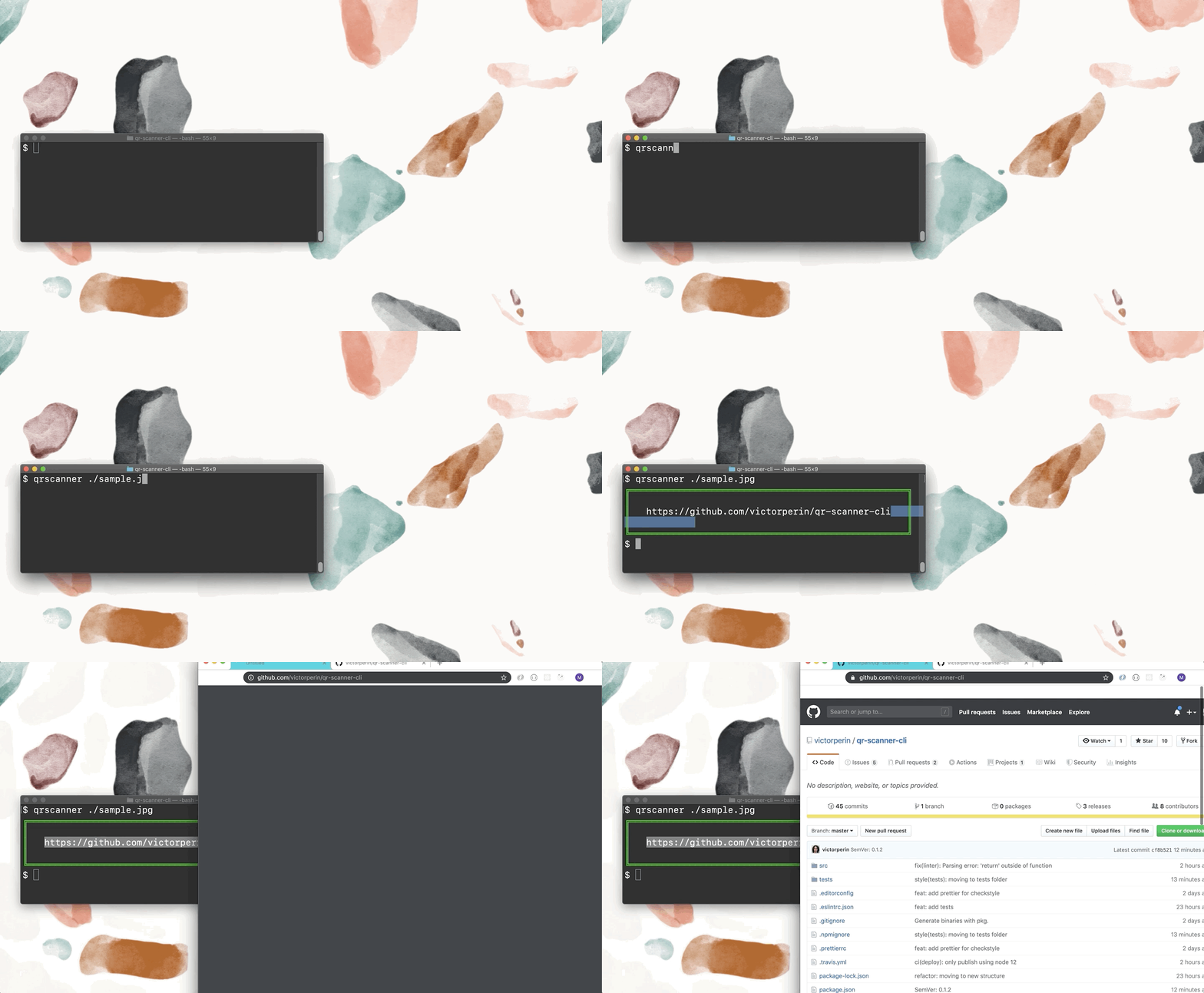
Options
Access all available and updated options passing the --help argument:
qrscanner --helpA view of the options at release v1.0.0:
--clear, -c  Clear output, just print the QR Code scan result
--clipboard, -p  copy the qr code value to your clipboard
--version Show installed version
--help Show this help
Consider that this list may be outdated, always refer to the
helpoption described above.
Examples
$ qrscanner ./qrCode.jpg
╔══════════════════════════════════════════╗
║                                          ║
║   This message is written in a QR Code   ║
║                                          ║
╚══════════════════════════════════════════╝

$ qrscanner ./qrCode.jpg --clear
This message is written in a QR Code
Programatic Usage
You can also install this as a lib and use the programatic mode. Don't forget to read our documentation.
npm install qr-scanner-cli// some-file.js
import { scanFromFile } from 'qr-scanner-cli'
const value = await scanFromFile('./image.jpg')