
qrescan
v0.7.0
Published
Modern, minimal, and versatile QR-code scanner for React
Downloads
78


Readme
qrescan

Modern, minimal, and versatile QR-code scanner for React. Try it now
Usage
import 'qrescan/style.css';
import { QRescan } from 'qrescan';
import { wechatDecoder } from 'qrescan/wechat';

export function Scanner() {
  return <QRescan decoderClient={wechatDecoder} onScan={data => console.info(data)} />;
}
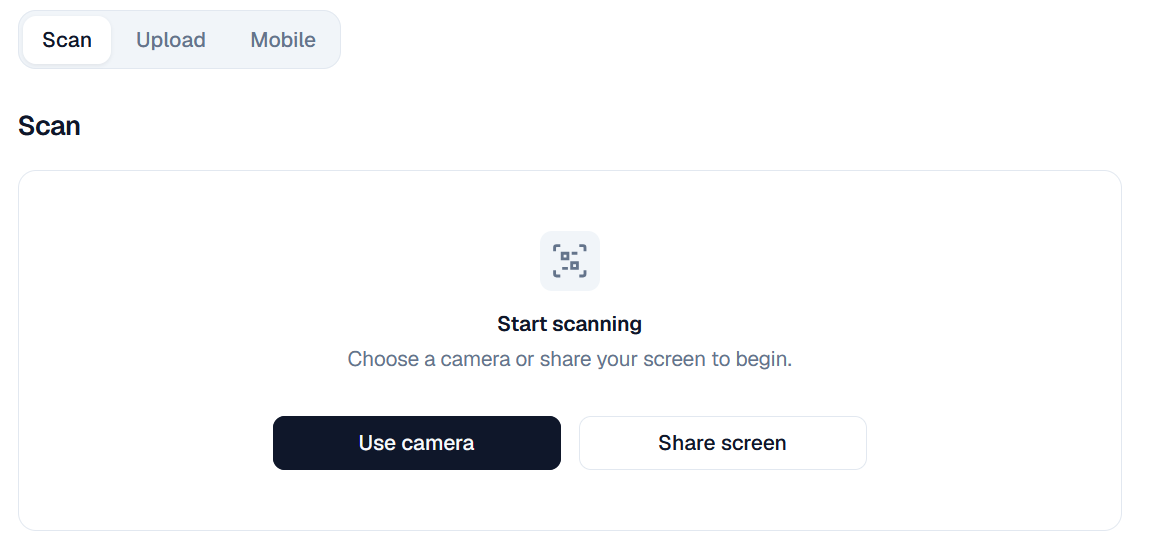
The default component provides camera/screen scanning and image upload.
Screenshot
Decoder
A decoder client must be supplied as decoderClient.
paulmillrDecoder
Bundle Size:35.9kB worker
Recognition Performance: Low
Upstream:paulmillr/qrrqrrDecoder
Bundle Size:105.5KiB gzip=3.9kiB worker+244.7KiB wasm
Recognition Performance: Low ~ Middle
Upstream:WanzenBug/rqrrwechatDecoder
Bundle Size:1.91MiB gzip=131.3KiB worker+3.37MiB wasm+966.2KiB models
Recognition Performance:High
Upstream:antfu/qr-scanner-wechat
Mobile Companion
Although screen sharing is supported for scanning QR codes, scanning can be tricky on a desktop. You can pair your mobile phone to scan QR codes more easily. The desktop component creates a short-lived encrypted session. companionURL should point to a page that serves QRescanMobileCompanion. (It defaults to https://nenw.dev/qrescan.)
import { QRescan, QRescanMobileCompanion } from 'qrescan';
import { paulmillrDecoder } from 'qrescan/paulmillr';

export function DesktopScanner() {
  return (
    <QRescan
      onScan={data => console.info(data)}
      decoderClient={paulmillrDecoder}
      options={{
        mobile: {
          enabled: true,
          companionURL: 'https://example.com/scan-mobile',
        },
      }}
    />
  );
}

export function MobileScanner() {
  return (
    <QRescanMobileCompanion>
      {props => <QRescan {...props} decoderClient={decoderClient} />}
    </QRescanMobileCompanion>
  );
}
For a self-hosted PeerJS server, pass the same configuration to both sides:
<QRescanMobileCompanion options={{ peerOption }}>
  {props => <QRescan {...props} decoderClient={decoderClient} />}
</QRescanMobileCompanion>
Development
Use the reproducible toolchain from the Nix flake:
nix develop
pnpm install
pnpm dev
pnpm test
pnpm typecheck
pnpm lint
pnpm build