qx-easy-process
v3.1.0
Published
easy-process流程设计器,基于vue3 + vite4实现,具备低代码、快速应用及扩展的特点。【工作流】【流程引擎】

Maintainers
 gy331607151
Readme
Easy Process V3
Easy Process 流程设计器,基于vue3 + vite4 实现,提供易用的流程管理框架和组件,支持快速集成与定制,适用于多种应用场景。
开源许可协议
- MIT
体验入口
传送门
项目源码:easy-process
示例源码:easy-process-demo
使用手册: http://docs.process.uncode.vip
开发环境
Node >= 14技术选型
- vue3
- vite4
安装
安装qx-easy-process
npm install qx-easy-process安装vite-plugin-svg-icons
npm install vite-plugin-svg-icons -D快速开始
导入组件
// main.js
import { createApp } from 'vue'
import App from './App.vue'

// easy-process
import EasyProcess from 'qx-easy-process'
import 'qx-easy-process/dist/css/style.css'

// svg图标
import 'virtual:svg-icons-register'

const app = createApp(App)

app.use(EasyProcess, {
  // 指定节点视图实现和节点配置实现目录
  nodeImplPath: import.meta.glob('src/views/node/**')
})
app.mount('#app')
配置vite-plugin-svg-icons
// vite.config.js
import { defineConfig } from 'vite';
import { createSvgIconsPlugin } from 'vite-plugin-svg-icons';
import path from 'path';

export default defineConfig({
  plugins: [
    createSvgIconsPlugin({
      // 指定qx-easy-process图标文件夹
      iconDirs: [path.resolve(process.cwd(), 'node_modules/qx-easy-process/dist/assets/icons')],
      // 指定symbolId格式
      symbolId: 'icon-[dir]-[name]',
    })
  ],
});
实现节点组件
为了提高可扩展性,内置的各类型节点仅是定义了其存在,并未实现节点在流程设计器中展示的内容及配置内容,需要使用者自行实现。
注意:网关节点 为内置逻辑组件不需要对其实现节点视图和节点配置组件。
节点命名规范
节点视图组件文件格式: [nodeType]-node.vue
节点配置组件文件格式: [nodeType]-drawer.vue
实现节点视图组件
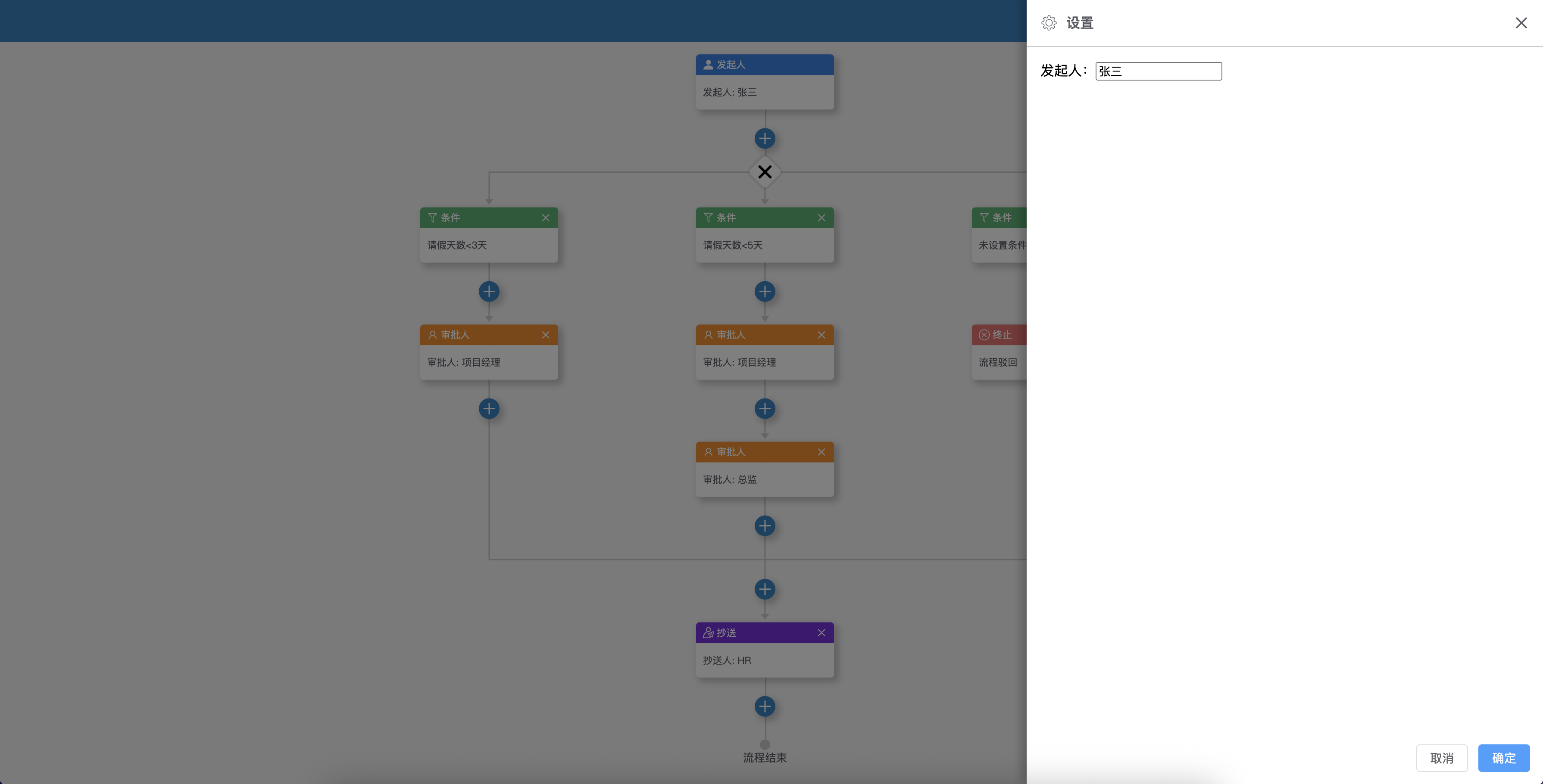
以开始节点为例,开始节点的nodeType=start,则在/src/views/node/start目录下创建start-node.vue文件, 内容如下:
// start-node.vue
<template>
  <!-- 发起人节点 -->
  <div>
    发起人: {{node.config.name}}
  </div>
</template>

<script setup name="start-node">
import {getCurrentInstance, inject} from "vue";
import {KEY_PROCESS_DATA, KEY_VALIDATOR} from "qx-easy-process/dist/config/provide-keys.js"

const props = defineProps({
  node: { // 传入的流程配置数据
    type: Object,
    default: {}
  }
});

const { proxy } = getCurrentInstance();

// 获取流程数据
const processData = inject(KEY_PROCESS_DATA)
// 获取流程验证器实例
const validator = inject(KEY_VALIDATOR)

// 注册验证器
validator.register(props.node.tmpNodeId, () => {
  return {
    "valid": props.node.config.name ? true : false,
    "message": "请选择发起人"
  }
})
</script>

<style lang="less" scoped>

</style>
实现节点配置组件
以开始节点为例,开始节点的nodeType=start,则在/src/views/node/start目录下创建start-drawer.vue文件, 内容如下:
<template>
  <!-- 发起人配置 -->
  <div>
    发起人:<input v-model="props.config.name" />
  </div>
</template>

<script setup name="start-drawer">
import {getCurrentInstance, inject} from "vue";
import {KEY_PROCESS_DATA} from "qx-easy-process/dist/config/provide-keys.js"

const props = defineProps({
  config: { // 传入的流程配置数据
    type: Object,
    default: {}
  },
});

const { proxy } = getCurrentInstance();

// 获取流程数据
const processData = inject(KEY_PROCESS_DATA)
</script>

<style lang="less" scoped>

</style>
使用组件
<ep-designer ref="process" :data="processData"/>processData:流程数据,为空时会默认创建一个开始节点
获取流程数据结果
import {getCurrentInstance} from "vue";
const { proxy } = getCurrentInstance();

let result = proxy.$refs.process.getResult();
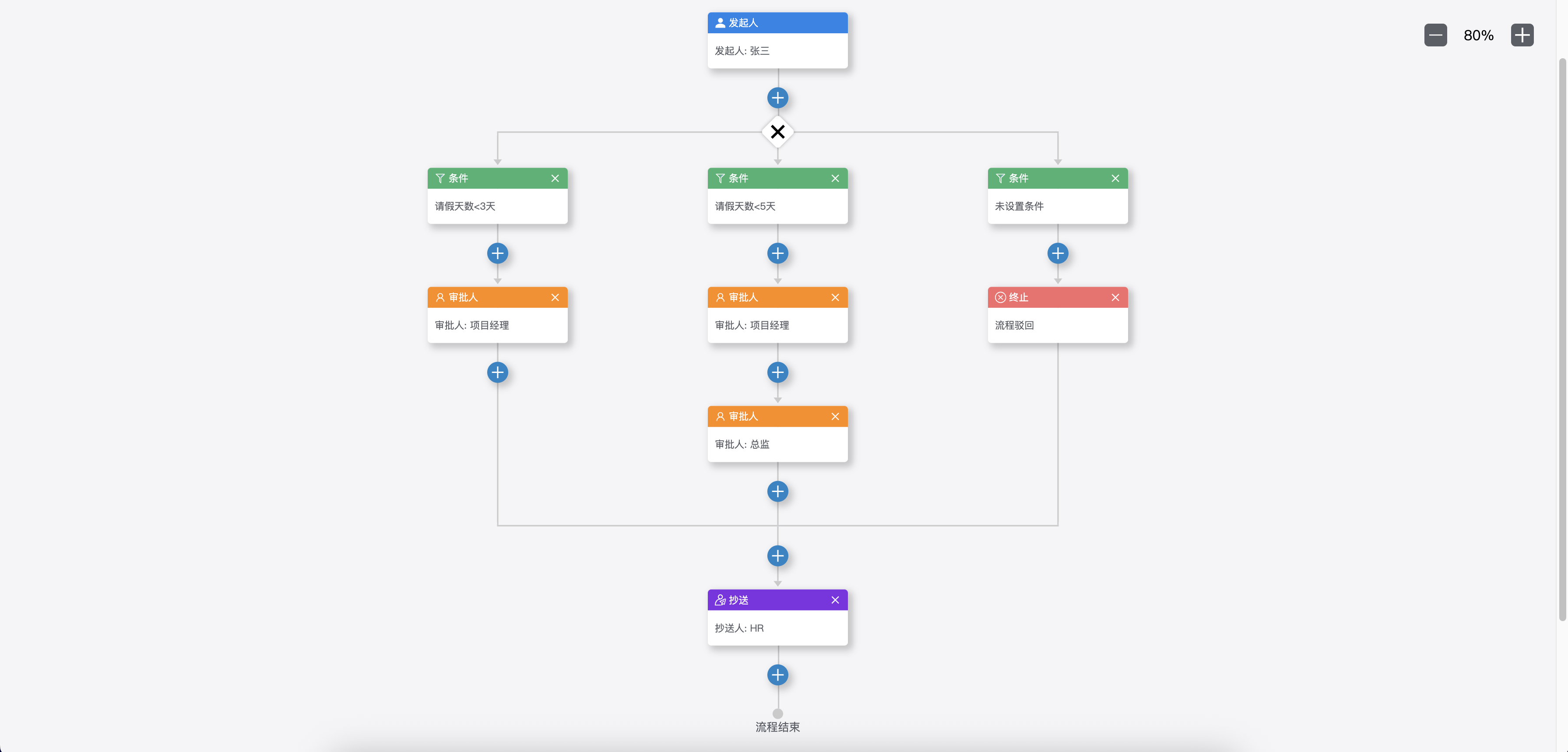
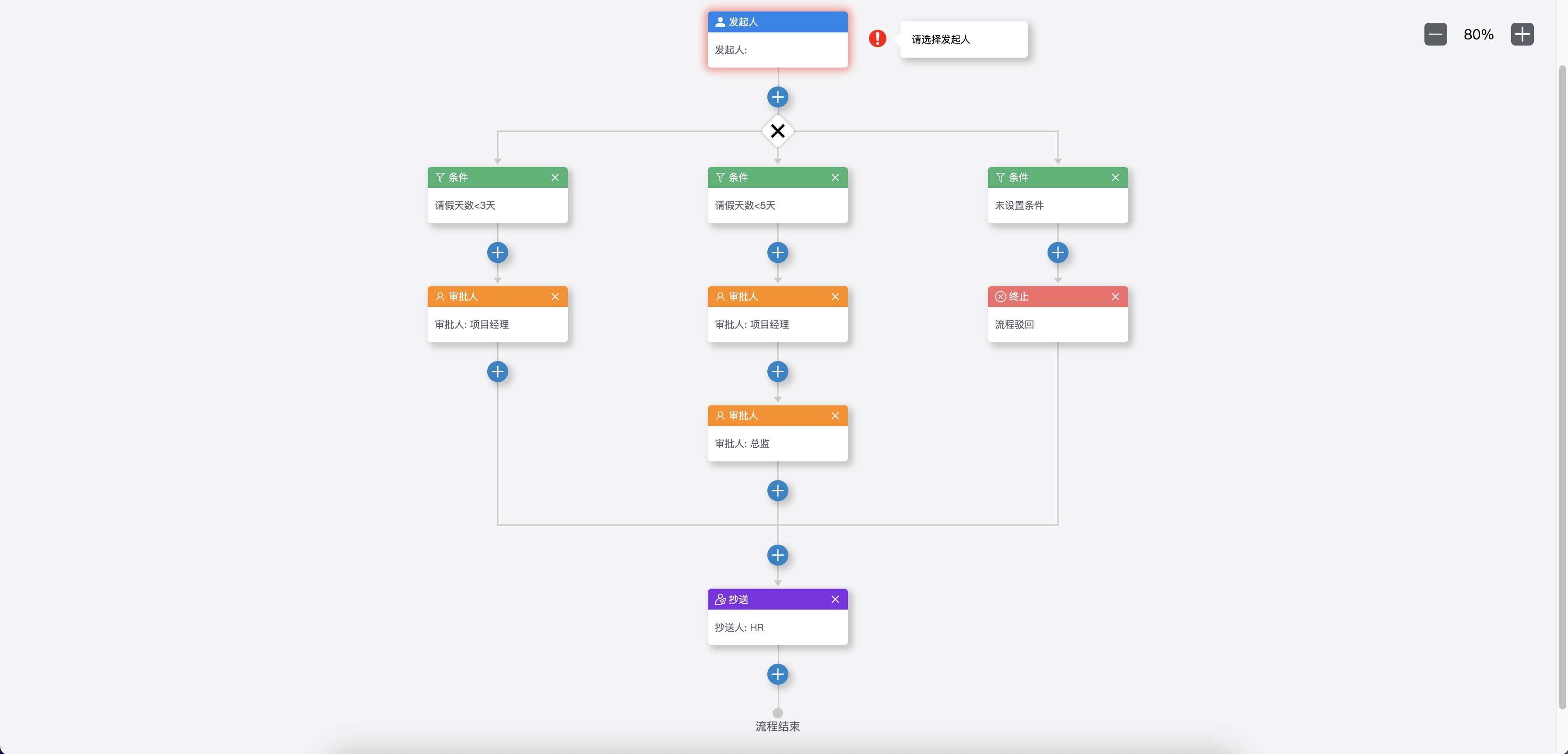
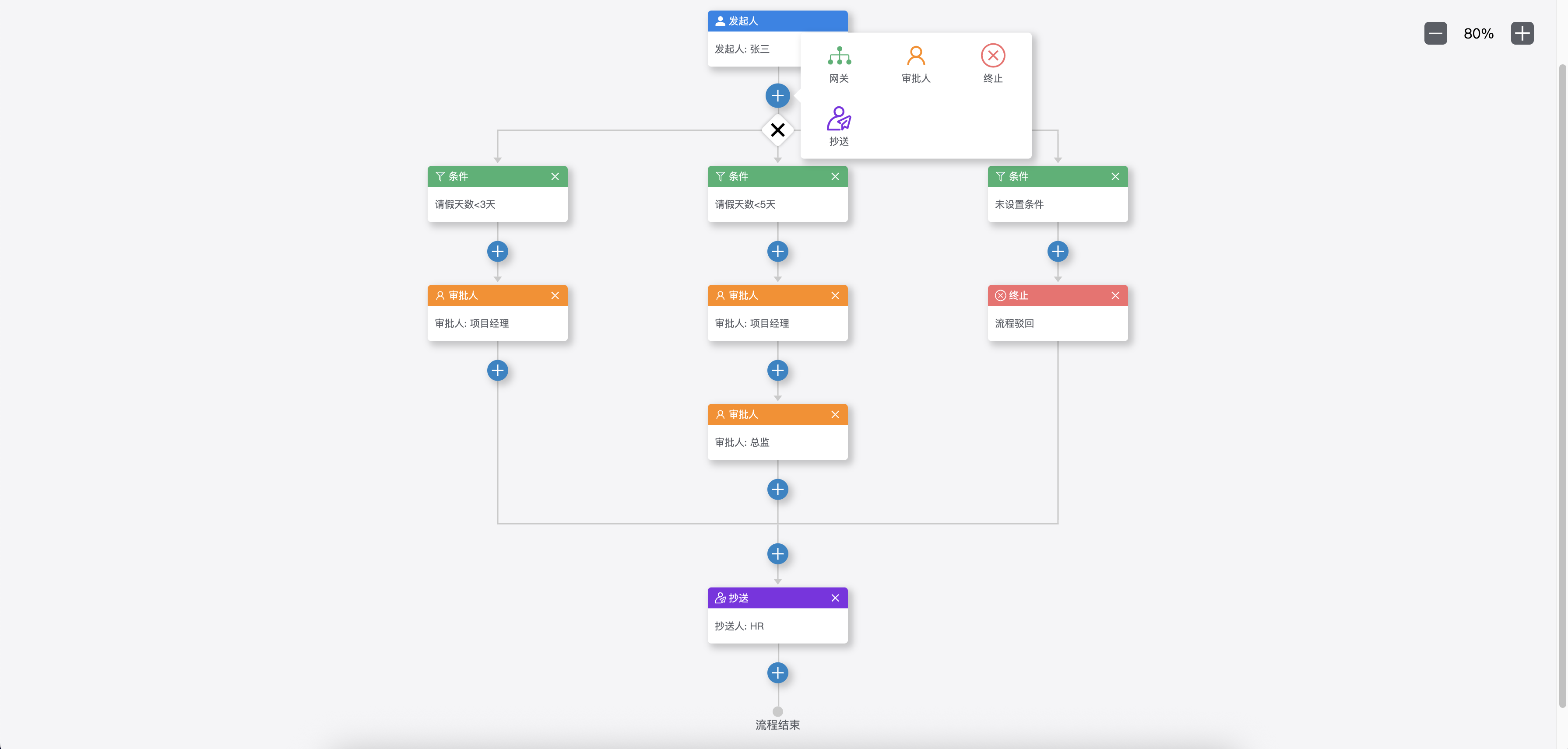
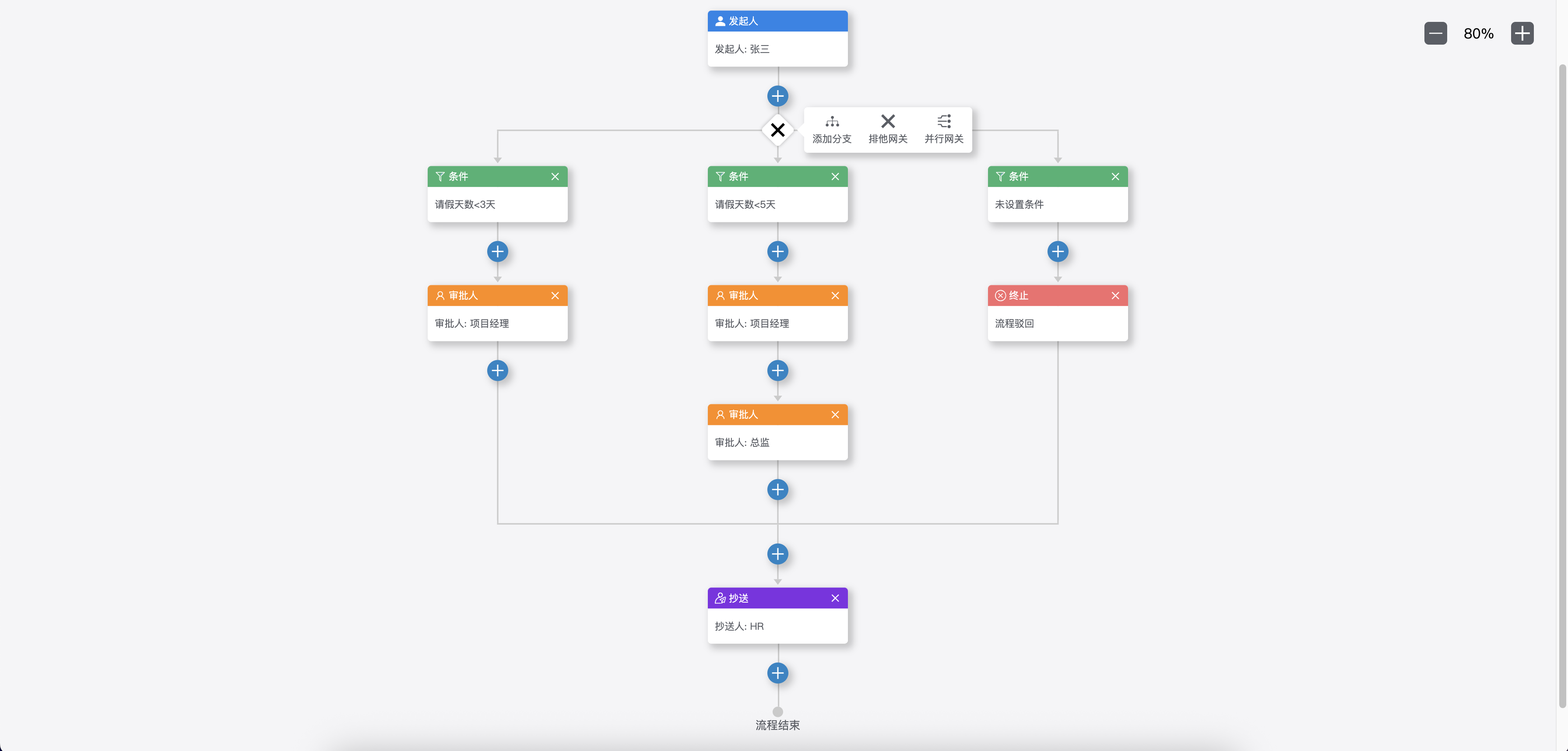
截图