
rain-char
v2.2.0
Published
A modern, performant 'Matrix-style' falling character effect using Web Workers and Canvas.

Maintainers
 msarabi
Readme
RainChar - Customizable Matrix Rain Effect




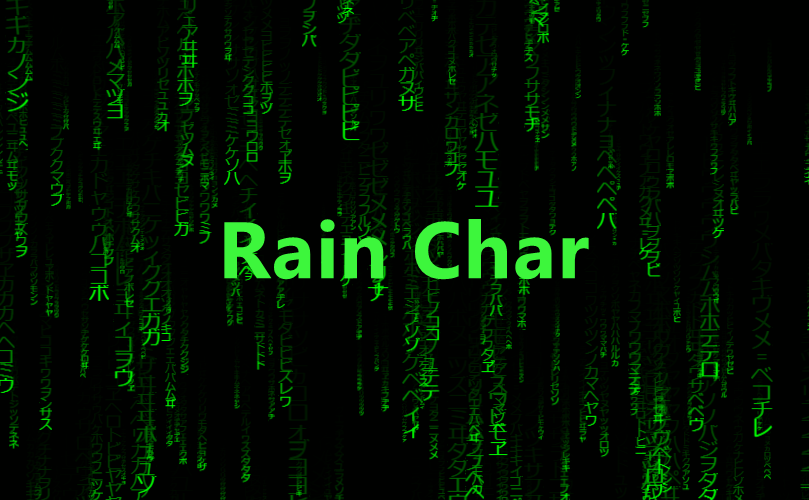
Bring the iconic, "Matrix" digital rain effect to your website with just a few lines of code.
This library is built with modern web technologies for maximum performance. It offloads all the heavy animation and rendering logic to a Web Worker, ensuring your main UI thread stays smooth and responsive.
➡️ Check out the live demo here! ⬅️
Play with all the settings and see it in action.
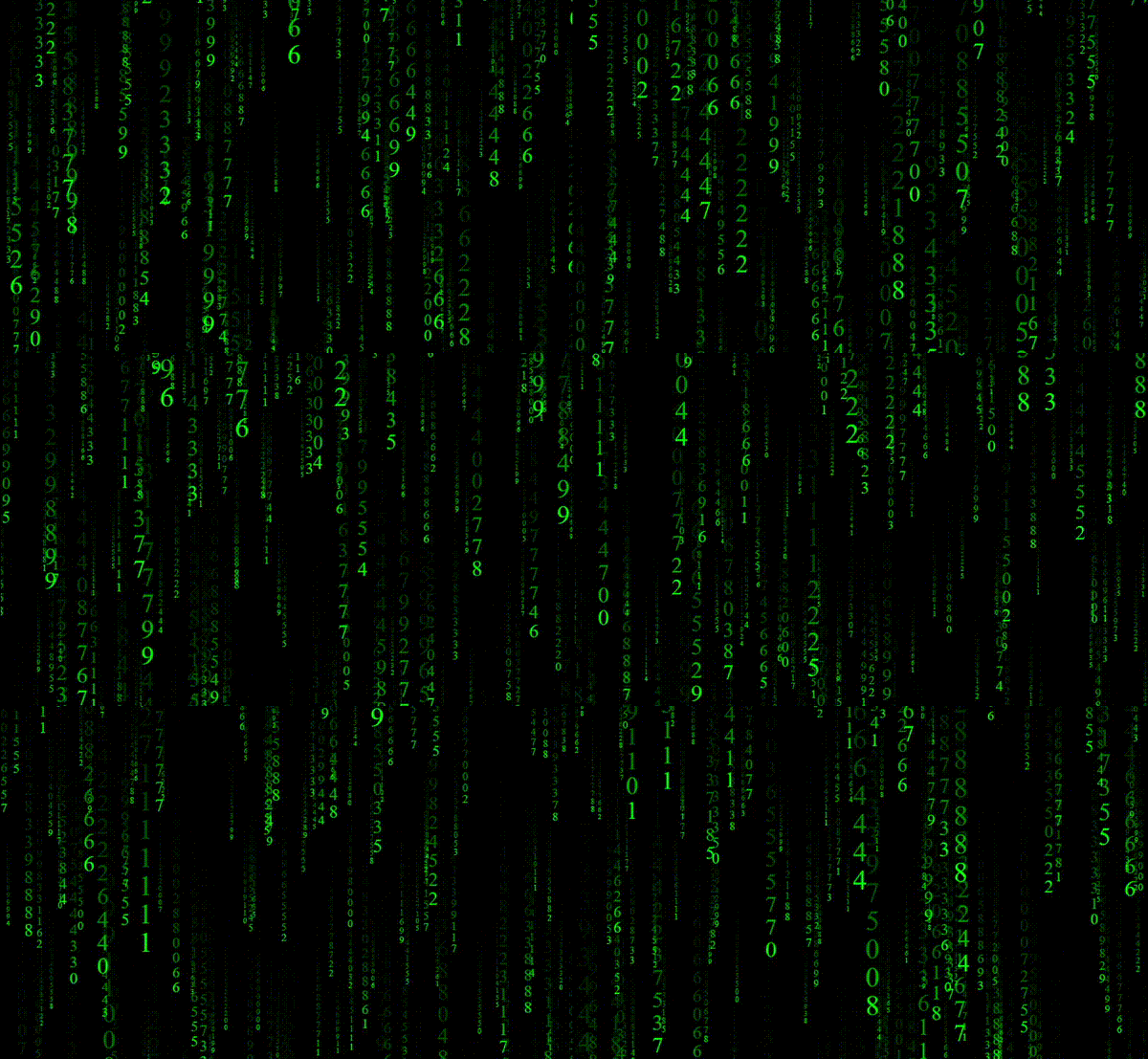
Key Features
- Blazing Fast: Uses
OffscreenCanvasin a Web Worker to keep your main thread free. - Highly Customizable: Colors, character sets, font sizes, rain density, trail length, and more.
- Easy to Use: A simple and clean API.
- Responsive: Automatically observes and adapts to the new size.
- Lightweight: No dependencies, just pure JavaScript.
💻 Quick Start
The easiest way to get started is by using the JSDelivr CDN.
1. CDN
Just add a <canvas> element to your HTML, and include the script.
<!DOCTYPE html>
<html>
<head>
    <title>Rain Char Demo</title>
</head>
<body>
    <canvas id="my-canvas"></canvas>

    <!-- Get the library from the CDN -->
    <script src="https://cdn.jsdelivr.net/npm/rain-char"></script>

    <script>
        // Find your canvas element
        const canvas = document.getElementById('my-canvas');

        // Create a new instance
        const rain = new RainChar(canvas);

        // Let it rain!
        rain.start();
    </script>

</body>
</html>
2. NPM / Yarn
If you're using a bundler like Vite, Webpack, or Rollup:
# Using npm
npm install rain-char

# Using yarn
yarn add rain-char
Then, you can import it into your project:
import RainChar from 'rain-char';

const canvas = document.querySelector('#my-canvas');

// Create a new instance with some custom settings
const rain = new RainChar(canvas, {
    fg: '#00ccff',
    density: 0.05,
    charRange: '0123456789',
});

// Let it rain!
rain.start();
⚙️ Configuration Options
You can pass a settings object as the second argument to the RainChar constructor. Here are all the available options:
| Option | Type | Default | Description |
|------------------|------------------------------------------|--------------------|-------------------------------------------------------------------------------------------------|
| font | string | 'monospace' | The CSS font-family to use for the characters. |
| charSize | [number, number] | [10, 40] | The minimum and maximum font size for the characters. |
| charRange | string | [number, number] | [][] | [0x0021, 0x007e] | Characters to use. Can be a string, a single Unicode range [min, max], or an array of ranges. |
| bg | string | 'black' | Background color in a CSS-compatible format. |
| fg | string | 'limegreen' | Font color in a CSS-compatible format. |
| fps | number | 60 | The maximum frames per second for the animation. |
| density | number | 0.2 | How dense the rain is (0 to 1). A larger value means more characters. |
| trailDecay | number | 0.2 | The length of the character trails (0 to 1). A smaller value means a longer, more faded trail. |
| charSpacing | number | 0.5 | The vertical gap between characters in a stream. 1 means they are tightly packed. |
| charChangeFreq | number | 0.25 | How often characters change (0 to 1). A lower value means characters change less frequently. |
🕹️ API Methods
Here are the public methods you can call on your RainChar instance.
rain.start(): Starts or resumes the animation.rain.pause(): Pauses the animation. Callstart()to resume.rain.stop(): Stops the animation and completely clears the canvas.rain.updateSetting(key, value): Updates a single setting on the fly.// Make the rain trails longer rain.updateSetting('trailDecay', 0.05); // Change the color to a nice shade of blue rain.updateSetting('fg', '#3399FF');rain.destroy(): Stops the animation, terminates the Web Worker, and cleans up all resources. Use this when you're removing the effect from the page permanently, to prevent memory leaks.
📜 License
This project is licensed under the MIT License. See the LICENSE file for details.
Created by Mohammad Sarabi.