
ramadan-cli
v6.2.0
Published
Ramadan CLI with automatic location detection and Sehar/Iftar timings

Maintainers
 ahmadawais
Readme
ramadan-cli 🌙



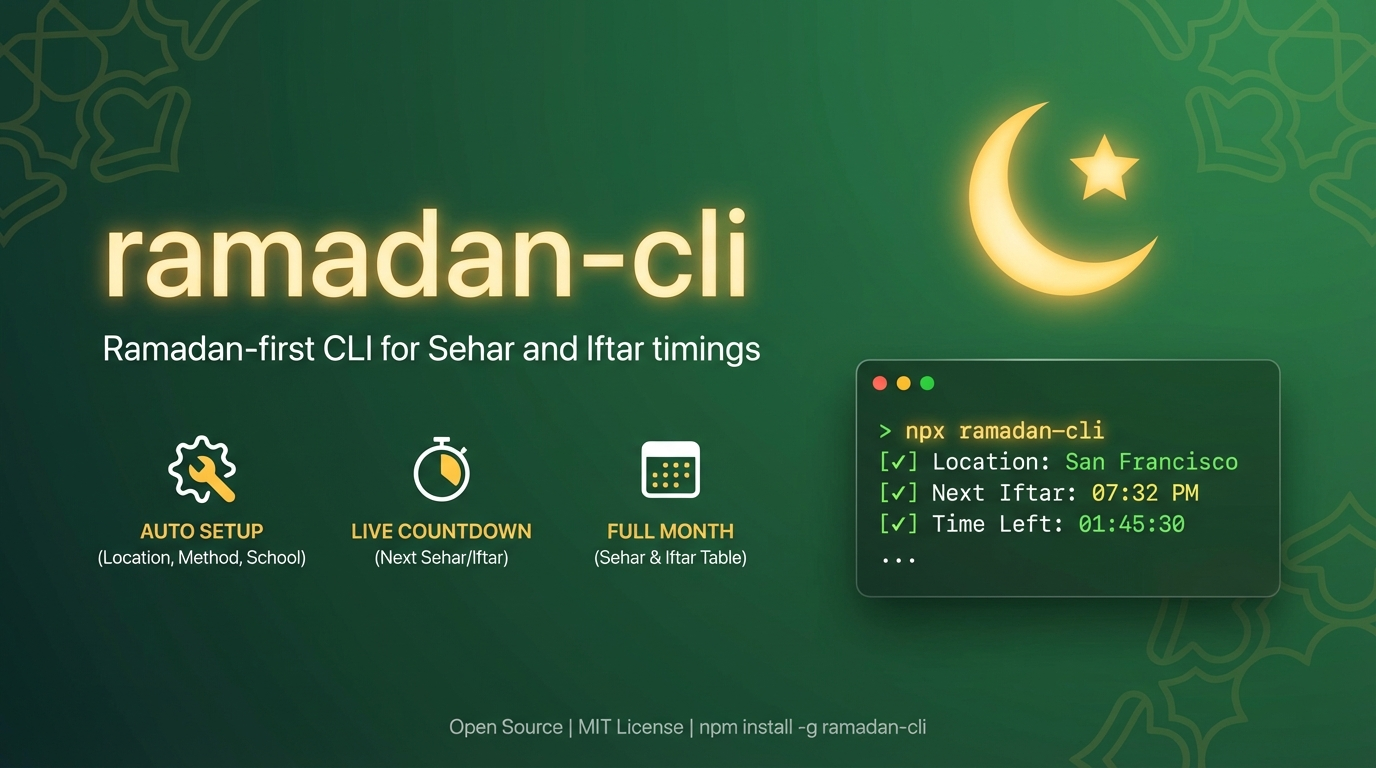
Ramadan-first CLI for Sehar and Iftar timings in your terminal.
Built for humans and agents.
Why You'll Like It
- 🌙 Ramadan-only output focused on Sehar/Iftar
- 📍 Auto first-run setup (city, country, method, school, timezone)
- 🌐 Auto-detect location via IP provider fallbacks
- 🧭 Auto-recommend method and school by country
- ⏱ Auto timezone detection for accurate countdowns
- ✨ Highlights current + next Sehar/Iftar with countdown
- 🗓
-a, --allfor complete Ramadan month - 🔢
-n, --numberfor a specific roza day - 📟
-s, --statussingle-line next event for status bars and coding agents - 🧪 Custom first roza override (
--first-roza-date) - 🧹 One-command reset (
reset)
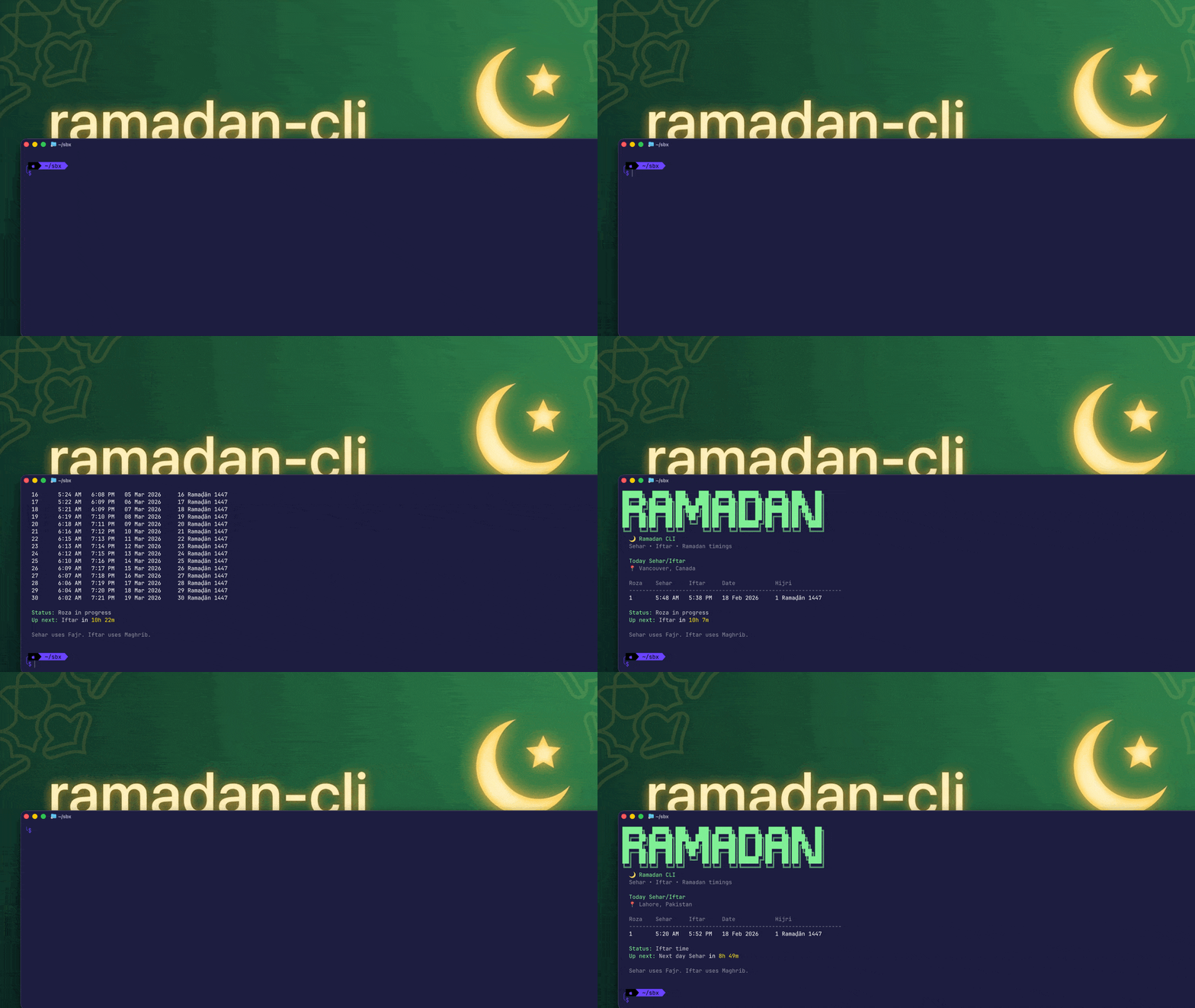
Video intro
Install
npx ramadan-cli

# or install globally and use alias
npm install -g ramadan-cli@latest
roza
Agent Usage
Install this repo as an agent skill package:
npx skills add ahmadawais/ramadan-cliUsage
# Show Sehar and Iftar times for today.
npx ramadan-cli
roza

# City examples.
npx ramadan-cli sf
npx ramadan-cli "San Francisco"
npx ramadan-cli lahore
npx ramadan-cli vancouver

# Full Ramadan month.
npx ramadan-cli sf --all
roza "San Francisco" -a

# Specific roza.
roza -n 10
roza "dera ghazi khan" -n 10

# Status line (next event only — for status bars, coding agents).
roza -s
roza --status
roza -s --city Lahore

# Set custom first roza date (stored).
roza --first-roza-date 2026-02-19

# Clear custom first roza date.
roza --clear-first-roza-date

# Reset saved config (location + settings + overrides).
roza reset

# Non-interactive config (no prompts).
ramadan-cli config --city "San Francisco" --country "United States" --method 2 --school 0 --timezone "America/Los_Angeles"
ramadan-cli config --show
ramadan-cli config --clear
CLI Surface
ramadan-cli [city] [options]
ramadan-cli reset
ramadan-cli config [options]
Notes:
- No
todaysubcommand; default run is today view. - Passing a city is one-off and does not replace saved default location.
Output Semantics
Sehar=FajrIftar=Maghrib- Time output is 12-hour (
AM/PM)
Flags and Arguments
Global/main command flags (ramadan-cli [city]):
| Flag | Type | Default | Behavior |
| --- | --- | --- | --- |
| [city] | string | saved location | One-off lookup; does not overwrite saved default |
| -c, --city <city> | string | none | Same as city arg |
| -a, --all | boolean | false | Show all Ramadan rows |
| -n, --number <1-30> | number | none | Show specific roza |
| -p, --plain | boolean | false | Plain text output without ASCII banner |
| -j, --json | boolean | false | JSON-only output for scripts |
| -s, --status | boolean | false | Single-line next event output for status bars and coding agents |
| --first-roza-date <YYYY-MM-DD> | string | stored/API | Persist custom first roza date |
| --clear-first-roza-date | boolean | false | Clear custom first roza date and use API Ramadan date |
| -v, --version | boolean | n/a | Print version only |
| -h, --help | boolean | n/a | Show help |
Config flags (ramadan-cli config):
| Flag | Type | Behavior |
| --- | --- | --- |
| --city <city> | string | Save city |
| --country <country> | string | Save country |
| --latitude <latitude> | number | Save latitude (-90..90) |
| --longitude <longitude> | number | Save longitude (-180..180) |
| --method <id> | number | Save method (0..23) |
| --school <id> | number | Save school (0=Shafi, 1=Hanafi) |
| --timezone <timezone> | string | Save timezone |
| --show | boolean | Print saved config |
| --clear | boolean | Clear saved config |
Reset command:
ramadan-cli resetclears saved location, method, school, timezone, and custom first roza date.
Aliases
roza(same CLI)ramadan-cliramzanramazanramadan
I/O Contract
stdout:- primary data output (table/plain/json)
- version output (
-v) prints version only
stderr:- runtime and validation errors
--json:- prints structured JSON only to
stdouton success - prints structured JSON error payload to
stderron failure:{"ok":false,"error":{"code":"...","message":"..."}}
- prints structured JSON only to
- Exit codes:
0success1runtime/validation/network/data failure- invalid usage parsing is handled by Commander defaults
Interactivity and Safety
- On first run (TTY), CLI launches interactive setup with Clack prompts.
- If
--jsonor--statusis used and no config exists, interactive setup is skipped. - Config changes are explicit via
config,reset, and first-roza flags. - No stdin input contract yet. Input is args/flags only.
Config and Precedence
Data sources:
- flags/args (
city,--first-roza-date,--clear-first-roza-date, mode flags) - saved config (from first-run setup or
ramadan-cli config) - IP geolocation fallback when no saved config
Resolution behavior:
- One-off city arg/flag wins for that invocation but is not persisted.
--clear-first-roza-datetakes precedence over--first-roza-dateif both are provided.- Recommended method/school are auto-applied when using default/unset settings.
RAMADAN_CLI_CONFIG_DIRcontrols where config is stored (useful for agent/test isolation).
Development
pnpm install
pnpm typecheck
pnpm test
pnpm build
pnpm lint
API
Powered by Aladhan Prayer Times API
License
MIT - Ahmad Awais