
react-ai-chat
v2.5.1
Published
Plug-and-play AI chatbot for React with RAG support.

Maintainers
 m-ahmedsajid
Readme
react-ai-chat
A customizable AI chatbot for React.
Start with a ready-made chatbot, or generate the UI directly into your project and make it completely yours.


Documentation · npm · GitHub
See it in action
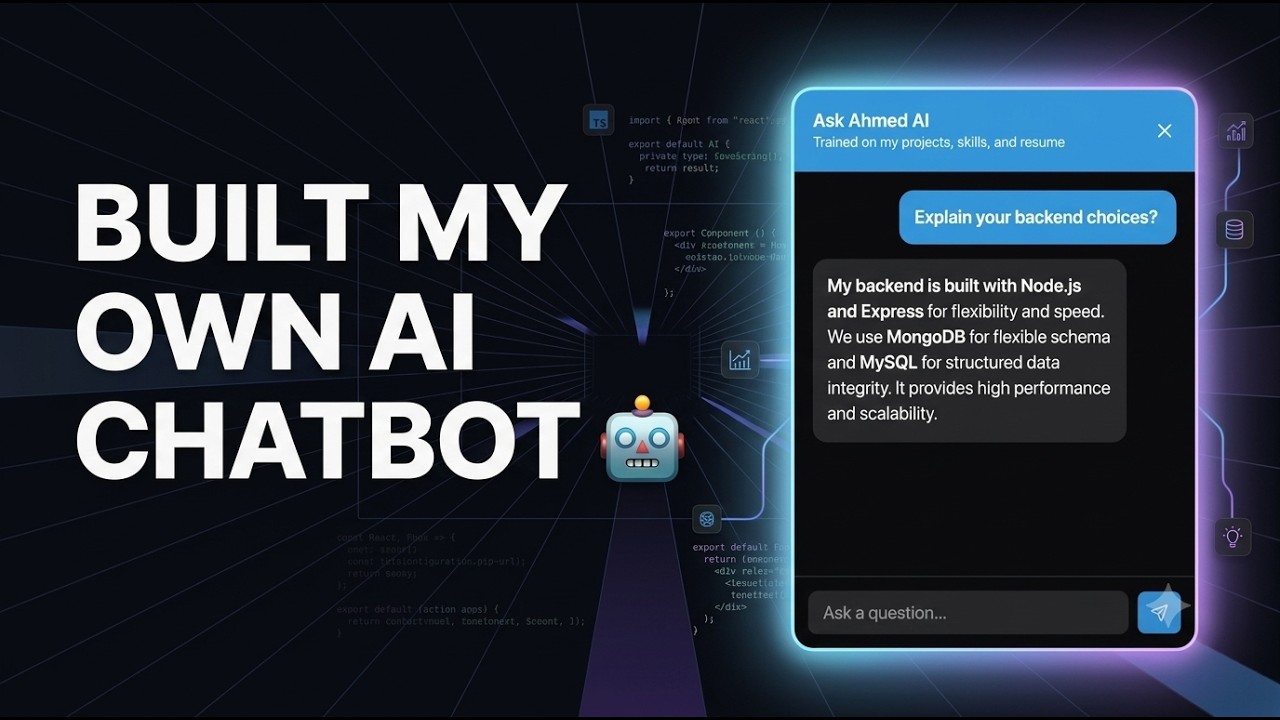
See react-ai-chat powering an AI chatbot in a real portfolio.
Features
- Ready-made
<Chatbot />component - Generate fully editable chatbot UI with the CLI
- Keep the generated UI source code inside your project
- Streaming AI responses
- Built on the Vercel AI SDK
- Server-side
createChatRoute() - Optional RAG with local embedding indexes
- Multiple embedding providers
- Batched embedding generation
- Provider-specific embedding batch limits
- Sequential batch processing to reduce unnecessary rate-limit pressure
- Light, dark, and automatic theme modes
- Custom theme tokens
- Custom icons and CSS classes
- TypeScript support
How it works
Use the ready-made chatbot
Install the package and add:
<Chatbot />Or generate your own UI
Run:
npx react-ai-chat initThe CLI generates the chatbot components inside your project.
You can then change the markup, styling, message layout, icons, and behavior while react-ai-chat continues to handle the chatbot state and AI communication.
Installation
Install the package:
npm install react-ai-chatYou also need an AI SDK provider for the language model you want to use.
For example, with Google:
npm install @ai-sdk/googleQuick Start
1. Create a chat route
Create an API route that uses createChatRoute().
For a Next.js App Router application:
import { google } from "@ai-sdk/google";
import { createChatRoute } from "react-ai-chat/server";

export const POST = createChatRoute({
  model: google("gemini-3.5-flash"),
});
Save it as:
app/api/chat/route.ts2. Add the chatbot
Import the component and stylesheet:
import { Chatbot } from "react-ai-chat";
import "react-ai-chat/style.css";

export default function App() {
  return <Chatbot />;
}
The chatbot uses /api/chat as its default API endpoint.
That's it. You now have a streaming AI chatbot running in your React app.
Customize the chatbot
The ready-made component supports configuration for text, position, starter prompts, icons, themes, API endpoints, and error handling.
import { Chatbot } from "react-ai-chat";
import "react-ai-chat/style.css";

export default function App() {
  return (
    <Chatbot
      title="AI Assistant"
      subtitle="Ask me anything"
      triggerText="Chat"
      placeholder="Ask a question..."
      emptyStateText="How can I help?"
      starterPrompts={[
        "What can you help me with?",
        "Tell me about this project",
      ]}
      starterPromptsLabel="Try asking"
      position="bottom-right"
      themeMode="auto"
      onError={(error) => {
        console.error(error);
      }}
    />
  );
}
Theme
Customize the chatbot with theme tokens:
<Chatbot
  theme={{
    primaryColor: "#7c3aed",
    primaryForeground: "#ffffff",
    background: "#ffffff",
    foreground: "#18181b",
    mutedBackground: "#f4f4f5",
    mutedForeground: "#71717a",
    borderColor: "#e4e4e7",
  }}
/>
Use light, dark, or auto for themeMode.
For the complete customization and theming API, see the documentation.
Generate your own chatbot
Need complete control over the UI?
Use the CLI to generate the chatbot source code directly inside your application:
npx react-ai-chat initThe generated files belong to your project.
You can change the React structure, message rendering, input behavior, styling, icons, and layout while react-ai-chat continues to handle the chatbot state and AI communication.
The CLI generates files similar to:
chatbot/
├── chatbot.tsx
├── chatbot-header.tsx
├── chatbot-messages.tsx
├── chatbot-input.tsx
└── chatbot.css
To see all available initialization options:
npx react-ai-chat init --helpSee the Generated Chatbot guide.
RAG
react-ai-chat supports retrieval-augmented generation (RAG) using a local embedding index.
Use RAG when you want your chatbot to answer questions using your own documents or knowledge base.
Generate an embedding index
Use the embed command:
npx react-ai-chat embedThe CLI creates an embedding index from your configured documents.
Embedding requests are processed in batches according to the selected provider's supported batch size. Batches are processed sequentially, so the CLI does not send every chunk to the provider at the same time.
You can inspect the available options with:
npx react-ai-chat embed --helpEmbedding batches
Each embedding provider defines a maximum batch size. The index generator uses that limit when sending chunks to the provider.
For example, a provider may process:
Embedding batch 1/3: chunks 1-32/70
Embedding batch 2/3: chunks 33-64/70
Embedding batch 3/3: chunks 65-70/70
Each batch is sent as a single embedMany() request.
The supported providers are:
| Provider | Maximum batch size | | ------------ | -----------------: | | OpenAI | 2,048 | | Voyage AI | 1,000 | | Jina AI | 2,048 | | Google | 100 | | Cohere | 96 | | Hugging Face | 32 |
Provider and model limits can vary. You can also configure a smaller embedding batch size when needed.
Configure RAG
Pass the generated index and an embedding provider to createChatRoute().
For example, with Google:
import { google } from "@ai-sdk/google";
import { GoogleGenAI } from "@google/genai";
import { createChatRoute, googleEmbedding } from "react-ai-chat/server";
import embeddings from "@/../chatbot/embeddings.json";

const client = new GoogleGenAI({
  apiKey: process.env.GOOGLE_GENERATIVE_AI_API_KEY,
});

const provider = googleEmbedding(client, {
  model: embeddings.model,
});

export const POST = createChatRoute({
  model: google("gemini-3.5-flash"),
  rag: {
    index: embeddings,
    provider,
    topK: 3,
  },
});
The embedding provider used for retrieval should match the model used to generate the index.
Supported embedding providers:
- OpenAI
- Voyage AI
- Cohere
- Jina AI
- Hugging Face
See the RAG guide and Embedding Providers for setup details.
CLI
react-ai-chat includes a CLI for generating chatbot UI and creating RAG embedding indexes.
Generate chatbot UI
npx react-ai-chat initCreate an embedding index
npx react-ai-chat embedView CLI options
npx react-ai-chat --helpFor detailed CLI options and configuration, see the CLI documentation.
Server API
The server entry point provides createChatRoute() and embedding provider helpers.
import { createChatRoute, googleEmbedding } from "react-ai-chat/server";The main route helper is:
createChatRoute({
  model,
  systemPrompt: "You are a helpful assistant.",
  maxMessages: 10,
  rag: {
    index,
    provider,
    topK: 3,
  },
});
Only model is required. The other options are optional.
For the complete API reference, see the API documentation.
TypeScript
The package includes TypeScript types for chatbot configuration, themes, embedding providers, RAG indexes, and errors.
import type {
  ChatbotProps,
  ChatbotTheme,
  EmbeddingIndex,
  EmbeddingProvider,
} from "react-ai-chat";
See the Types API reference.
Requirements
- Node.js 18+
- React 18 or React 19
- An AI SDK-compatible model provider
For server-side usage, store provider API keys in environment variables.
For RAG, configure an embedding provider supported by the package.
Documentation
Useful guides:
Contributing
Contributions, bug reports, and feature requests are welcome.
If you find a bug or have an idea for the package, open an issue. Pull requests are also welcome.
License
See the LICENSE file for license information.
Support
If react-ai-chat is useful to you, you can support its development by becoming a patron.
Your support helps me maintain the package, improve the documentation, and build new features.