
react-calendar-select
v1.0.9
Published
A headless-friendly React calendar component with support for single pick, multi-pick, and date range selection. Bring your own CSS, Tailwind, or CSS-in-JS. Built for performance and simplicity.

Maintainers
 minella
Readme
react-calendar-select
Single/Range/Multi‑select dates calendar for React
A lightweight calendar that supports single, range, and true multi‑select dates with easy CSS customization.
Live demo: https://6xwx48.csb.app/
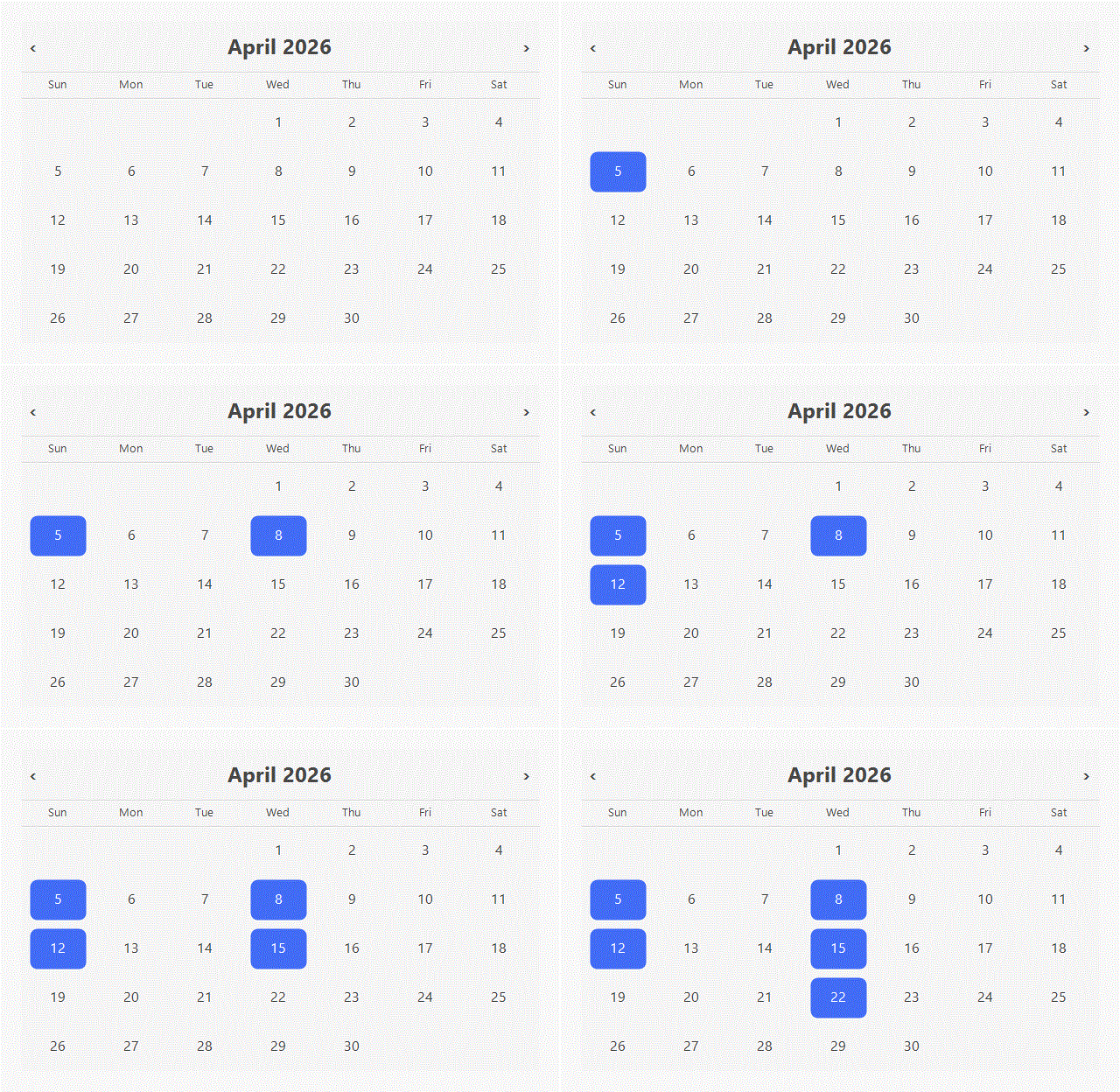
Why this over react-calendar?
- True multi‑select (pick any set of dates, not just range/single).
- Easy styling with CSS variables +
data-*attributes. - No runtime deps beyond React (simple, minimal footprint).
Quick Start (copy‑paste)
Option A: default styles (recommended)
import { Calendar } from "react-calendar-select";
import "react-calendar-select/styles.css";

export default function Demo() {
  return <Calendar />;
}
Option B: auto‑styles entry
import { Calendar } from "react-calendar-select/with-styles";

export default function Demo() {
  return <Calendar />;
}
Install
npm install react-calendar-selectPeer dependencies: react and react-dom (16.8+).
Copy‑paste Usage
import { Calendar, CalendarValue } from "react-calendar-select";
import { useState } from "react";

export default function RangePicker() {
  const [value, setValue] = useState<CalendarValue>({
    start: null,
    end: null,
  });

  return (
    <Calendar
      mode="range"
      value={value}
      onChange={setValue}
      numberOfMonths={2}
    />
  );
}
Type Support (TS‑first)
Exported types:
import type {
  CalendarValue,
  RangeValue,
  Mode,
  CalendarTheme,
} from "react-calendar-select";
Props
All props are optional.
| Prop name | Description | Default value | Example values |
| --- | --- | --- | --- |
| mode | Selection mode. | "single" | "range", "multiple" |
| value | Controlled value. Types: Date \| Date[] \| { start: Date \| null; end: Date \| null } \| null. | null | new Date()[new Date(), new Date()]{ start: new Date(), end: new Date() } |
| onChange | Called with next value on selection. | undefined | (val) => setValue(val) |
| renderDay | Custom day renderer: (date, state) => ReactNode.state: isSelected, isInRange, isRangeStart, isRangeEnd, isRangeSelecting, isDisabled, onClick. | undefined | (date, s) => <button onClick={s.onClick}>{date.getDate()}</button> |
| theme | Theme overrides: background, text, selectedBackground, selectedText, rangeBackground, rangeText. | undefined | { selectedBackground: "#111", selectedText: "#fff" } |
| className | Extra class on the root. | undefined | "my-calendar" |
| style | Inline styles on the root (merged with theme vars). | undefined | { maxWidth: 420 } |
| compact | Tighter spacing layout. | false | true |
| locale | Locale or fallback locales. | "en-US" | "ja-JP", ["pt-BR", "en-US"] |
| weekStartsOn | First day of week (0=Sun … 6=Sat). Auto-resolved from locale when supported. | auto → 0 | 1 |
| weekdayFormat | Weekday label format. | "short" | "long", "narrow" |
| monthLabelFormat | Intl.DateTimeFormatOptions for the month label. | { month: "long", year: "numeric" } | { month: "short", year: "numeric" } |
| labels | Nav button labels: { previous?: string; next?: string }. | { previous: "Previous month", next: "Next month" } | { previous: "Prev", next: "Next" } |
| minDate | Earliest selectable date (inclusive). | undefined | new Date(2026, 0, 1) |
| maxDate | Latest selectable date (inclusive). | undefined | new Date(2026, 11, 31) |
| isDateDisabled | Disable specific dates. Return true to disable. | undefined | (date) => date.getDay() === 0 |
| numberOfMonths | Months shown side‑by‑side. | mode === "range" ? 2 : 1 | 2, 3 |
Styling
CSS variables
.my-calendar {
  --rcs-bg: #ffffff;
  --rcs-text: #222222;
  --rcs-selected-bg: #111111;
  --rcs-selected-text: #ffffff;
  --rcs-range-bg: rgba(17, 17, 17, 0.12);
  --rcs-range-text: #111111;
}
Data attributes
.my-calendar .rcs-day-cell[data-in-range="true"] {
  outline: 1px solid rgba(0, 0, 0, 0.08);
}

.my-calendar .rcs-day-cell[data-selected="true"] {
  box-shadow: inset 0 0 0 2px rgba(0, 0, 0, 0.35);
}
Accessibility
- Roving tab focus within the grid
- Arrow keys move by day/week
- Home/End jumps to week start/end
- PageUp/PageDown moves by month
- Enter/Space selects
Disabled dates are skipped by keyboard navigation.
SSR (Next.js / Remix)
Pass a stable locale to avoid hydration mismatches:
<Calendar locale="en-US" />Next.js (app router): import CSS in app/layout.tsx for zero‑flash styles.
Dev & Test
npm run dev
npm run test
npm run build
License
MIT