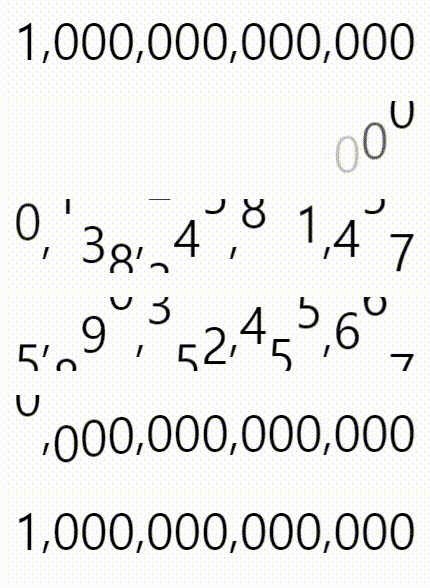
react-countup-animate
v1.1.2
Published
react countup animation UI

Maintainers
 toitoii080
Readme
react-countup-animate
Less dependencies and less sizes and easy to use
Demo

Click here to try demo
How to use
Installation
npm isntall react-countup-animateExample Code
import Countup from "react-countup-animate";

function App() {
  return (
    <Countup number={160000} />
    // <Countup number={"160,000"} reverse={true} />
    // <Countup number={123456} startDelay={0.5} endDelay={1} reverse={true} />
  );
}

export default App;
Options
| Parameter | Type | Default | Description |
| ------------------------- | -------------------------------- | ---------- | ---------------------------------------------------------- |
| number (req) | num or str | none | Number to display (numeric or string) |
| duration (opt) | num | 3 | Animation time in seconds. Default is 3 seconds. |
| startDelay (opt) | num or ease-in or ease-out | 0.1 | Start delay in seconds. Default is 0.1 seconds. |
| endDelay (opt) | num or ease-in or ease-out | 0.1 | Delay before stopping in seconds. Default is 0.1 seconds. |
| easeStartDuration (opt) | num | Max(n/3,1) | Execution time of the ease function for ease-in/out. |
| easeEndDuration (opt) | num | Max(n/3,1) | Execution time of the ease function for ease-in/out. |
| reverse (opt) | bool | false | Whether to start from the front or back. Default is false. |
| style (opt) | CSSProps | none | CSS styling (e.g., fontsize, fontweight, color). |
More Example
<CountUp startDelay="ease-out" endDelay="ease-in" />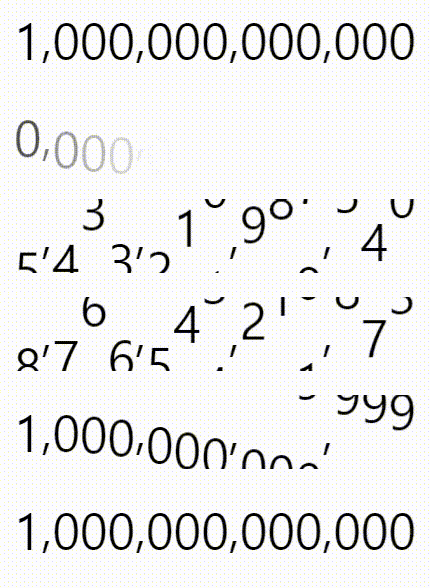
<CountUp StartDelay="ease-out" endDelay="ease-in" easeStartDuration={1.5} />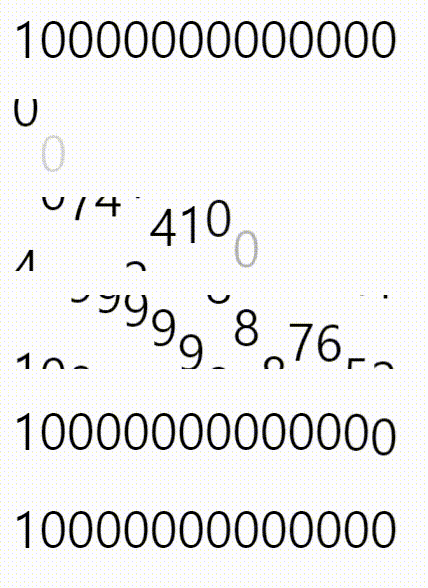
<CountUp startDelay="0.1" endDelay="ease-out" reverse={true} />