
react-css-devices
v0.1.7
Published
React component for CSS Devices in your project

Maintainers
 aswinckr
Readme
react-css-devices
React component for CSS Devices in your project. (NOTE: This project is still work in progress. Marvel Devices are however ready to use. More devices and customization coming soon.)
Installation
npm install --save react-css-devices
Important Note : You need to have a css-loader installed. for example with webpack
Props
| Props | Cool | Prop Values |
| :------------- | :----- | :------ |
| deviceName (String) | Name of the device | iphone6, iphone6plus, iphone5s, iphone5c, ipad, iphone4s, nexus5, s5, htc-one, macbook
| color (String) | Color ( only supported by iphone5c for now ) | white, black, red, yellow, green, blue
| orientation (String) | Landscape or portrait | landscape, portrait
| transform (Integer) | Scale the device to your size ( Size chart below ) | default is 1
Size Chart
| Device | 1x Portrait Size ( Device ) | 1x Portrait Size ( Screen )
| :------------- | :----- | :----- |
| iphone6 | 423x887 | 375x667
| iphone6plus | 466x960 | 414x736
| iphone5s | 364x778 | 320x568
| iphone5c | 364x778 | 320x568
| ipad | 626x948 | 576x768
| iphone4s | 374x738 | 320x480
| nexus5 | 350x668 | 320x568
| s5 | 356x688 | 320x568
| htc-one | 370x740 | 320x568
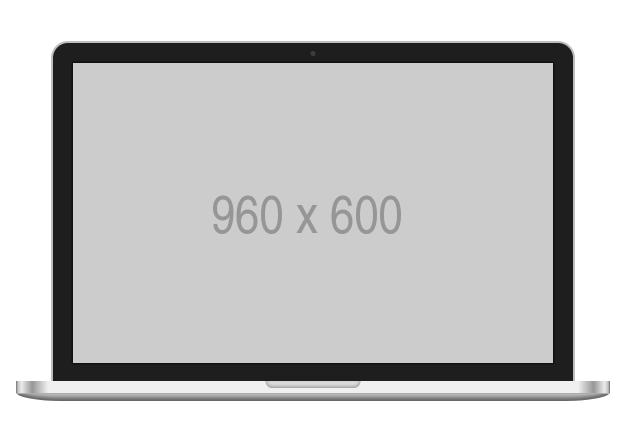
| macbook | 1048x720 | 960x600
Examples
To create a black iphone in landscape you do
import { MarvelDevices } from 'react-css-devices'

<MarvelDevices deviceName={"iphone6"}
               color={"black"}
               orientation={"landscape"}
               transform={0.5}>

    {/*Paste your content here*/}
    <img src={"http://via.placeholder.com/667x375"}/>

</MarvelDevices>
Credits
Author
Any suggestions / improvements / critics are welcome. I'm available on @aswinckr