
react-doc-helper
v1.0.18
Published
A React component library for building interactive documentation layouts with code examples, tables, tags, and automatic table of contents support.

Maintainers
 santush
Readme
react-doc-helper
A React component library for building interactive documentation layouts with code examples, tables, tags, and automatic table of contents support.
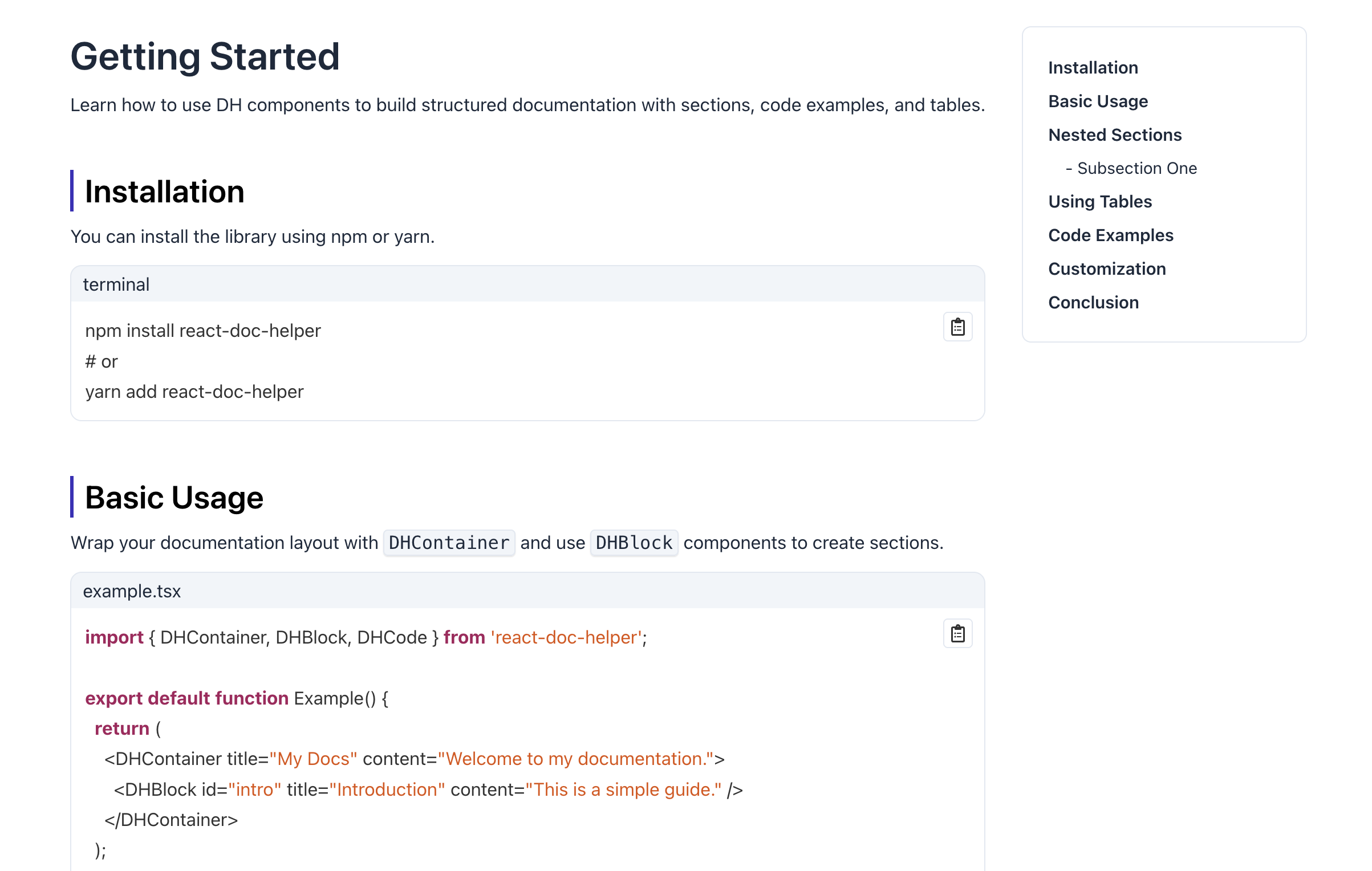
Live Demo
Features
- Table of Contents: Automatically generates a table of contents based on your items.
- Code Blocks: Display code snippets with syntax highlighting.
- Tables & Tags: Easily render documentation tables and tag elements.
- Scroll-to Behavior: Smooth scrolling to sections.
- Flexible Layout: Fully customizable components and props.
Installation
npm install react-doc-helper
# or
yarn add react-doc-helper
Peer Dependencies
This library requires React 16–18 and React DOM 16.8–18:
"peerDependencies": {
  "react": ">=16 <=18",
  "react-dom": ">=16.8 <=18"
}
Usage
Import CSS
Before using the components, make sure to import the compiled CSS:
import 'react-doc-helper/dist/css/style.css';Basic Example
import React from 'react';
import {
  DHProvider,
  DHContainer,
  DHBlock,
  DHCode,
} from 'react-doc-helper';

export default function App() {
  return (
    <DHProvider
      settings={{
        offsetTop: '2rem',
        codeBlockTheme: 'dracula',
      }}
    >
      <DHContainer title="Documentation Example">
        <DHBlock id="section1" title="Introduction" content="This is the introduction section.">
          <DHCode
            code={`console.log("Hello World");`}
            lang="javascript"
          />
        </DHBlock>

        <DHBlock id="section2" title="Usage" content="Here's how to use the package." />
      </DH>
    </DHProvider>
  );
}
Components
- DHContainer – Main container for documentation layout.
- DHBlock – A content block that includes a title and optional content, and can contain nested child blocks for building structured sections.
- DHCode – Syntax-highlighted code block.
- DHTable – Documentation tables.
- DHTags – Tags for labeling content.
- DHTabs – Tabbed content layout.
- DHScrollTo – Smooth scrolling utility.
- DHProvider – Context provider for global settings.