
react-holiday-ui
v1.0.3
Published
React components for adding some fun holiday flair to any application!


Readme
react-holiday-ui
React components for adding some fun holiday flair to any application!


Install
npm install react-holiday-uiExamples
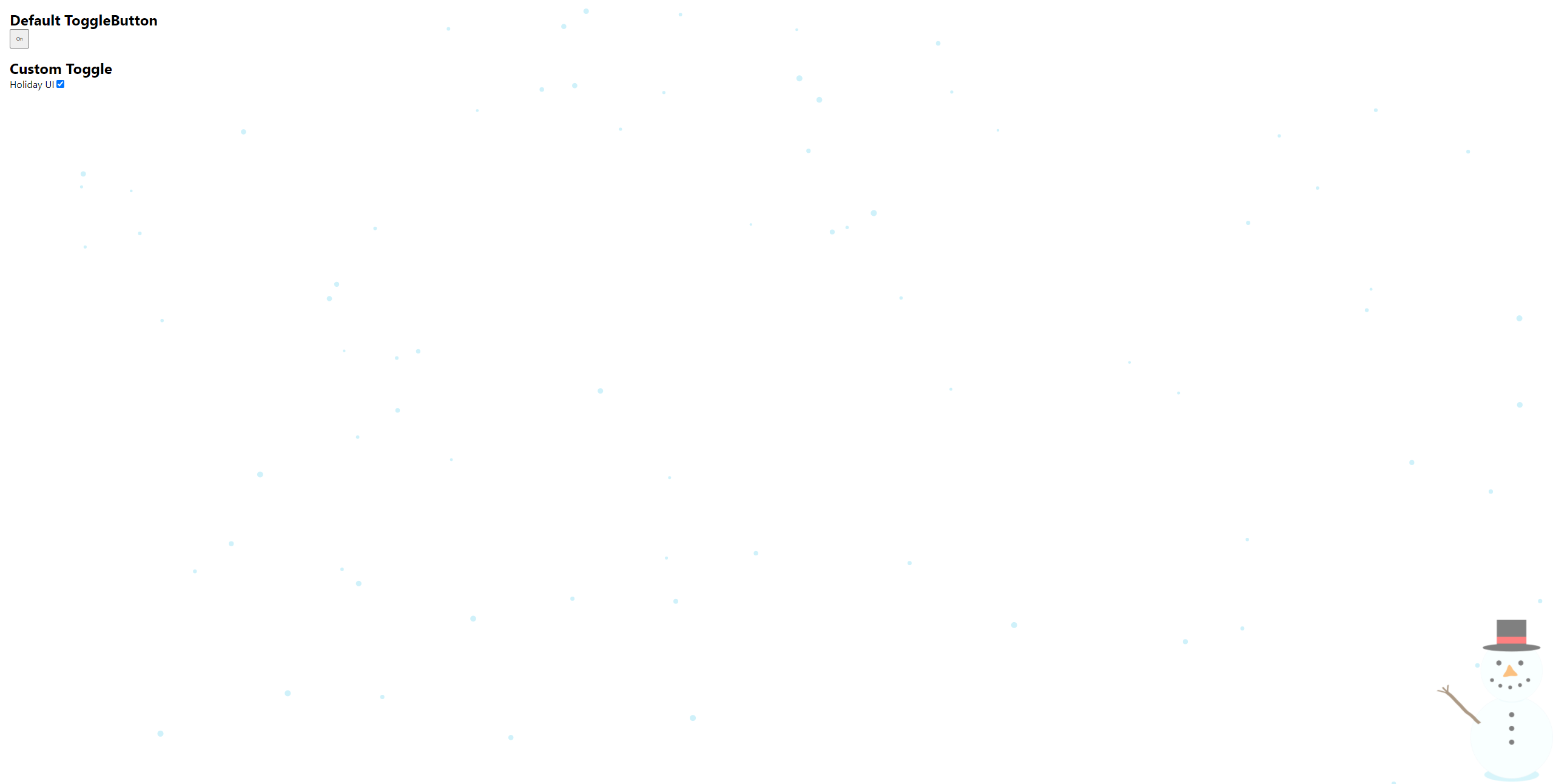
See examples at https://ericdudley.github.io/react-holiday-ui
Usage
- Important the holiday component you want to use.
- Make sure to import the
react-holiday-ui/dist/index.cssfile.
import React, { Component } from 'react';

import { Christmas } from 'react-holiday-ui';
import 'react-holiday-ui/dist/index.css';

const ExampleComponent = () => {
  return <Christmas />;
};
API
react-holiday-ui exports high-level components as well as the underlying view components. For example, you can use the <Snowman /> or <Snowflakes /> components individually, or you can use the <Christmas /> component which renders them both.
| Holiday | Components|
| --- | --- |
| Christmas| Snowman, Snowflakes, Christmas |
Toggling
In order to allow users to toggle the holiday UI on and off, you can leverage the following options.
Note: All of the options below persist the toggle state to local storage, so if a user toggles the UI off and refreshes the page, it will still be toggled off.
1. Default ToggleButton component
The ToggleButton component is a default HTML button that can be styled via the styles or className props. It renders 'On' and 'Off' and will toggle the holiday UI.
Note: This component can be used anywhere in your application and does not require any specific component hierarchy.
import React, { Component } from 'react';

import { ToggleButton } from 'react-holiday-ui';
import 'react-holiday-ui/dist/index.css';

const ExampleComponent = () => {
  return <ToggleButton className="example-class" style={{ height: '24px' }} />
};
2. useReactHolidayUI hook
The useReactHolidayUI hook returns an object containing isActive, toggleIsActive, and setIsActive that can be used to build a custom toggle component that better fits into your existing UI.
Note: This hook can be called from anywhere in your application and does not require any specific component hierarchy.
import React, { Component } from 'react';

import { useReactHolidayUI } from 'react-holiday-ui';
import 'react-holiday-ui/dist/index.css';

const CustomToggle = () => {
  const { isActive, toggleIsActive } = useReactHolidayUI();
  return <div>
    <label htmlFor="react-holiday-ui-checkbox">Holiday UI</label>
    <input id="react-holiday-ui-checkbox" type="checkbox" checked={isActive} onChange={toggleIsActive} />
  </div >;
}
Planned features
| Feature| Status| Notes | Last Updated| | --- | --- | --- | --- | | More holidays! | In-progress | Currently, only Christmas is supported, but more holidays are to come! | 2021-12-15| | AutoHoliday | Planned | This component will automatically render the correct holiday UI based on the current date. Waiting till there's more holidays. | 2021-12-15
License
MIT © ericdudley