
react-masonry-infinite-scroll
v1.1.1
Published
Masonry Layout with Infinite Scroll

Maintainers
 kurumkan
Readme
React Masonry Layout with Infinite Scroll
Installation
npm install --save react-masonry-infinite-scrollDemo
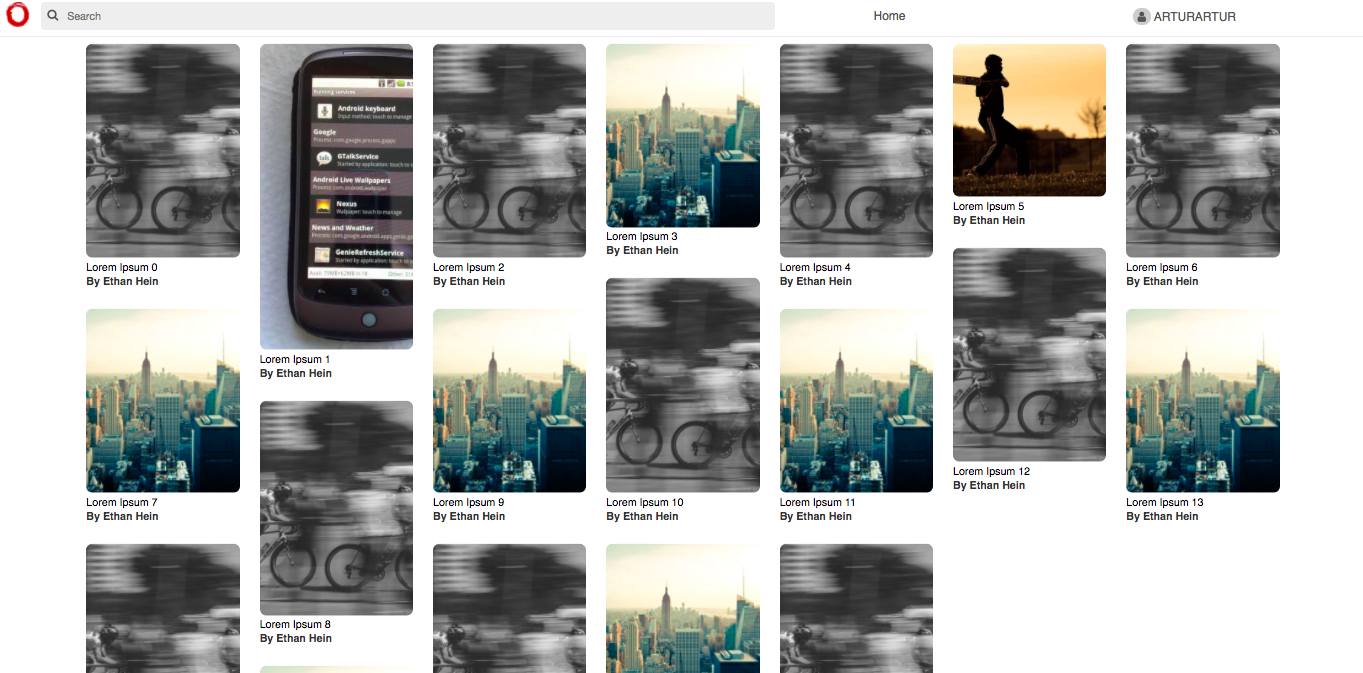
How to use
First add Grid container for the layout. And then insert GridItems into it:
import { Grid, GridItem } from 'react-masonry-infinite-scroll';

...

notifyReadyState() {
  console.log('Grid is ready!');
}

render() {
	return (

   		<Grid
          columnWidth={260}
          fitWidth={true}
          gutter={5}
          loadMore={this.props.getPins}
          limit={6}
          scrollThreshold={400}
          itemsLeft={this.props.itemsLeft}
          notifyReadyState={this.notifyReadyState}
        >
			{ this.renderGrid() }
		</Grid>
 	);
 }


renderGrid() {
	return (
    	this.props.images(img => (
        	<GridItem>
                <img src={ img }  onLoad={ this.context.imageLoaded } />
            </GridItem>
        ))
    );
}
Props
| name | type | default | description|
| ------------- | ------------- |-------------|-------------|
| columnWidth | number |100 |Width of each grid element|
| fitWidth | bool |false |Should the grid be centered horizontally|
| gutter | number |5 |Vertical distance between grid| items
| itemsLeft | number |0 |How many items left to load. If 0 stop calling loadMore() function|
| limit | number |1 |How many items to load on scroll|
| scrollThreshold | number |300 |The distance in pixels before the end of the items that will trigger a call to loadMore().|