
react-native-busy-indicator
v1.1.0
Published
A simple busy indicator which can be trigger from any child or navigated page in react native application

Maintainers
 durgaprasad
Readme
React-Native Busy Indicator



Install
npm install react-native-busy-indicator --saveUsage
Place the indicator component as close to the root as possible, outside your other view components
const BusyIndicator = require('react-native-busy-indicator');

const YourComponent = React.createClass({
  render() {
    return (
      <View>
        ...
        <BusyIndicator />
      </View>
    );
  }
Show / Hide loader
Toggling the component can be done from any file, provided the component has already been placed and rendered.
const loaderHandler = require('react-native-busy-indicator/LoaderHandler');

loaderHandler.showLoader("Loading"); // Show indicator with message 'Loading'
loaderHandler.showLoader("Loading More"); // Show indicator with message 'Loading More'

loaderHandler.hideLoader();  // Hide the loader
Component Properties
| Prop | Type | Description |
|---|---|---|
|color|number| color of the indicator. Default gray|
|overlayWidth|number|overlay width|
|overlayHeight|number|overlay height|
|overlayColor|string|overlay color|
|text|string|text. Default: Please wait...|
|textColor|string| text color|
|textFontSize|number|text font size|
|textNumberOfLines|number| total number of lines does not exceed this number. Default: 1|
|Size|small/large| Size of the spinner. Default: small|
Demo
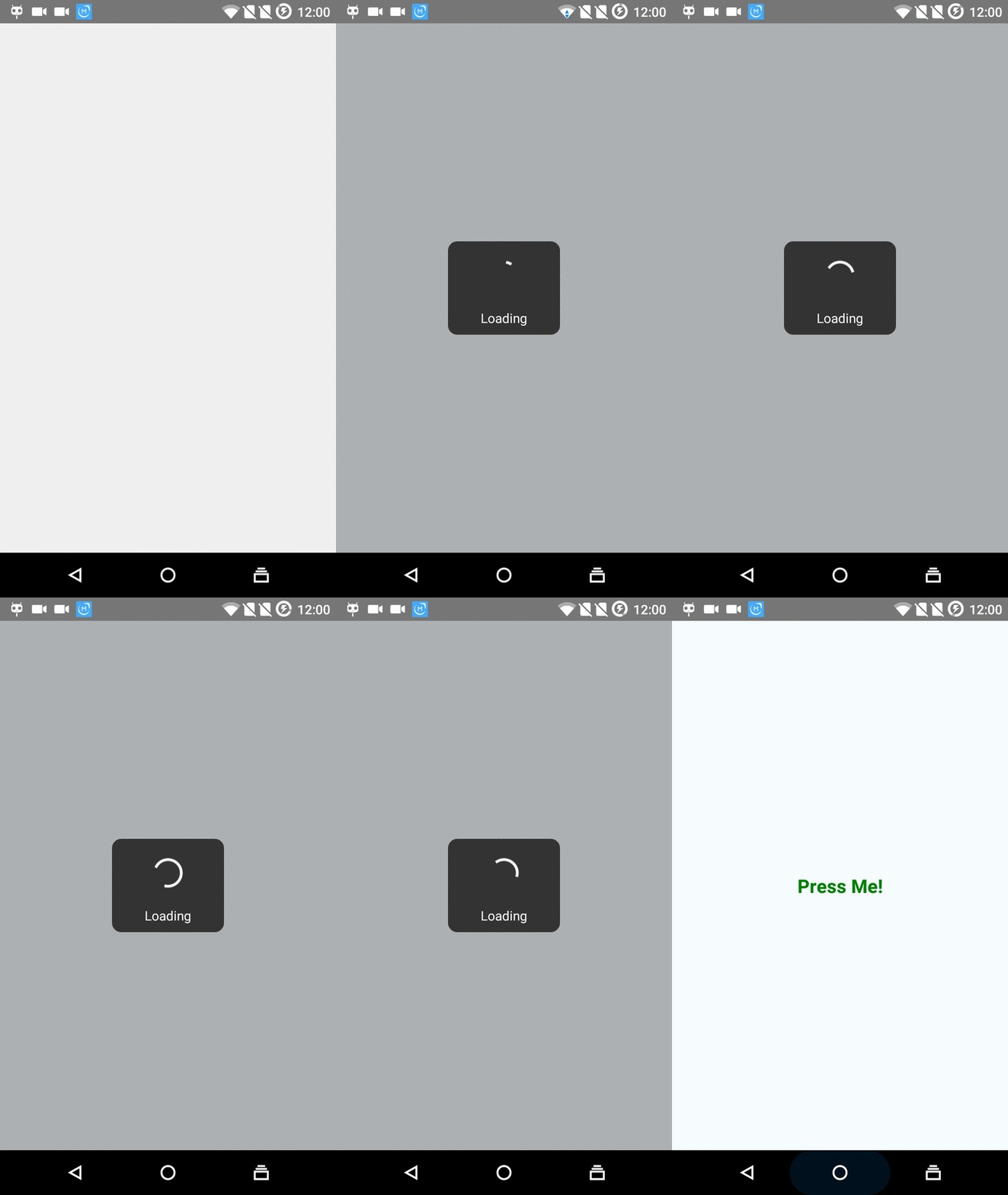
Note: The spinner moves much smoother than shown in recording!