
react-native-clipboard-toast
v1.1.0
Published
React Native Clipboard API with Animated toast message component


Readme




react-native-clipboard-toast
React Native Clipboard API with Animated toast message component
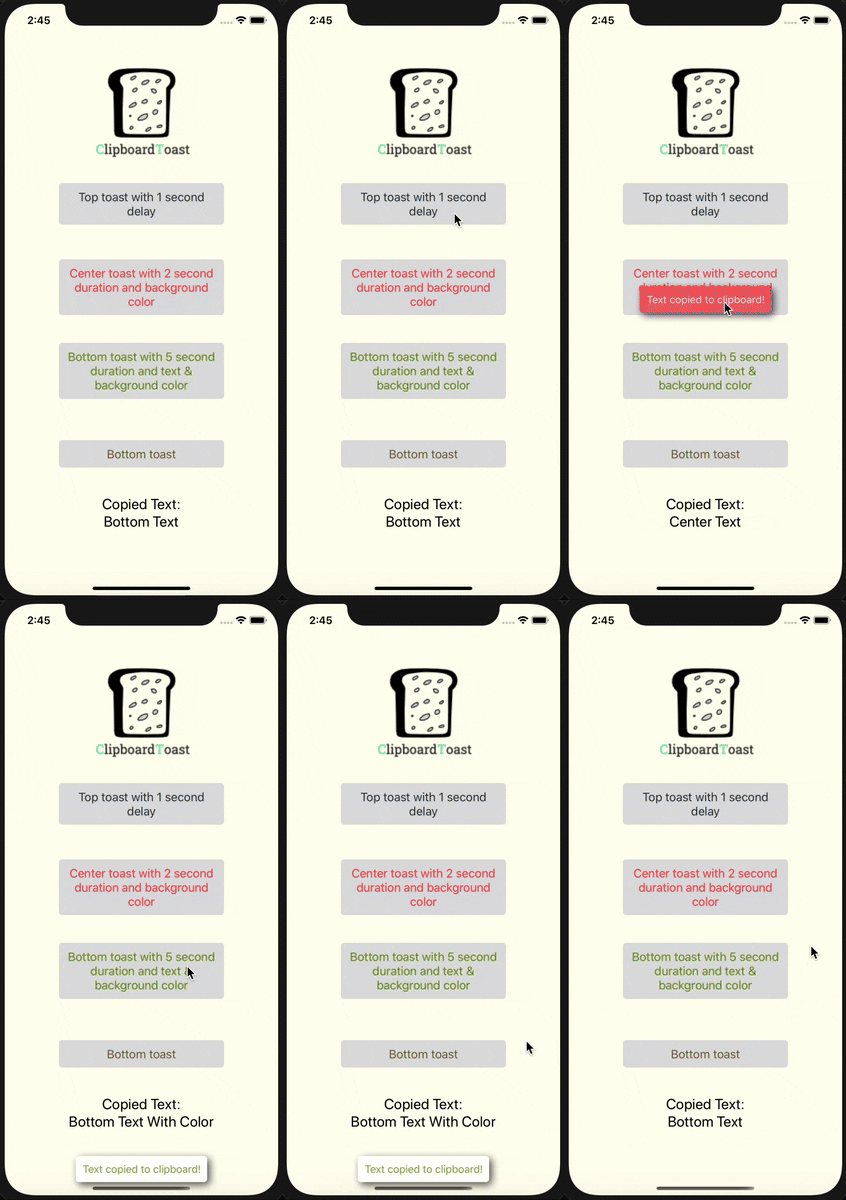
Support both Android and iOS | Uses @react-native-clipboard/clipboard | Toast by calling api
Install
npm install react-native-clipboard-toast @react-native-clipboard/clipboardor
yarn add react-native-clipboard-toast @react-native-clipboard/clipboardNote:
@react-native-clipboard/clipboardis a peer dependency. For iOS, runcd ios && pod installafter installing.
Import the package
import ClipboardToast from 'react-native-clipboard-toast';or
import { ClipboardToast } from 'react-native-clipboard-toast';Basic usage
<ClipboardToast
  textToShow="Tap to copy this text"
  textToCopy="Hello, World!"
  toastText="Copied to clipboard!"
  containerStyle={{ backgroundColor: '#DDDDDD', padding: 10, borderRadius: 5 }}
  textStyle={{ fontSize: 18, color: '#223345' }}
  toastPosition="top"
/>
With custom children
<ClipboardToast
  textToCopy="some-secret-code-123"
  toastText="Code copied!"
  toastPosition="center"
  onCopySuccess={(text) => console.log('Copied:', text)}
>
  <View style={{ flexDirection: 'row', alignItems: 'center' }}>
    <Icon name="copy" size={16} />
    <Text style={{ marginLeft: 8 }}>Copy code</Text>
  </View>
</ClipboardToast>
With callbacks
<ClipboardToast
  textToShow="Copy with feedback"
  textToCopy="Important text"
  toastText="Copied!"
  onCopySuccess={(text) => analytics.track('copied', { text })}
  onCopyError={(error) => console.error('Copy failed:', error)}
/>
Reference
Props
| Name | Default | Type | Description |
|------|---------|------|-------------|
| textToShow | - | string | The text that will show (clickable). Not needed if using children. |
| textToCopy | (required) | string | The text that will be copied to the clipboard |
| toastText | 'Text is copied' | string | The text that will show on the toast |
| containerStyle | - | StyleProp<ViewStyle> | Container style |
| textStyle | - | StyleProp<TextStyle> | Text style (only used when not using children) |
| id | - | string \| number | Key of element |
| accessibilityLabel | - | string | Accessibility label text |
| toastDuration | 750 | number | The duration of the toast (milliseconds) |
| toastPosition | 'bottom' | 'top' \| 'center' \| 'bottom' | The position of toast on screen |
| toastDelay | 0 | number | Delay before toast appears (milliseconds) |
| toastAnimation | true | boolean | Animate toast show/hide |
| toastHideOnPress | true | boolean | Hide toast when pressed |
| toastBackgroundColor | - | string | Background color of the toast |
| toastTextColor | - | string | Text color of the toast |
| toastOpacity | - | number | Opacity of the toast (0-1) |
| toastShadowColor | - | string | Shadow color of the toast |
| toastOnShow | - | () => void | Callback when toast appears |
| onCopySuccess | - | (text: string) => void | Callback after text is copied successfully |
| onCopyError | - | (error: Error) => void | Callback if copy fails |
| disabled | false | boolean | Disable the copy action |
| children | - | ReactNode | Custom content instead of plain text |
Changelog
1.1.0
- Migrated from deprecated
Clipboard(react-native) to@react-native-clipboard/clipboard - Removed
prop-typesdependency (TypeScript handles type checking) - Fixed toast duration bug (was hardcoded to
LONGregardless oftoastDurationprop) - Added
childrenprop for rendering custom content (icons, styled views, etc.) - Added
onCopySuccessandonCopyErrorcallbacks - Added
disabledprop - Added
toastOpacityandtoastShadowColorprops - Improved TypeScript types (
ViewStyle,TextStyleinstead ofany) - Added named export:
import { ClipboardToast } from 'react-native-clipboard-toast' - Improved accessibility (
accessibilityRole="button",accessibilityState) - Performance improvements with
useCallback
1.0.0
- Initial release
License
This project is licensed under the MIT License - see the LICENSE.md file for details
Author
Made by Idanlevi1.