
react-native-feather-toast
v1.0.14
Published
A lightweight, customizable toast notification library for React Native.

Maintainers
 kazimshah39
Readme
🍞 react-native-feather-toast
A lightweight, customizable toast notification library for React Native.



🎮 Preview
| Success Toast | Error Toast |
| :-------------------------------------------------------------------------------------------------------------------------: | :---------------------------------------------------------------------------------------------------------------------: |
| 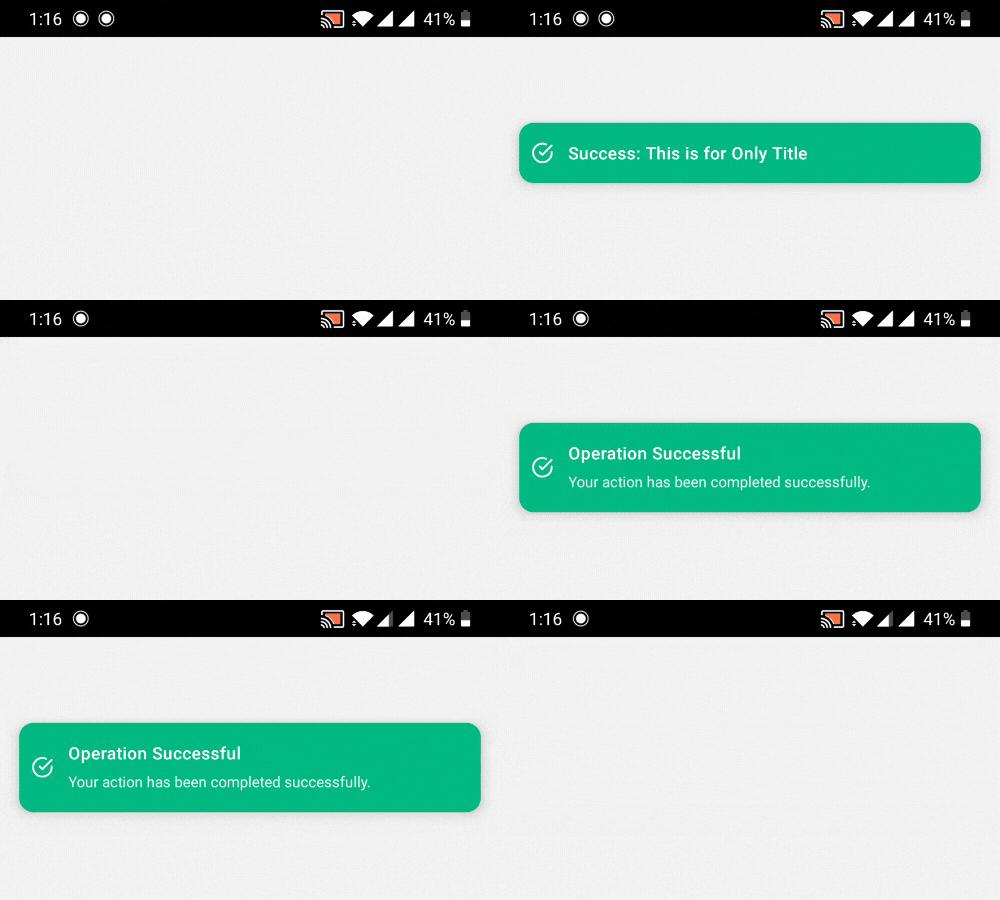 |
| 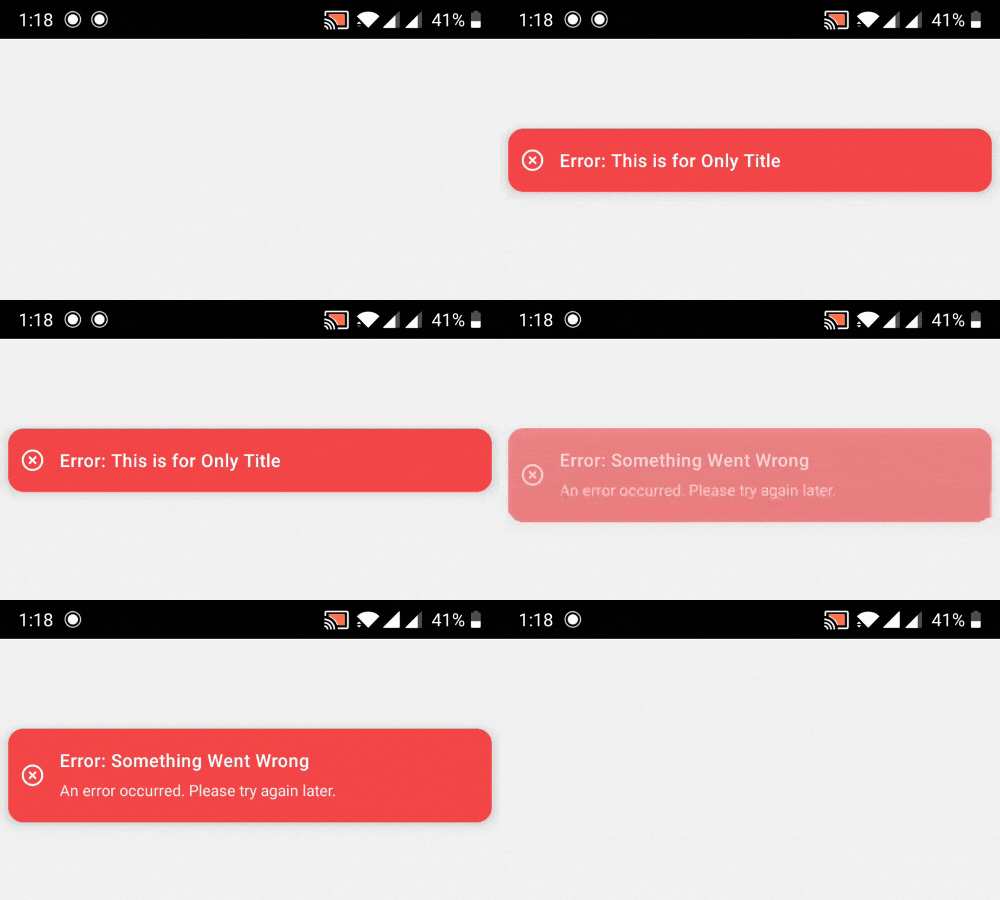 |
| Warning Toast | Info Toast |
|
|
| Warning Toast | Info Toast |
| 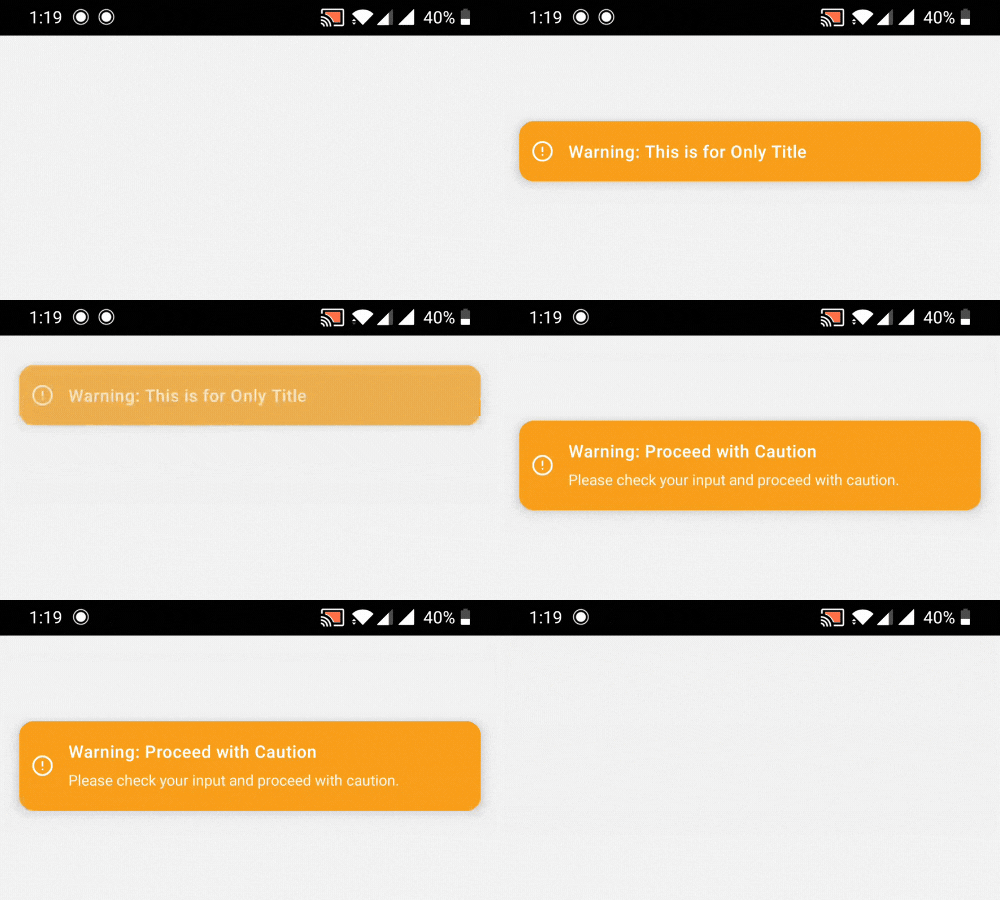 |
| 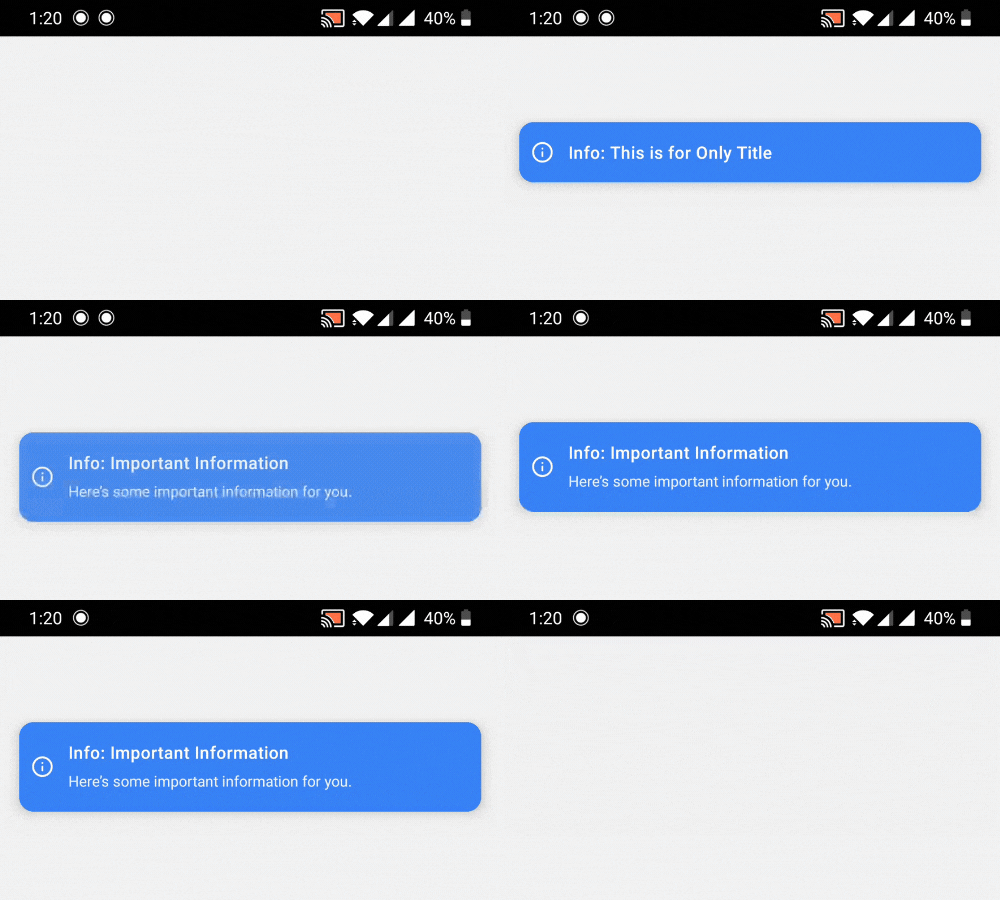 |
|
✨ Features
- 🪶 Lightweight with zero dependencies
- 📱 Native animations using React Native's Animated API
- 🎨 Beautiful, customizable UI
- 💪 Written in TypeScript
- 🔝 Support for top and bottom positions
- 📝 Optional description text
- ⚡ Simple imperative API
- ✋ User-dismissible toasts with smooth animations
- 🖼️ Works with modals (see Modal Usage section)
📦 Installation
npm install react-native-feather-toast
# or
yarn add react-native-feather-toast
📂 Repository
The code is open source and available at GitHub.
Feel free to contribute by creating issues or submitting pull requests!
🚀 Basic Usage
- Wrap your app with
ToastRoot:
import { ToastRoot } from "react-native-feather-toast";

export default function App() {
  return (
    <>
      <YourApp />
      <ToastRoot />
    </>
  );
}- Show toasts from anywhere in your app:
import { showToast } from "react-native-feather-toast";

// Basic usage
showToast({
  title: "Success!",
  type: "success",
});

// With all options
showToast({
  title: "File uploaded",
  description: "Your file has been successfully uploaded to the cloud",
  type: "success", // 'success' | 'error' | 'info' | 'warning'
  duration: 3000,
  position: "top", // 'top' | 'bottom'
});
🎨 Toast Types
The package includes four pre-styled toast types:
success- Green with check circle iconerror- Red with X circle iconwarning- Orange with alert circle iconinfo- Blue with info icon
📋 API Reference
ToastConfig
interface ToastConfig {
  title: string;
  description?: string;
  type?: "success" | "error" | "info" | "warning";
  duration?: number; // default: 3000ms
  position?: "top" | "bottom"; // default: 'top'
}
Components
ToastRoot- Root component that handles toast renderingshowToast(config: ToastConfig)- Function to trigger toast display
🖼️ Using with Modals
When using toasts inside modals, you'll need to render ToastRoot inside the modal itself since modals create a new root view:
import { Modal } from "react-native";
import { ToastRoot } from "react-native-feather-toast";

function ModalComponent() {
  return (
    <Modal>
      <View>
        {/* Your modal content */}
        <ToastRoot />
      </View>
    </Modal>
  );
}
Important: Toast notifications rendered inside a modal will only be visible within that modal's boundaries. This is due to how React Native handles modal rendering.
🎯 Best Practices
- Place
ToastRootas high as possible in your component tree - For modals, add a separate
ToastRootinside the modal - Use appropriate toast types for different scenarios:
successfor successful operationserrorfor errors and failureswarningfor important alertsinfofor general information
👥 Credits
This package is maintained by ToolsForFree, your go-to platform for free tools.
📝 License
MIT © ToolsForFree